
Put your clothes on an AI model
Photograph a garment on a hanger, a mannequin or laid flat, and get it back worn by a realistic model, in a studio or on location. The garment keeps its color, fabric and print; only the model and the setting are new.
Your first 5 images free · No credit card needed
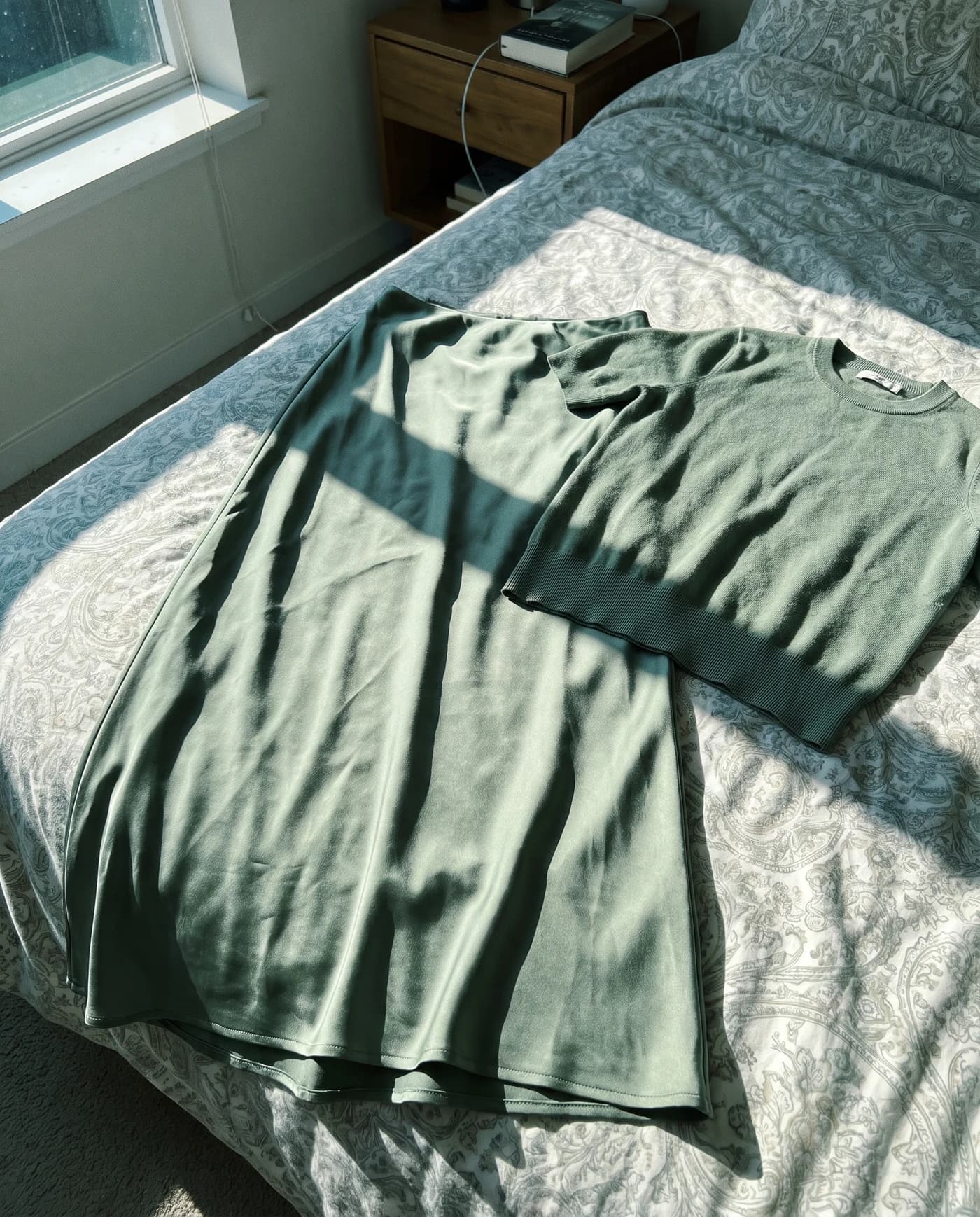
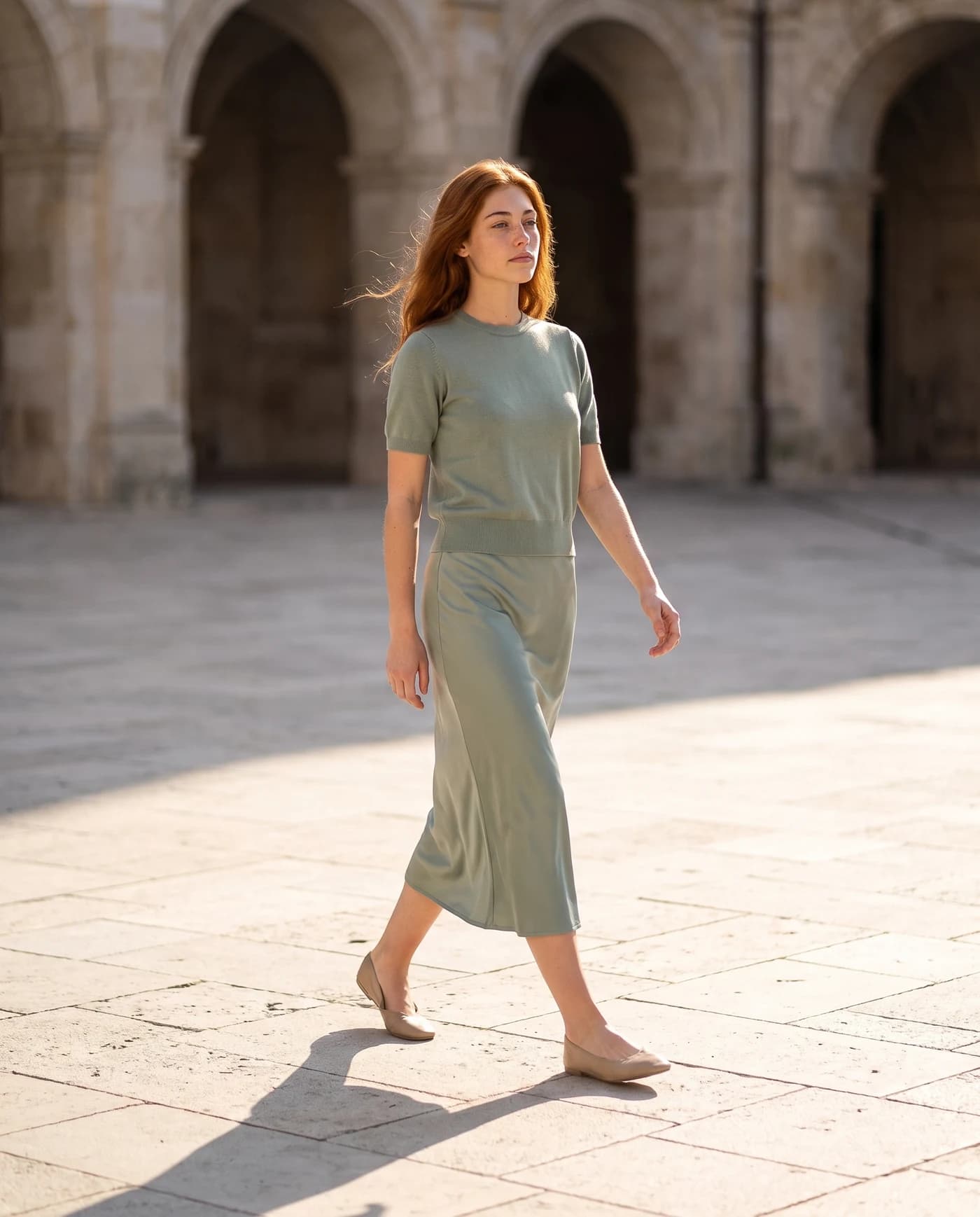
Why clothes sell better on a model
A garment lying flat answers only one question: what color is it. On a person it answers the ones that decide a purchase: how long is it, how does the fabric fall, how does it fit at the shoulders and the waist, what would I wear it with. That is why fashion brands photograph on models, and why a store full of flat lays looks like a warehouse next to them.
Until now, getting every item on a model meant a shoot for every collection. With AI you photograph the garment the way you already do, on a hanger, a mannequin or a table, and get it back worn by a model.
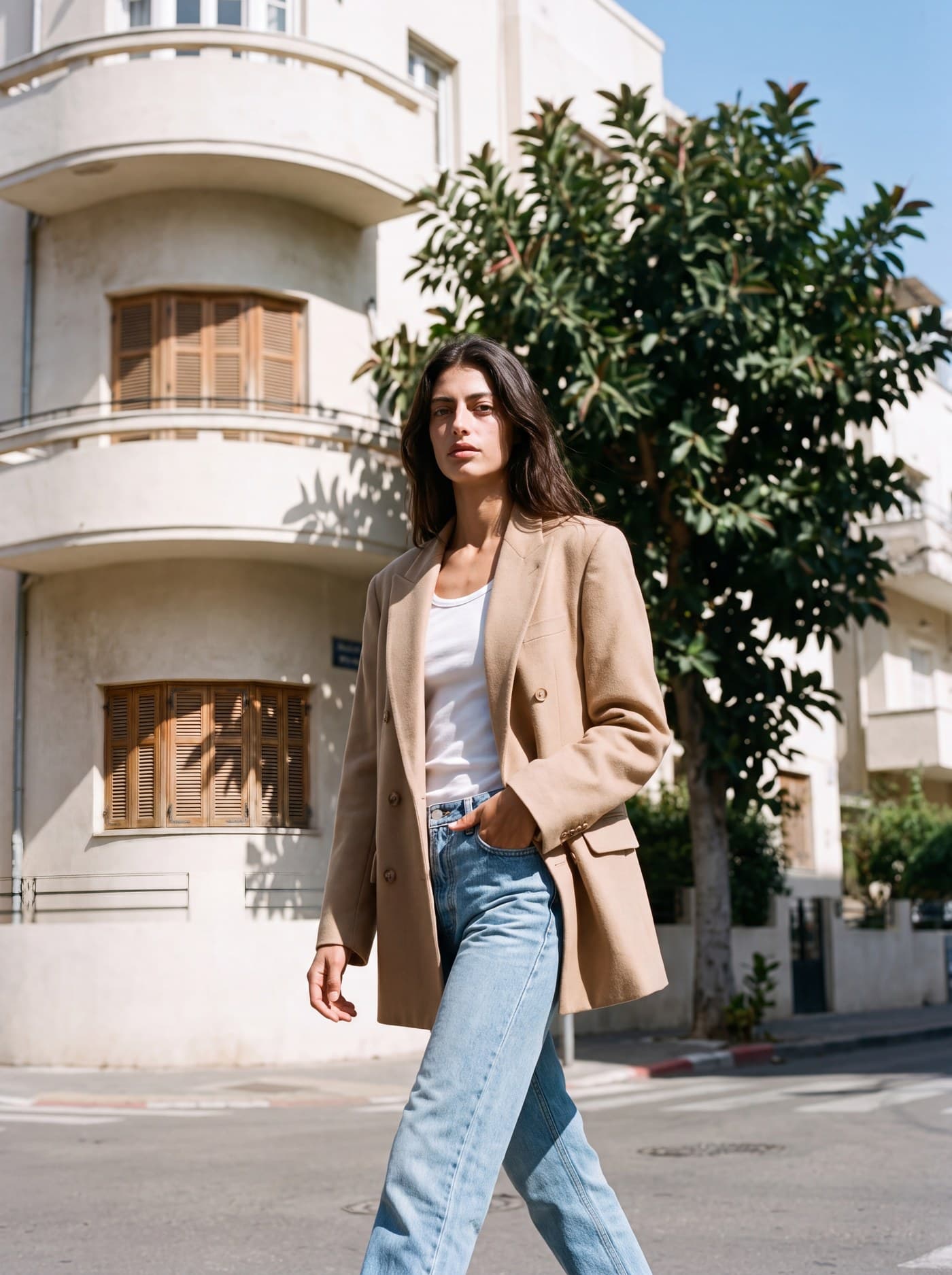
Start from a hanger, a mannequin or a flat lay
- Flat lay. Lay the garment on a plain surface (a bed or a table works), smooth it out and photograph it from straight above. Make sure the whole piece is in the frame, sleeves and hem included.
- Hanger. Hang it against a wall or a door, in daylight. A hanger shows the length and the way the fabric falls better than a flat lay.
- Mannequin. The closest to the final result, since the garment already has a body shape. The mannequin disappears and a model takes its place.


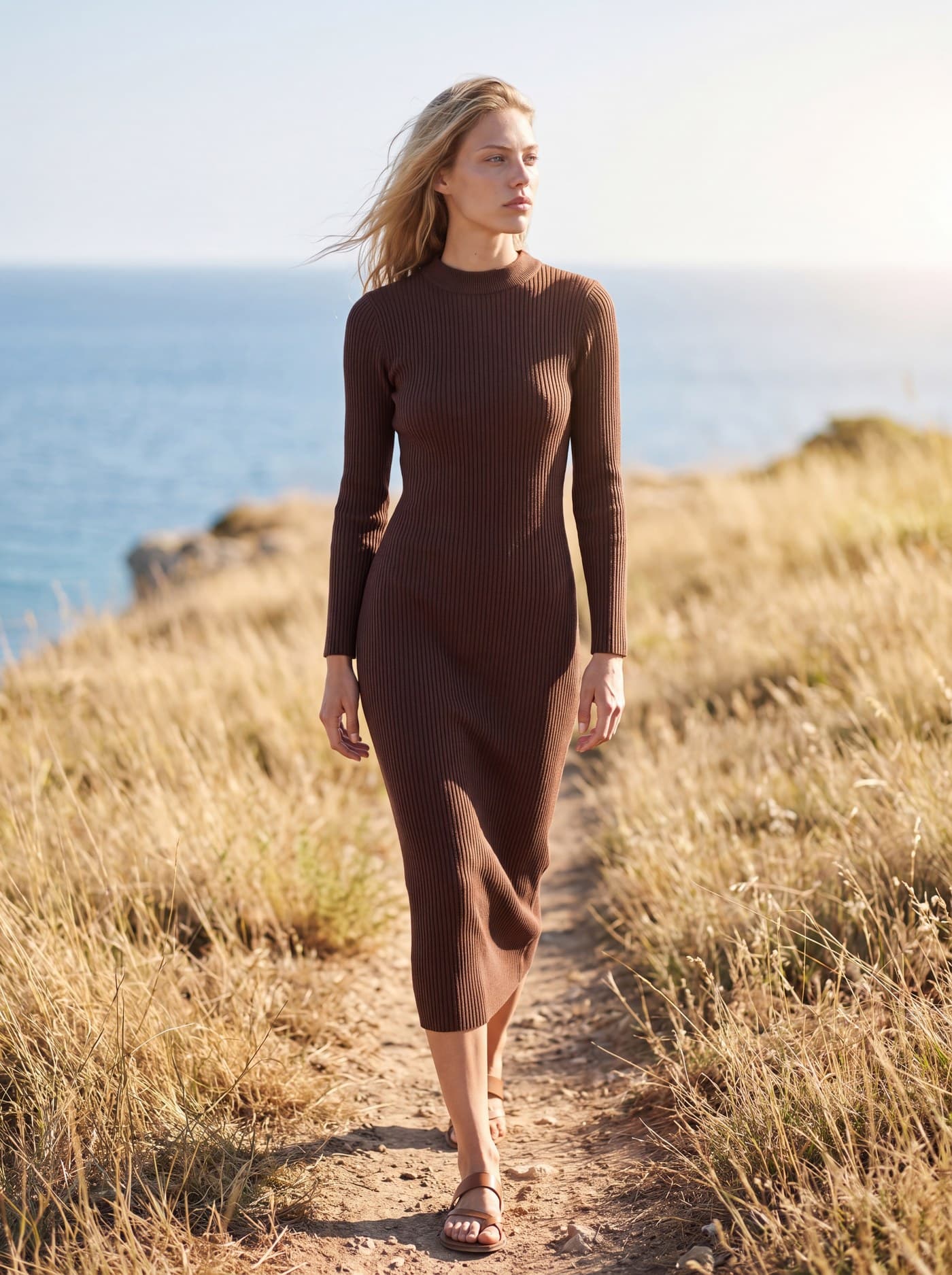
How it works
- Upload the garment photo. Keep the short side at least 640 pixels; the uploader warns you when a photo is too small.
- Choose a model from the catalog of AI fashion models, and the body size, from XS to XL.
- Choose the setting: a light studio for the product page, or a street, a beach or an interior for the campaign look.
- Generate. A standard-quality image is 5 credits and takes seconds. Generate again for another pose or angle.
Keeping the garment accurate
The point of an on-model photo is that the customer receives what they saw. So the system takes the color, fabric, print, buttons and stitching from your photo and keeps them, and changes only the person, the pose, the light and the background.
Two things help it most: a sharp photo in daylight, and the whole garment in the frame. Before you publish, compare the result with the real item, especially the length, the neckline and any print or logo, and generate again if a detail is off. It takes seconds, and it is the habit that keeps returns down.
A catalog that looks like one shoot
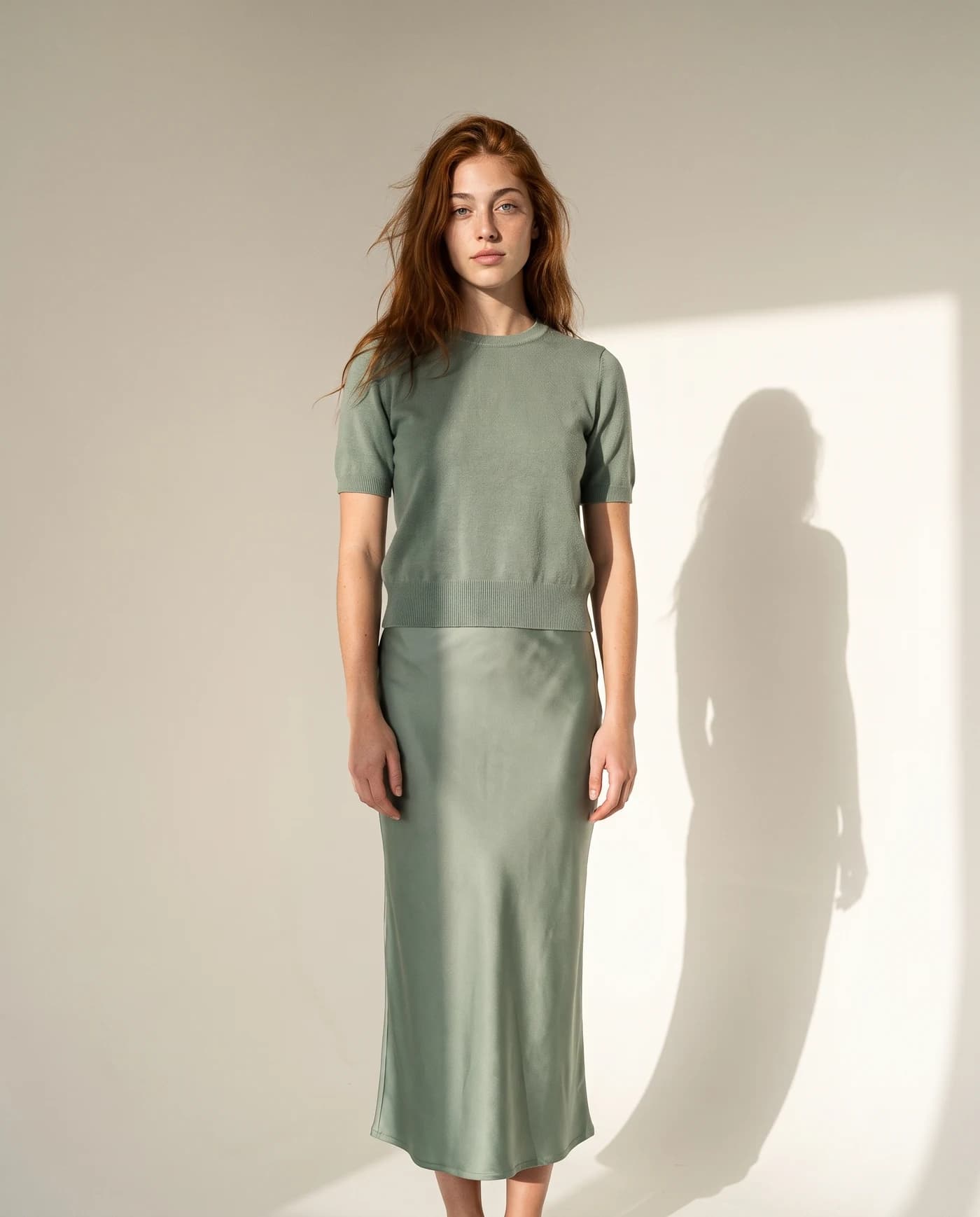
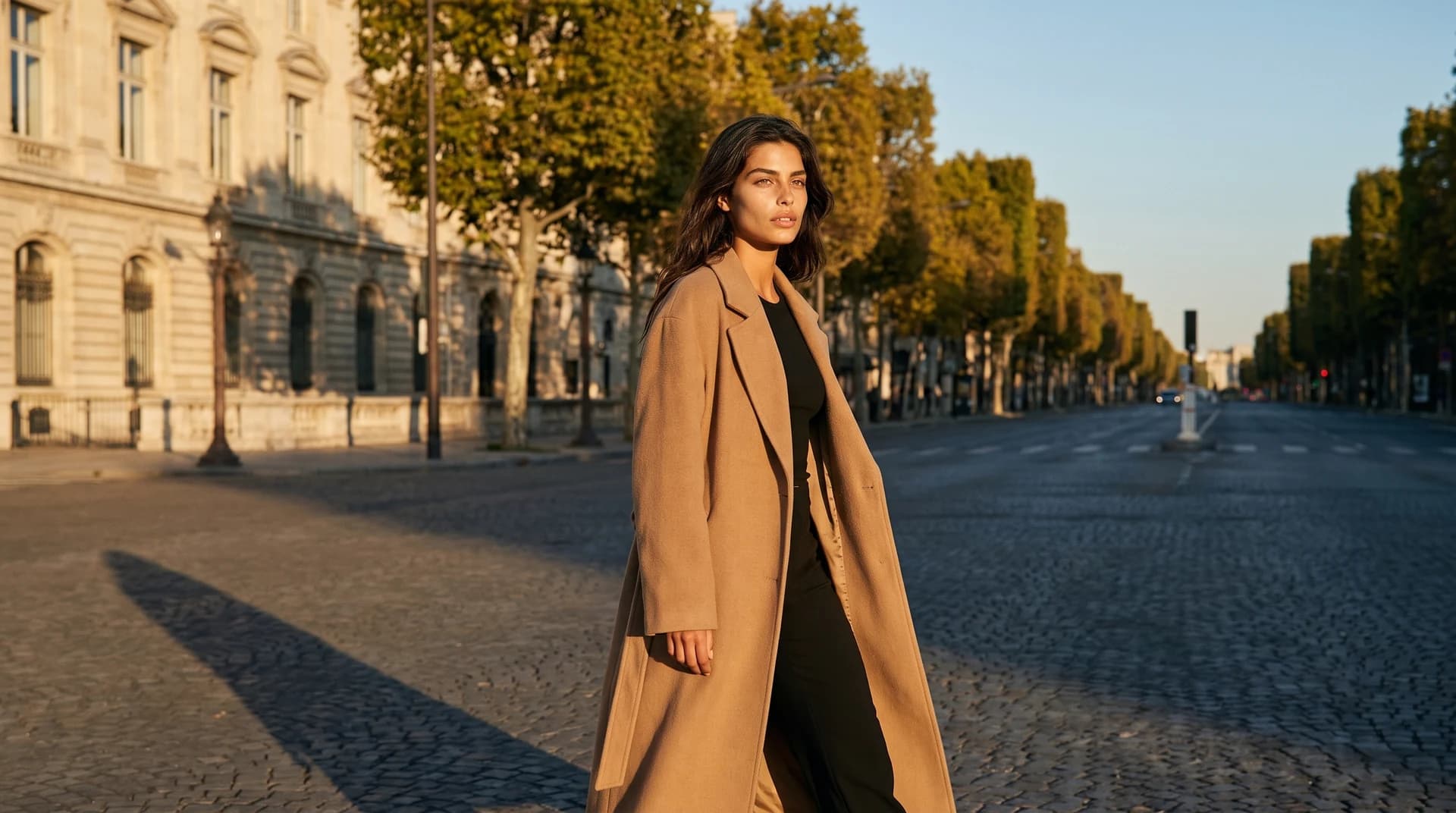
Choose one or two models and one setting for your product pages, and use them for every item. The store starts to look like a brand rather than a collection of supplier photos. For ads and social media, put the same piece in a few different places: the studio for the product page, a sunny street for Instagram, a beach for the summer campaign.
The same flow works beyond clothing: jewelry, bags, shoes and sunglasses can all be worn by the model too. See AI product photography for products that are not worn.



Questions
Can I turn a flat-lay photo into an on-model photo?
Yes. Upload a flat-lay photo of the garment, choose a model and a setting, and the model is generated wearing it. A hanger or mannequin photo works too.
Does the mannequin disappear?
Yes. The garment is placed on a generated model, so the mannequin, the hanger or the table are not in the result.
Will the print and color stay the same?
The system keeps the color, fabric and print from your photo. Check each result against the real garment before you publish, and generate again if a detail is off.
Can I choose the model’s body size?
Yes, from XS to XL, so the garment sits the way it will on your customers.
How long does it take?
A few seconds per image. There is no shoot to book and nothing to wait for.
How much does it cost?
A standard image is 5 credits. Your first 5 images are free, and paid plans are on the pricing page.
Put your first garment on a model, free
Sign up free and get your first 5 images on us. No credit card needed.
Start free