
Every AI model in the catalog
80 women and 39 men you can choose today in every studio mode, at no cost for the choice. Each photo here is the model’s catalog portrait, as it appears in the app. Every face was created with AI and belongs to no real person. Want a face that isn’t here? Cast a model of your own.
80 Women
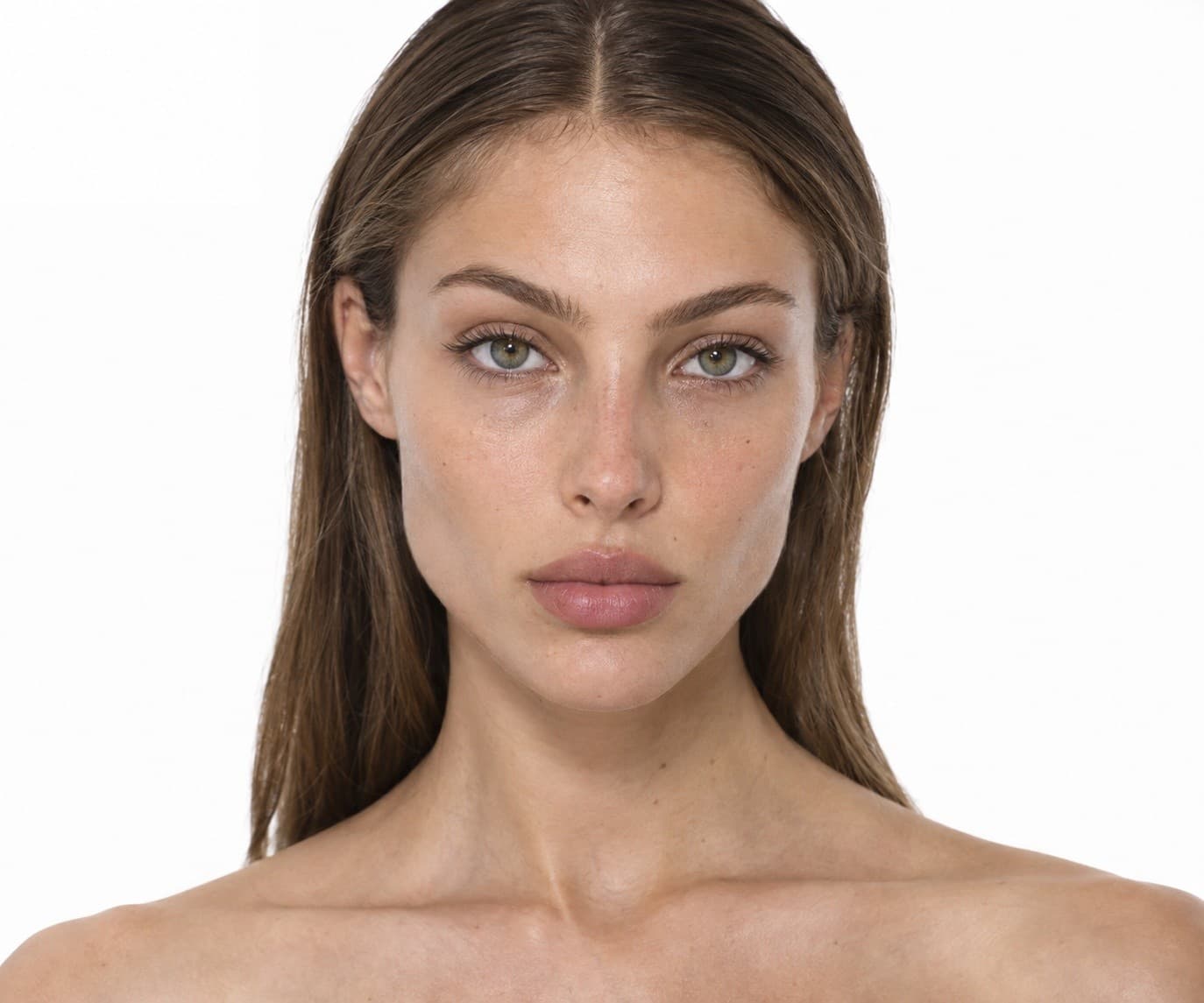
Eliya
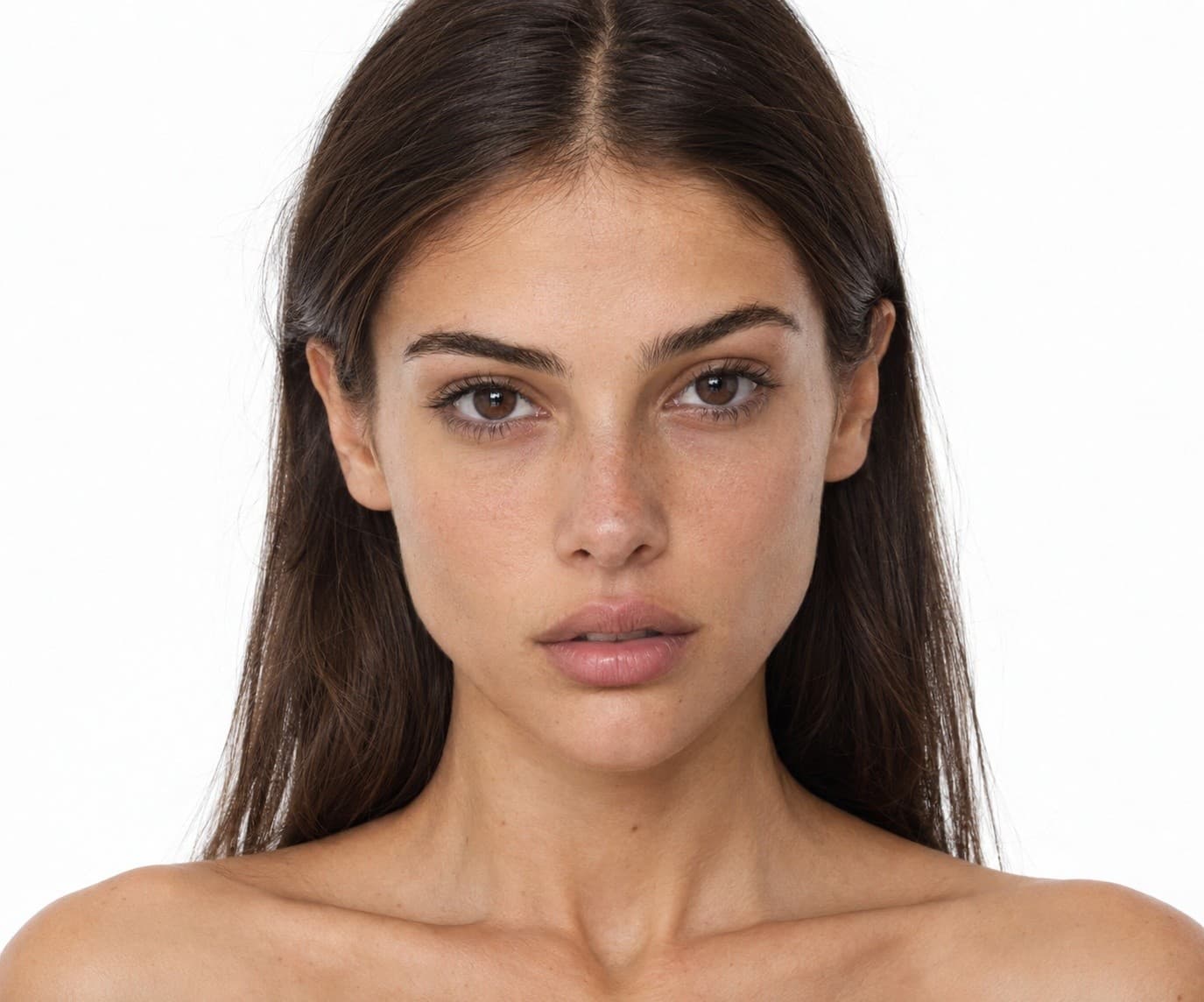
Miriam
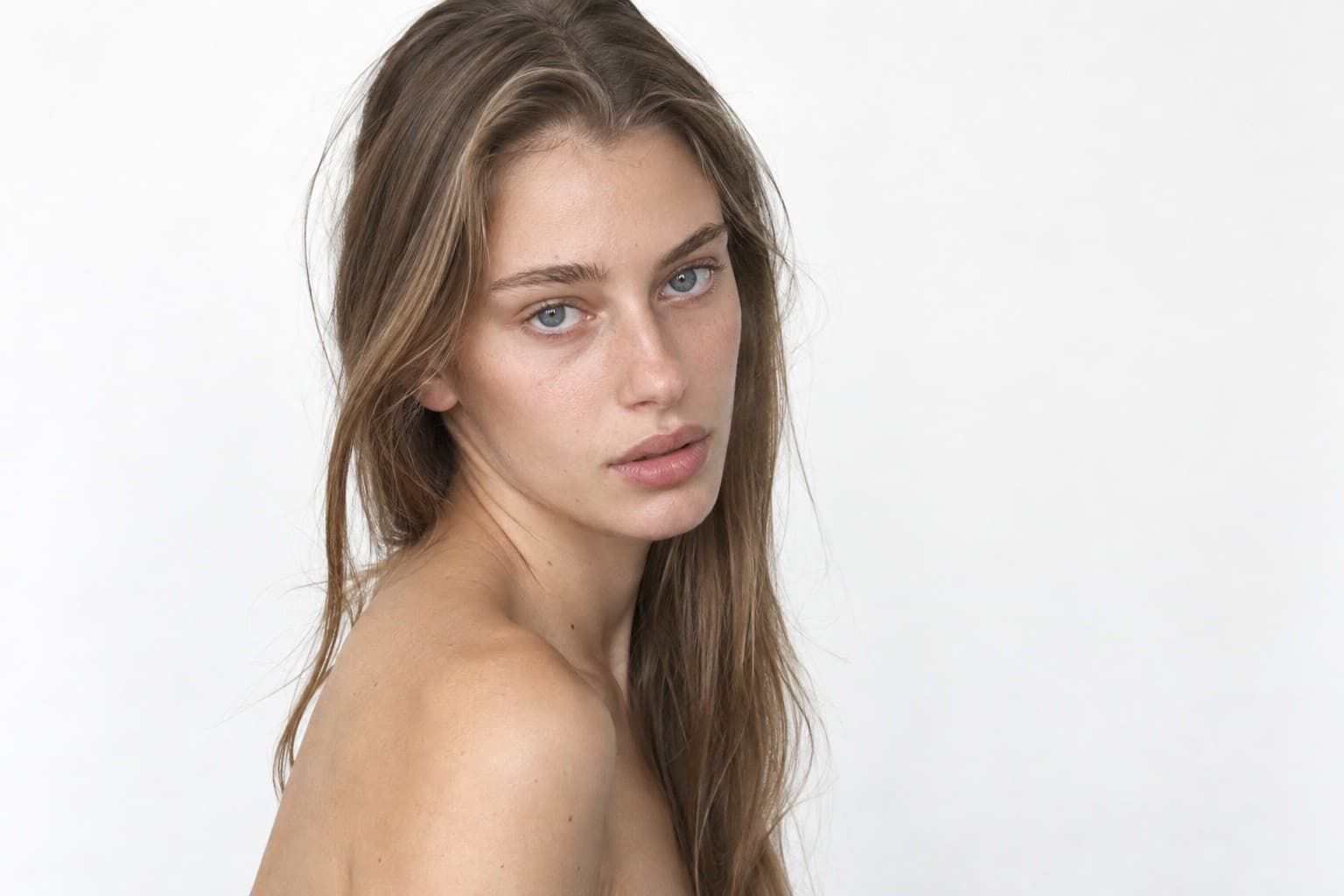
Odelia
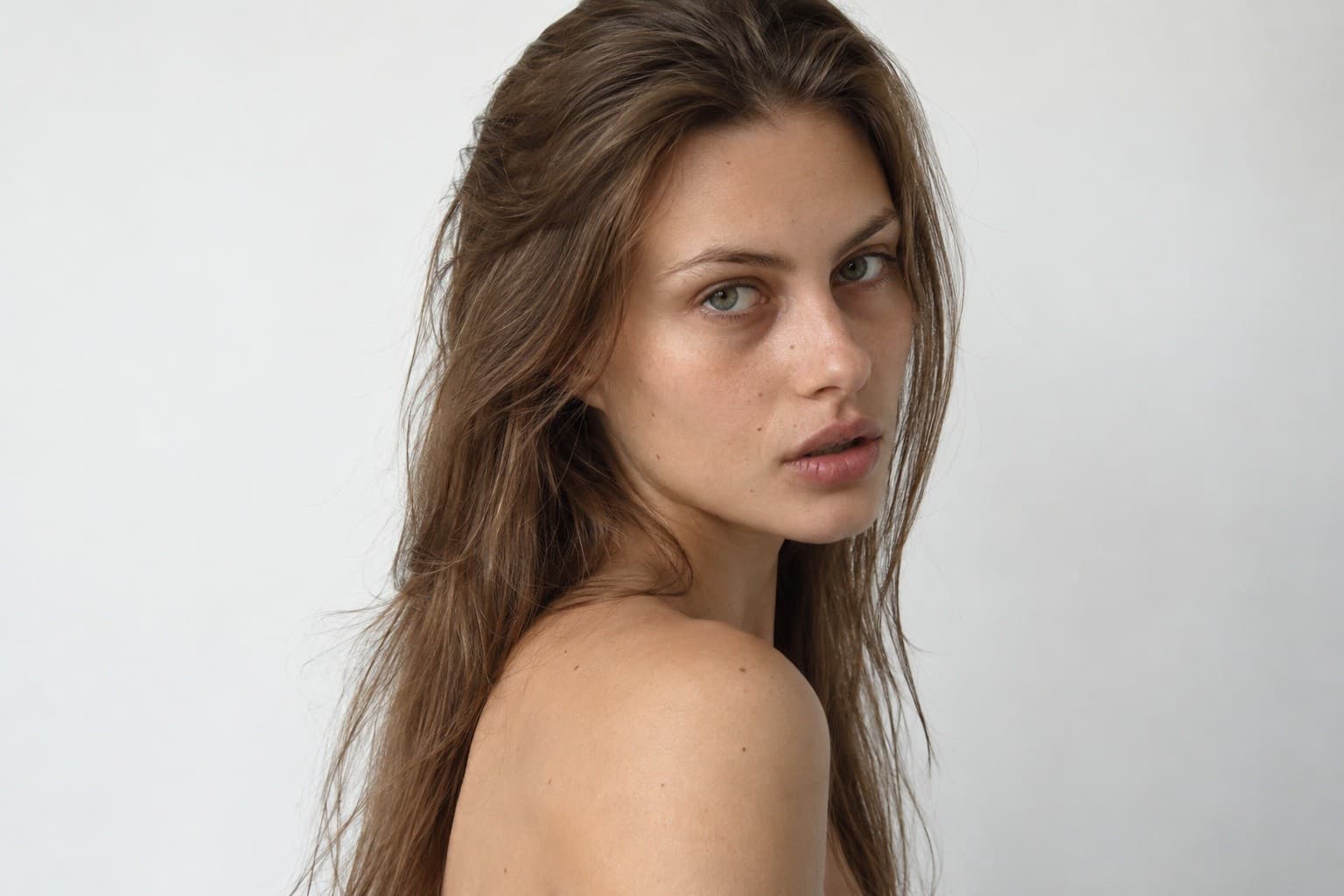
Hadar
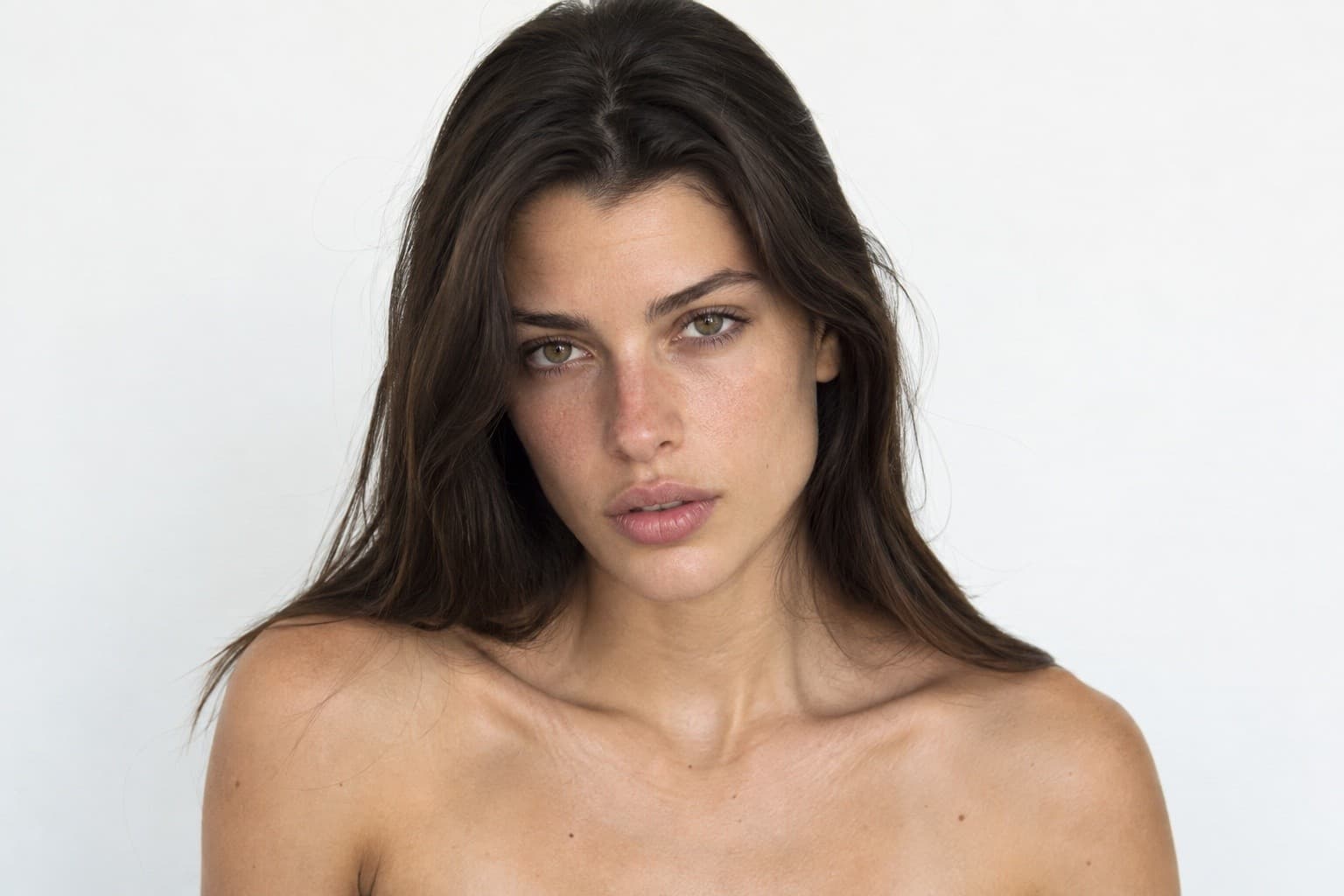
Lenny
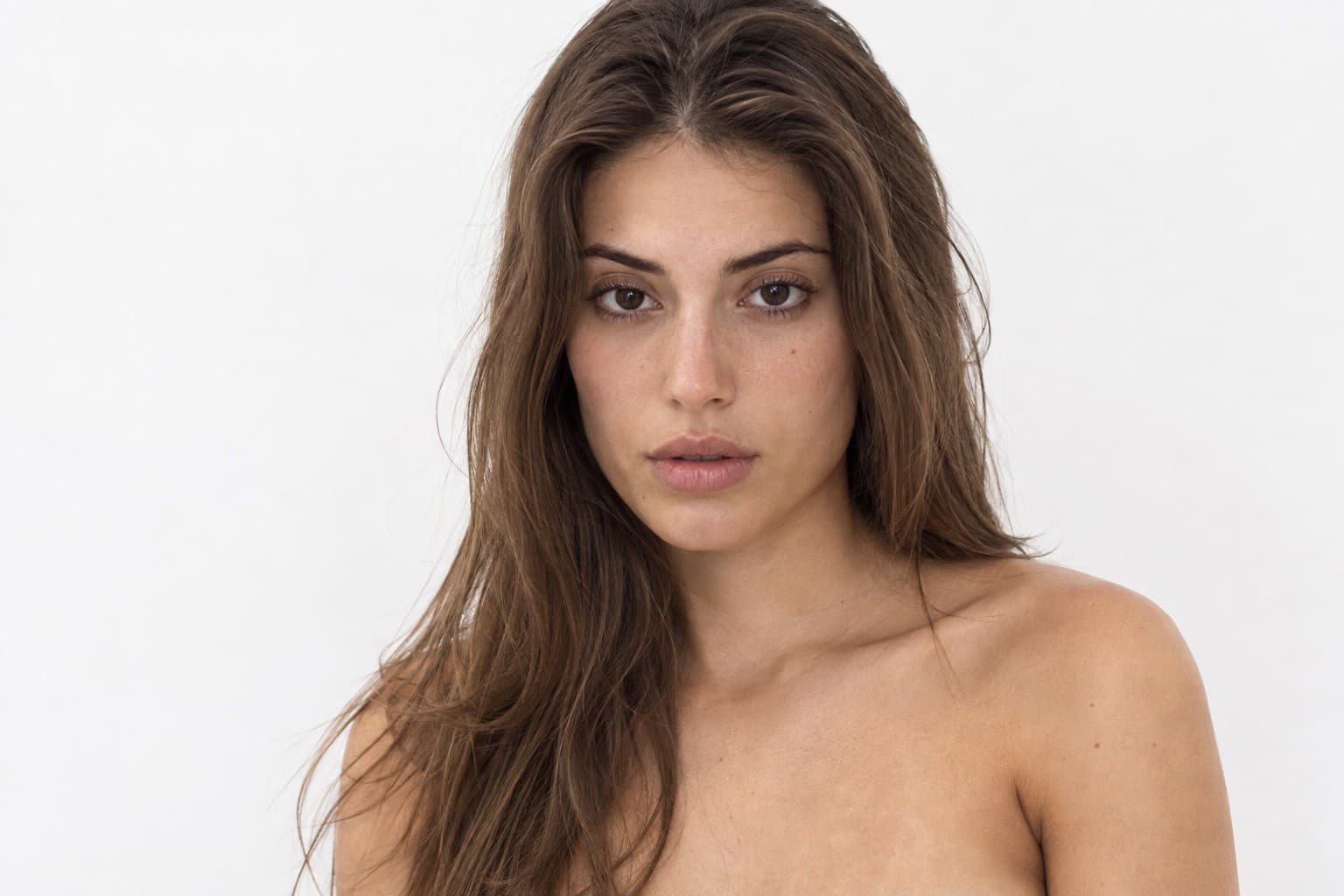
Opal
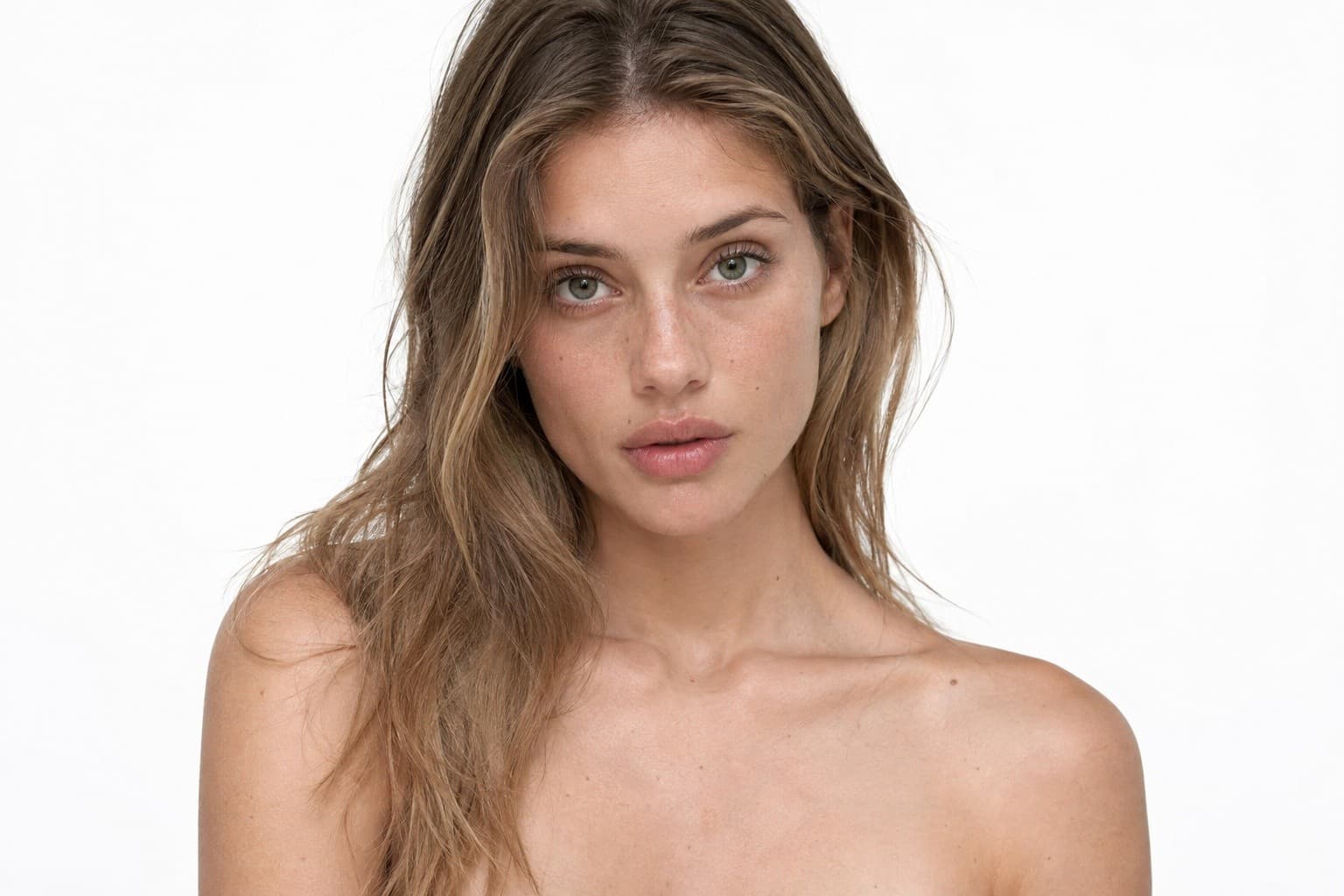
Reut
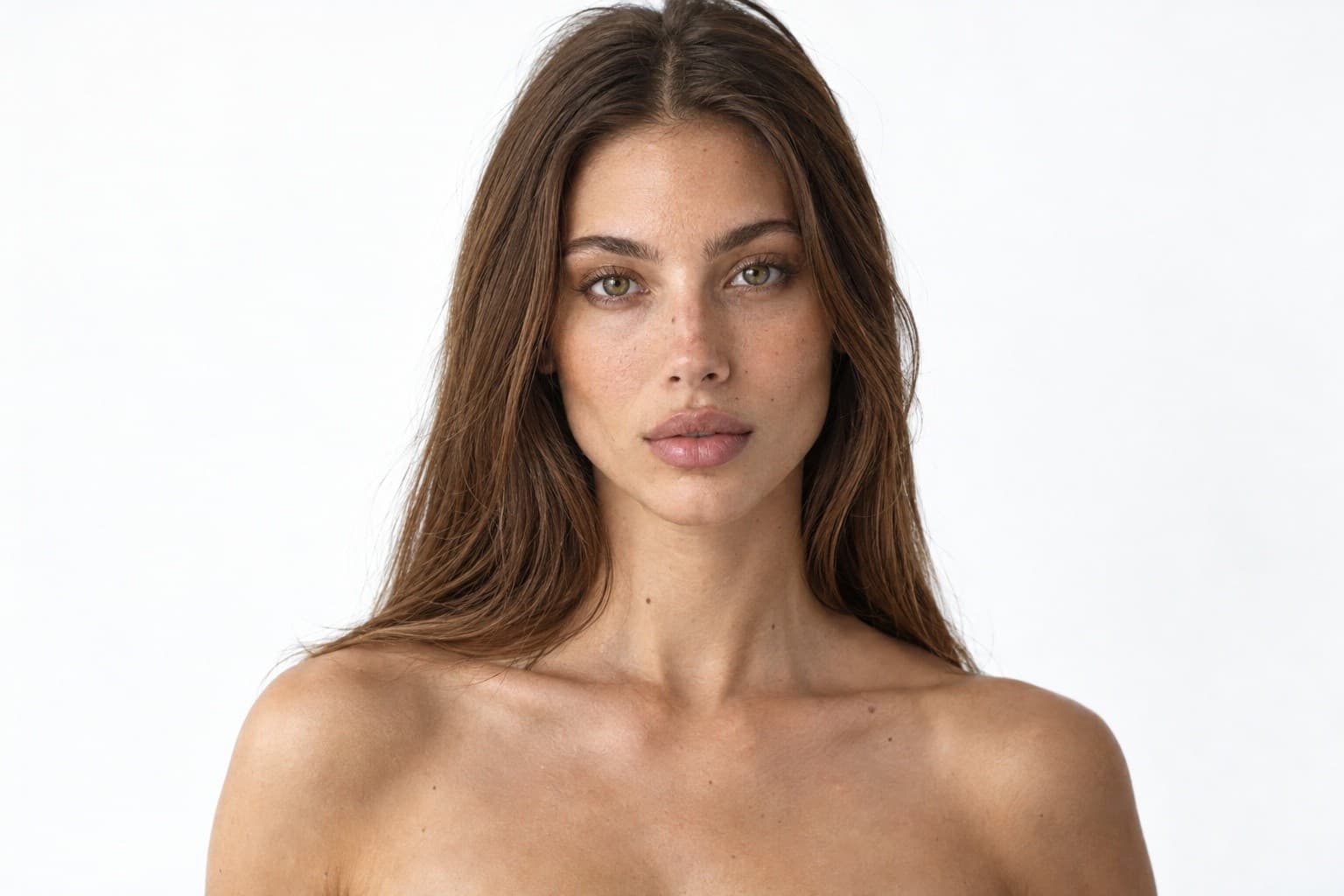
Lital
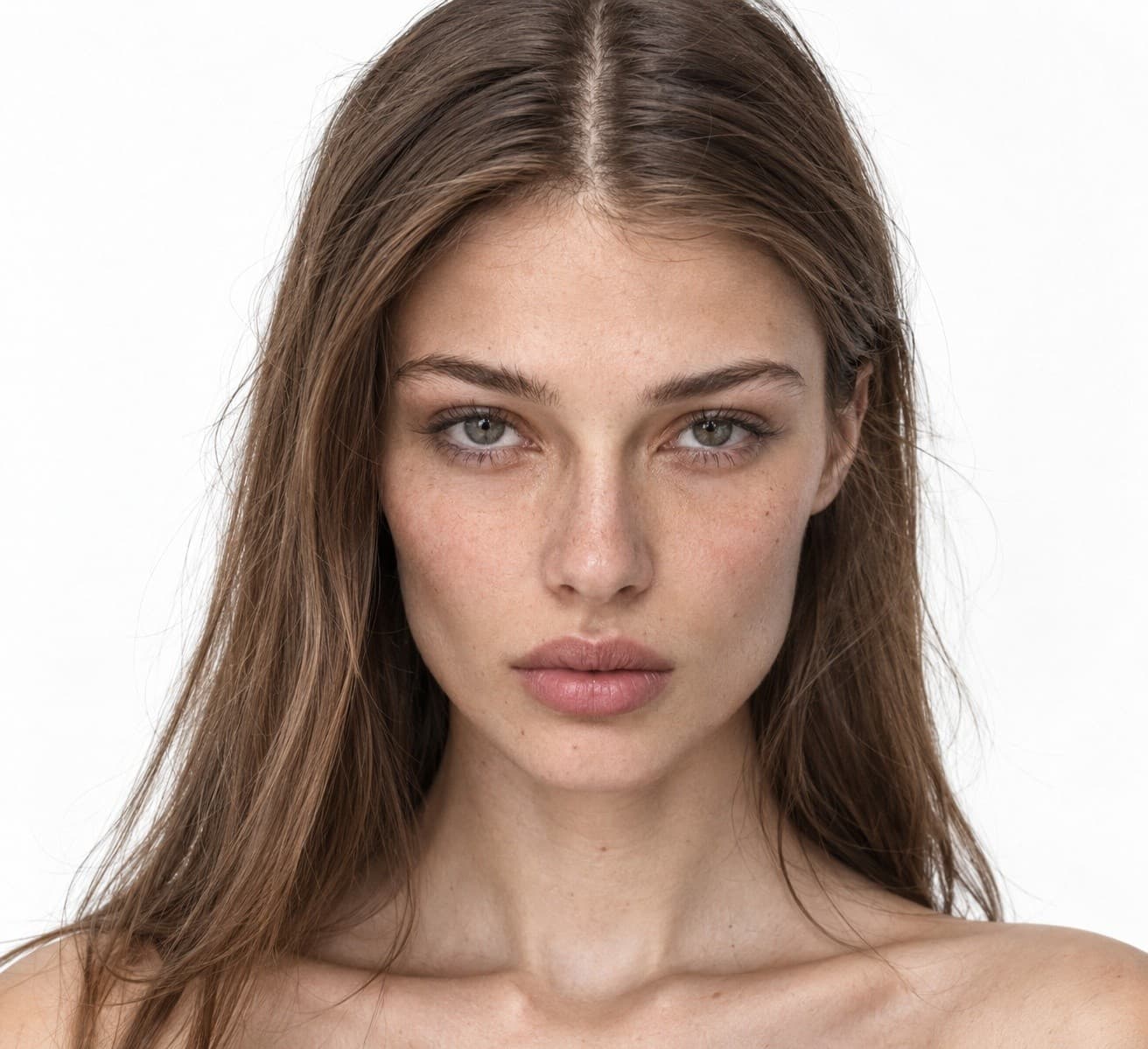
Orly
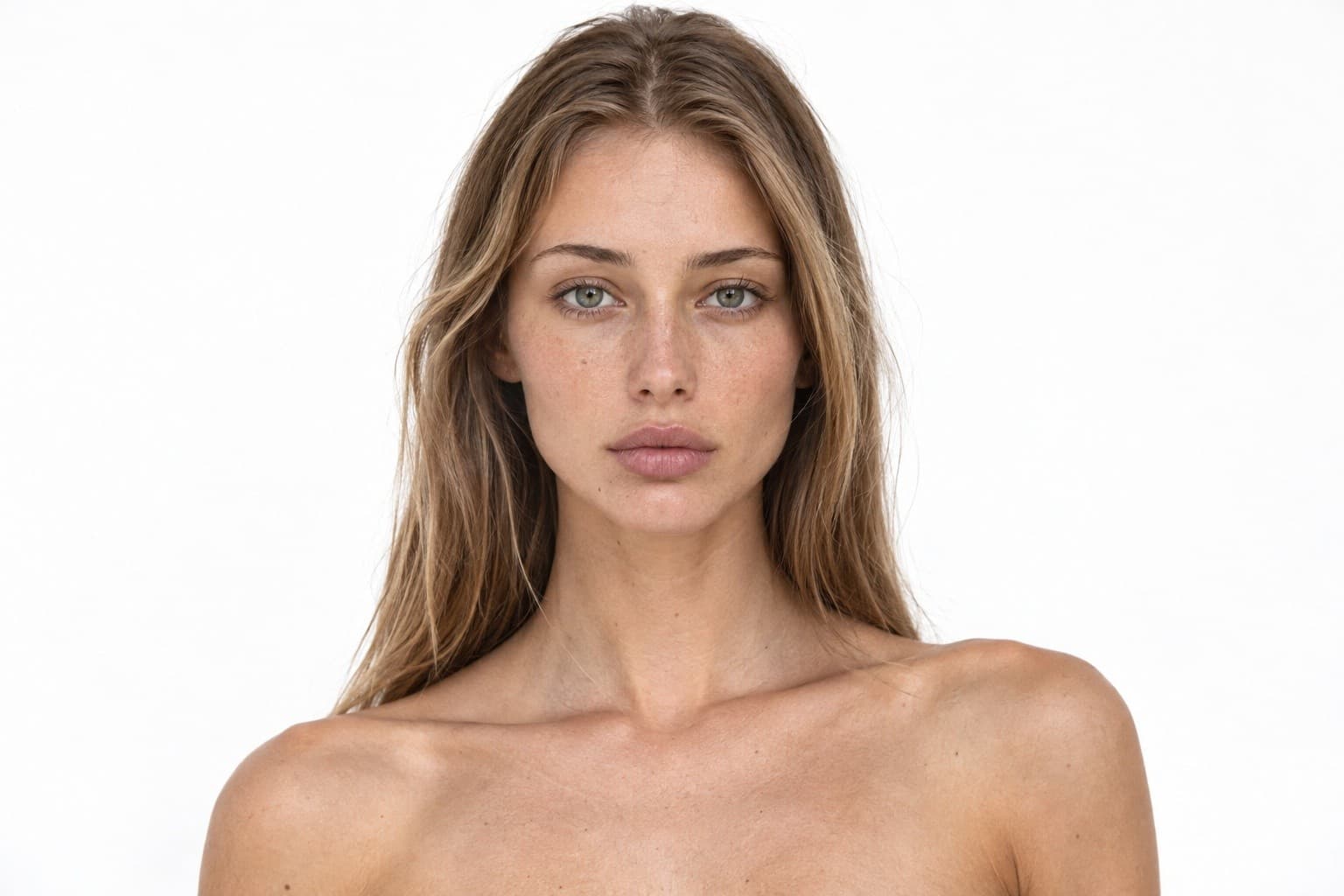
Liron
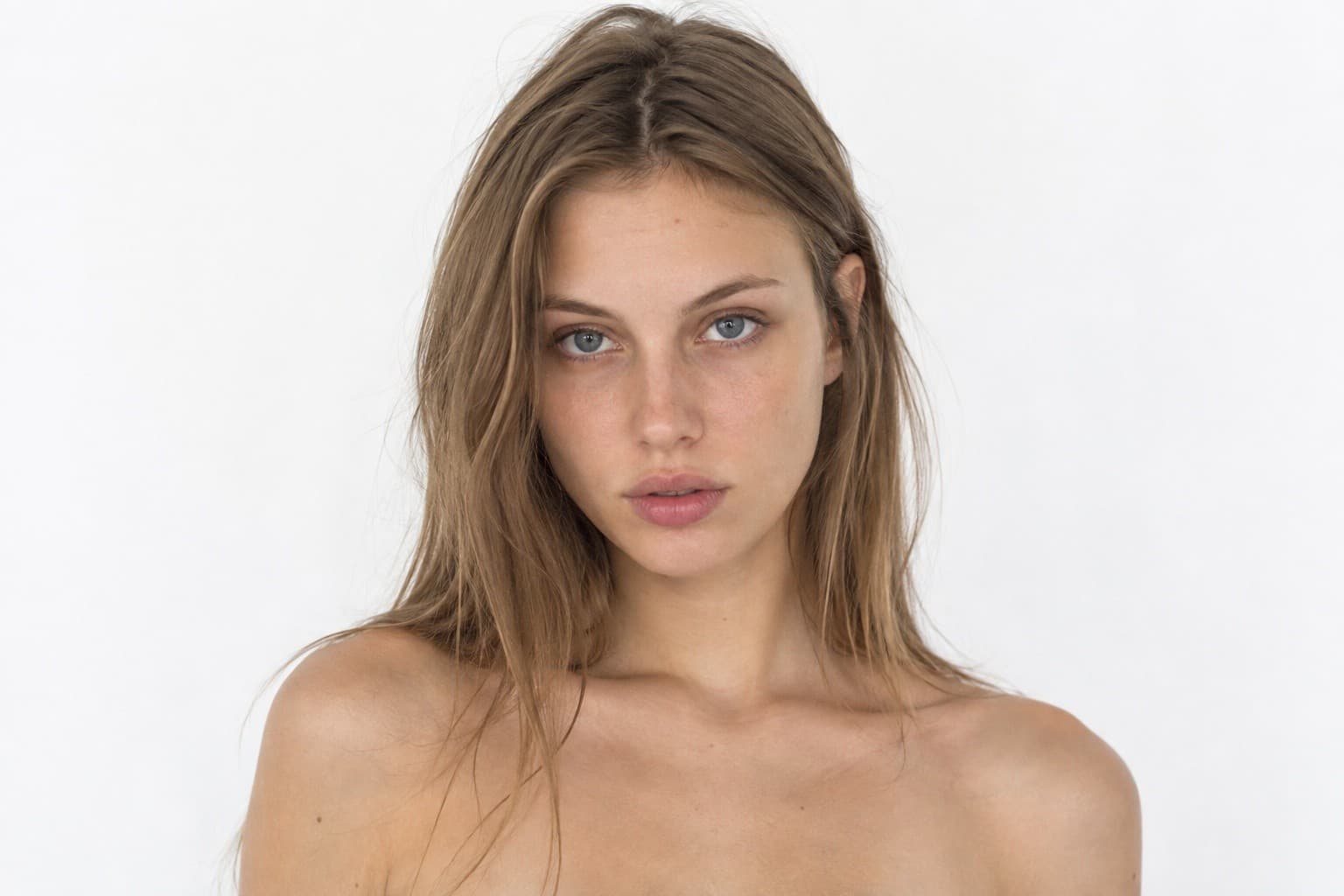
Tahel
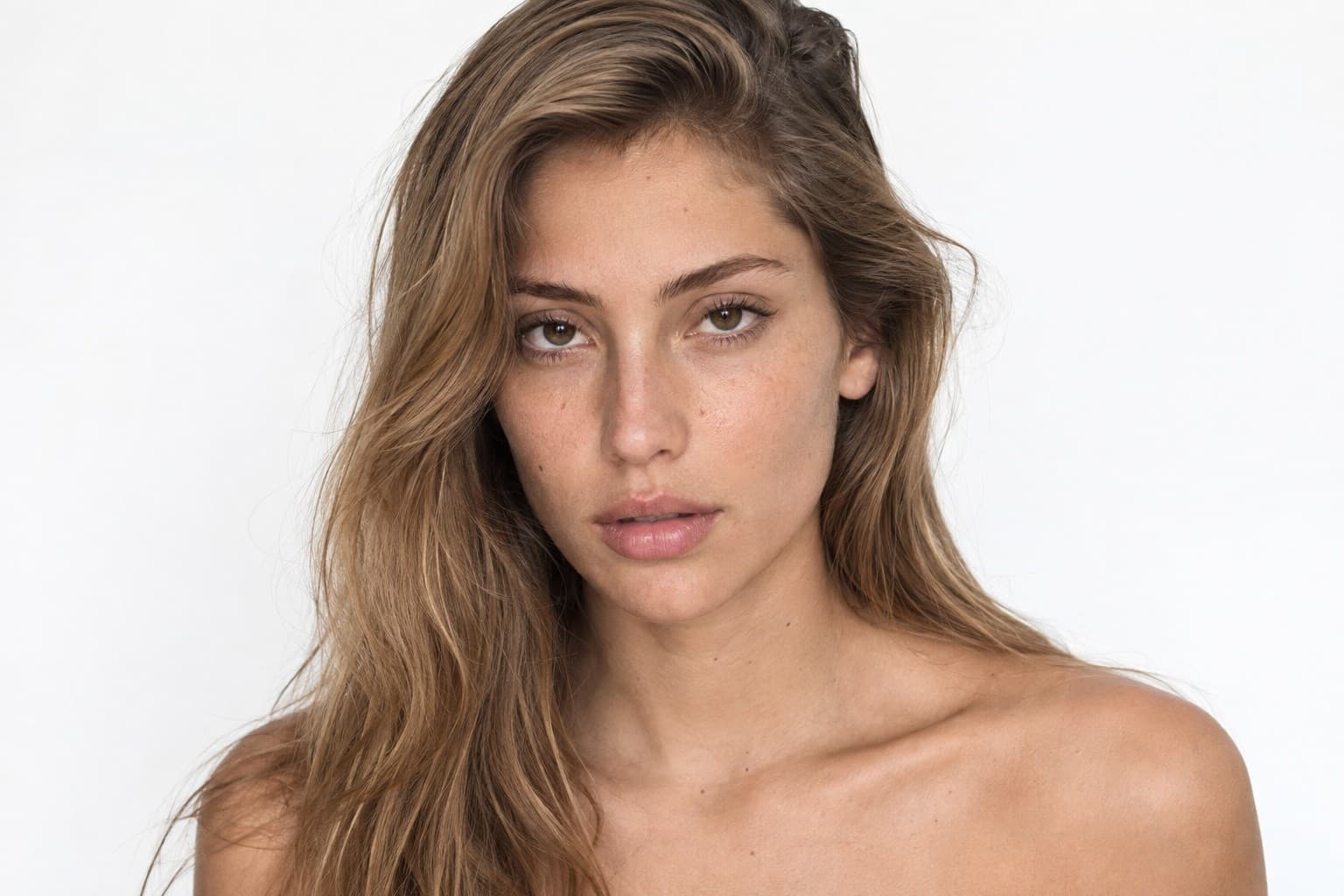
Shelly
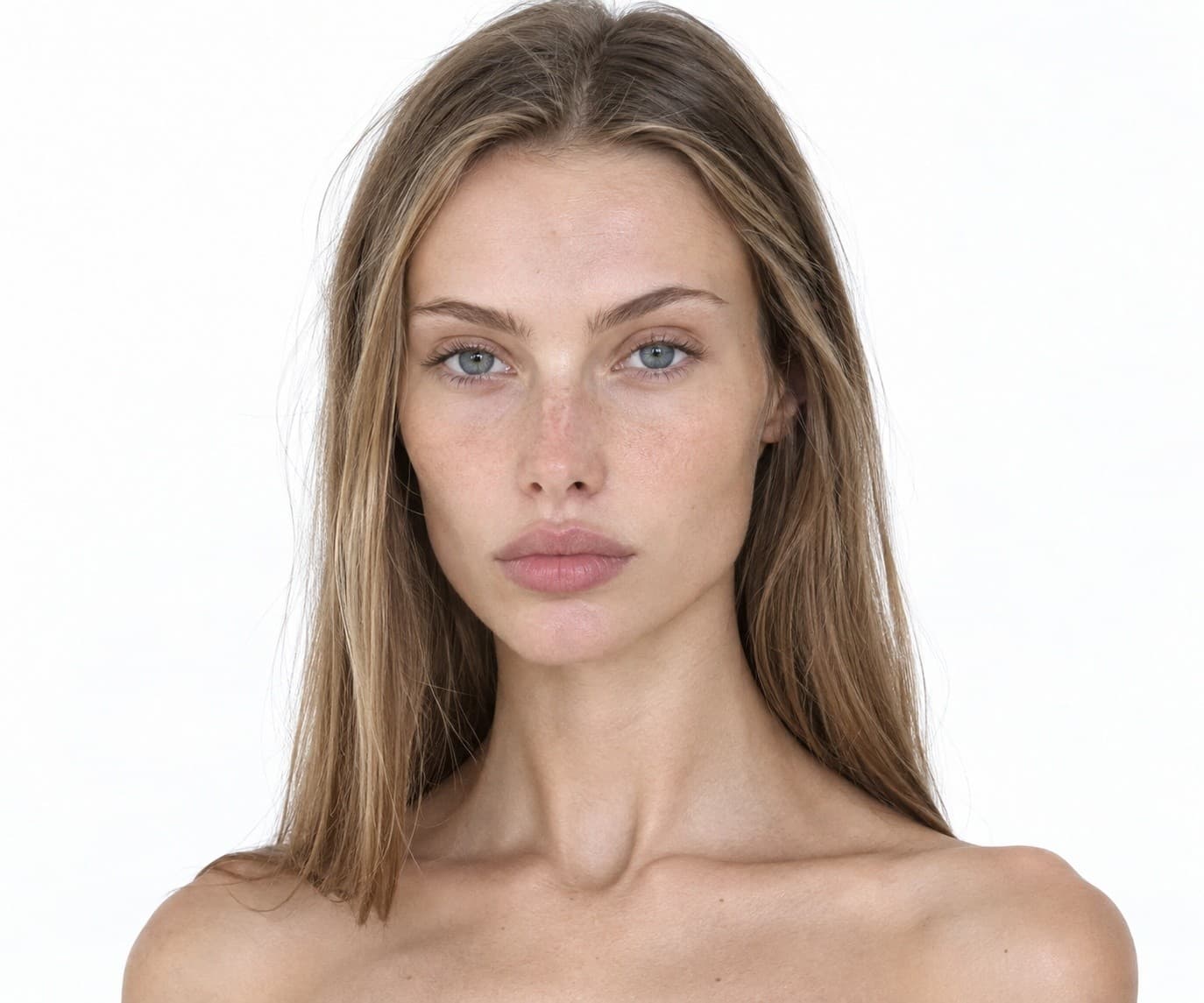
Renana
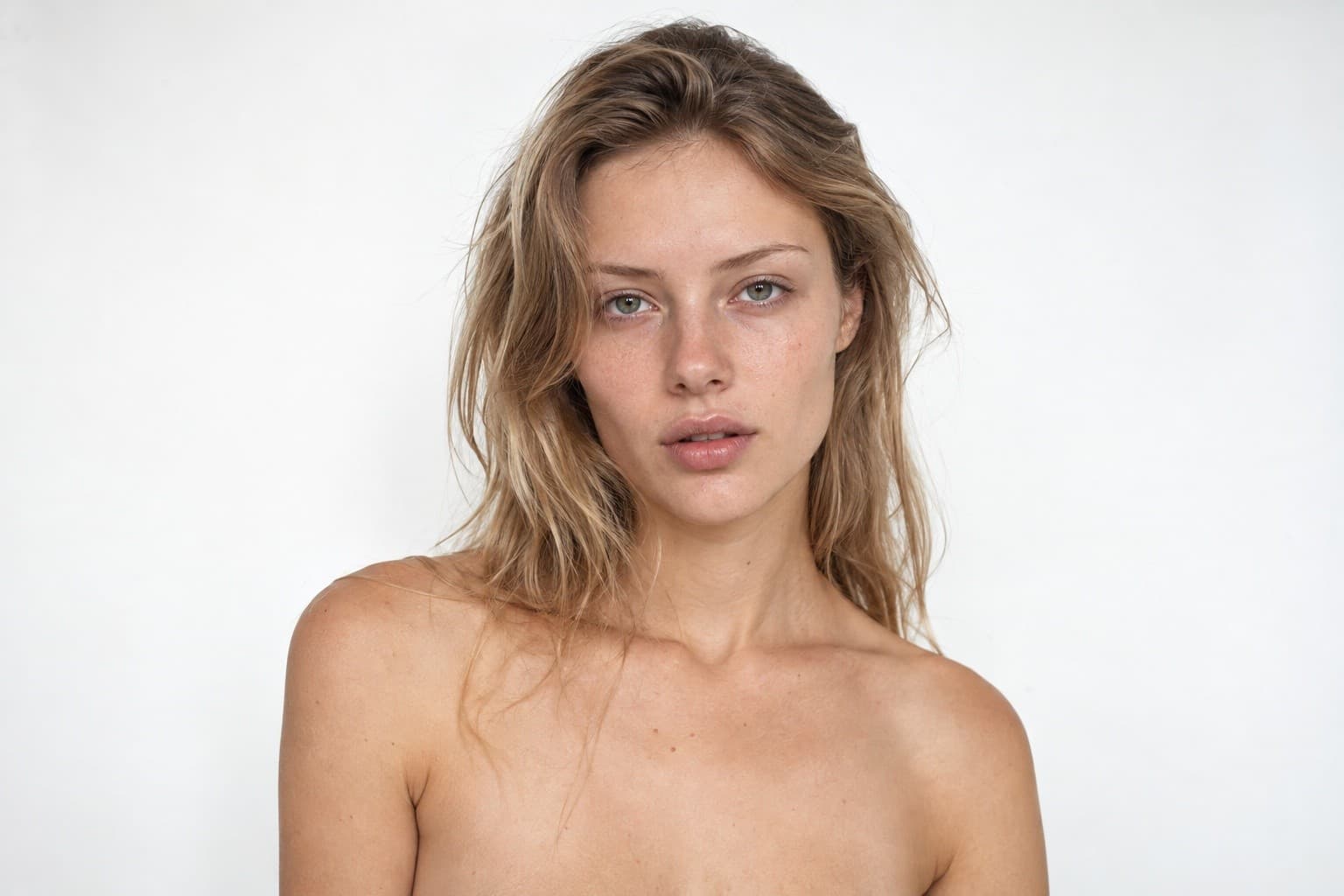
Shiri
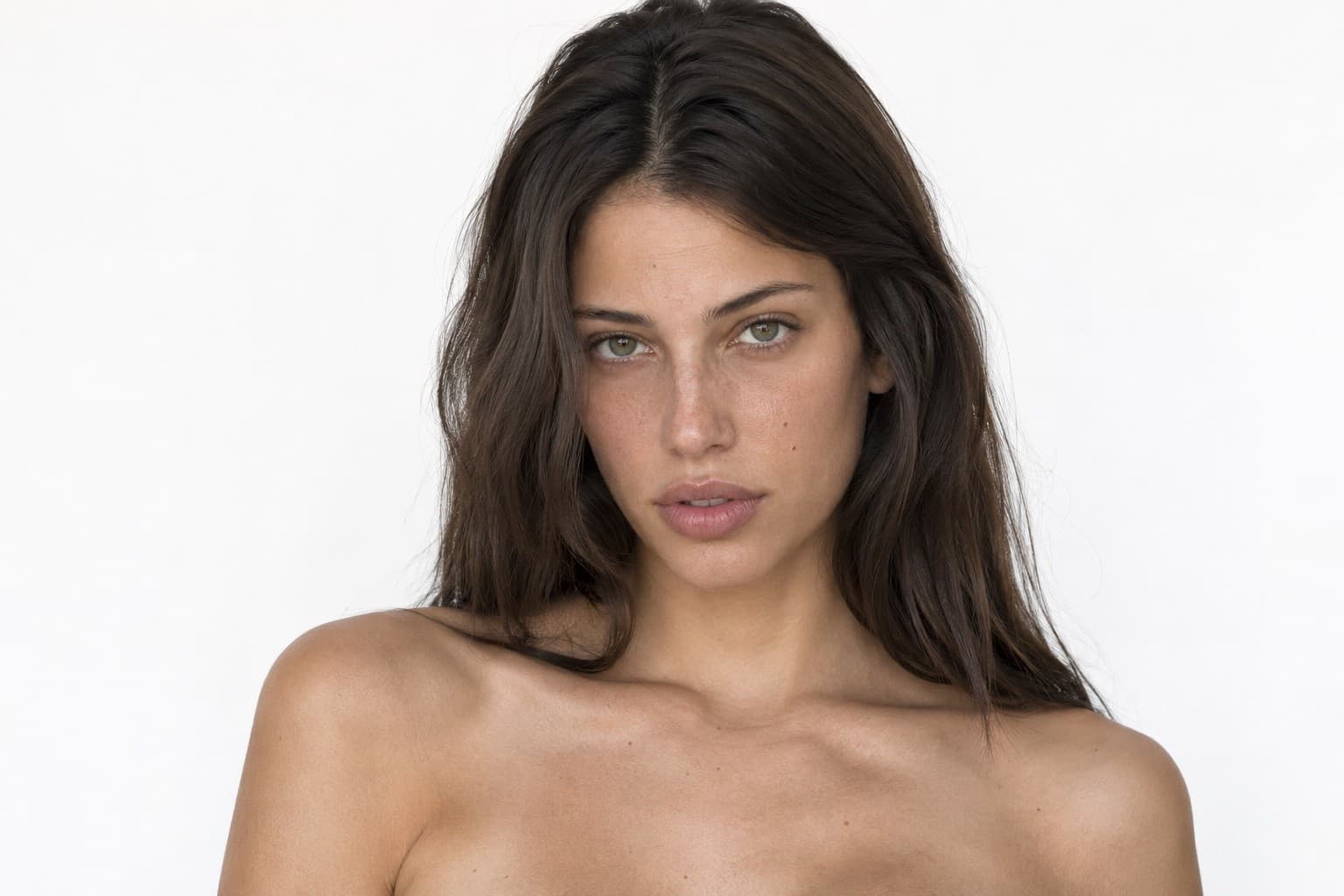
Carmel
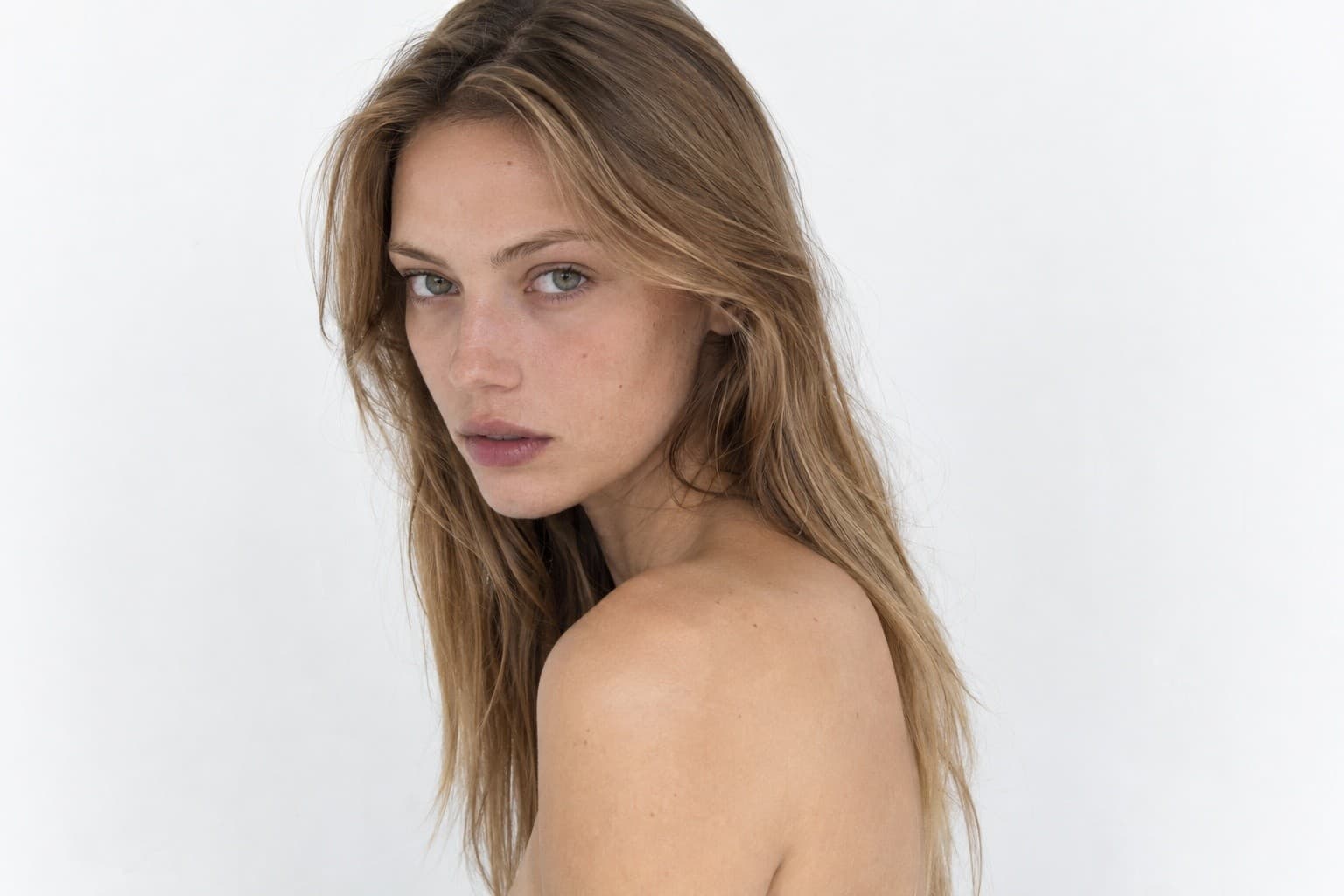
Naa
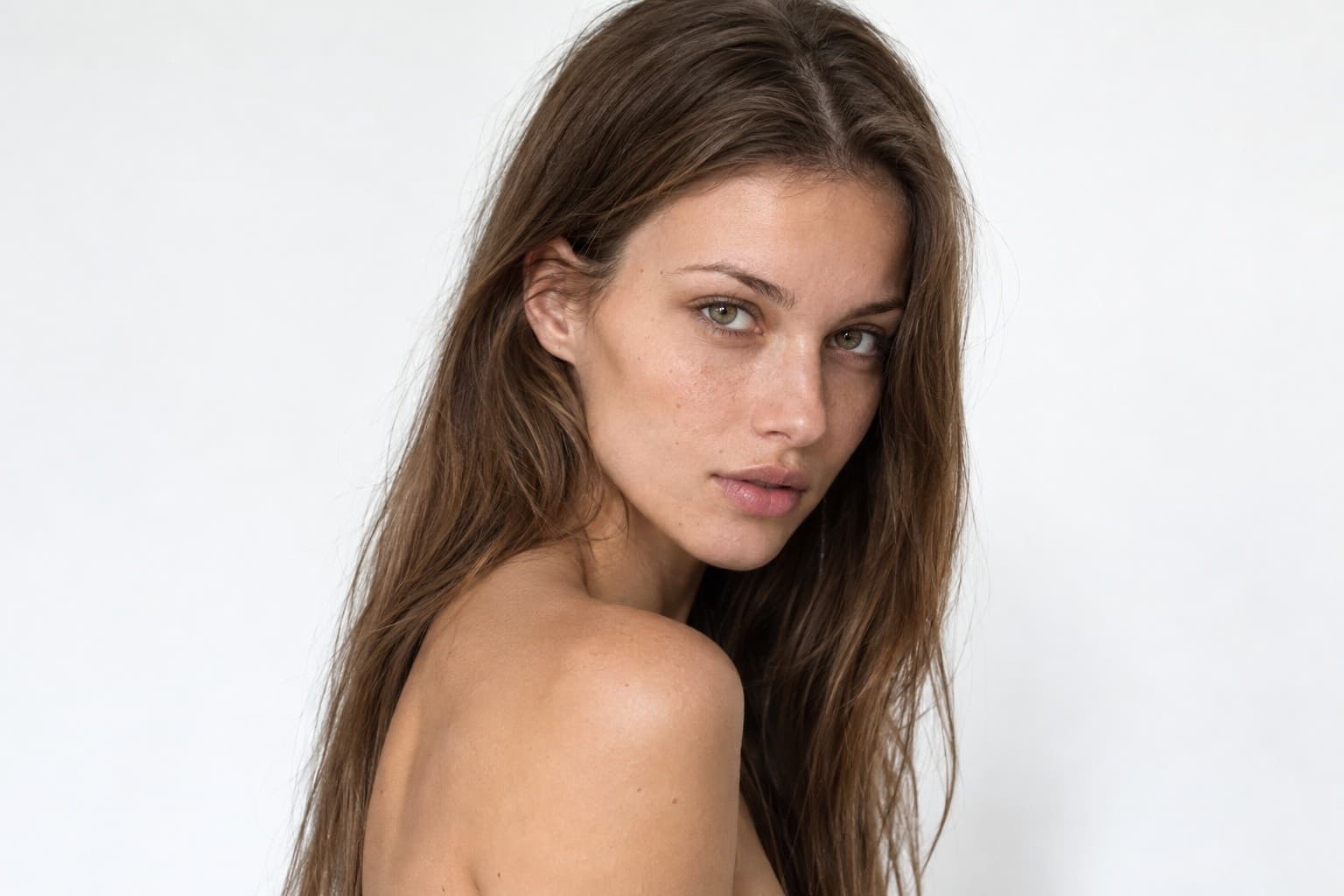
Rosie
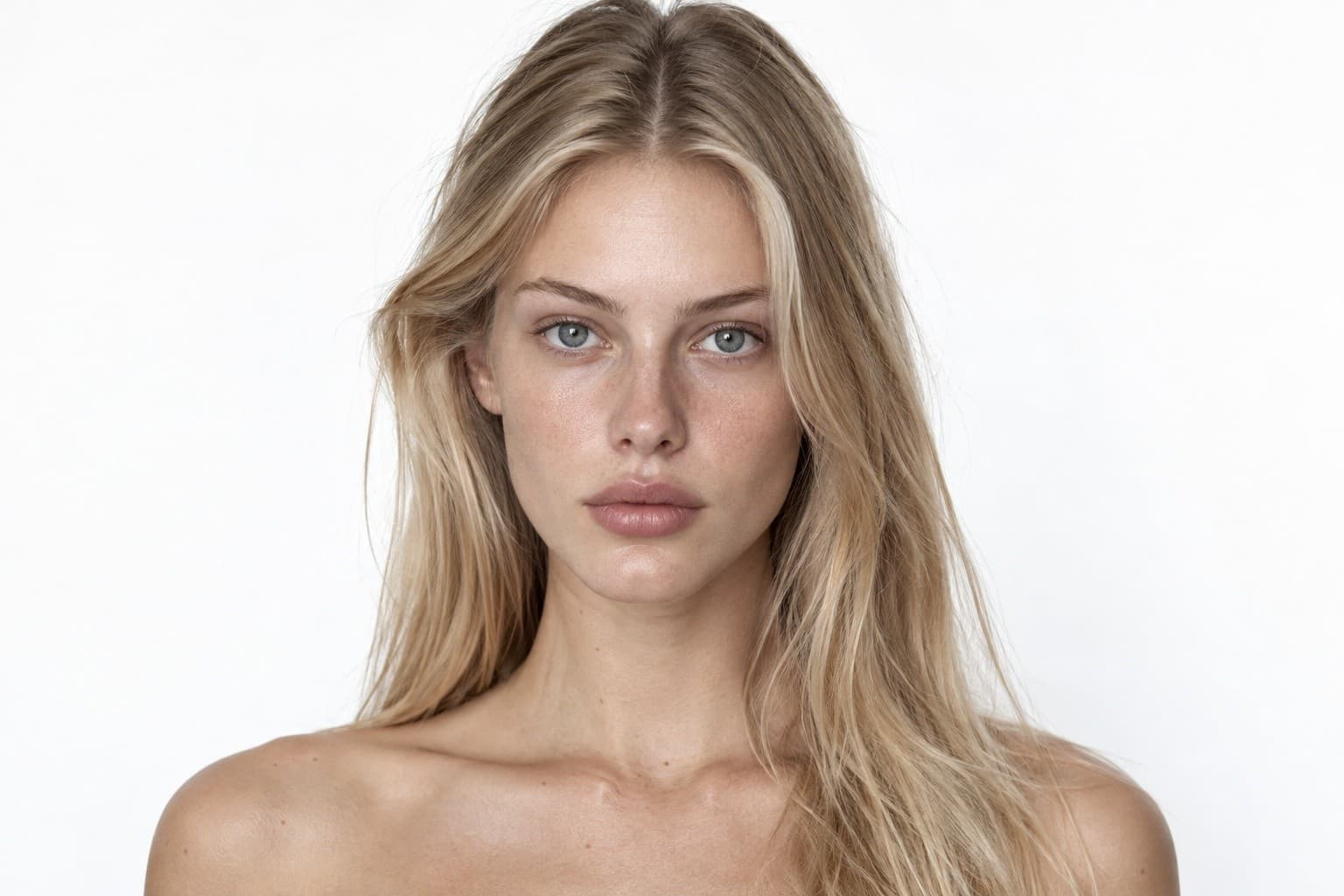
Alona
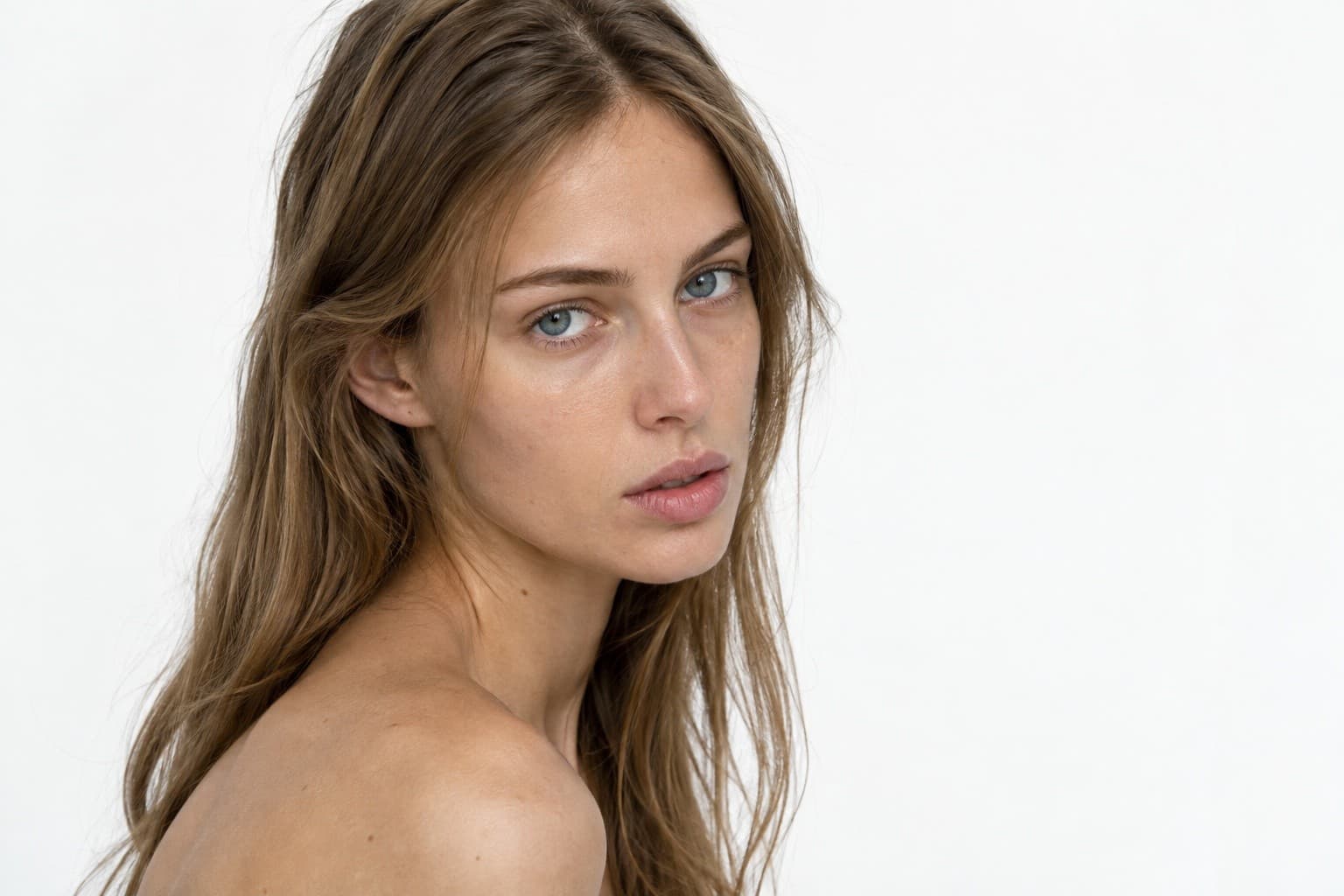
Yuvali
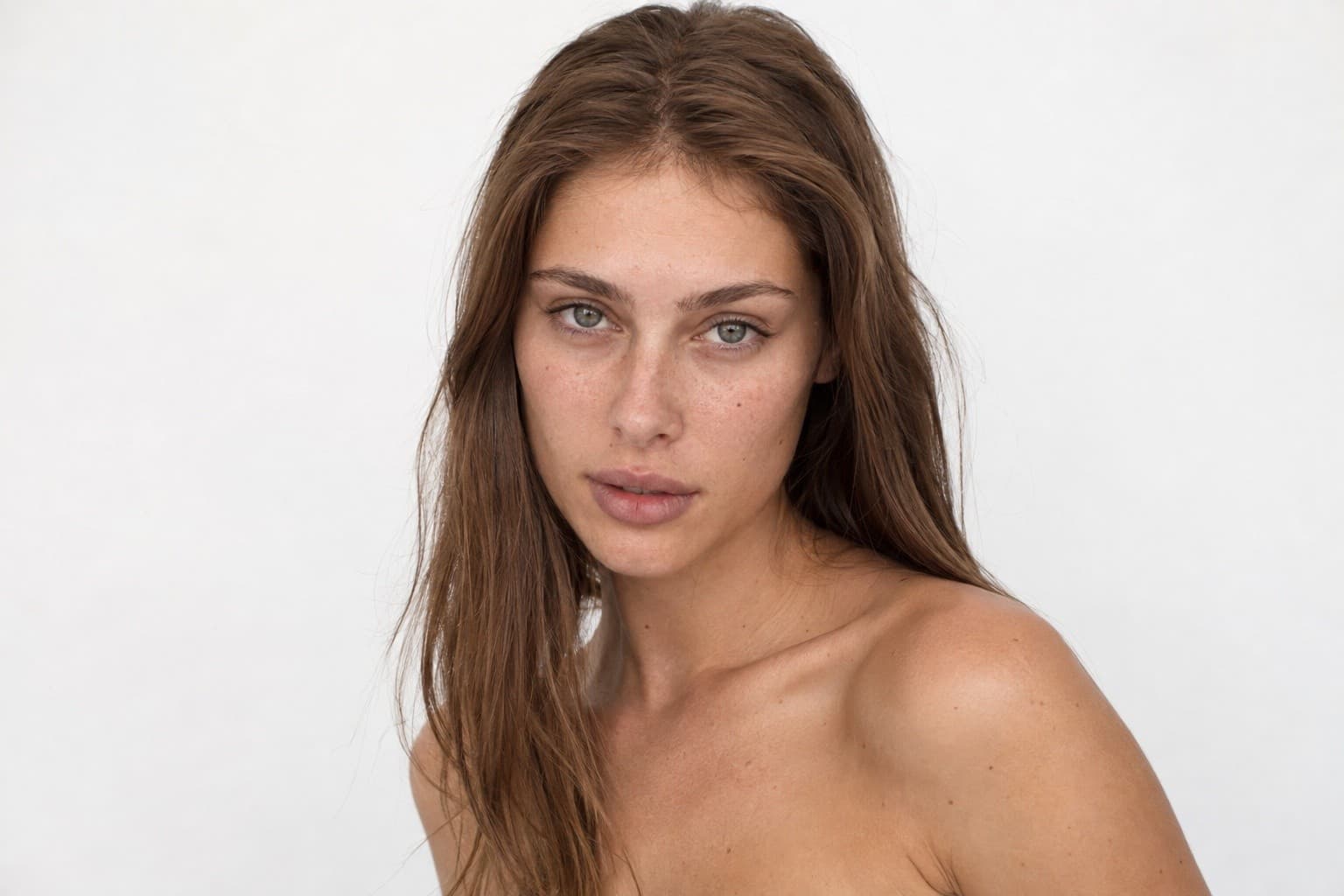
Sahar
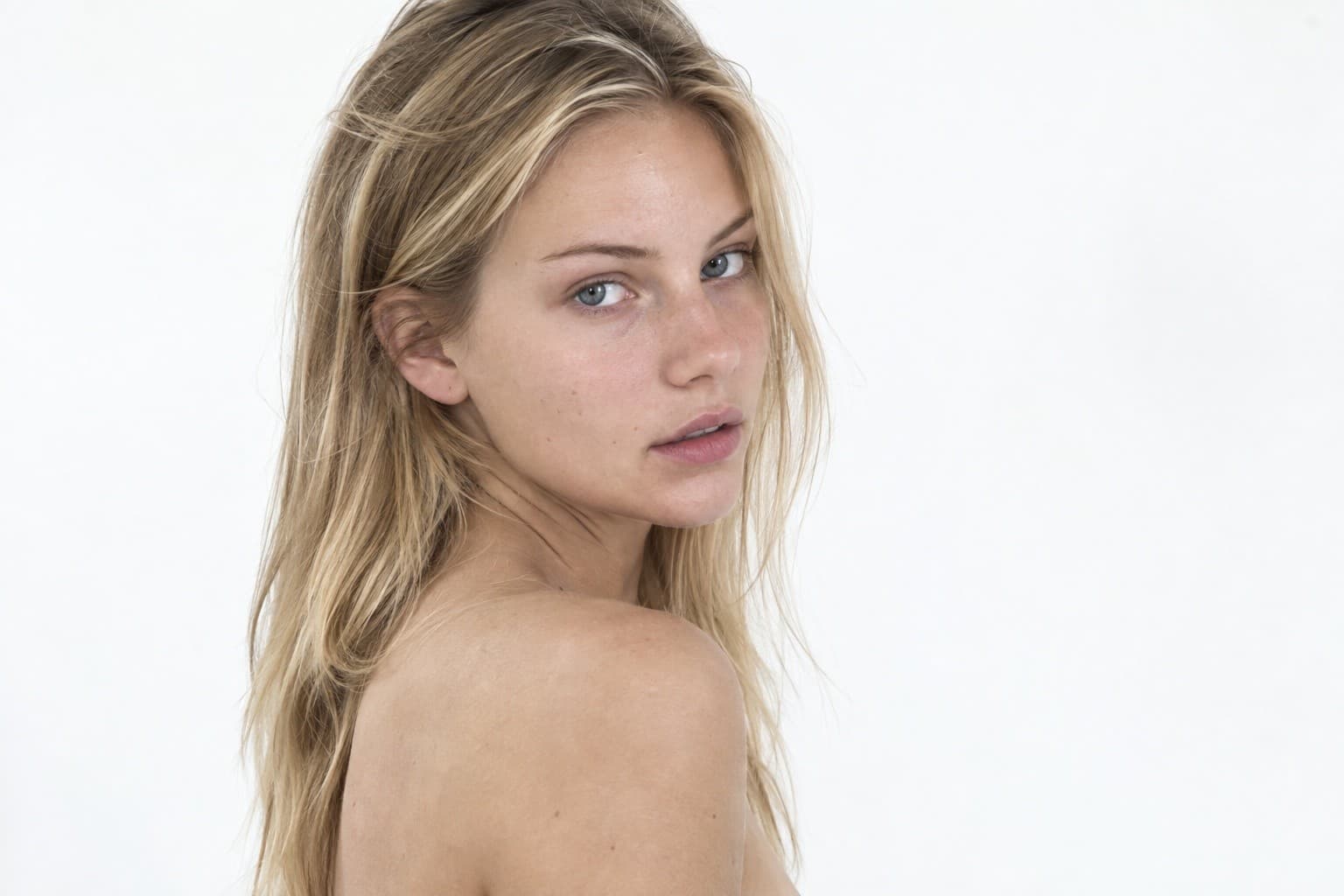
Tamara
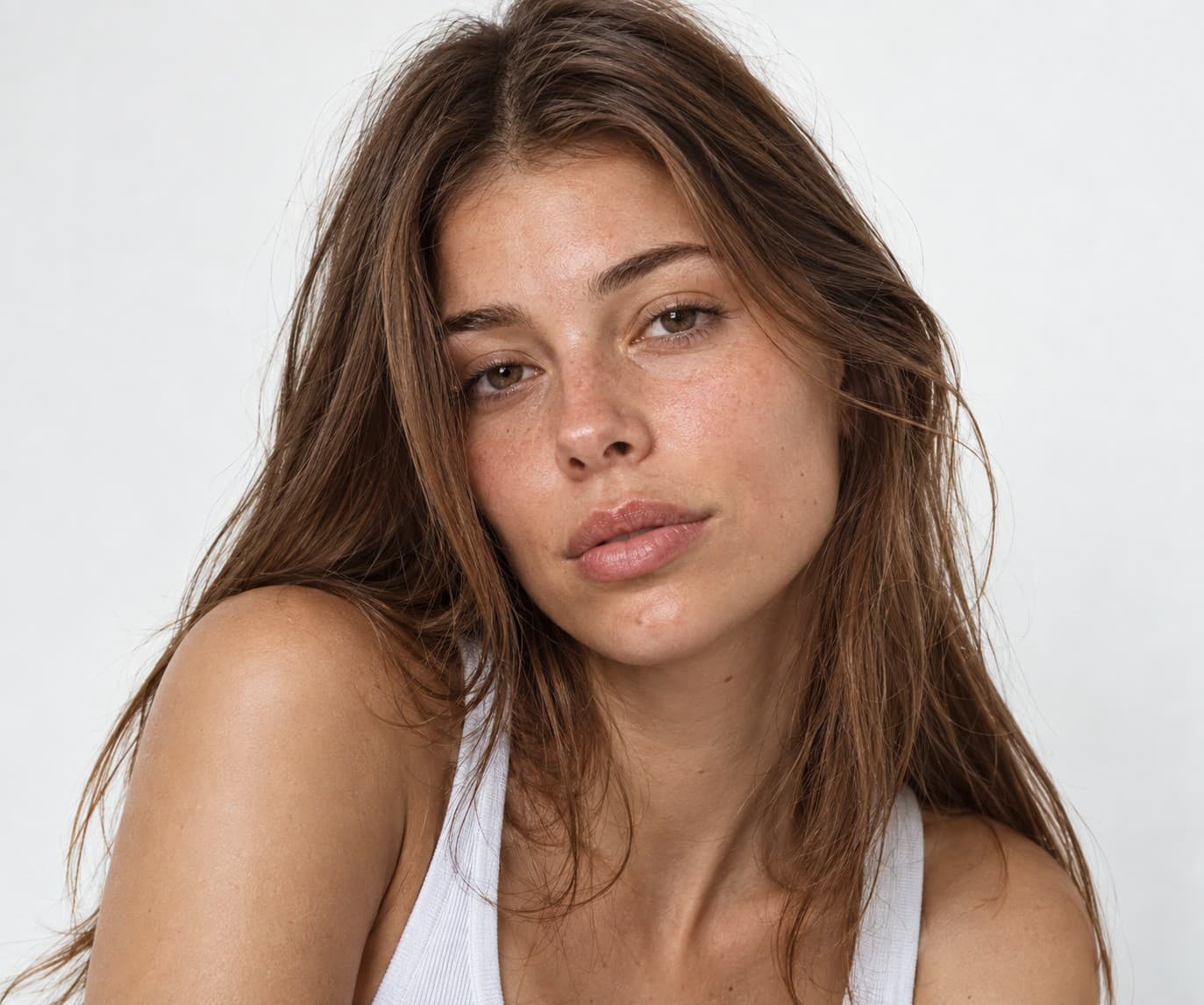
May
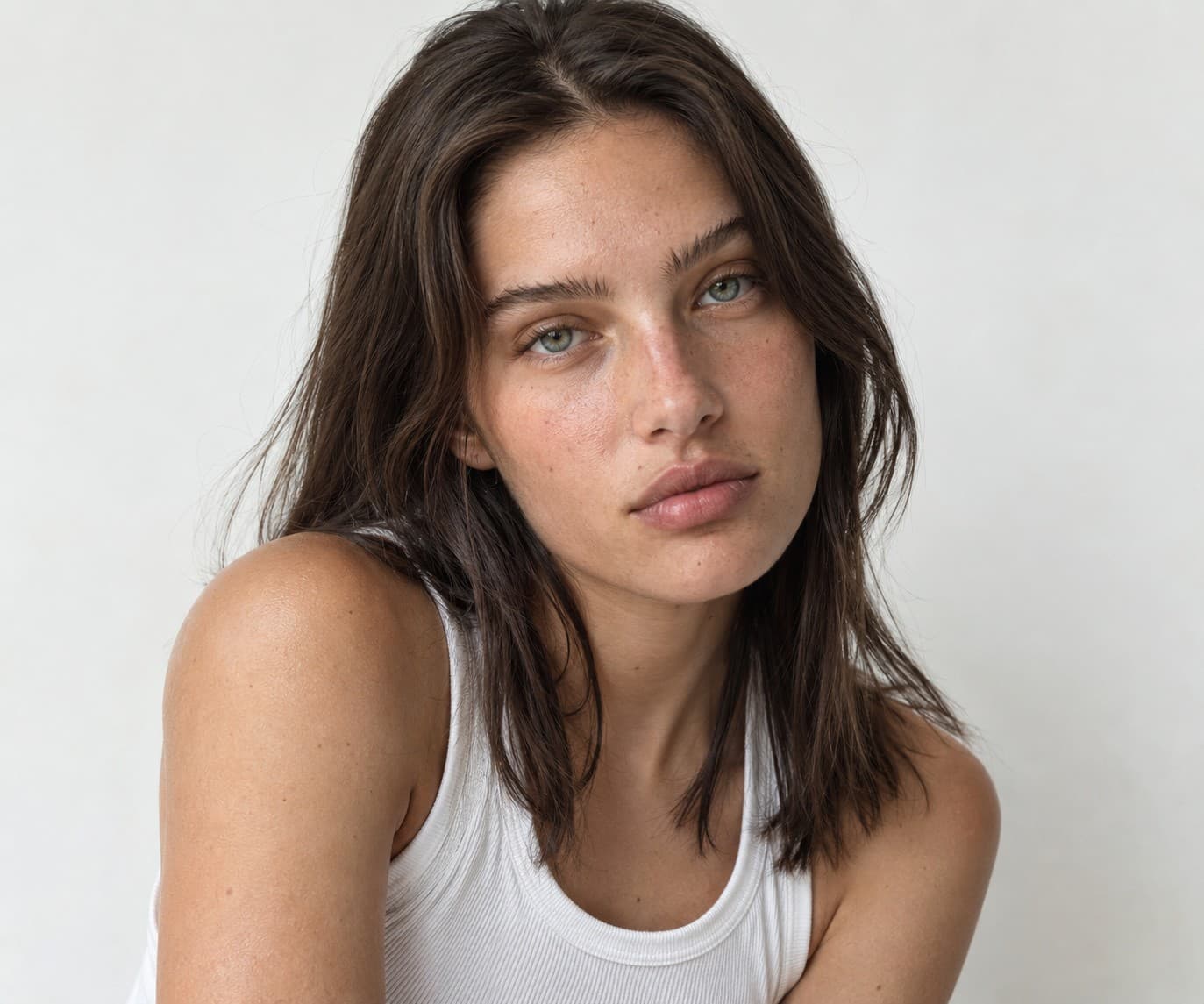
Noga
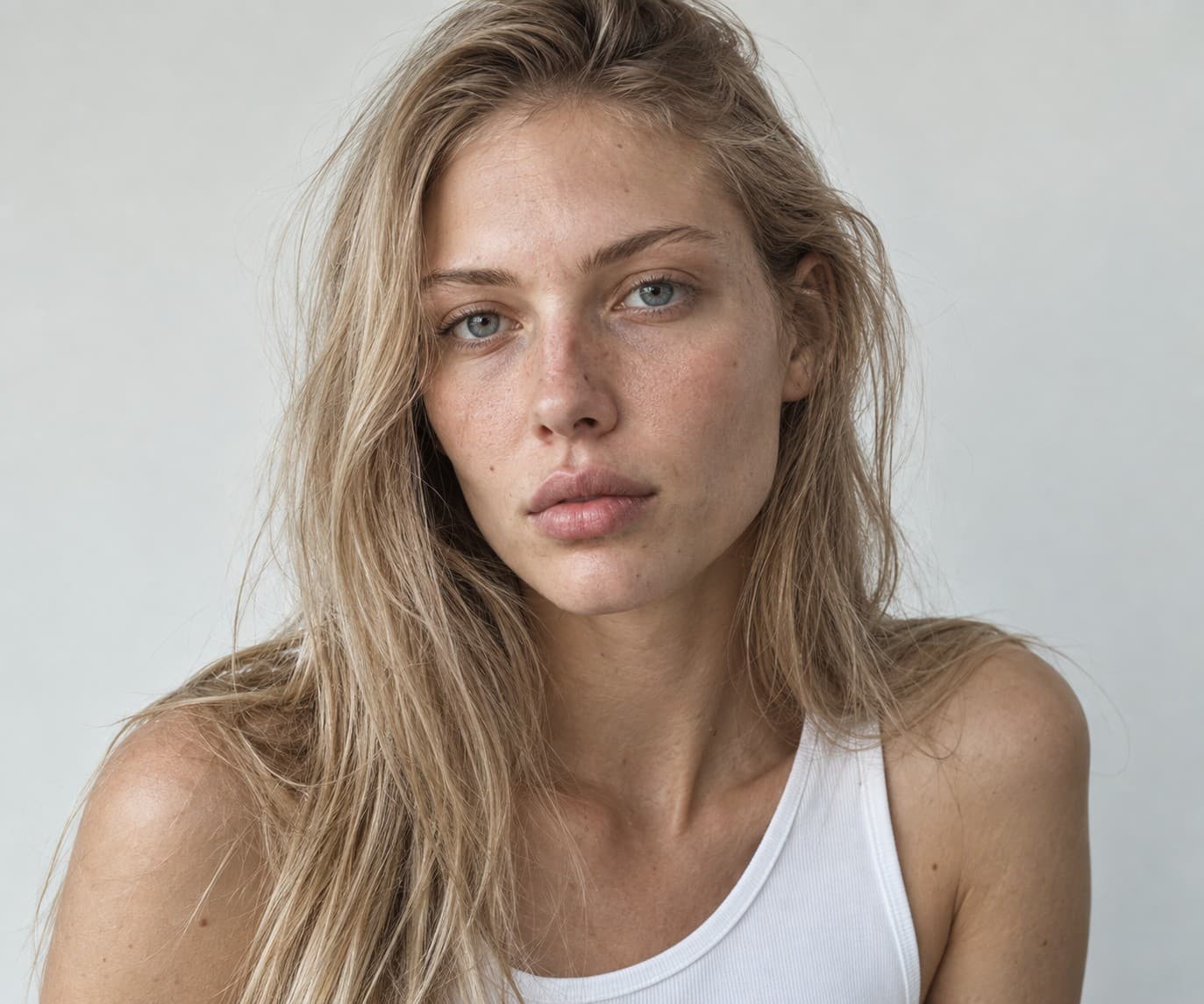
Ella
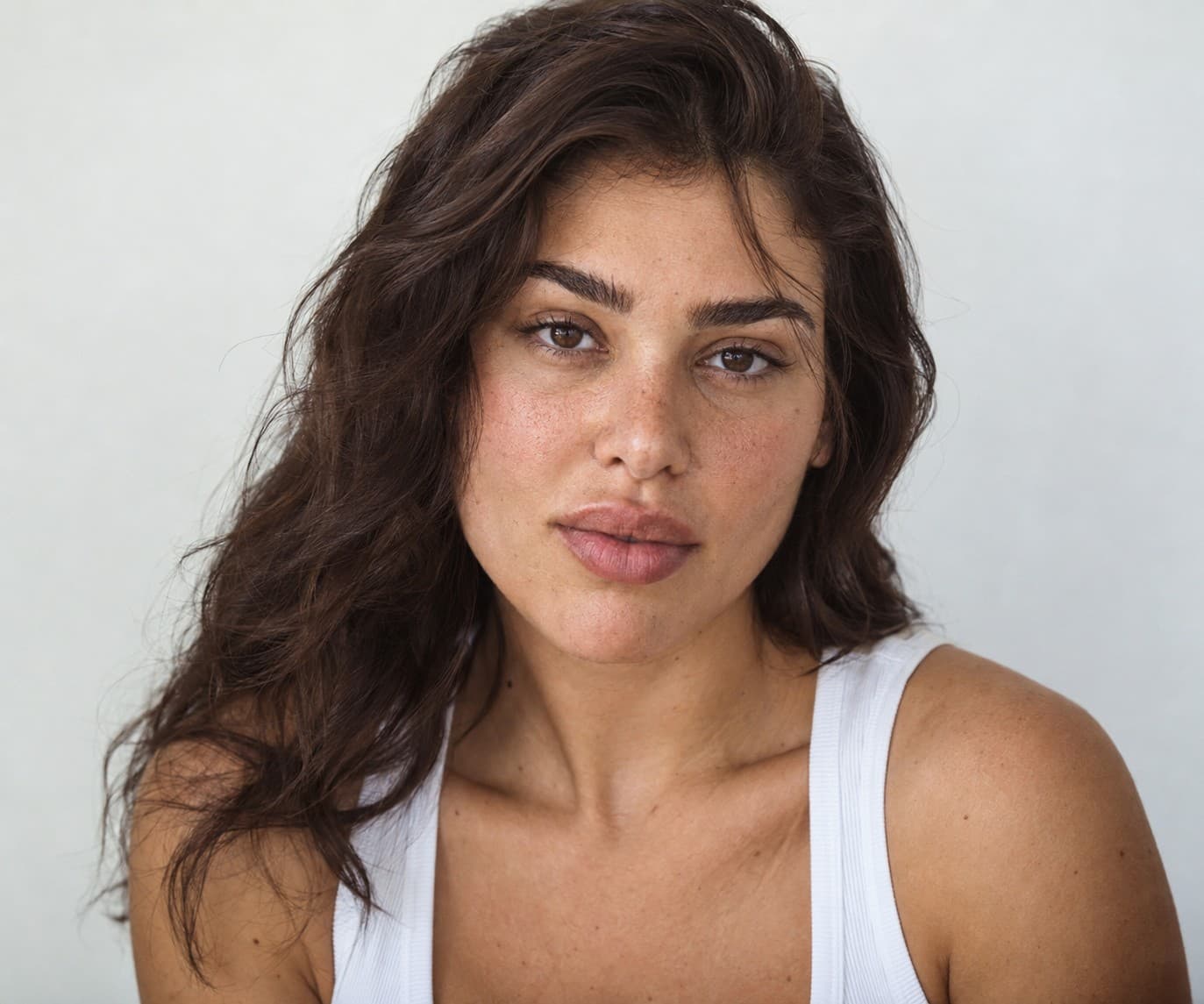
Agam
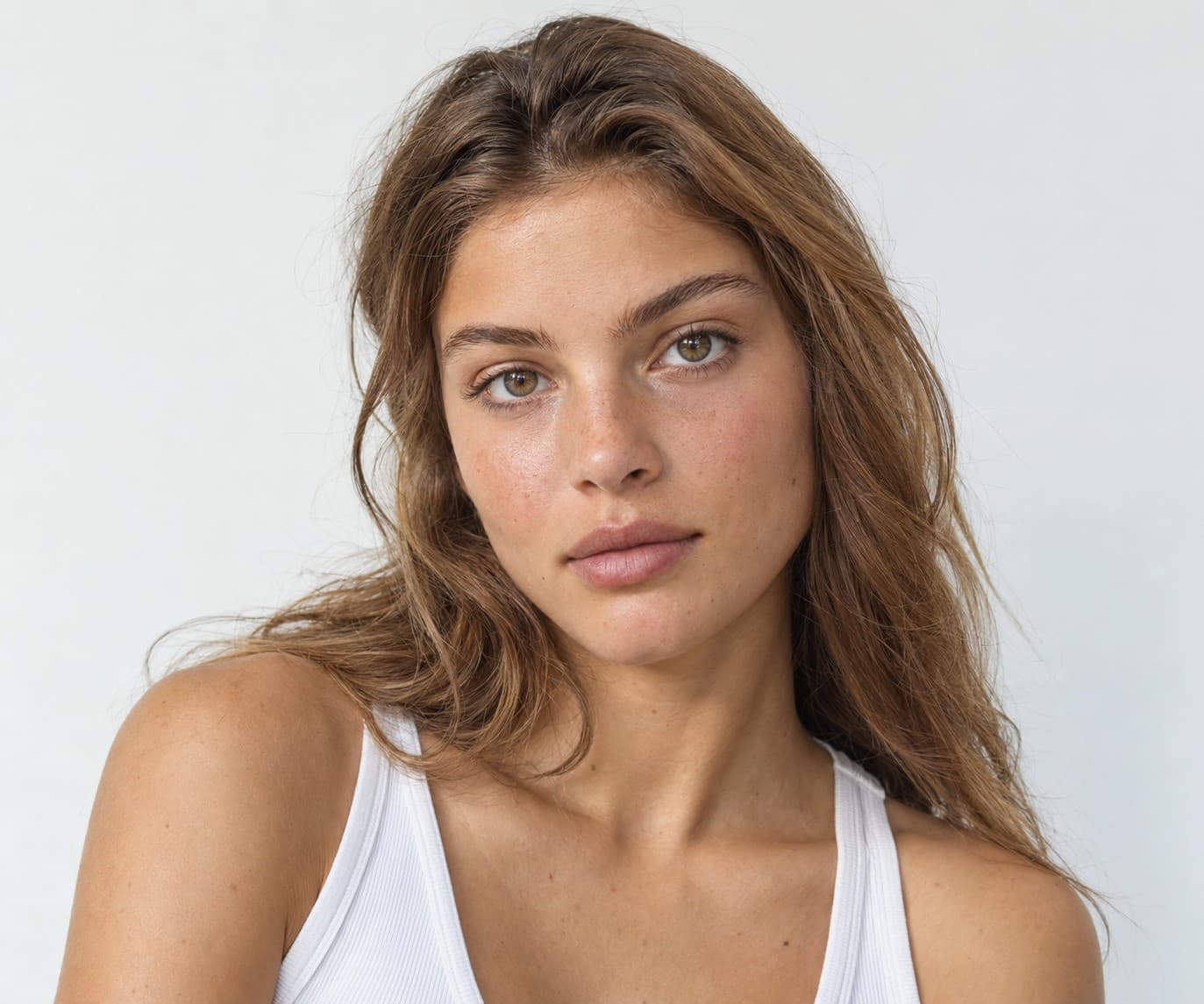
Shir
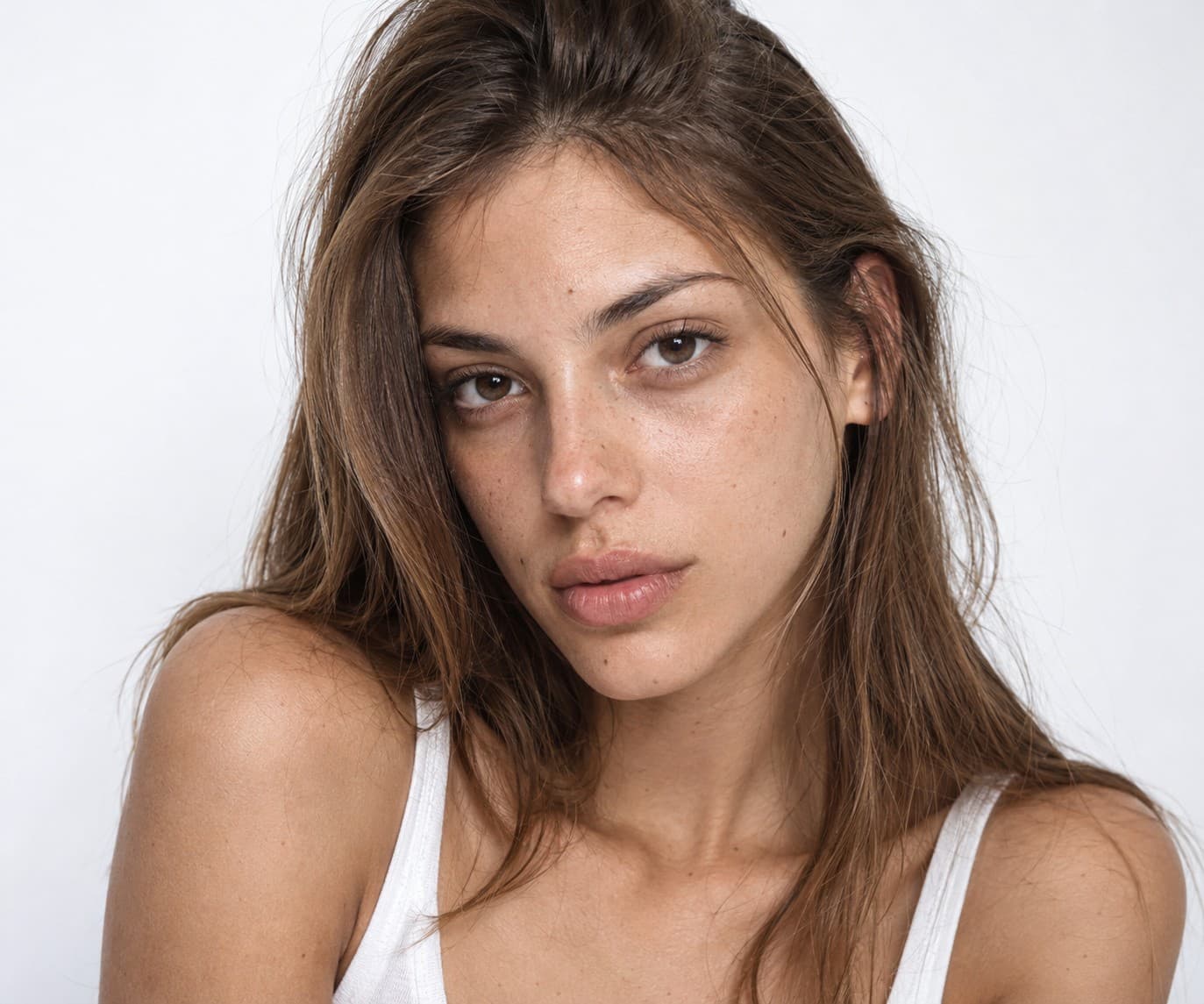
Nitzan
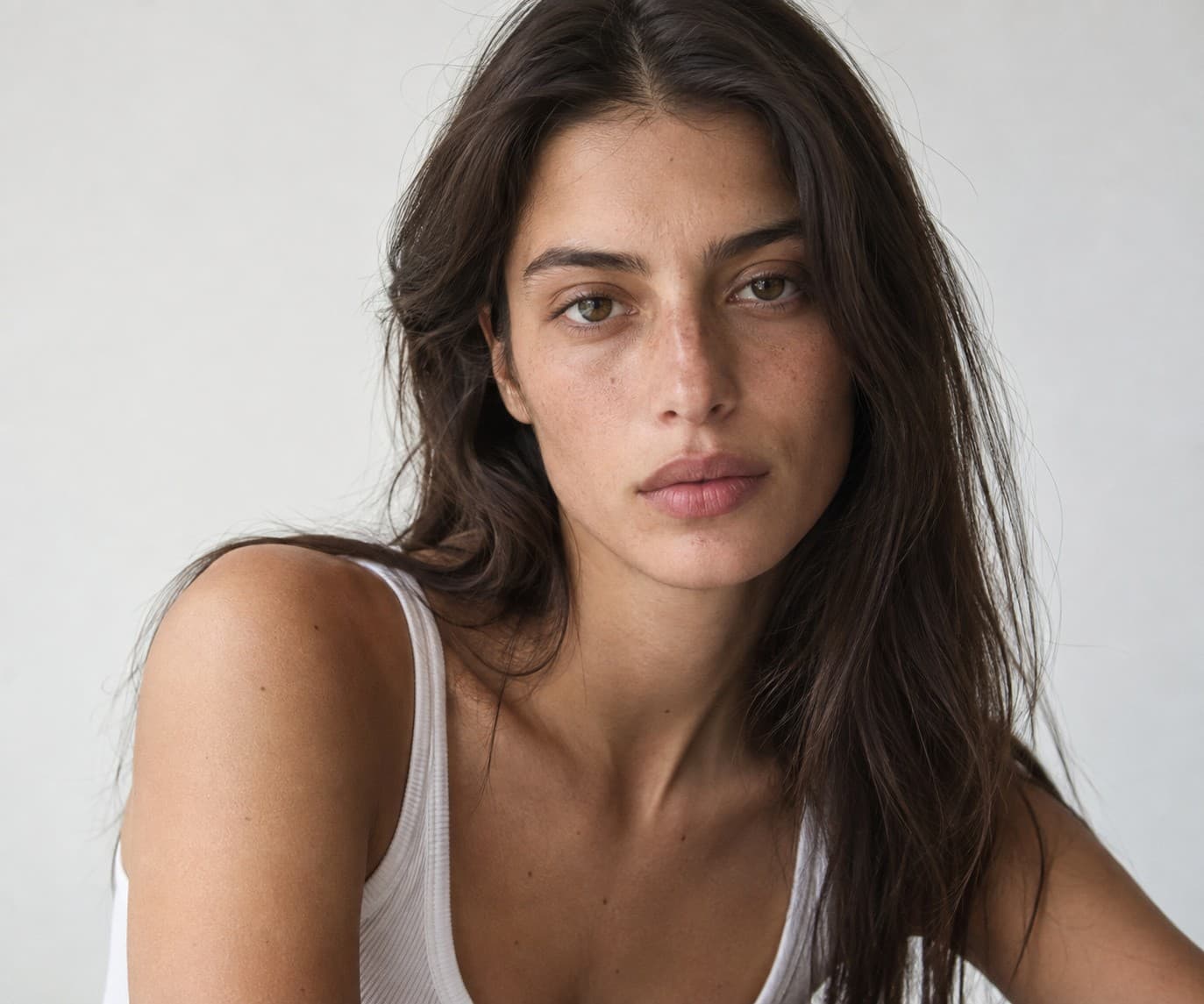
Karin
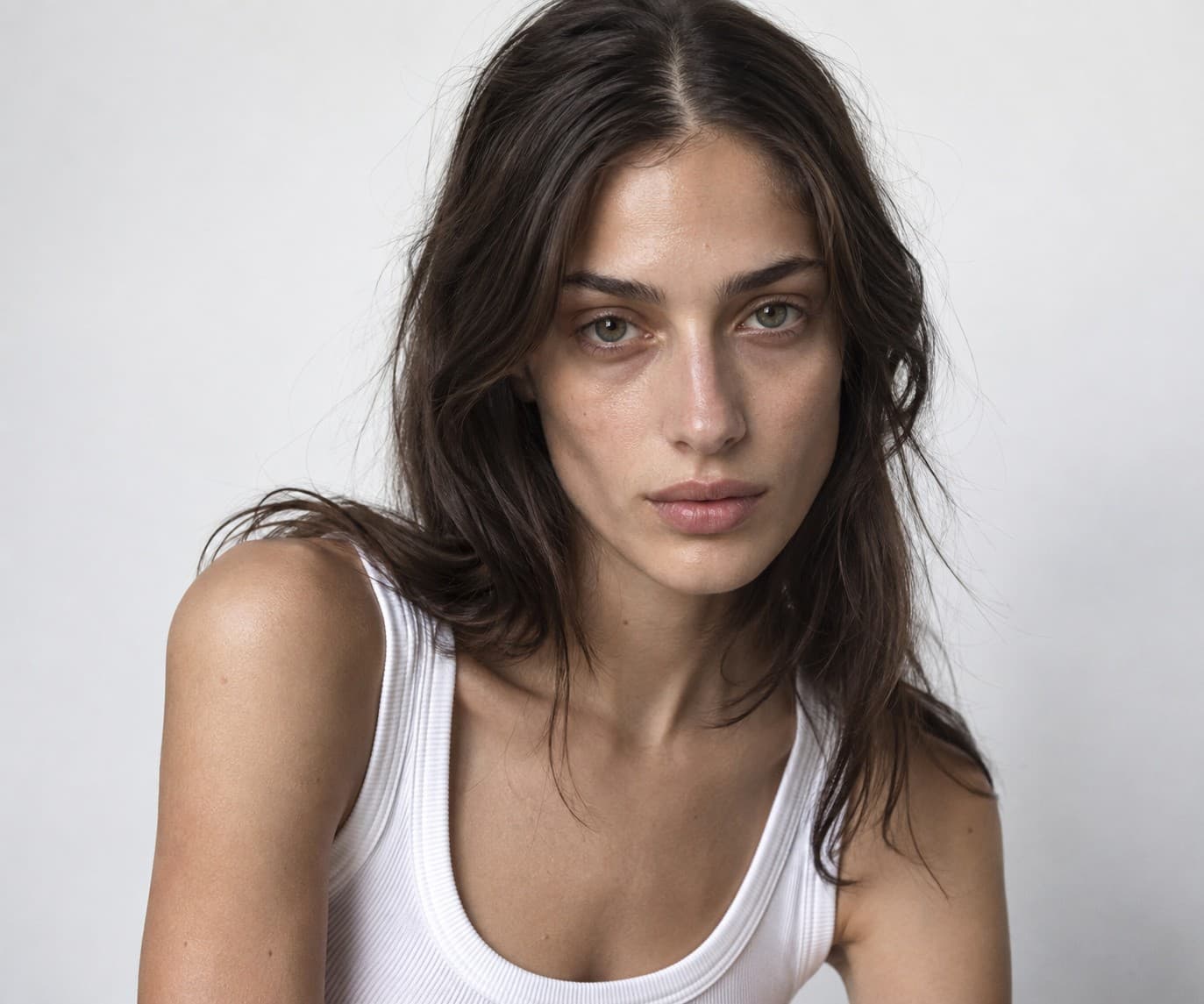
Liel
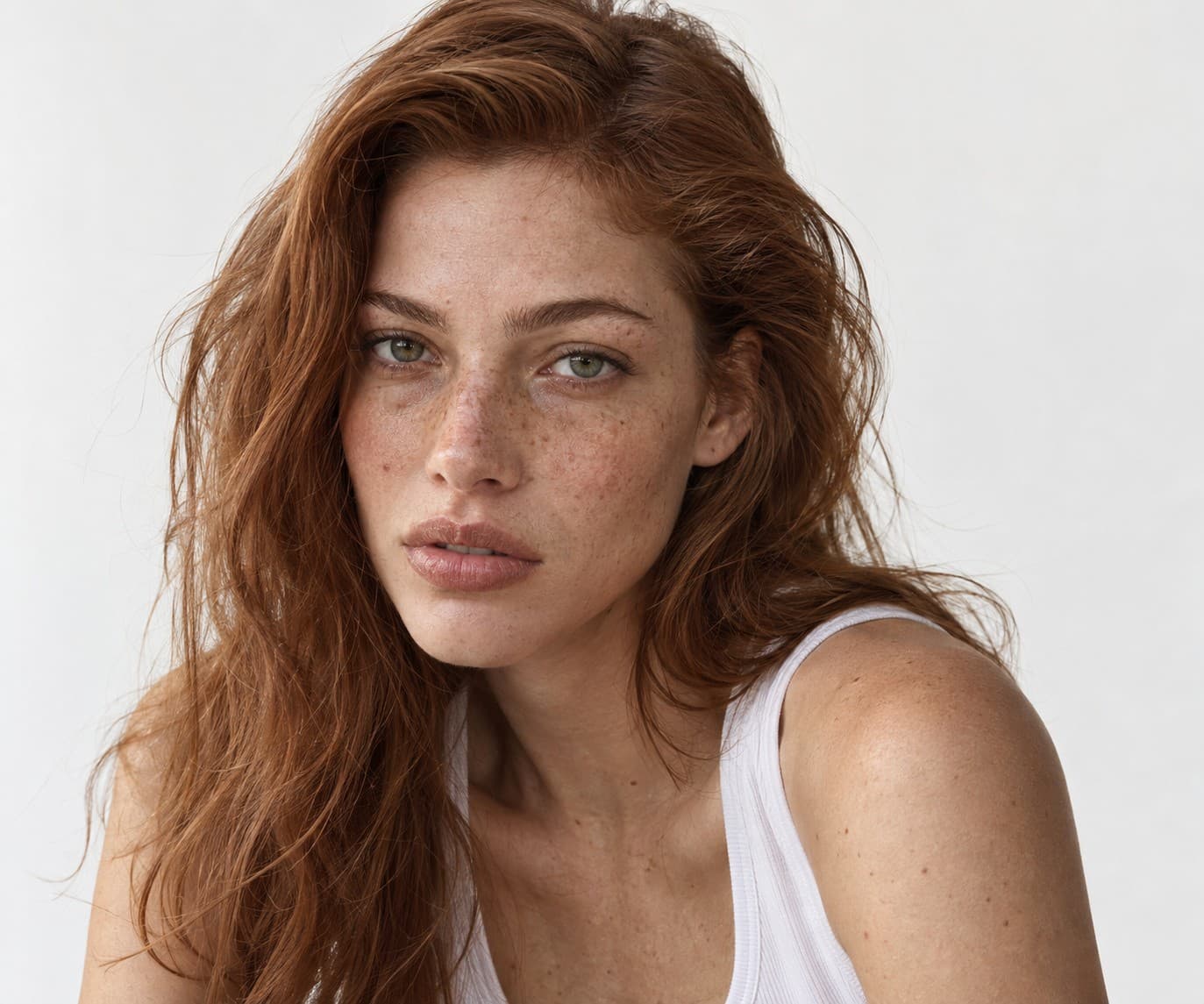
Ofek
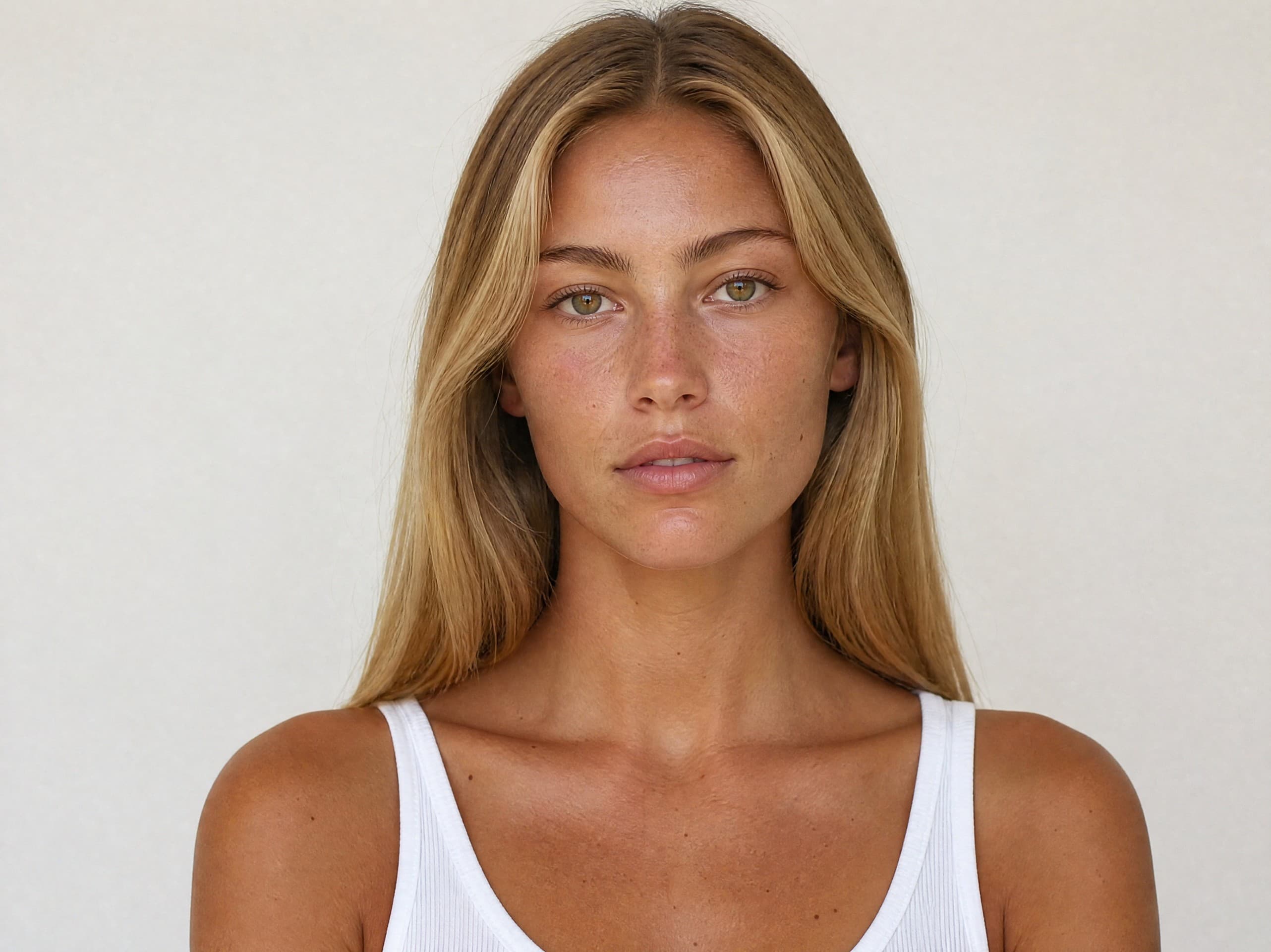
Lihi
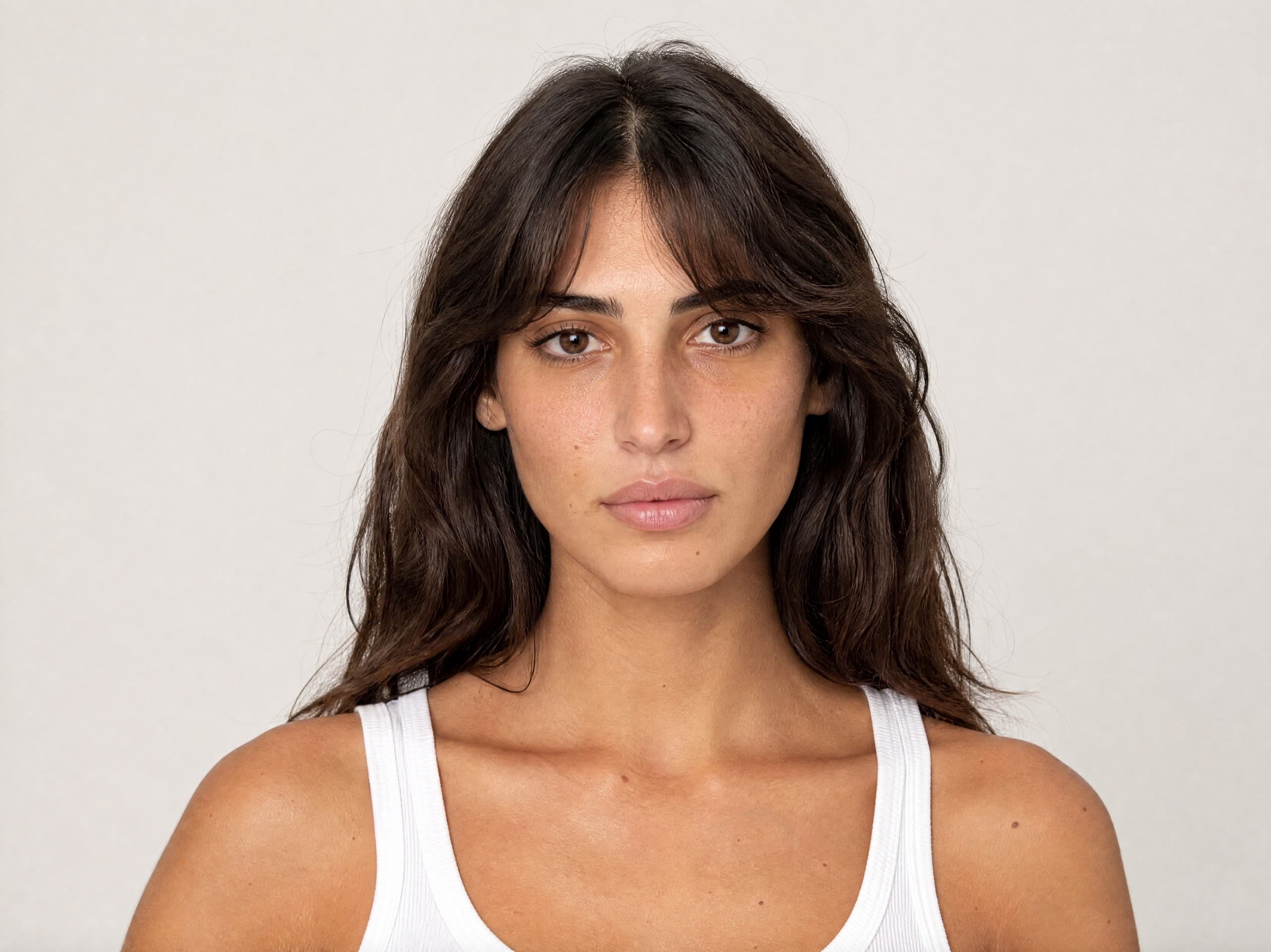
Eden
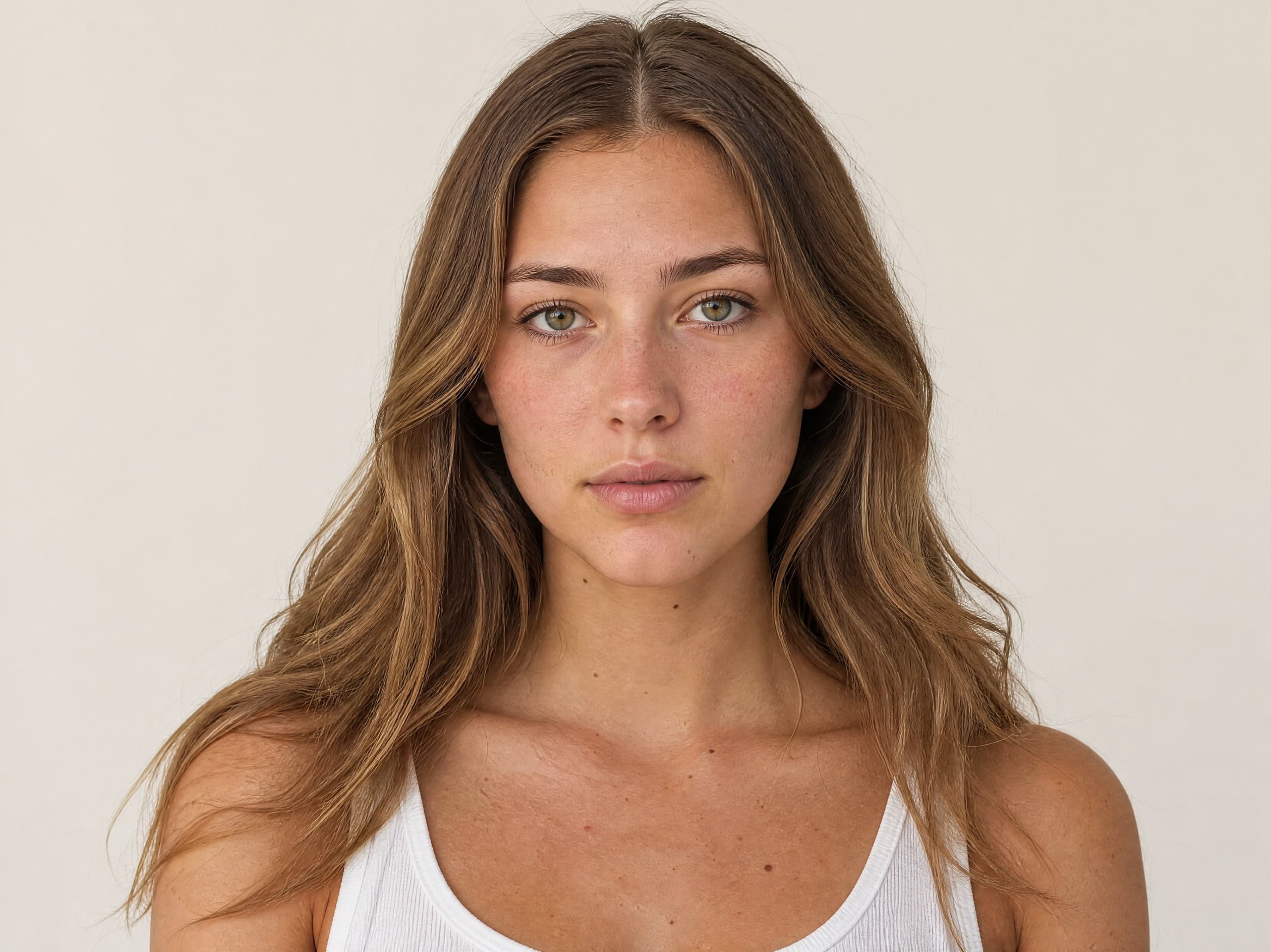
Roni
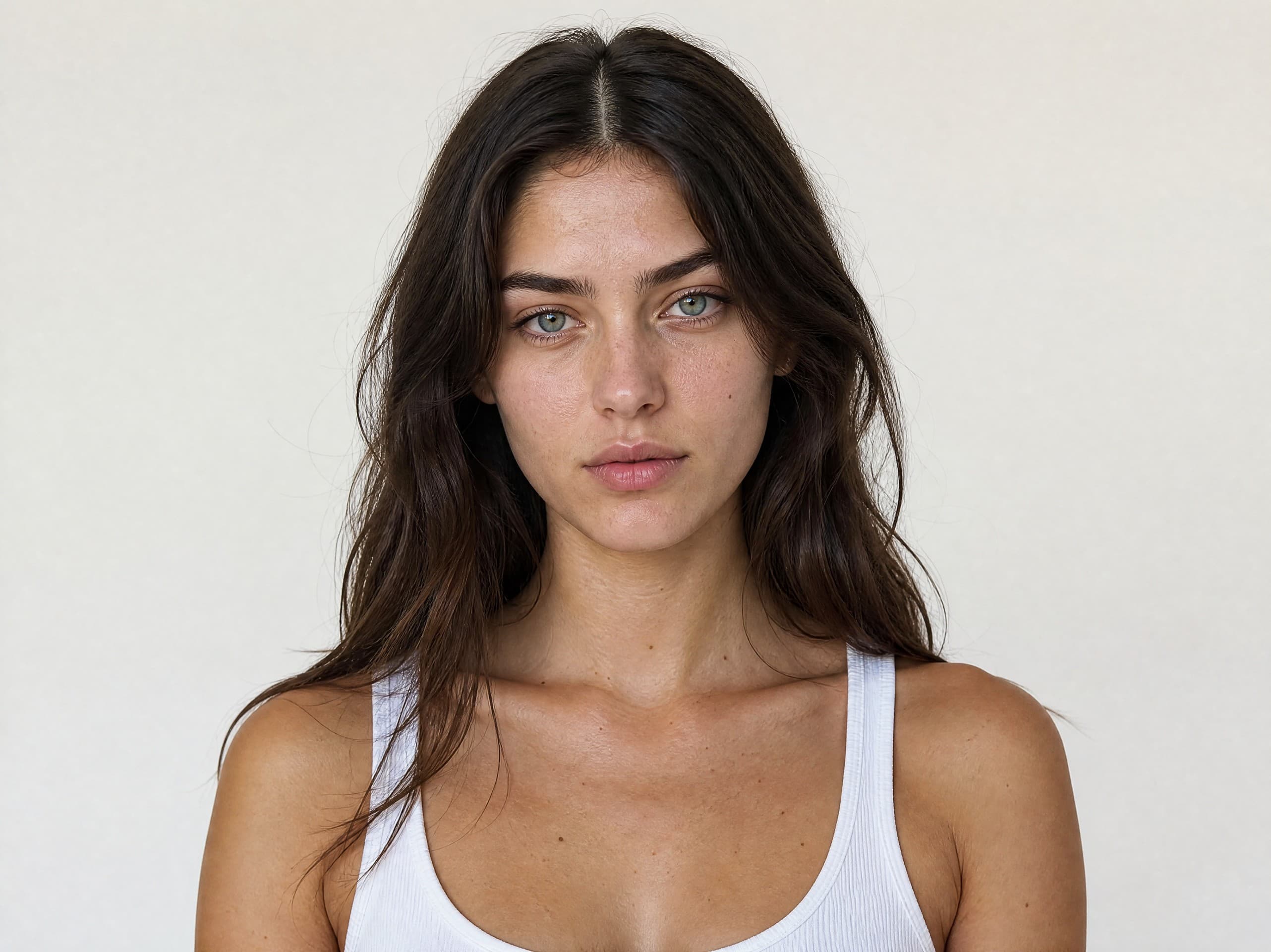
Neta
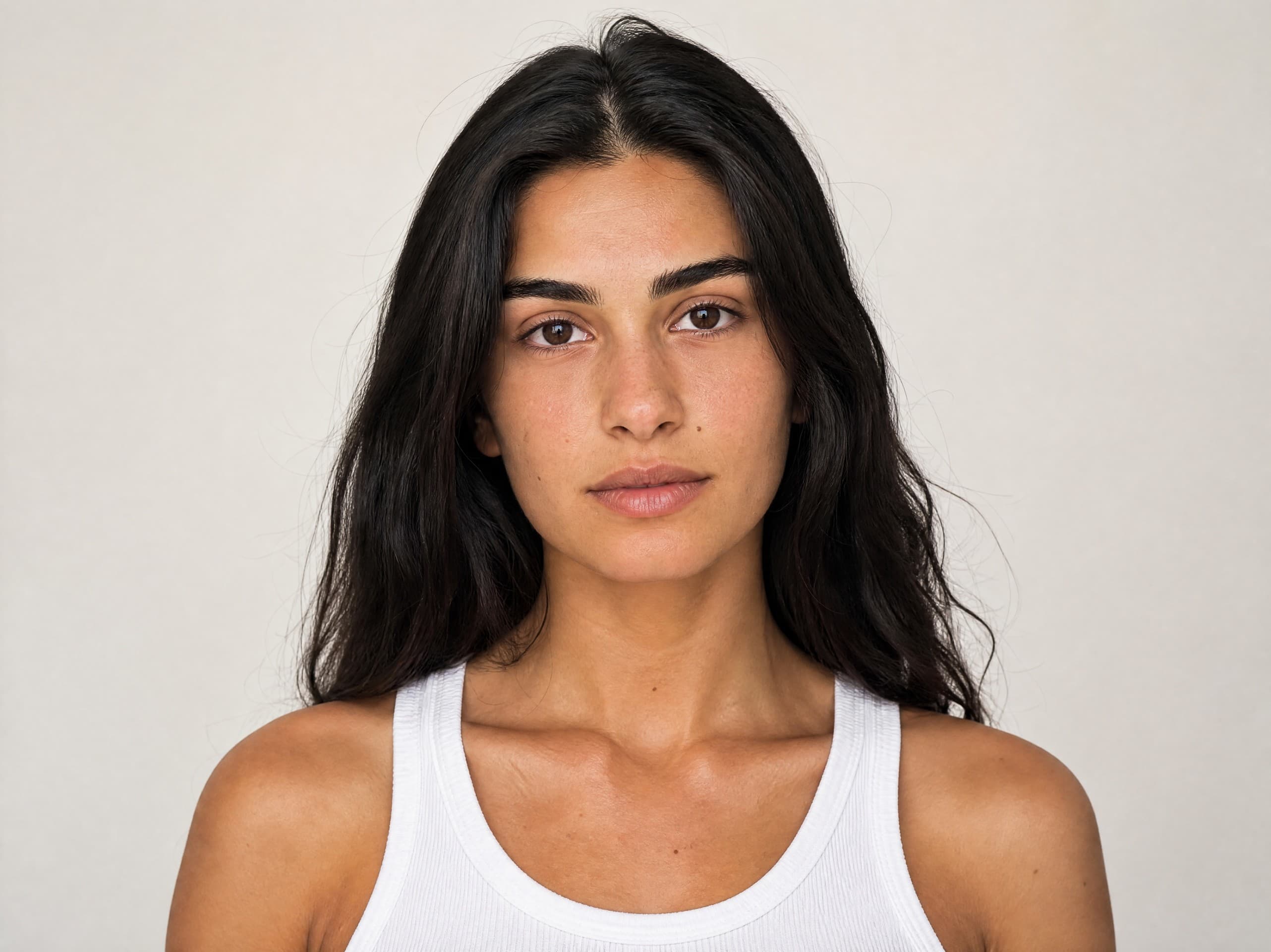
Alma
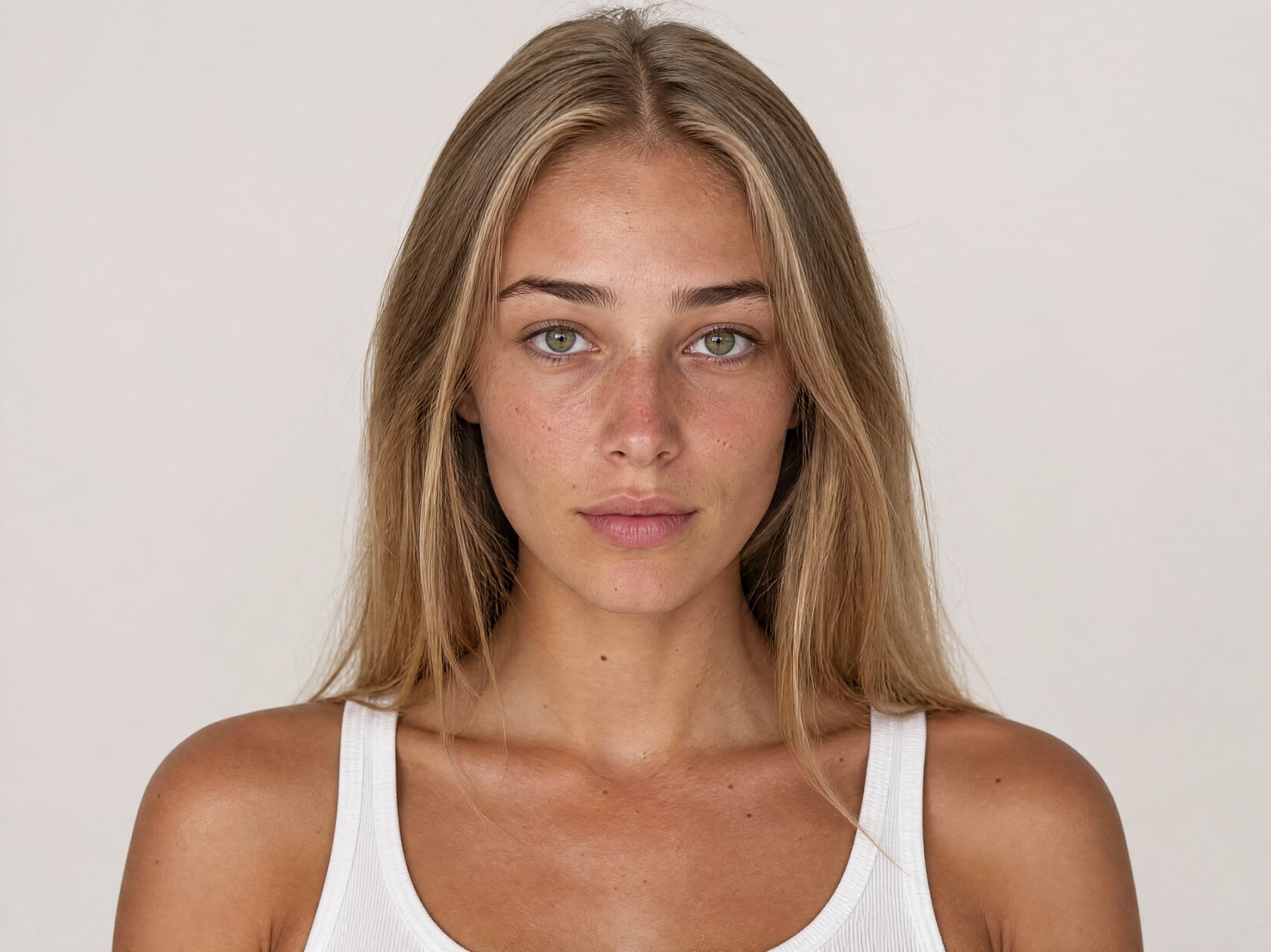
Shira
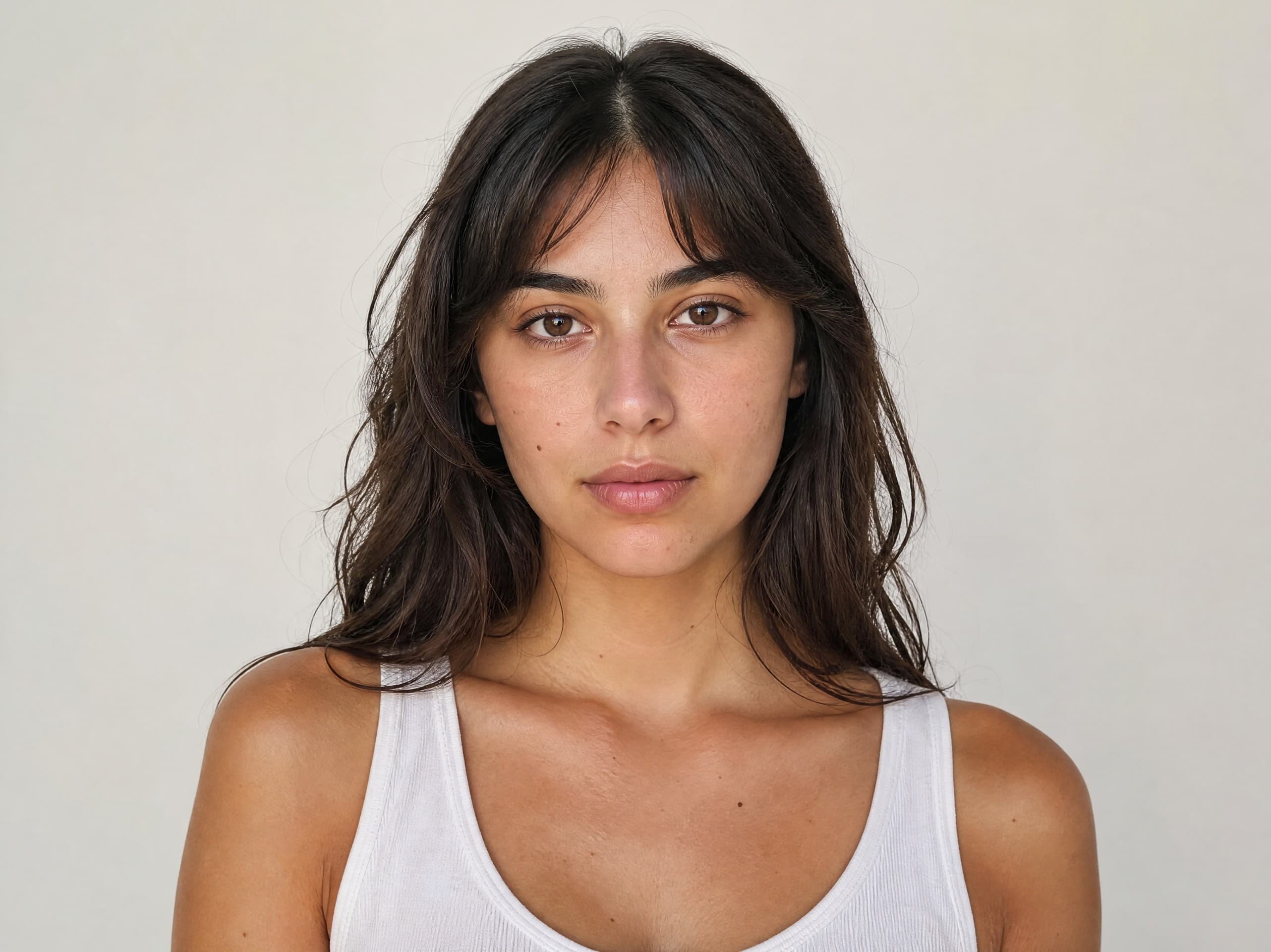
Tamar
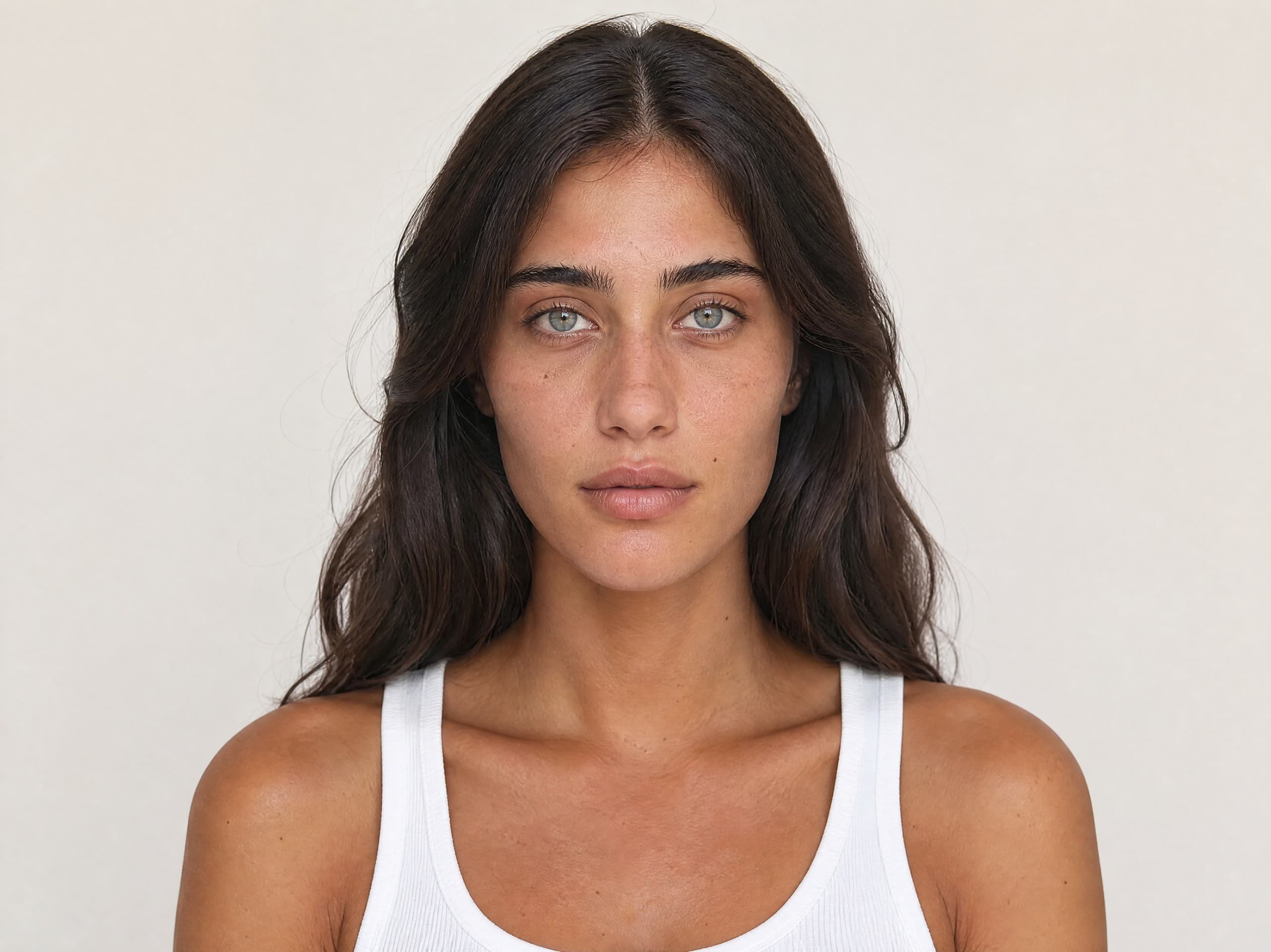
Noa
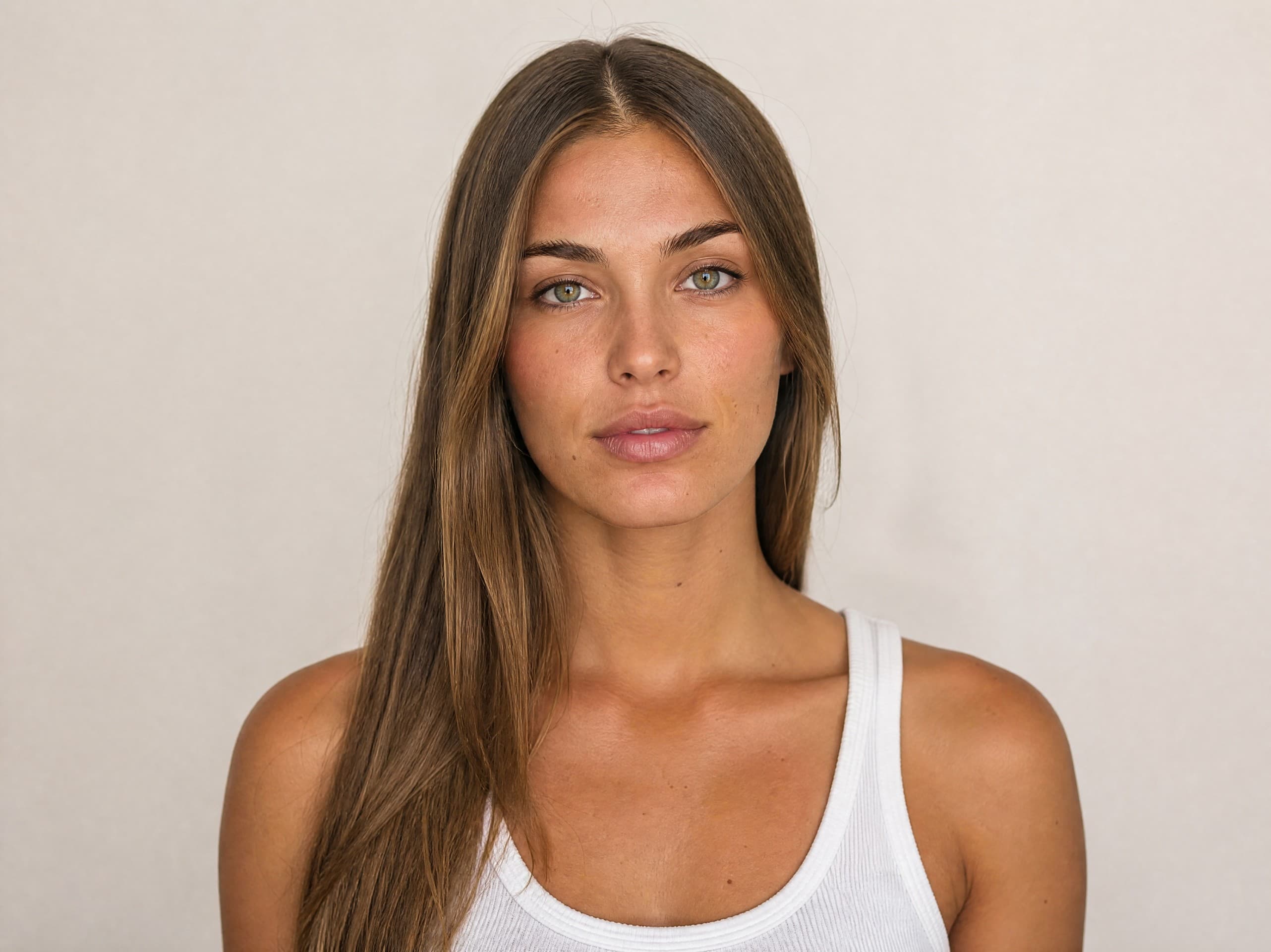
Maya
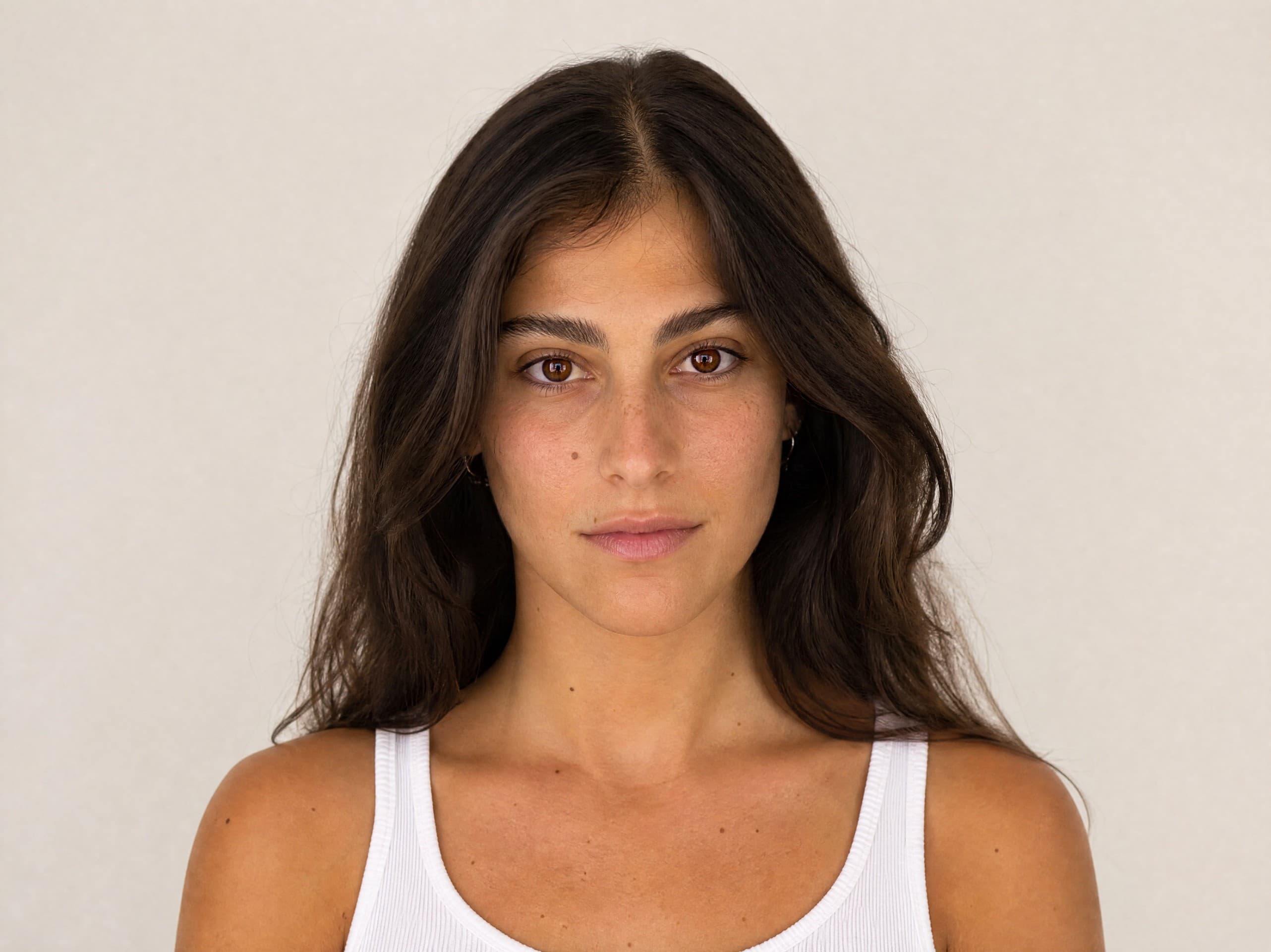
Yael
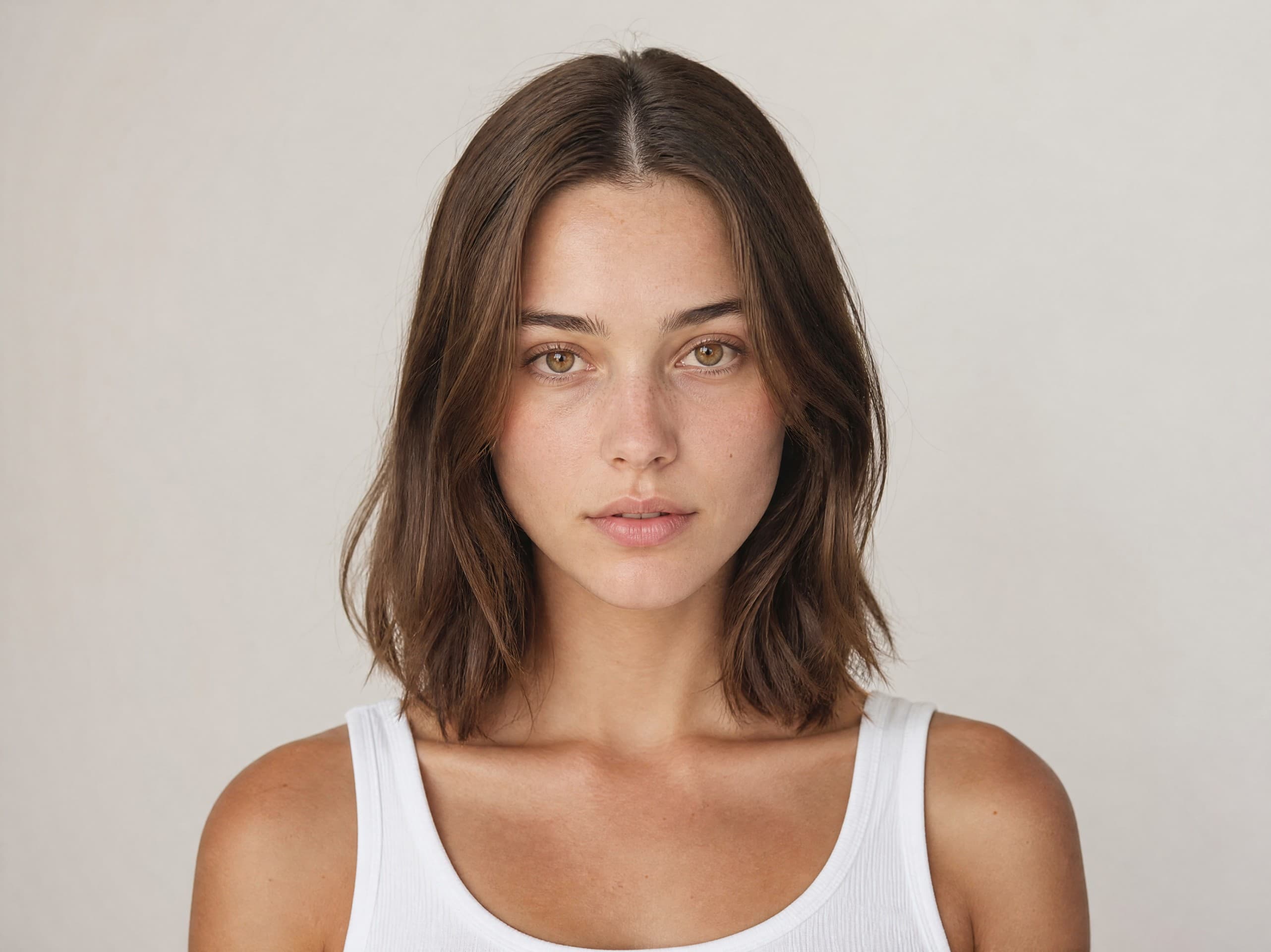
Shani
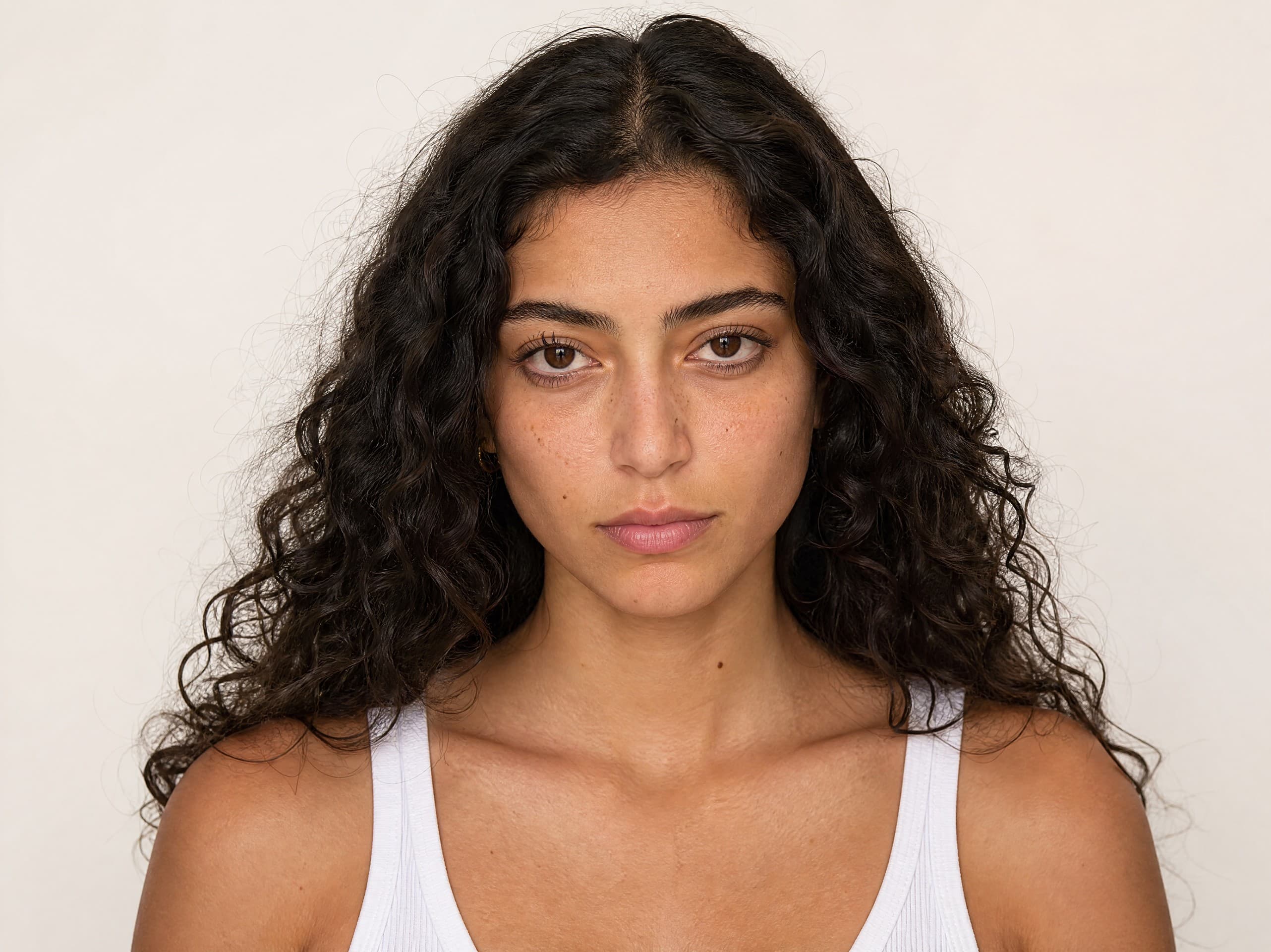
Hila
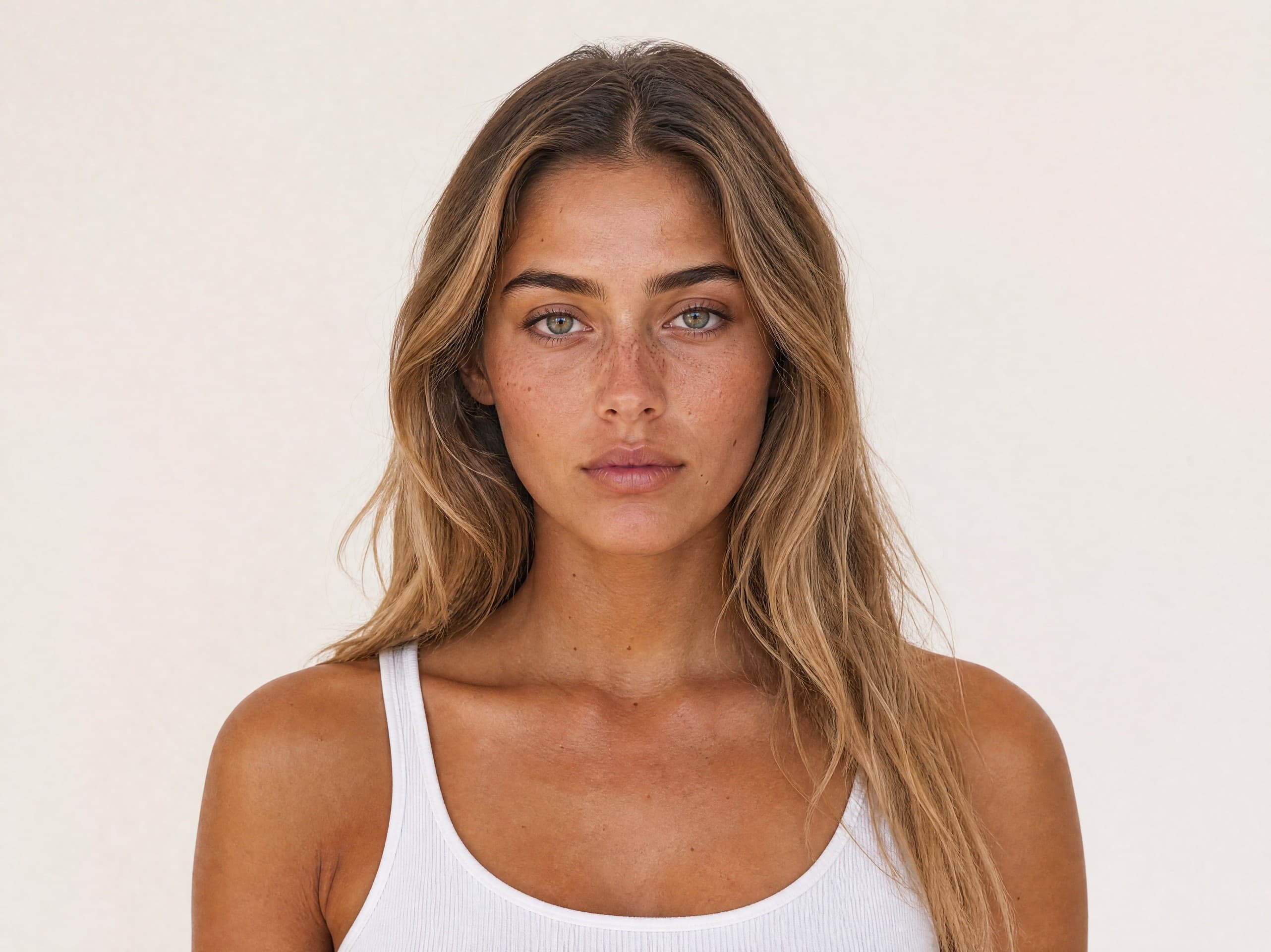
Sapir
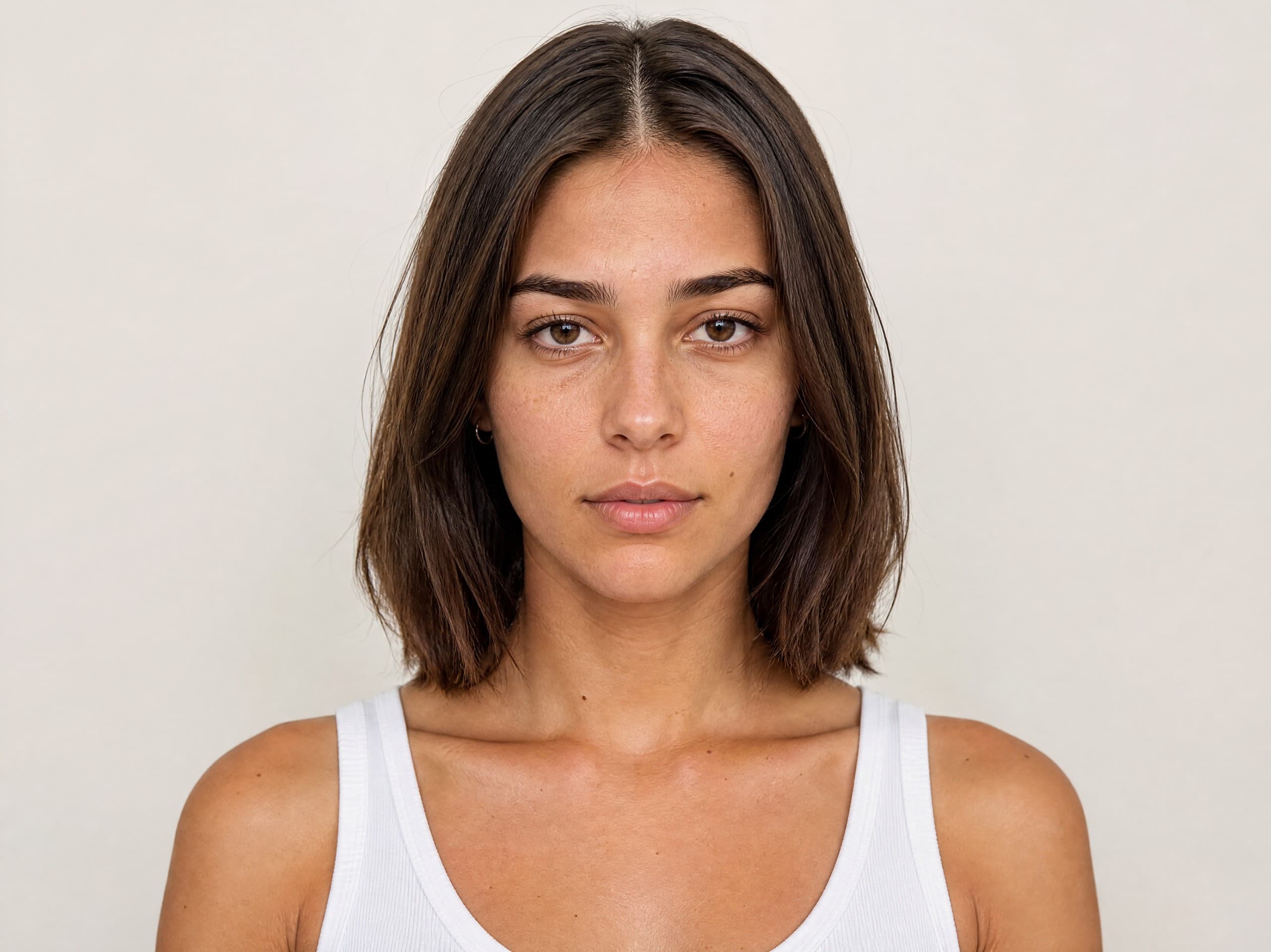
Rotem
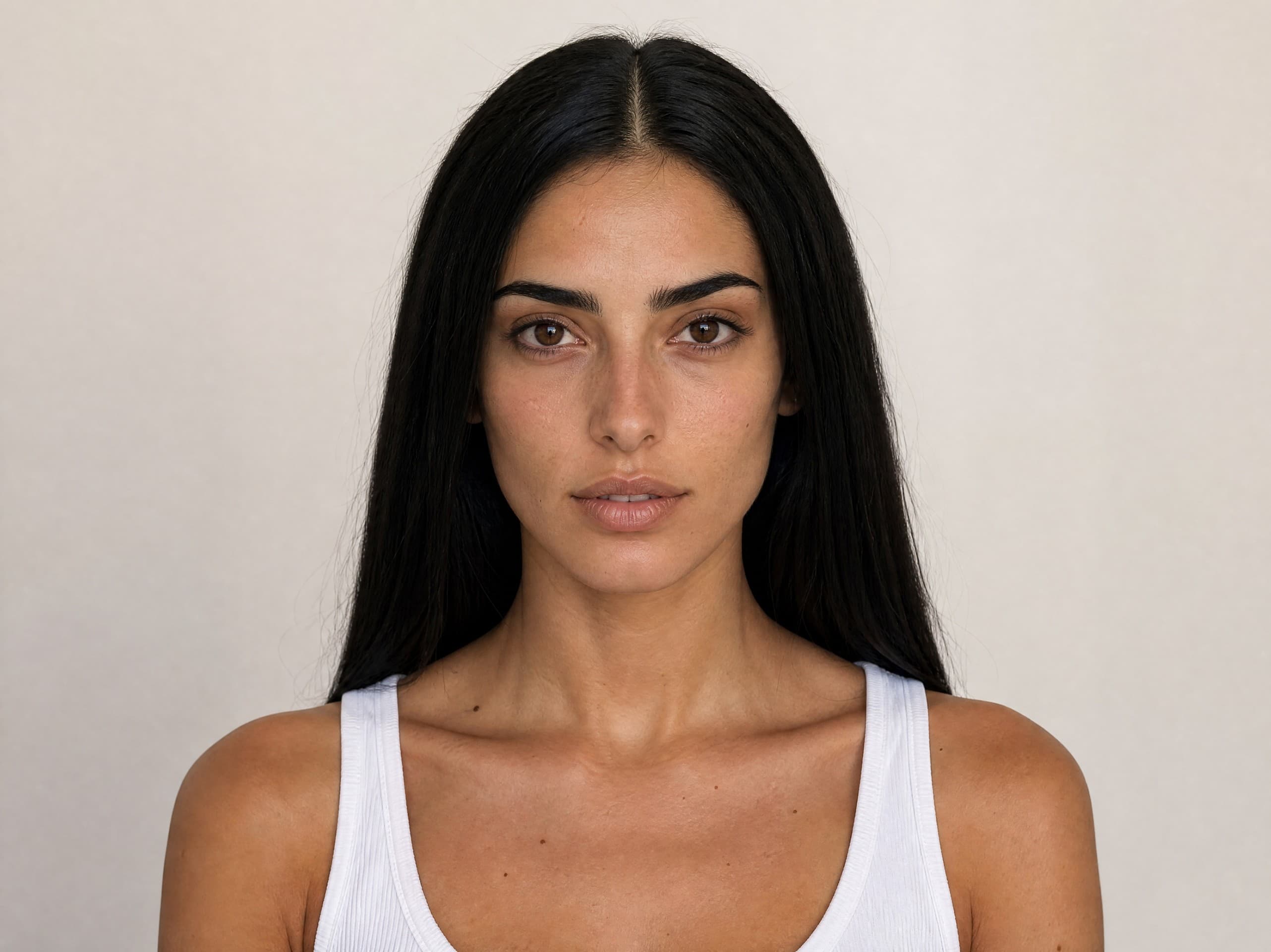
Mor
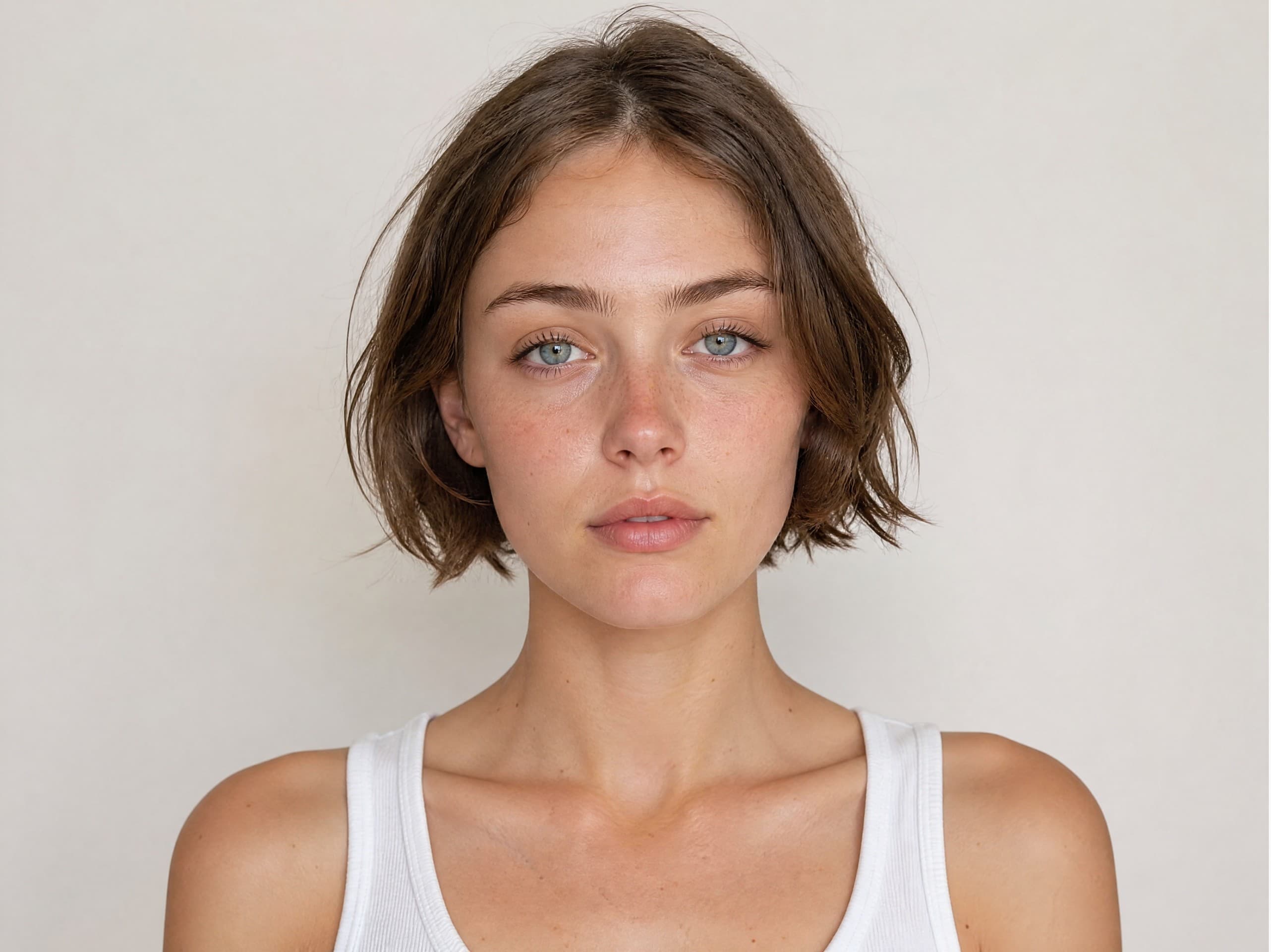
Tal
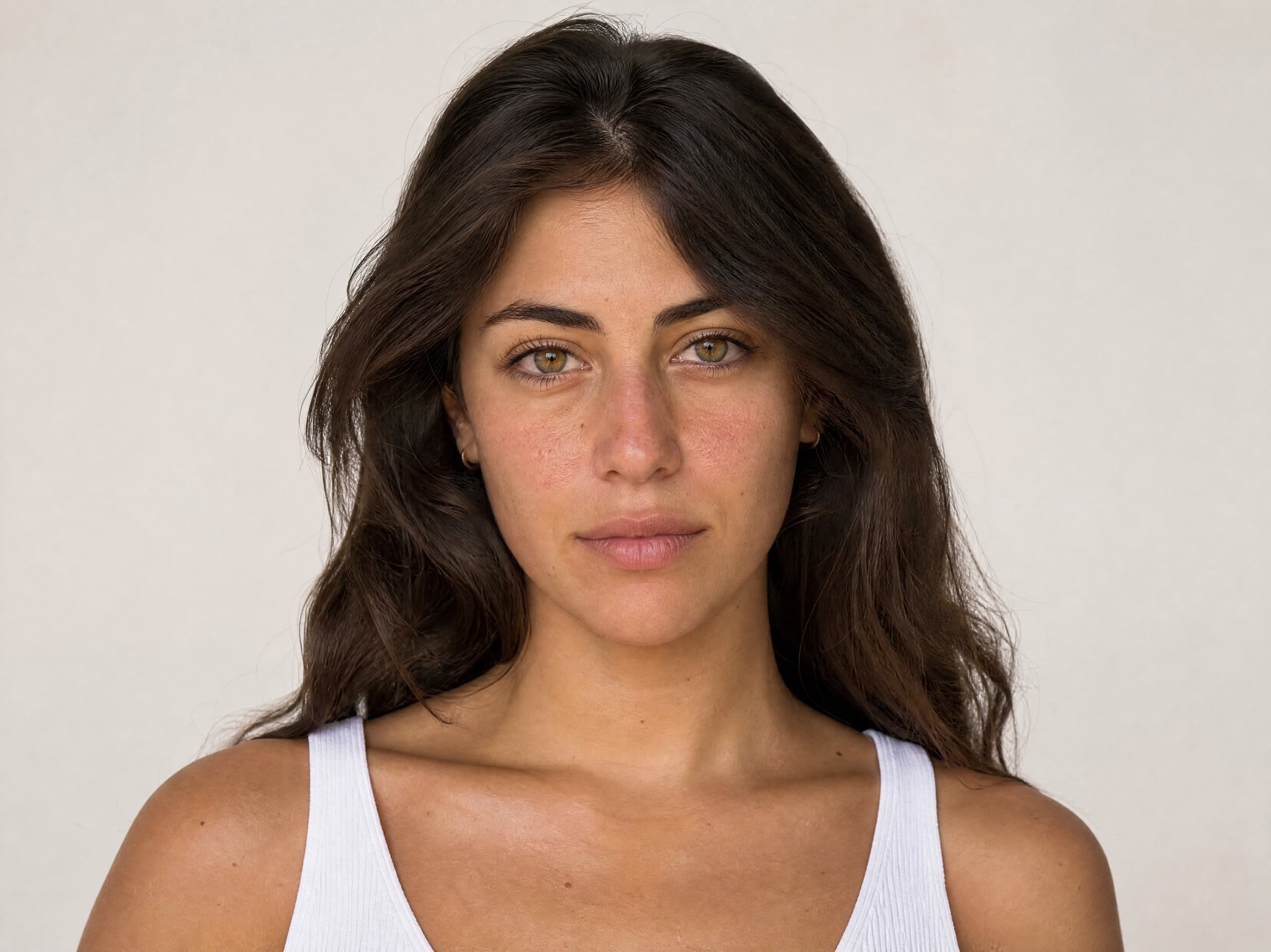
Dana
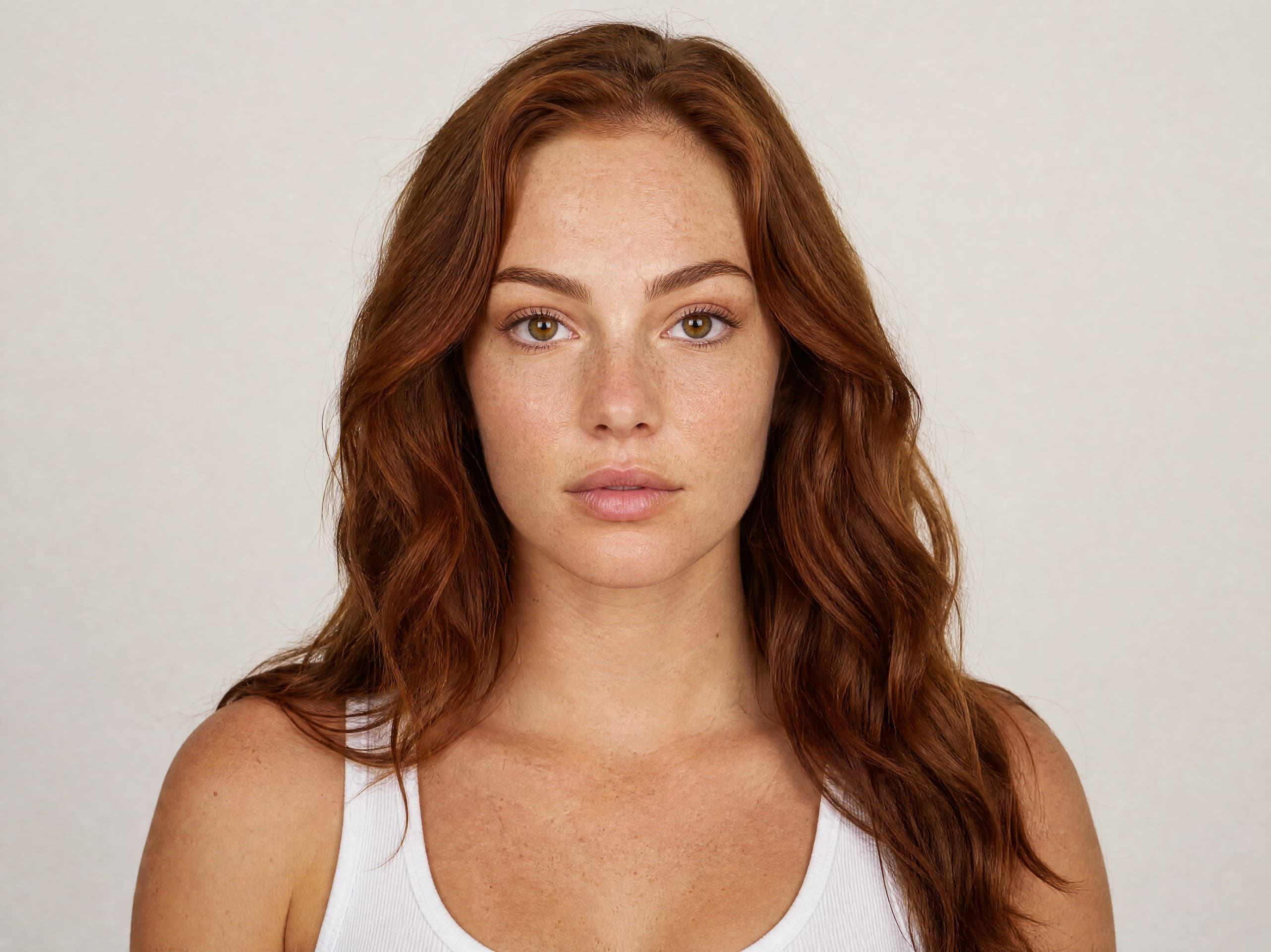
Karen
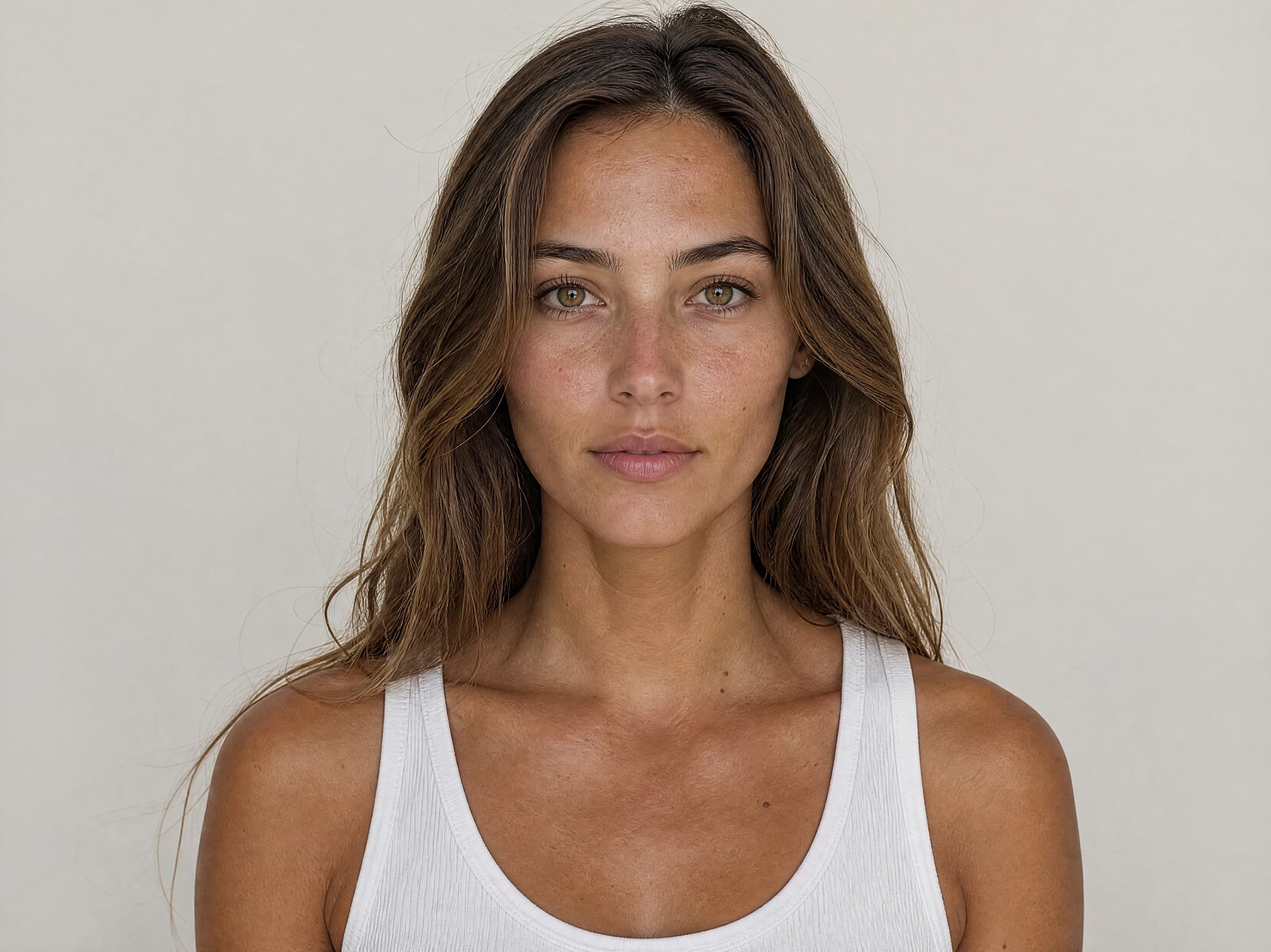
Shaked
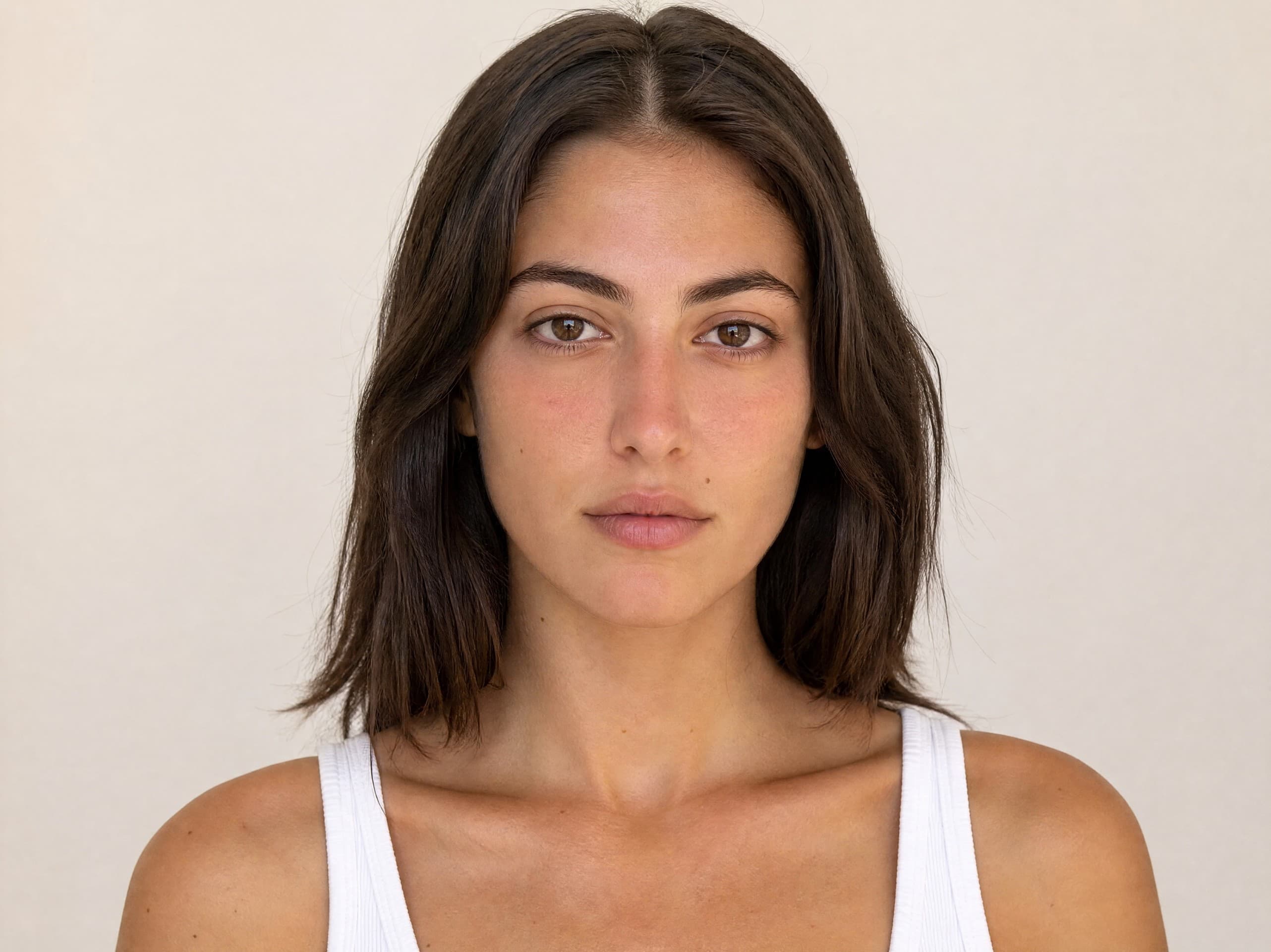
Adi
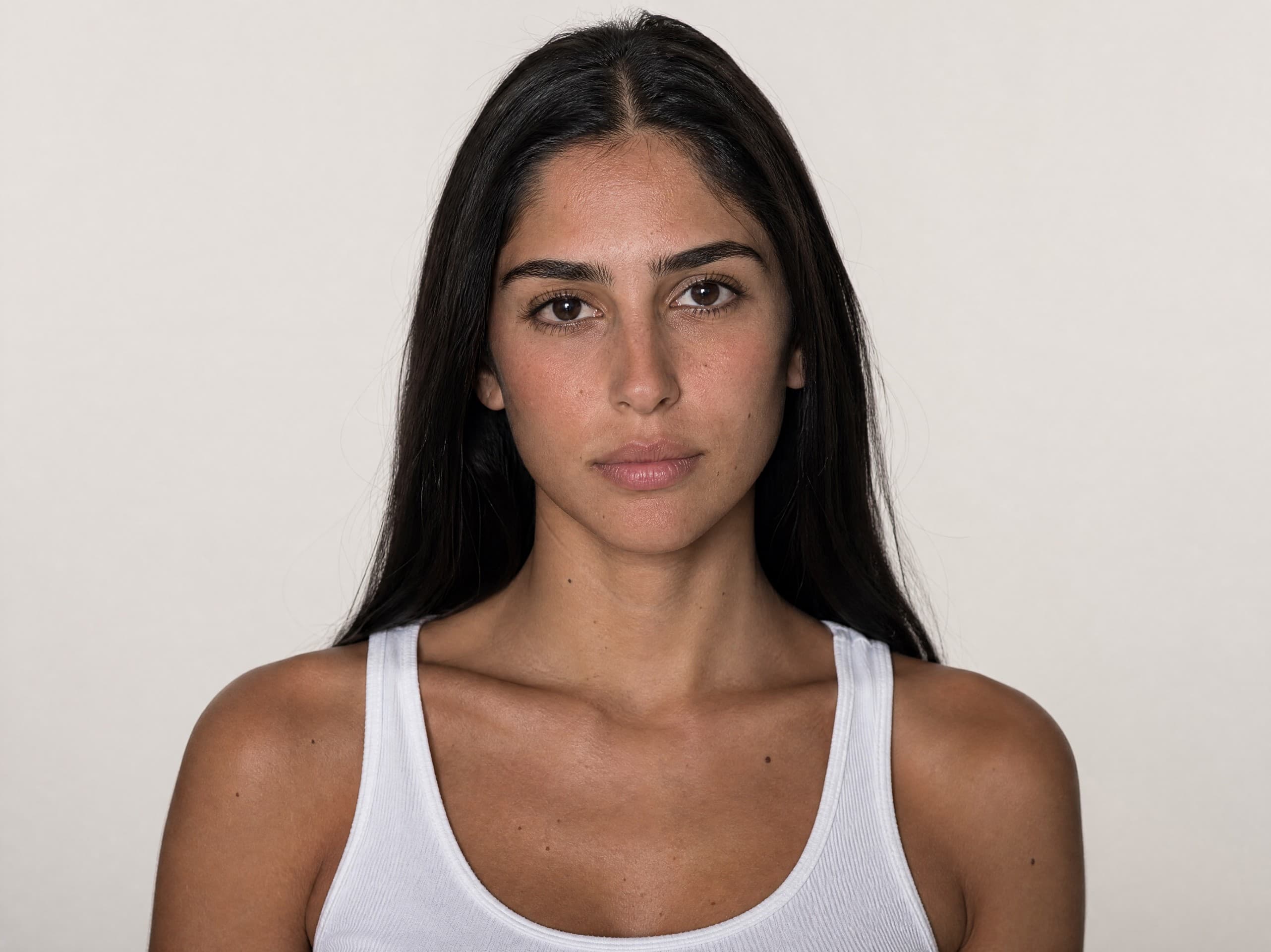
Linoy
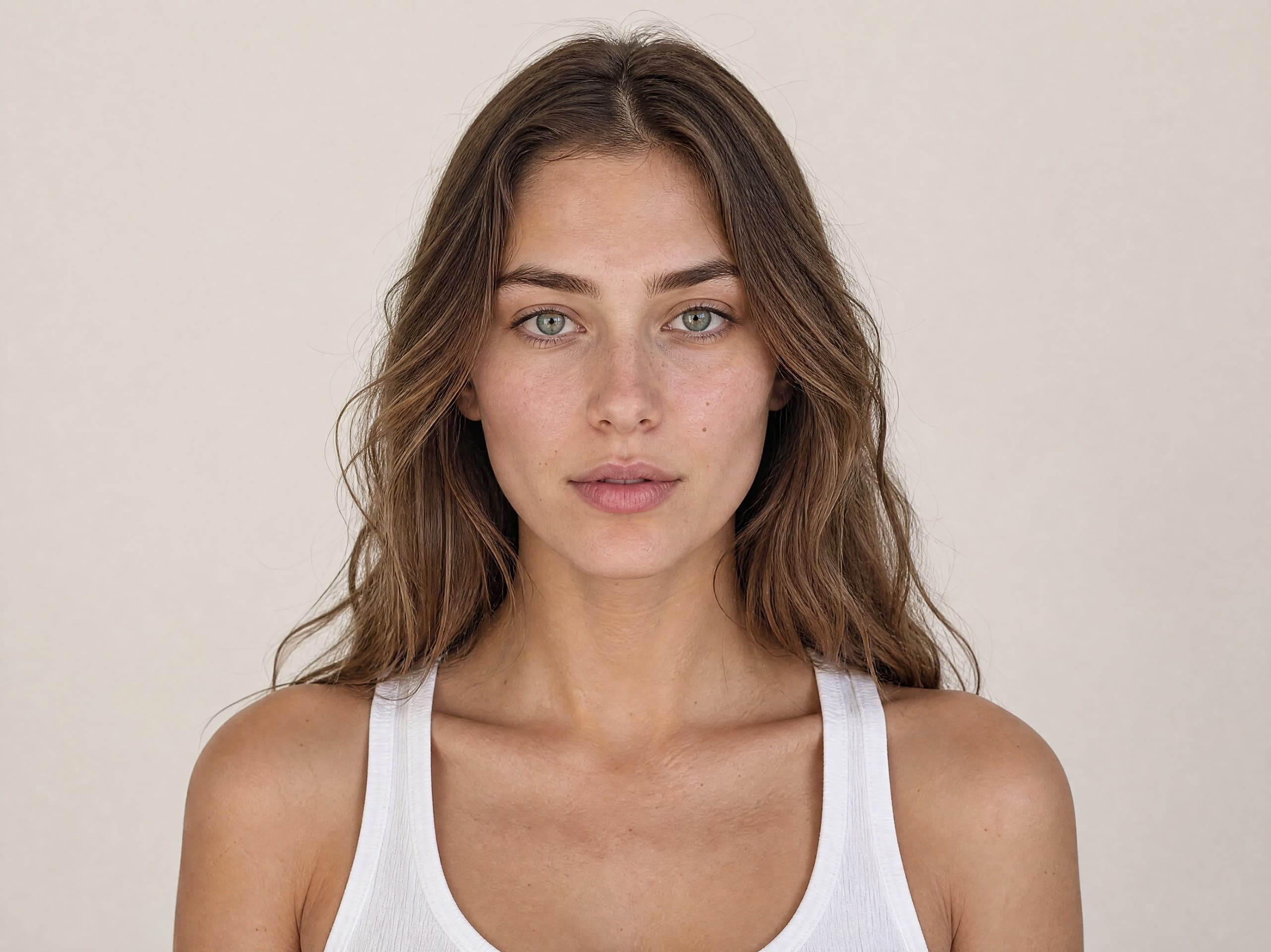
Stav
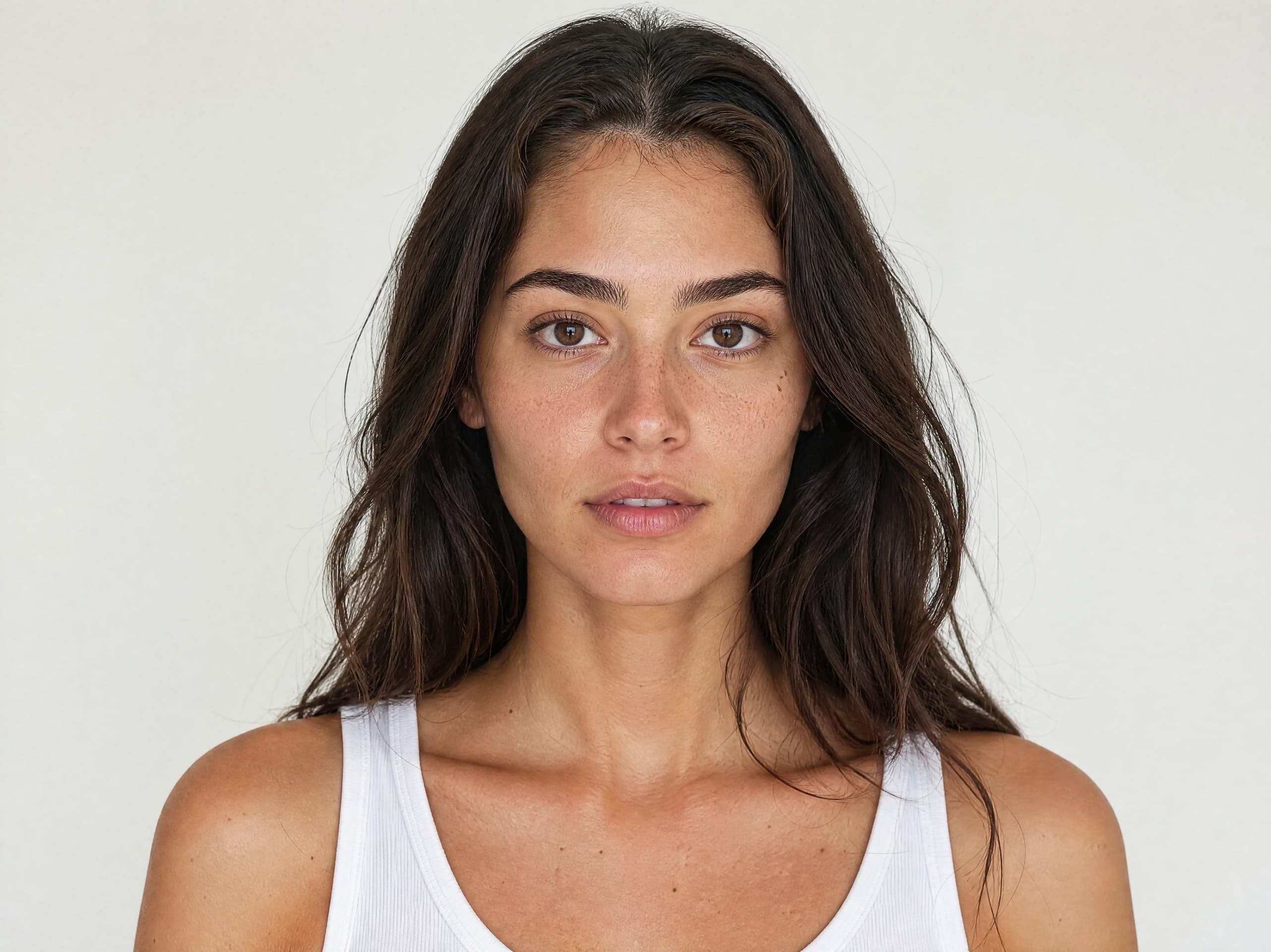
Romi
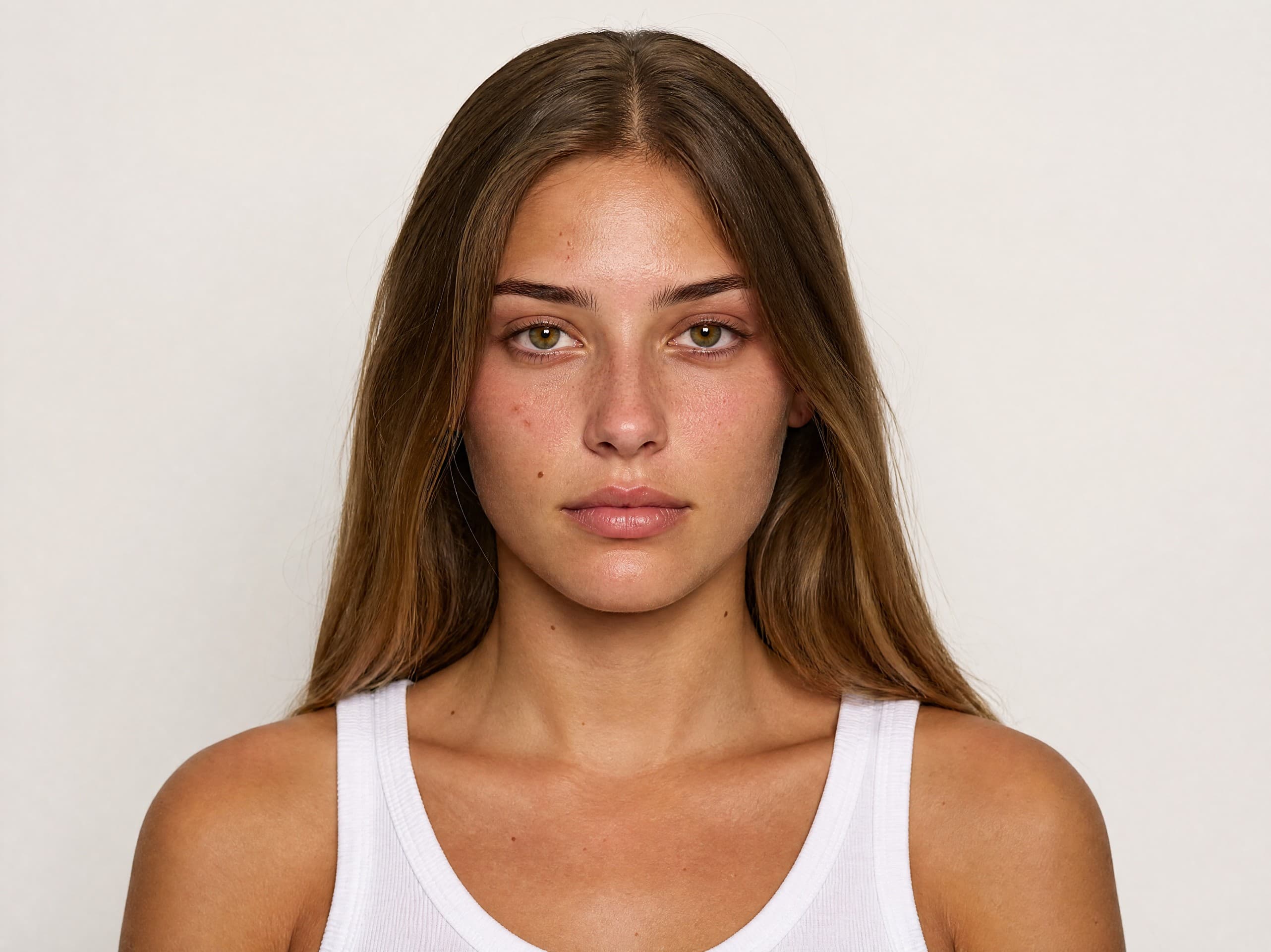
Noy
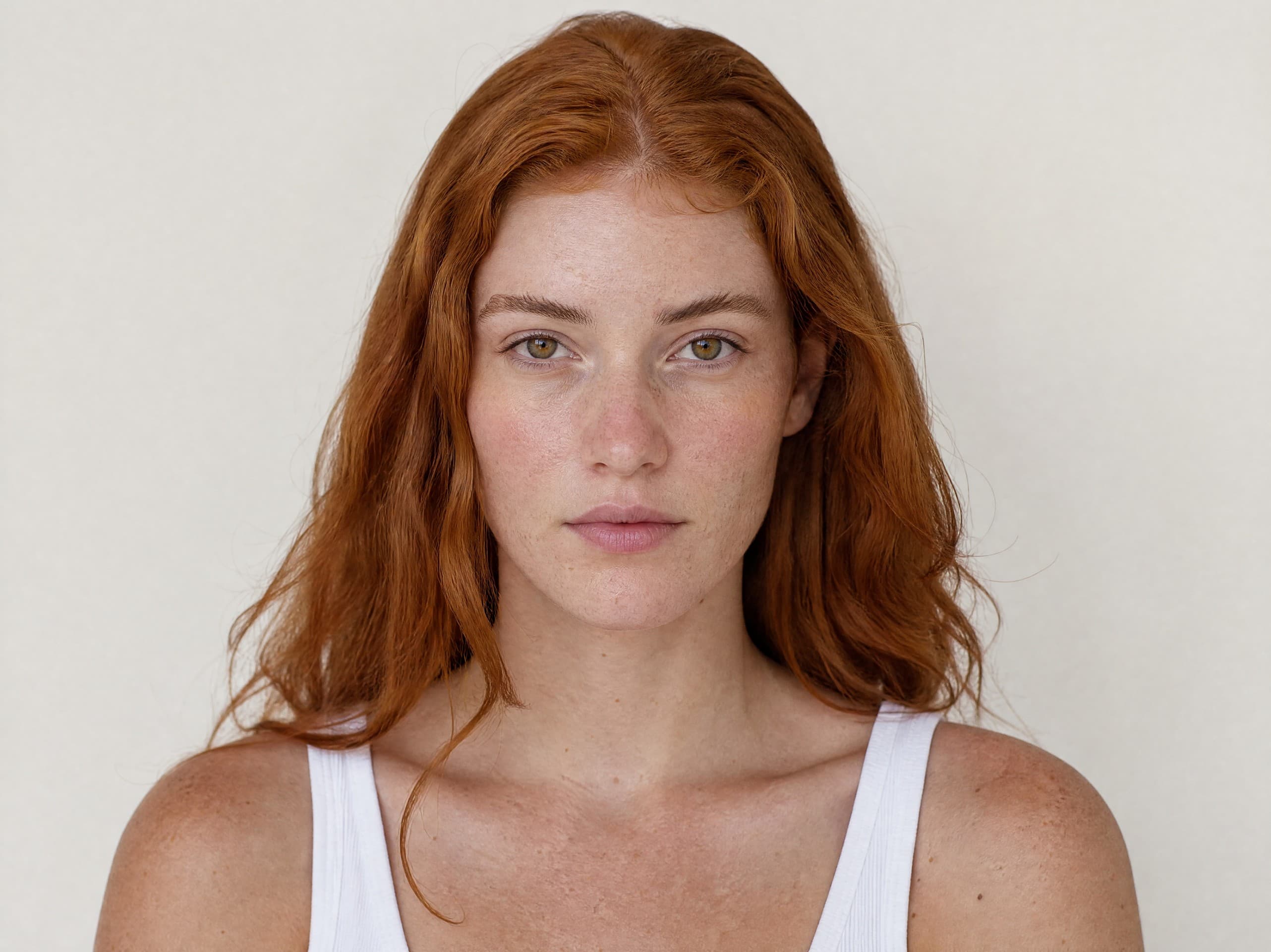
Or
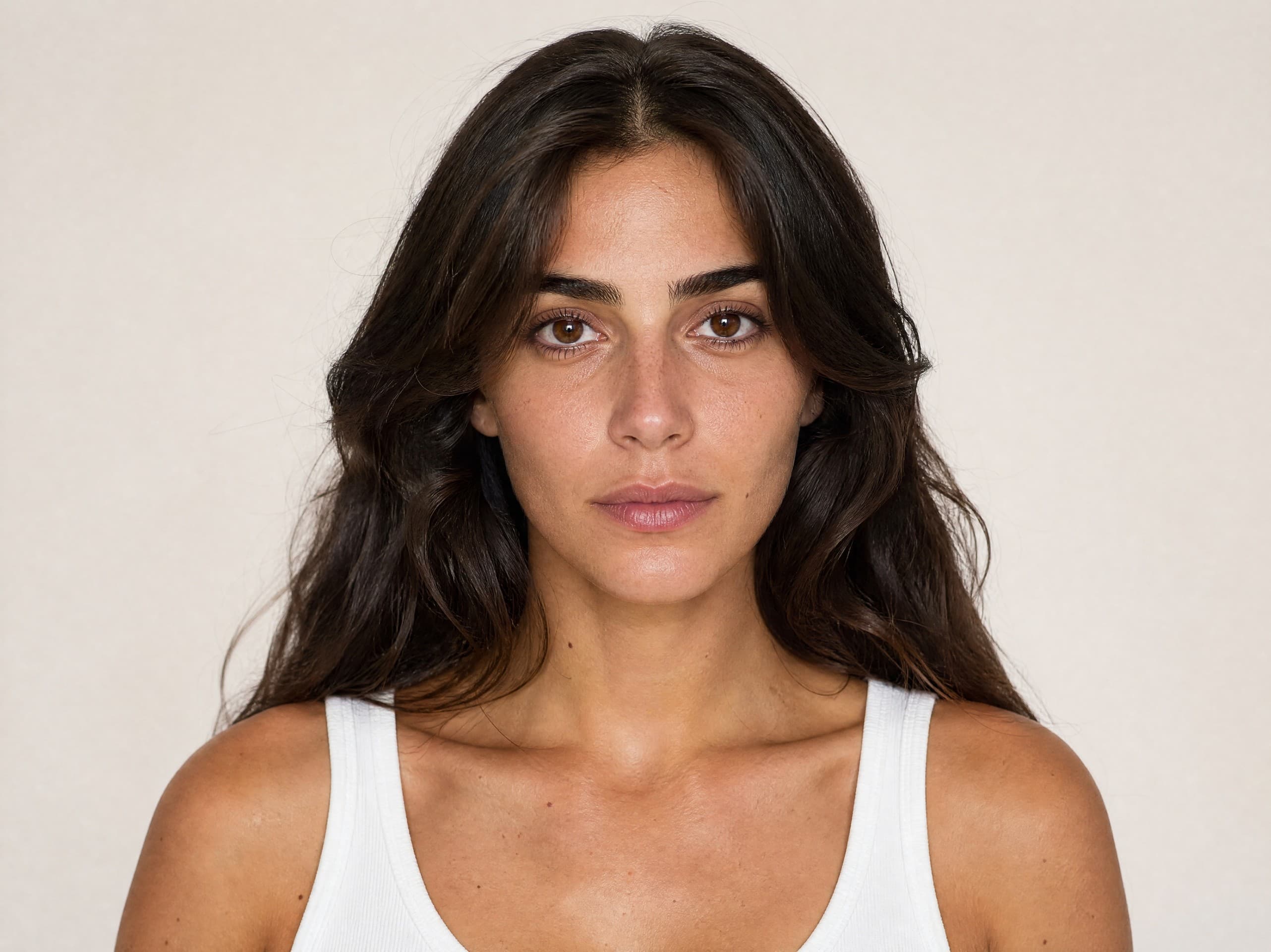
Meital
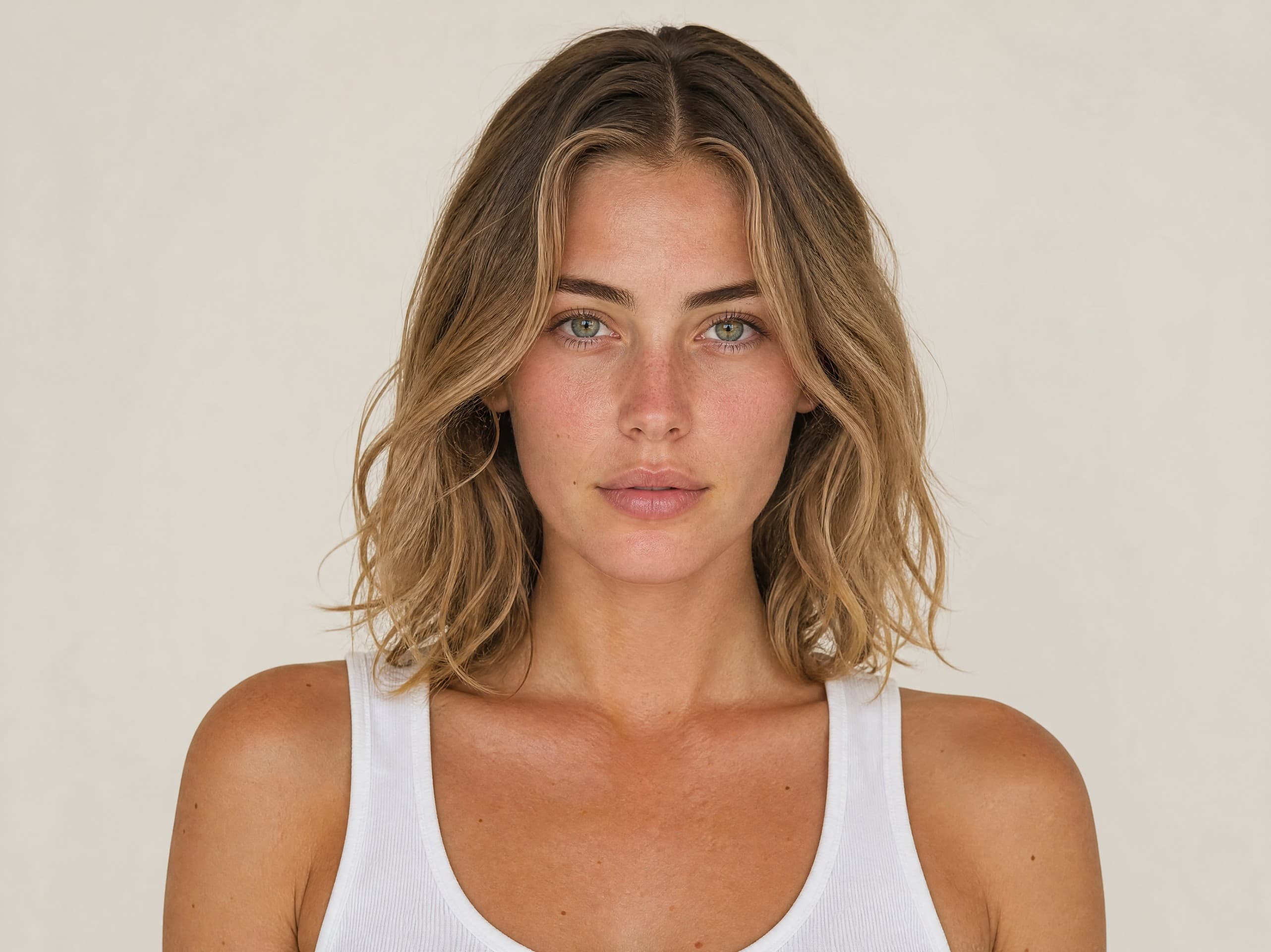
Gal
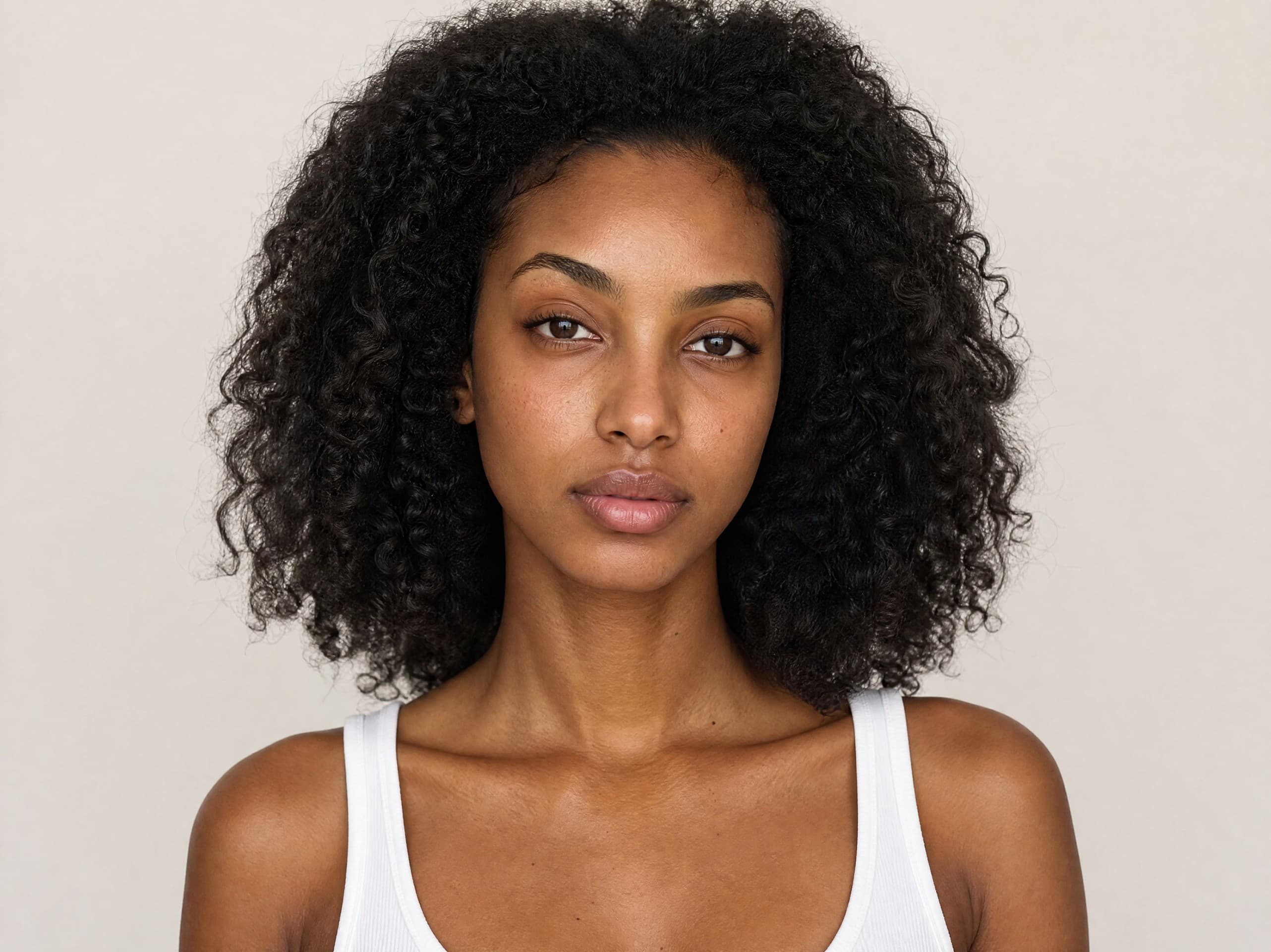
Chen
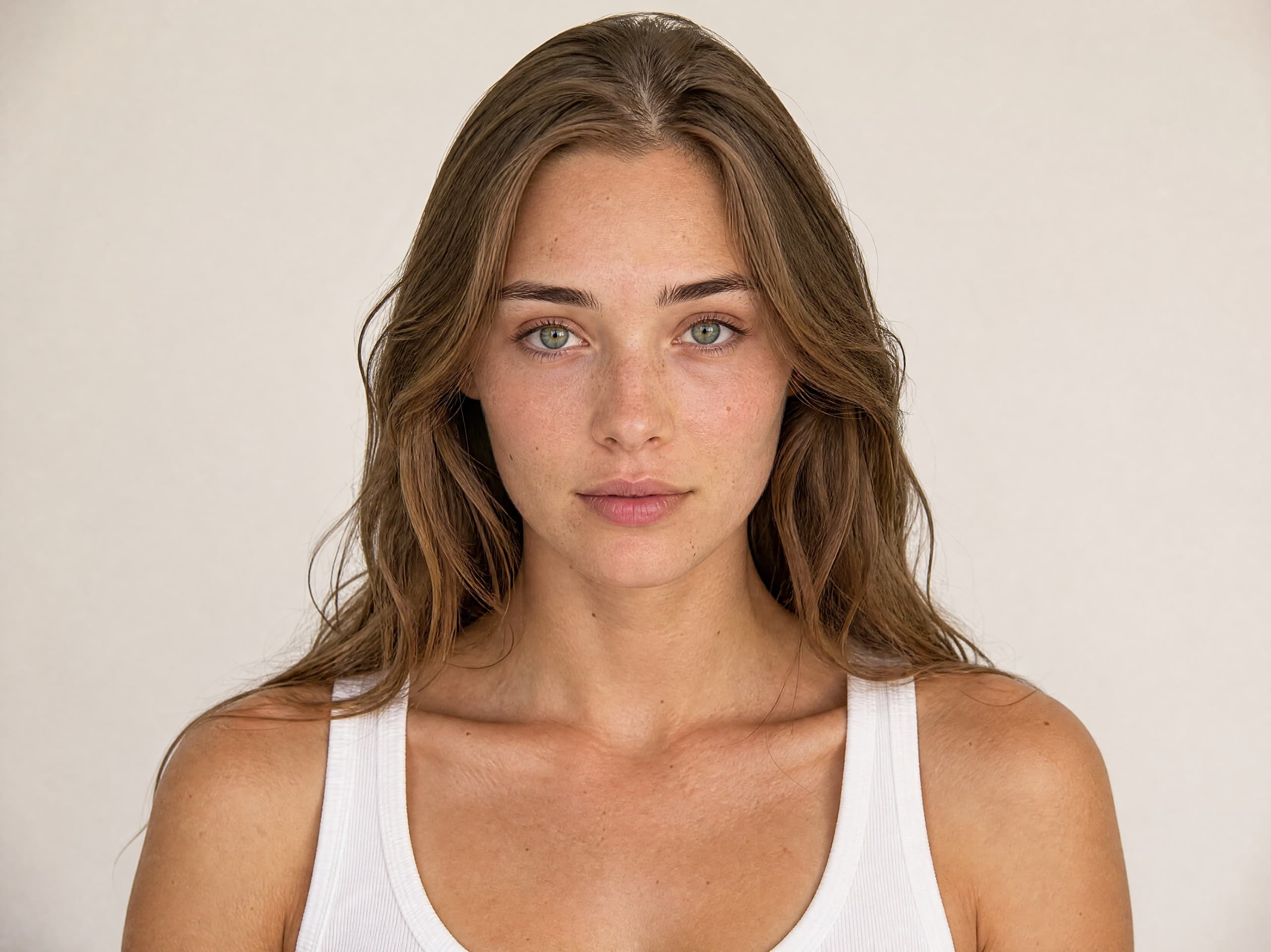
Yaara
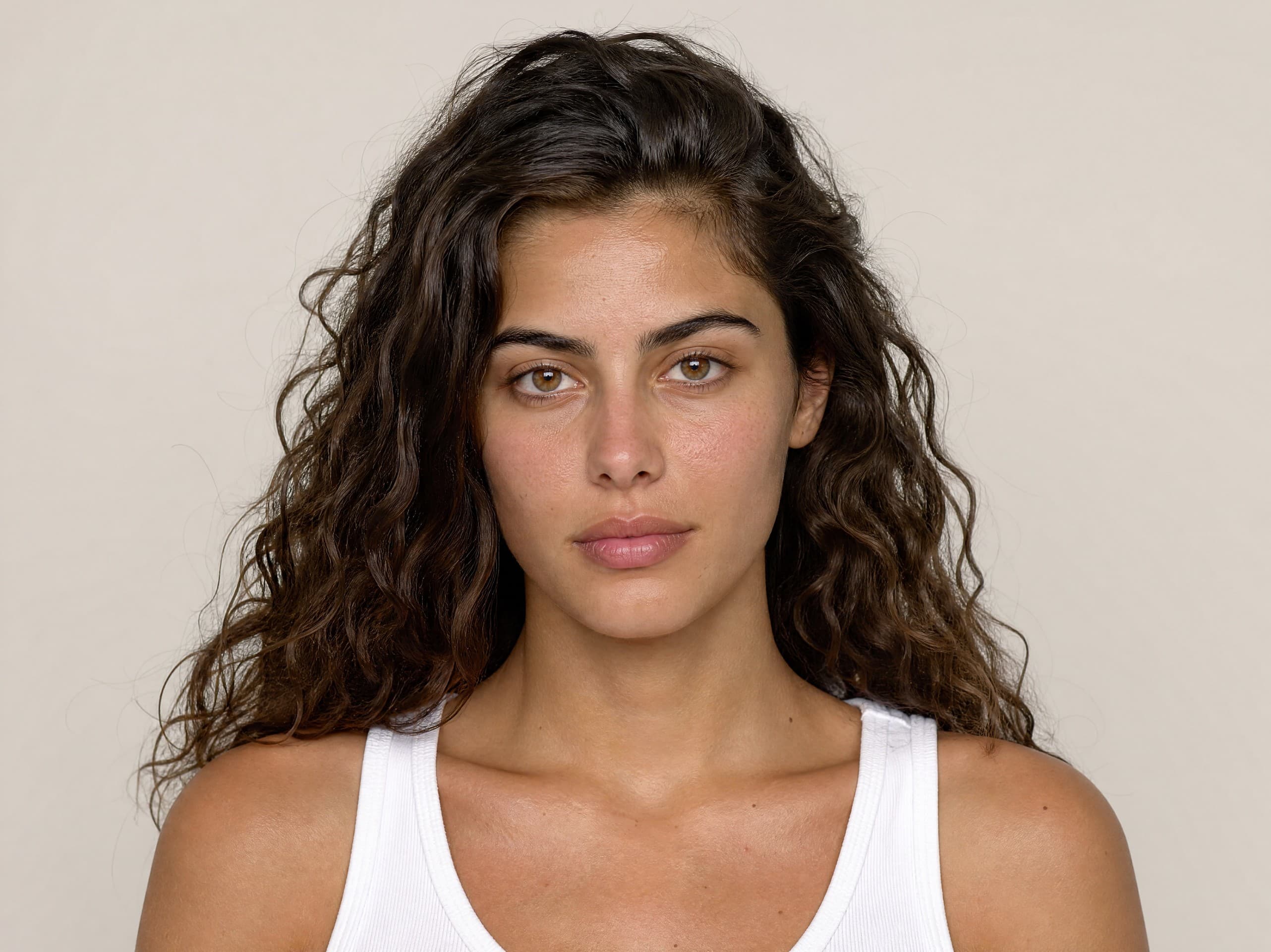
Abigail
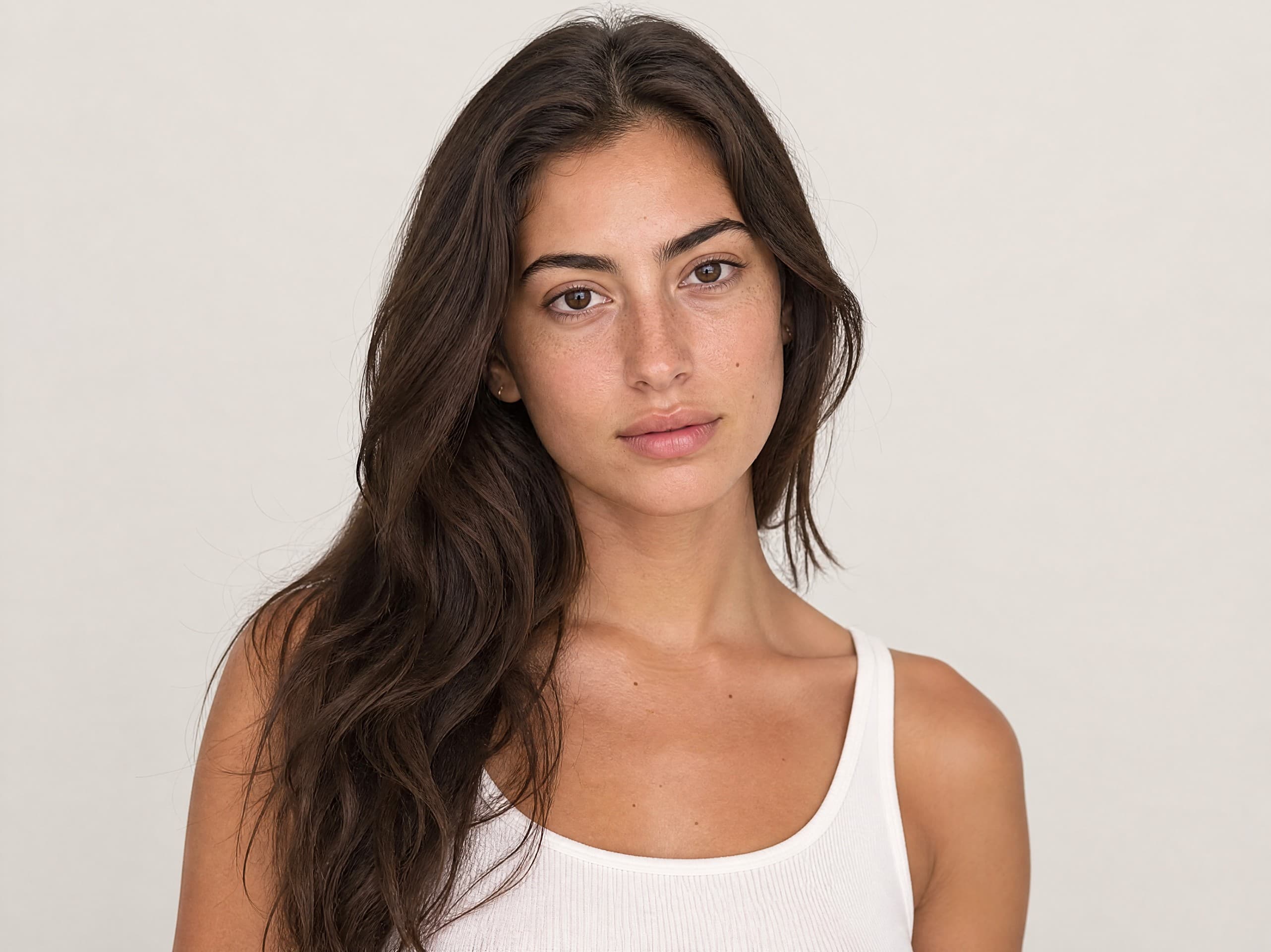
Orin
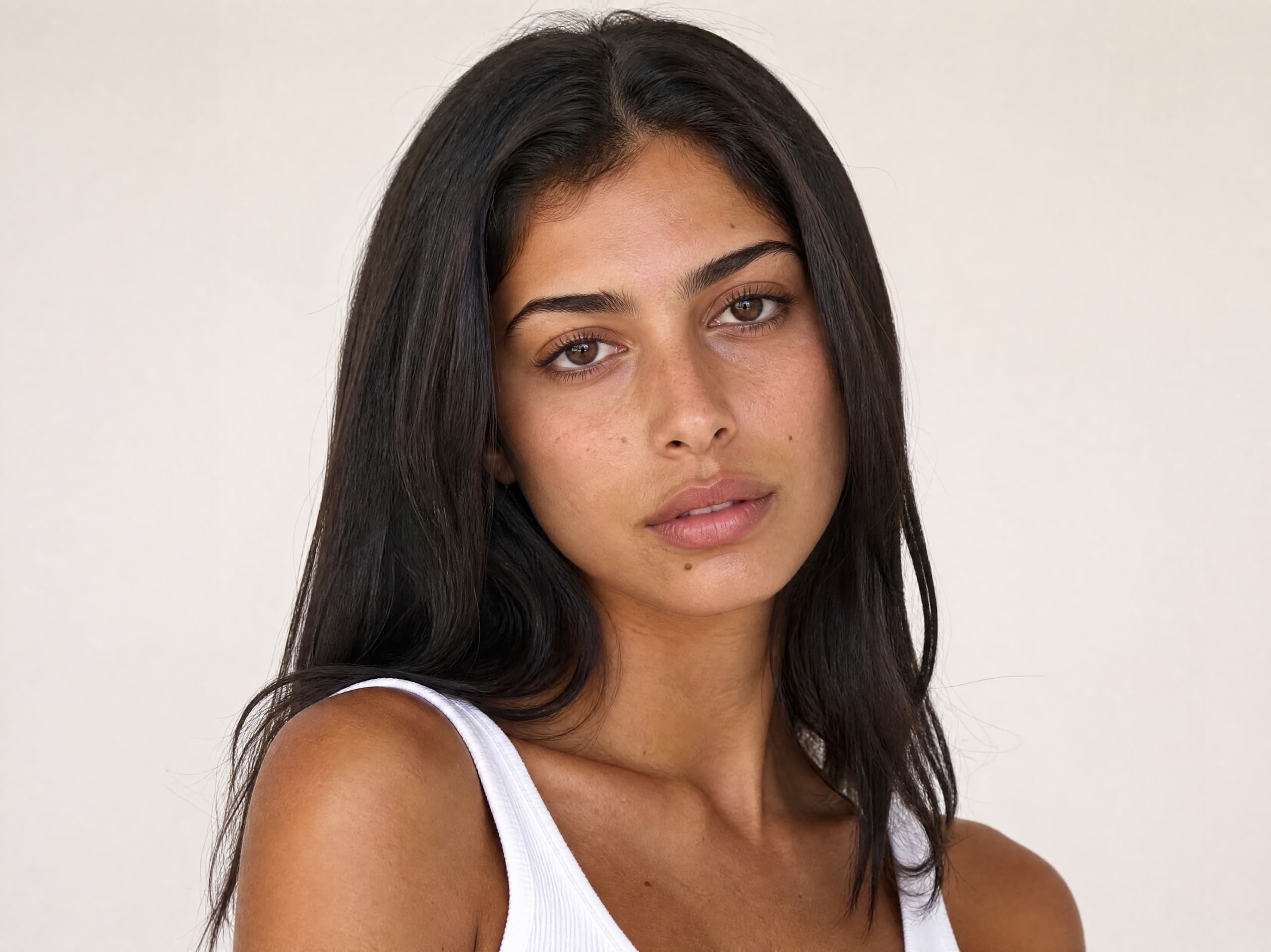
Yasmin
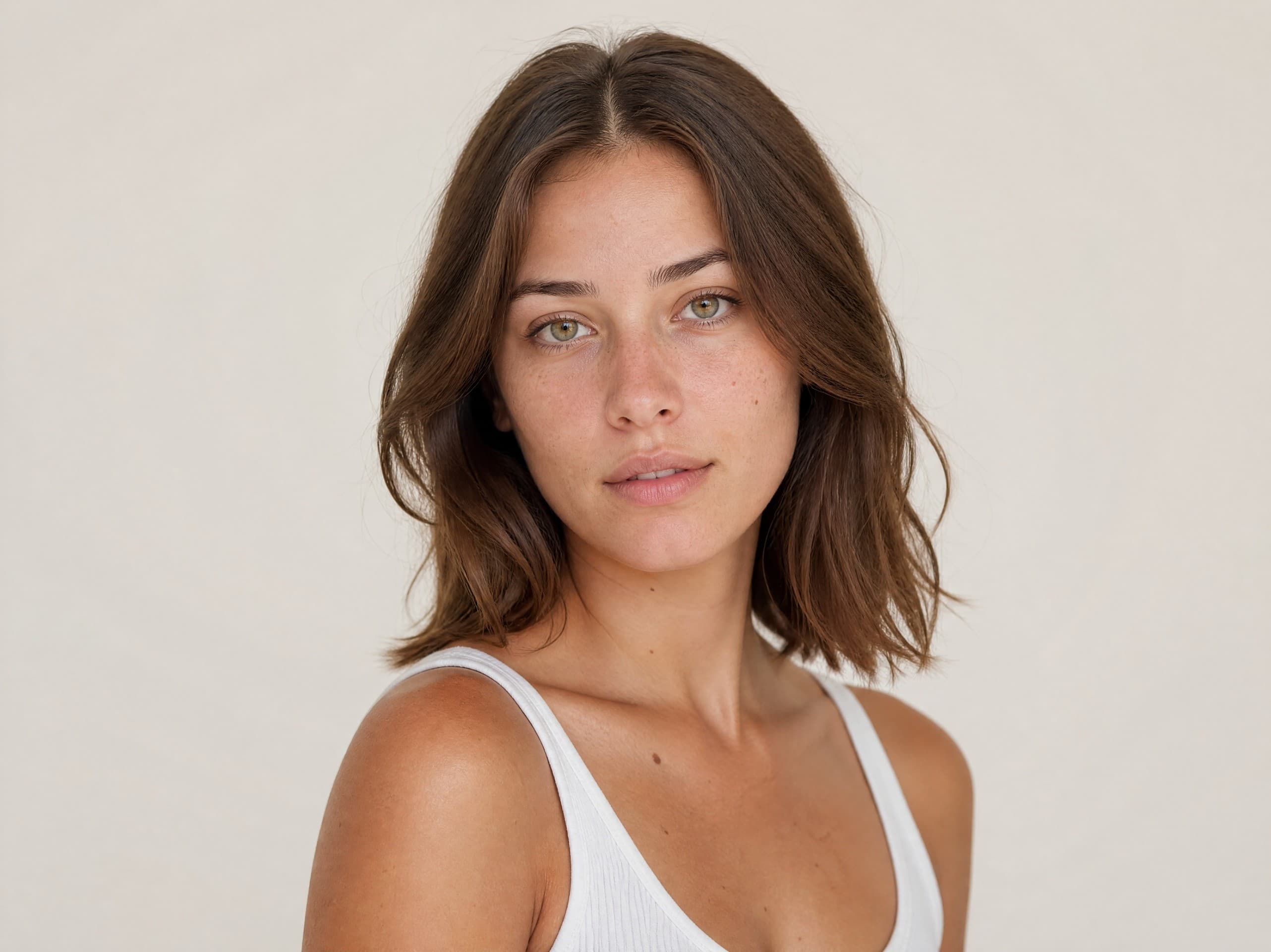
Elinor
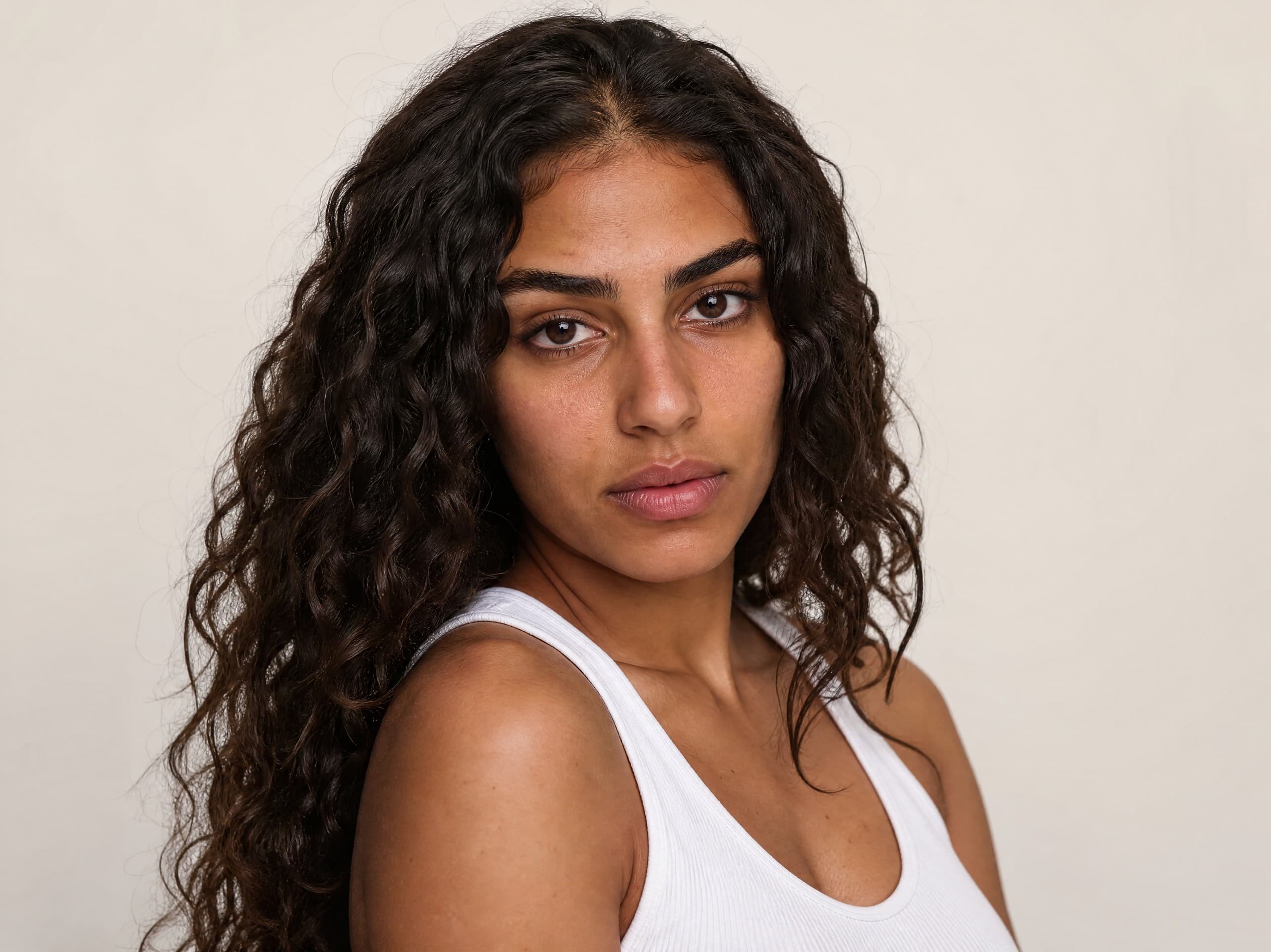
Nofar
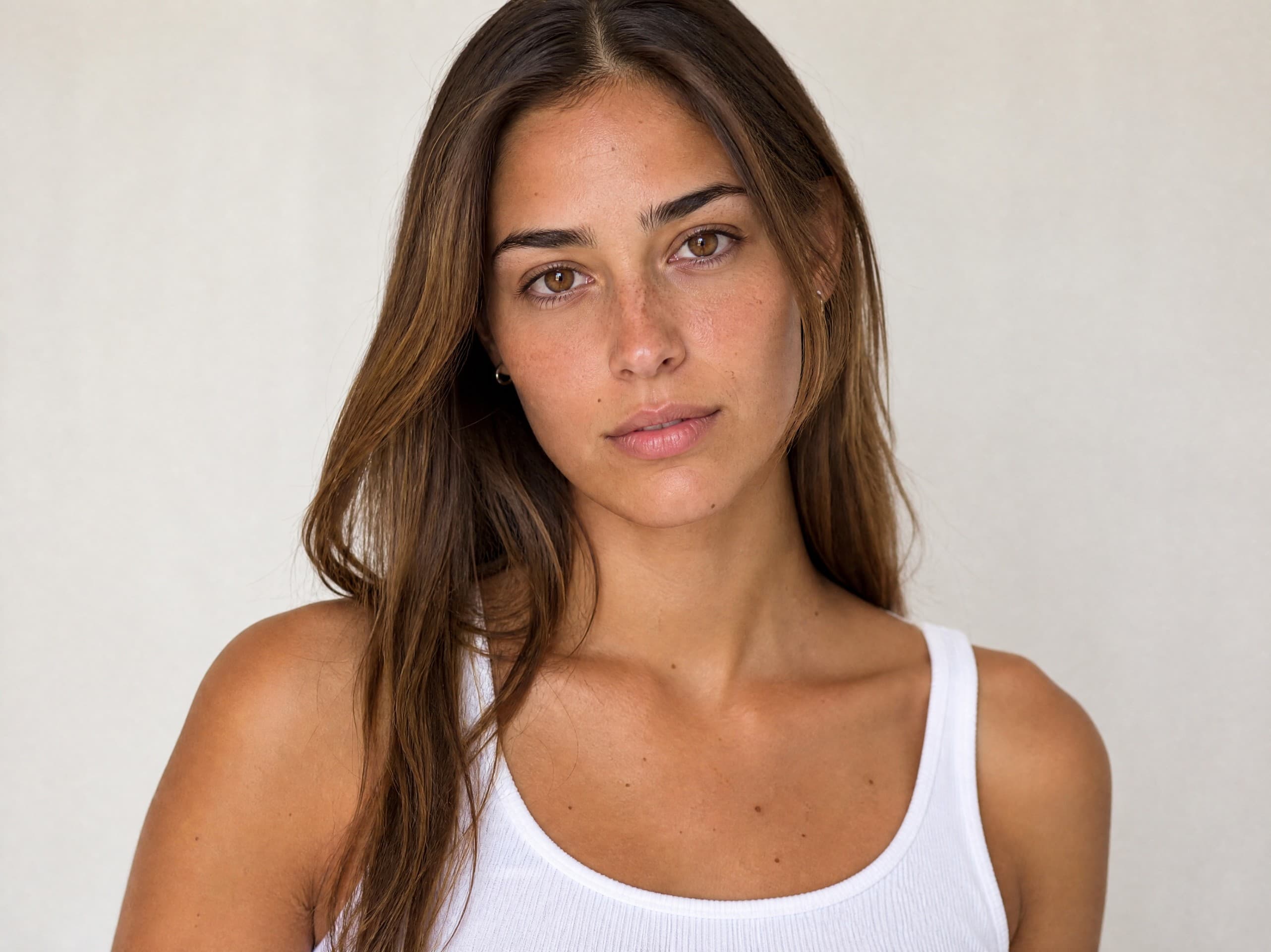
Inbar
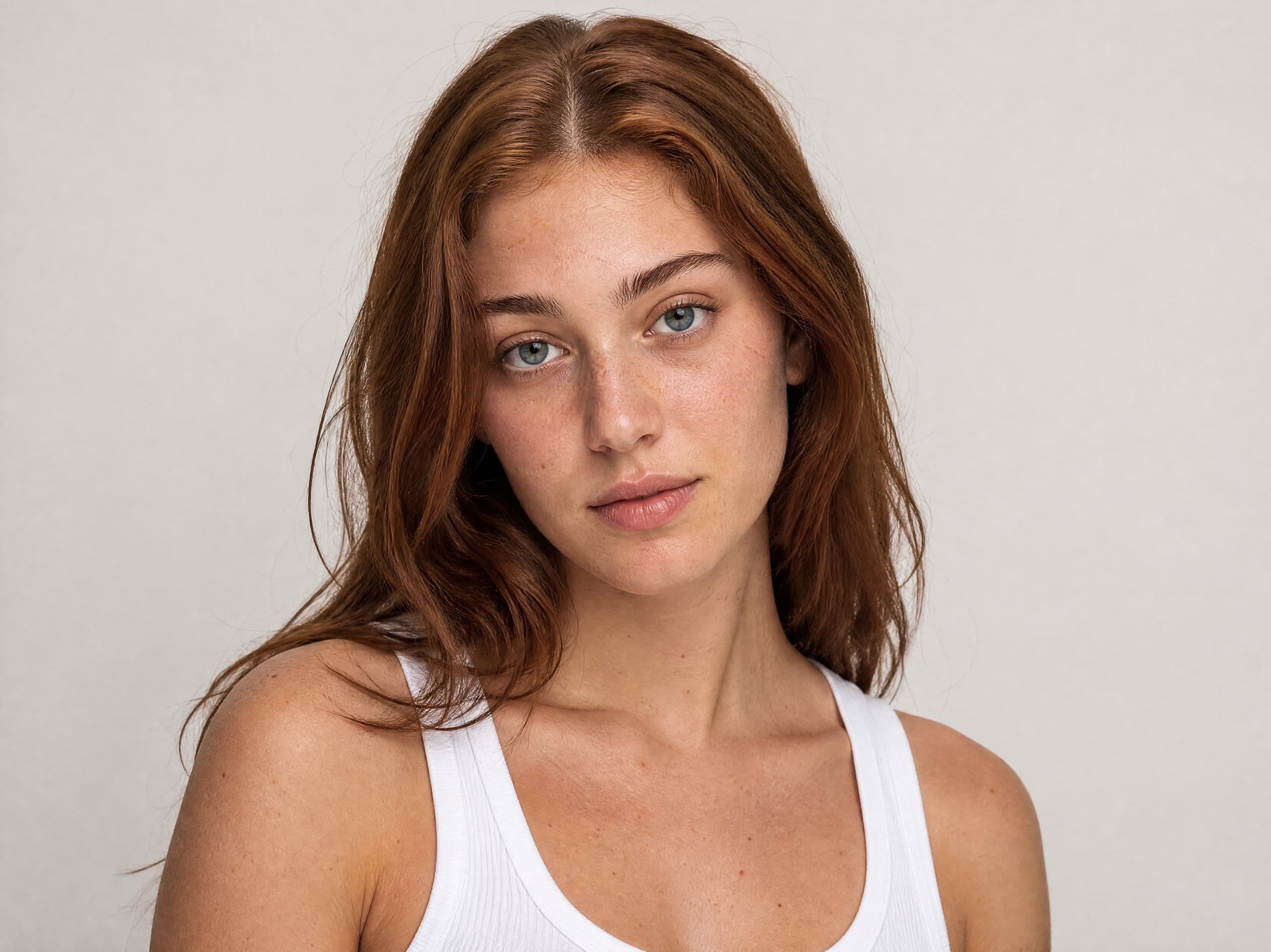
Libby
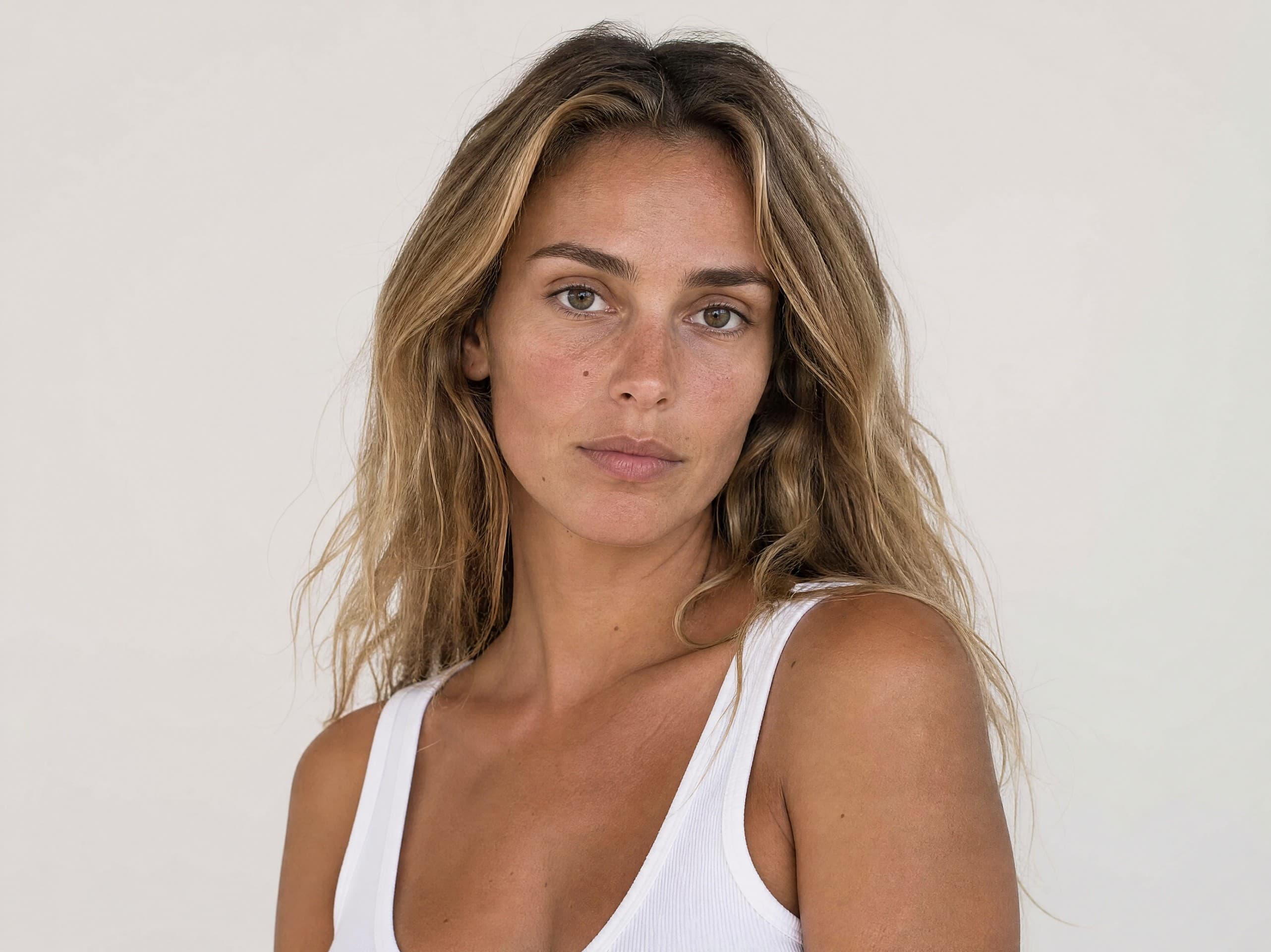
Gefen
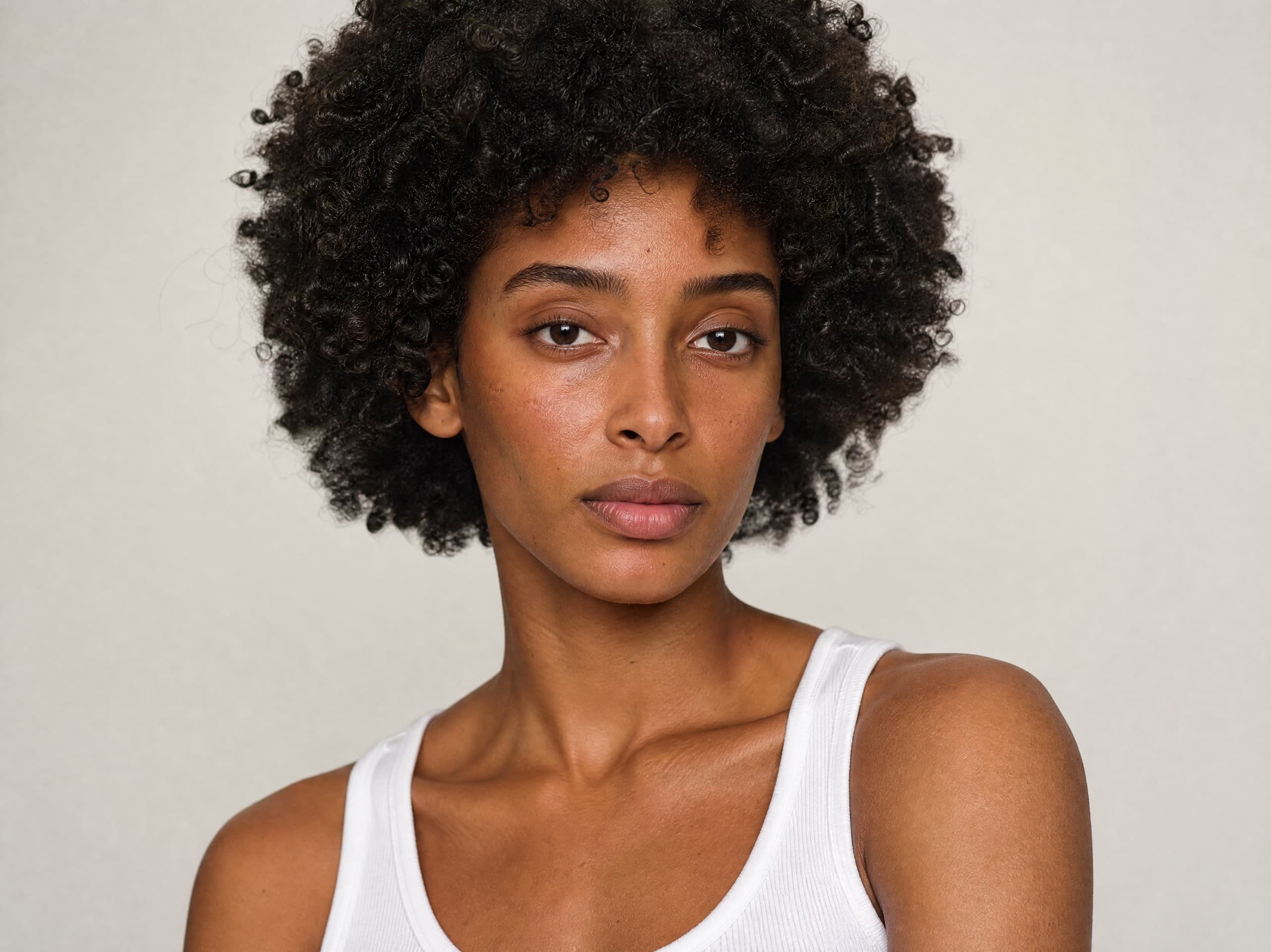
Talia
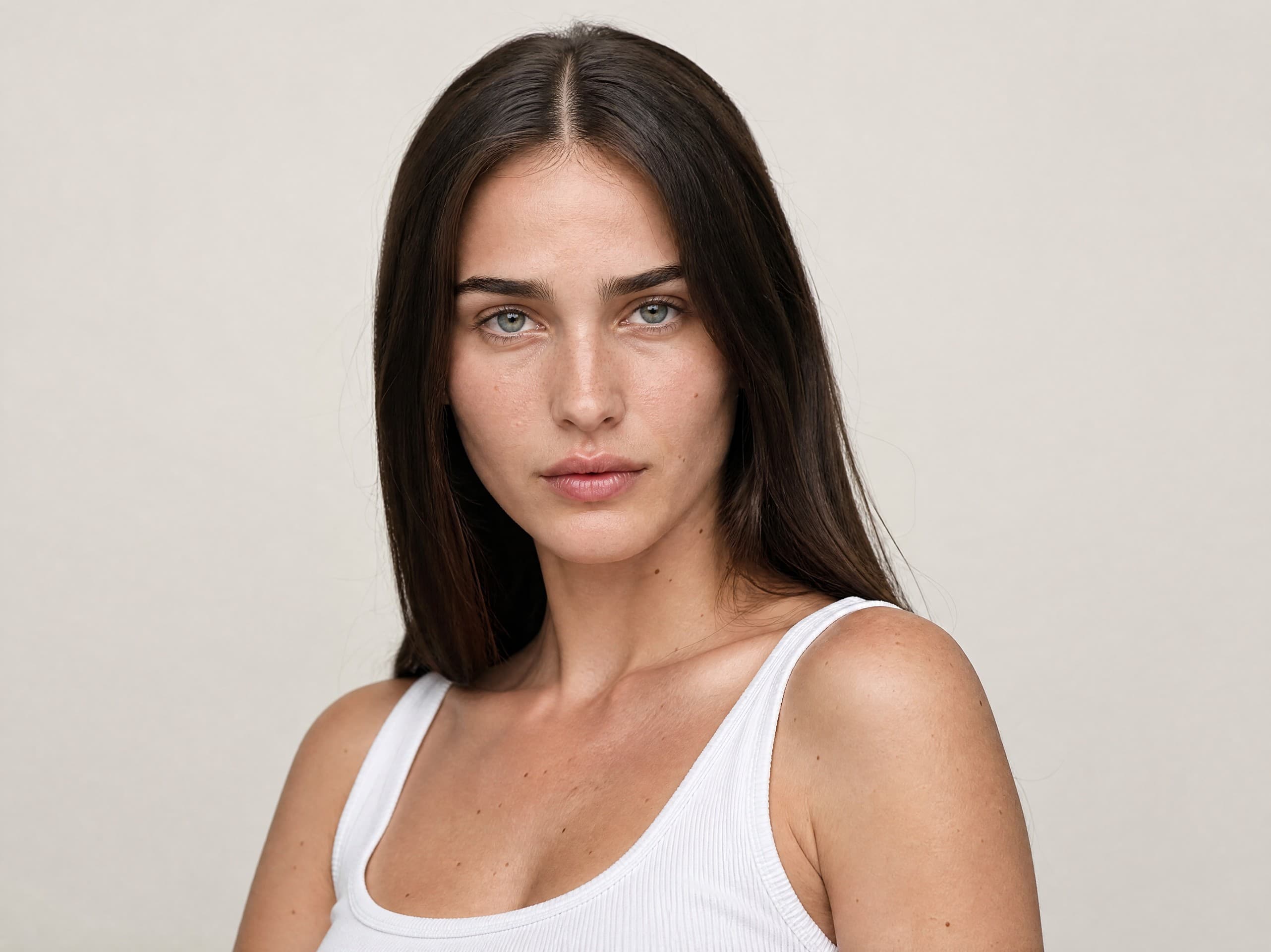
Emma
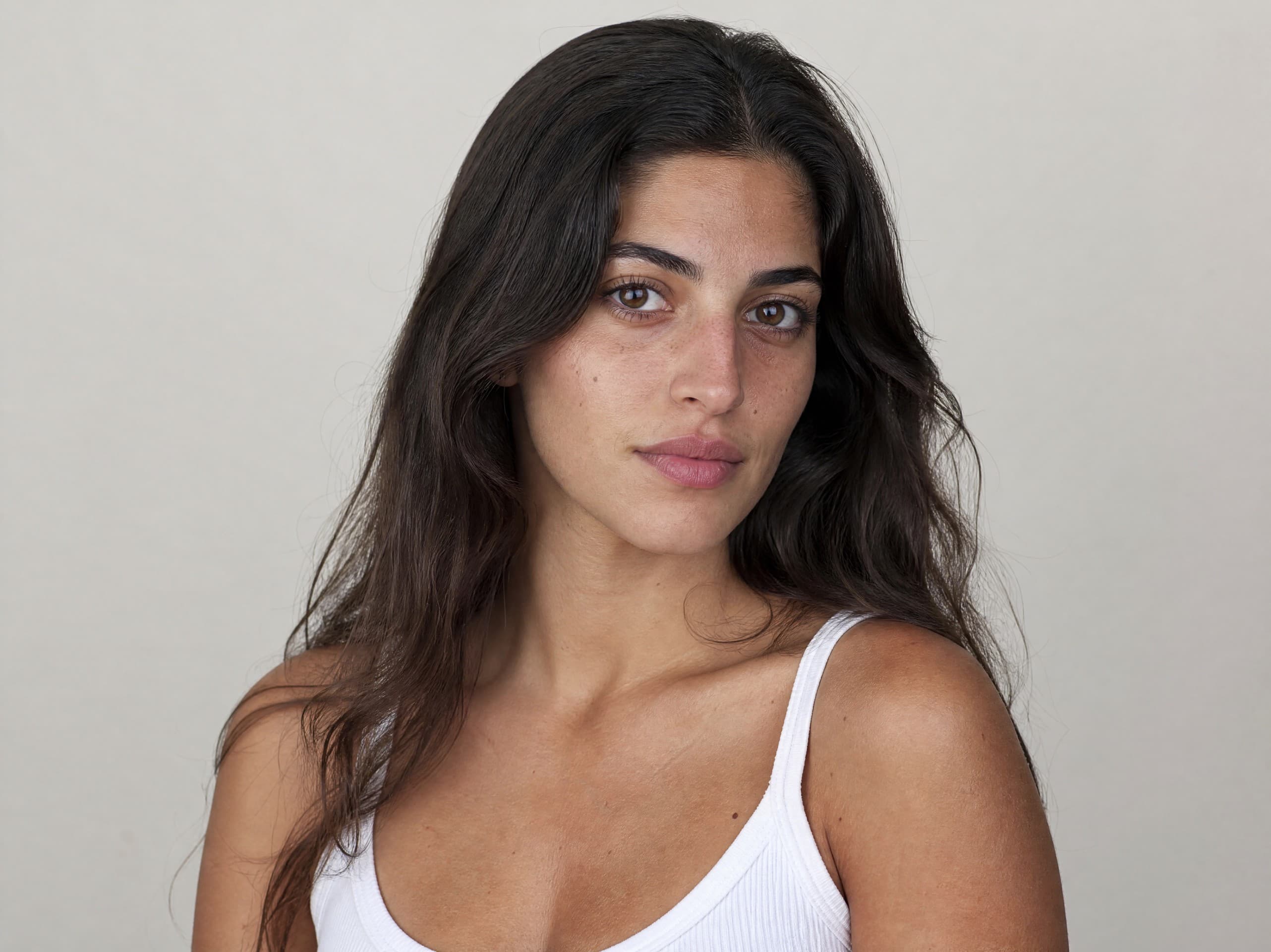
Shiran
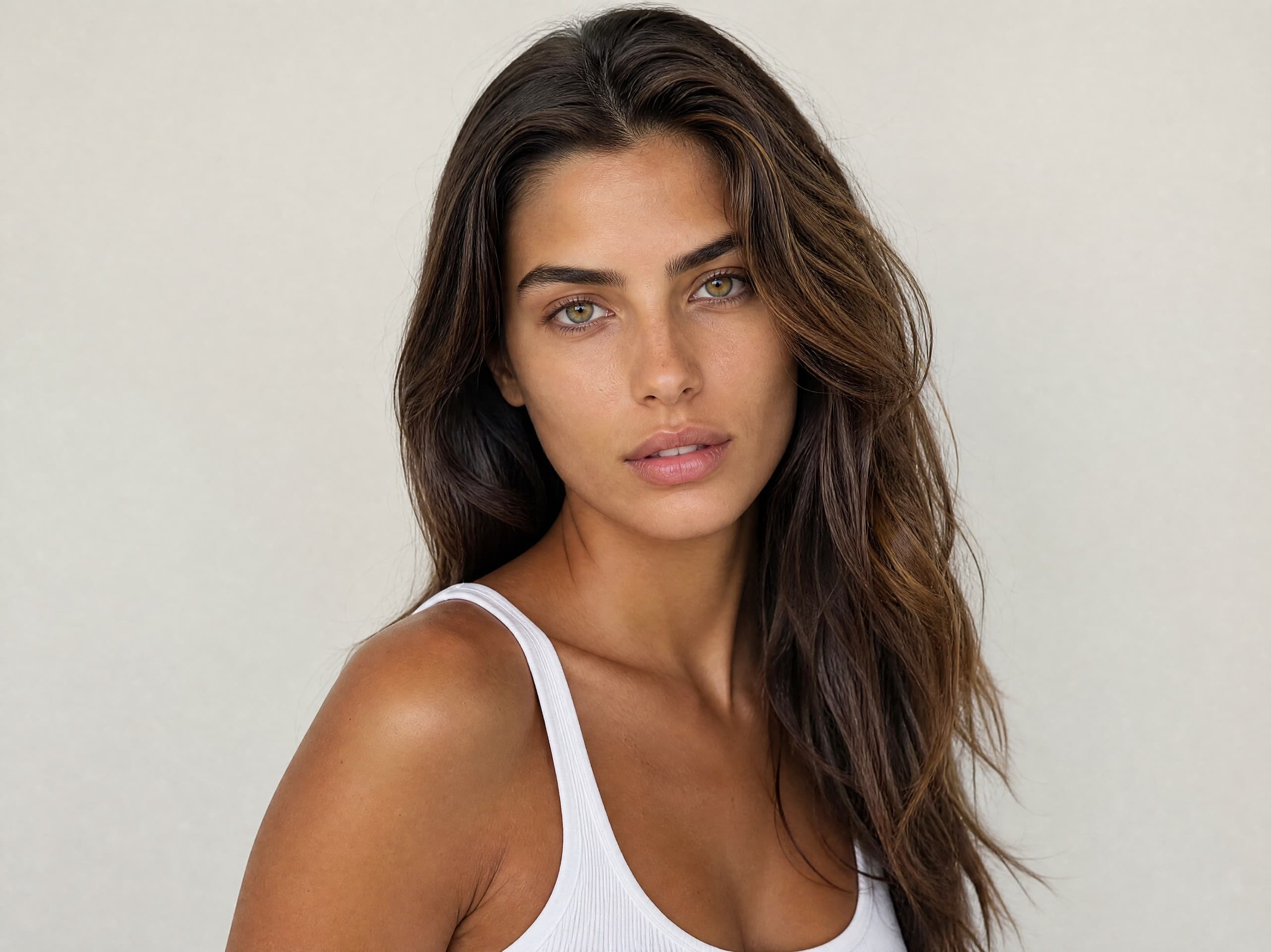
Natalie
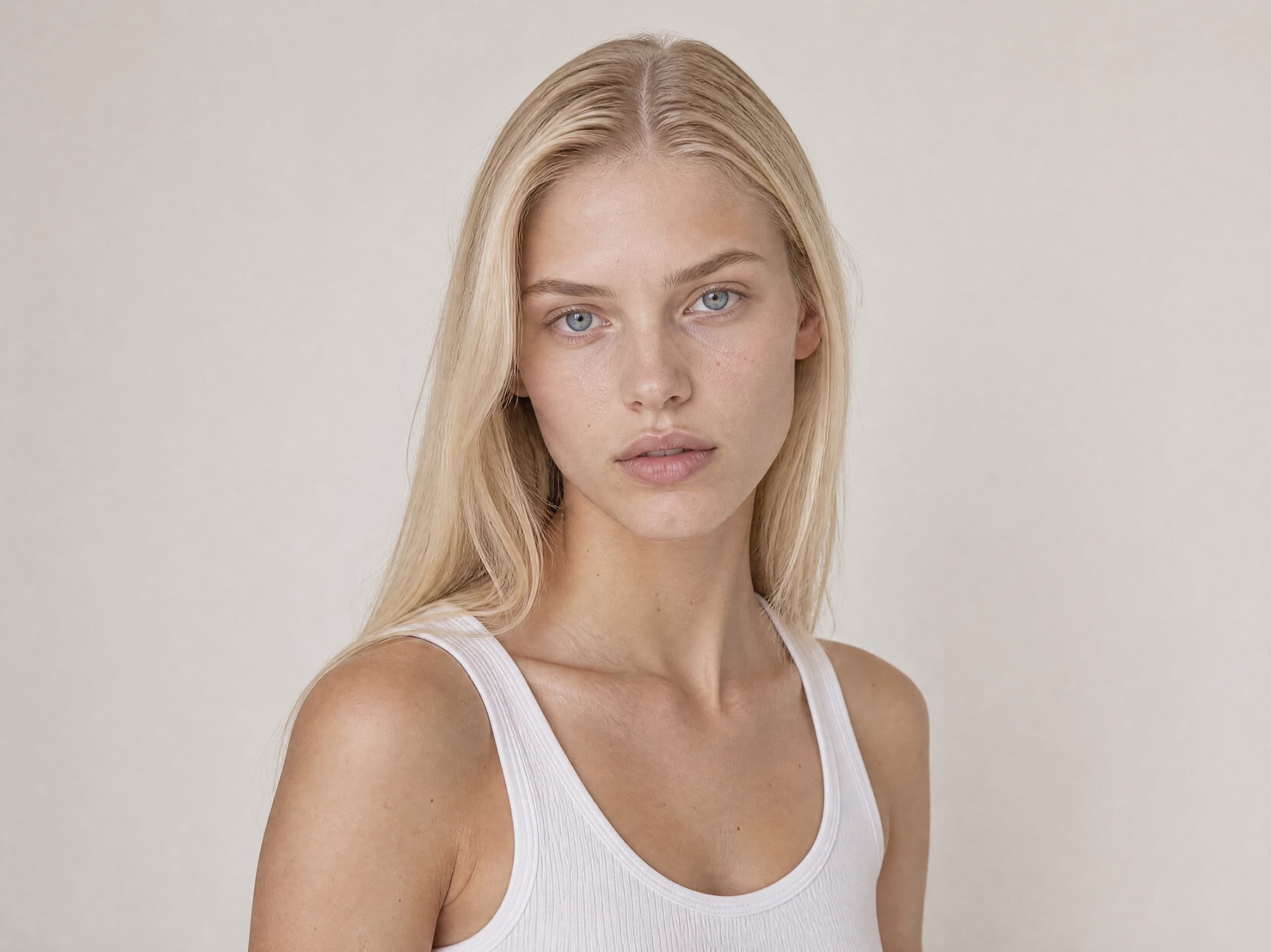
Mika
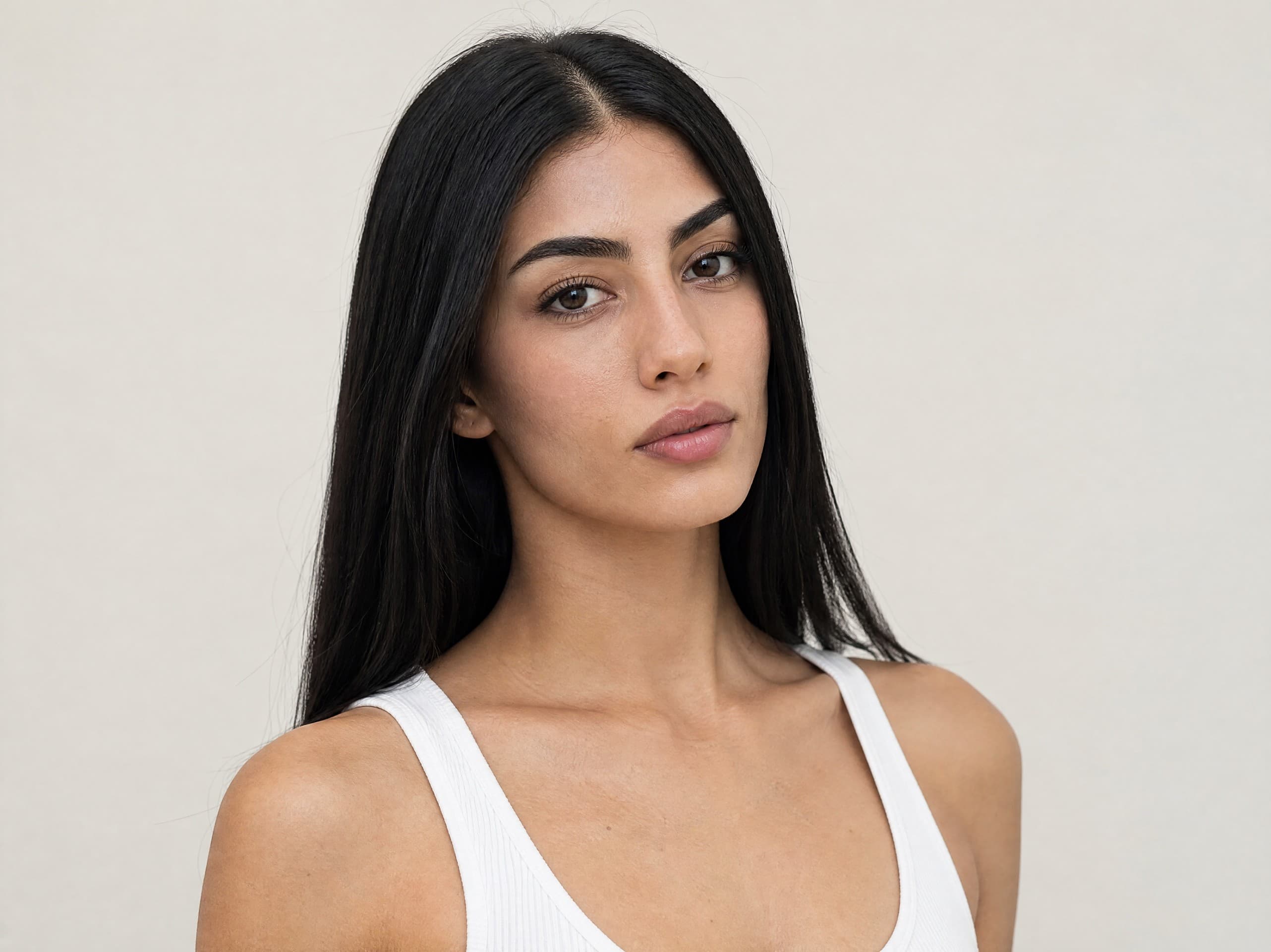
Daria
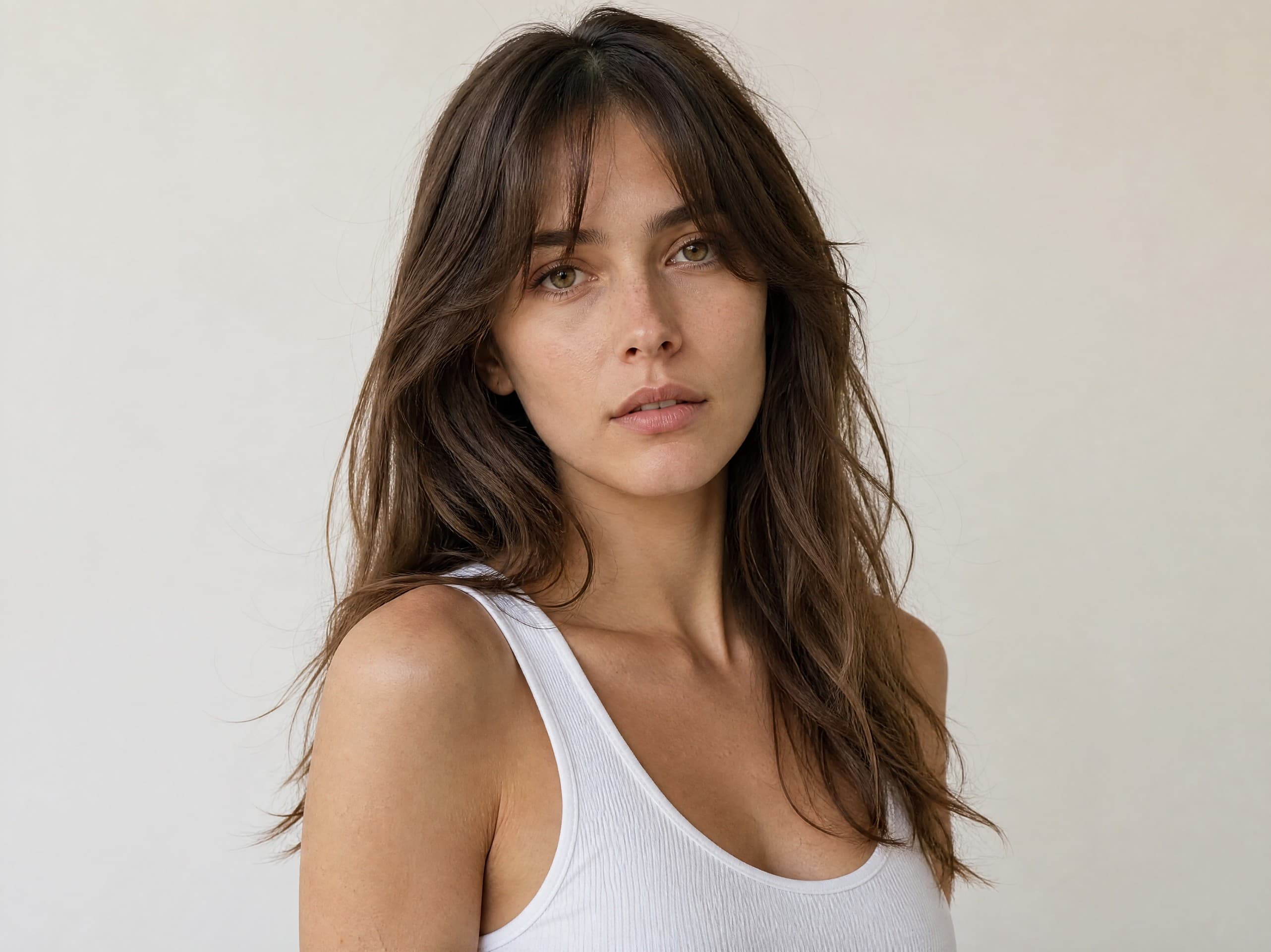
Yuli
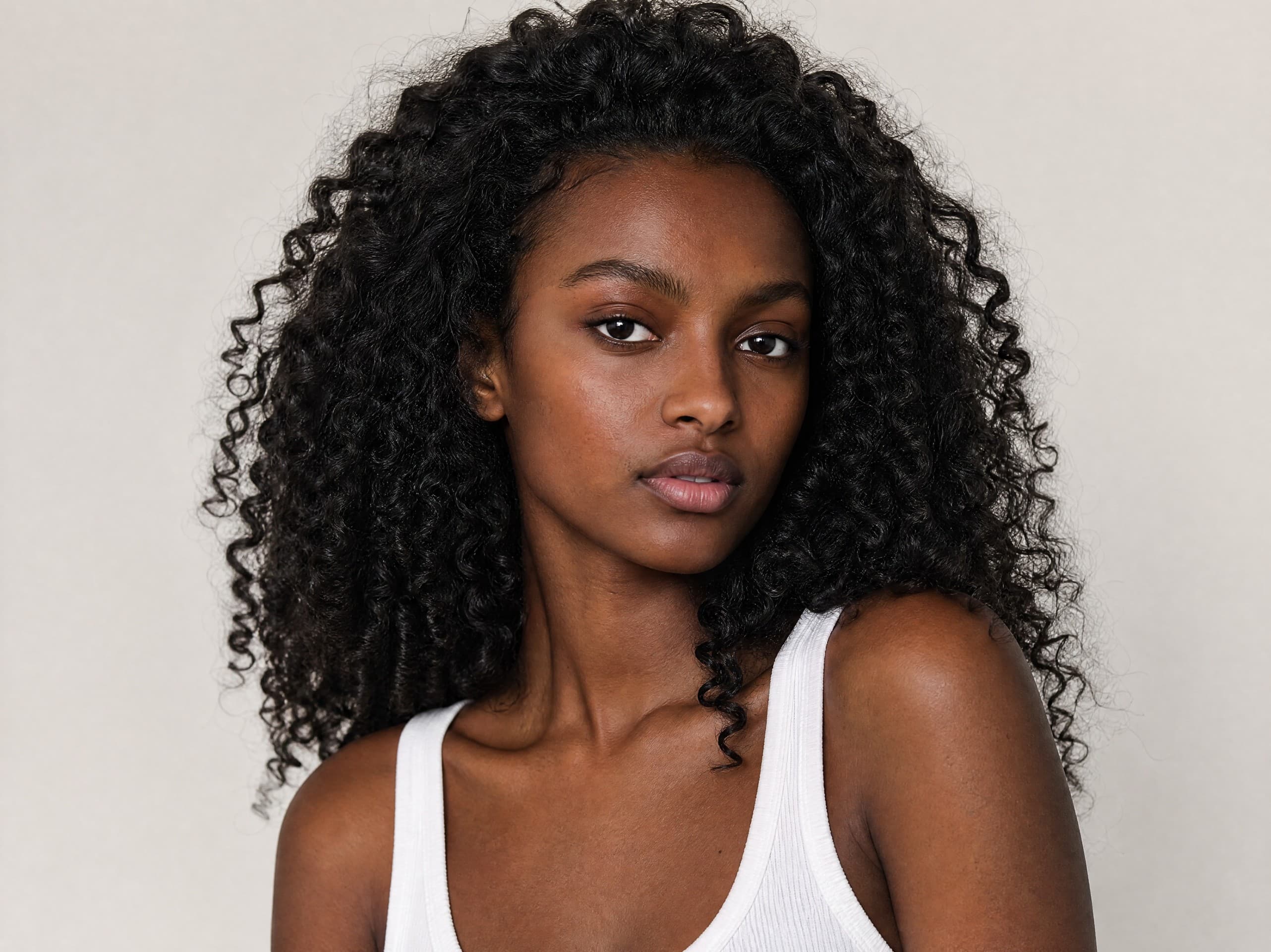
Noam
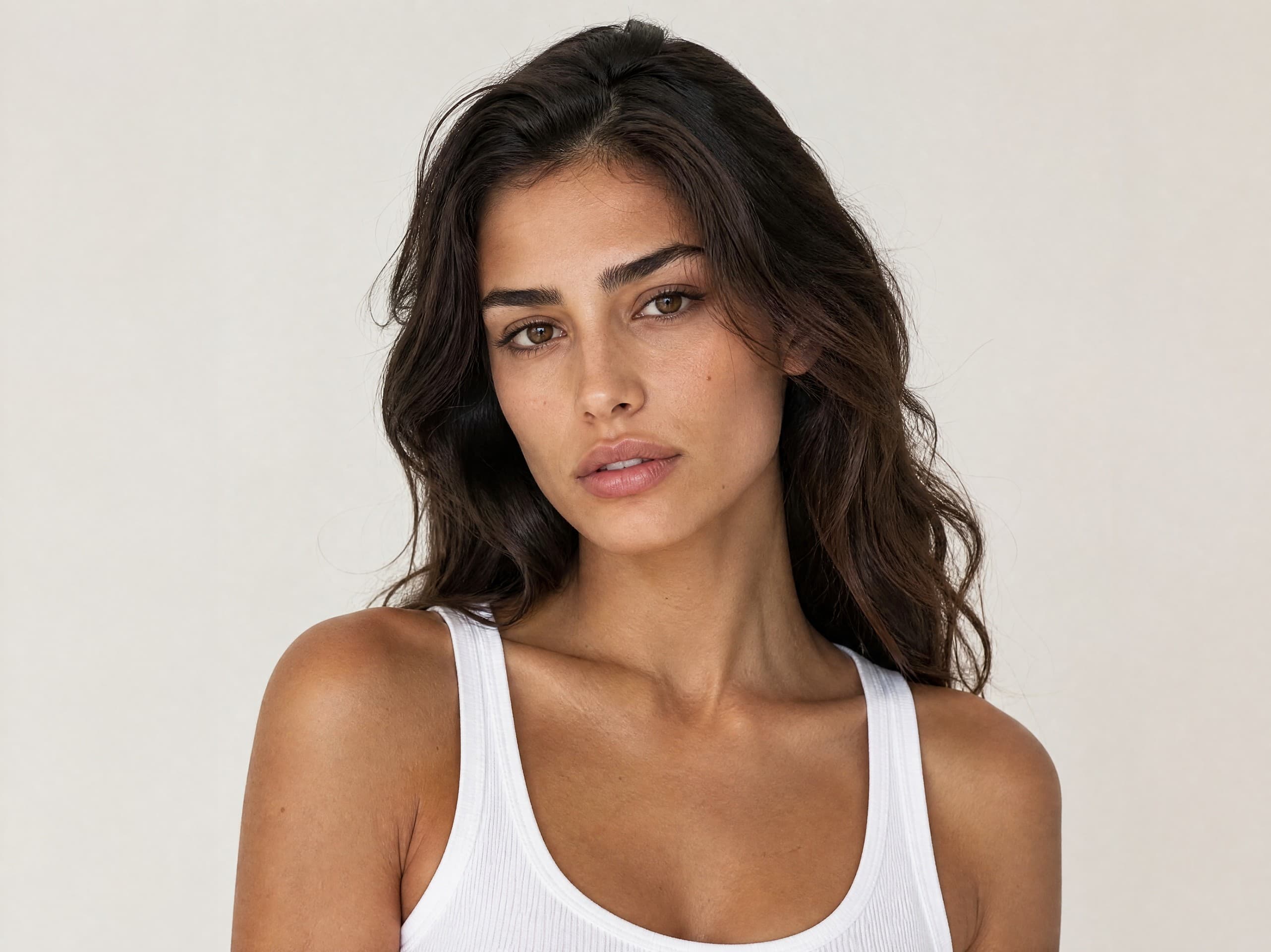
Valeria
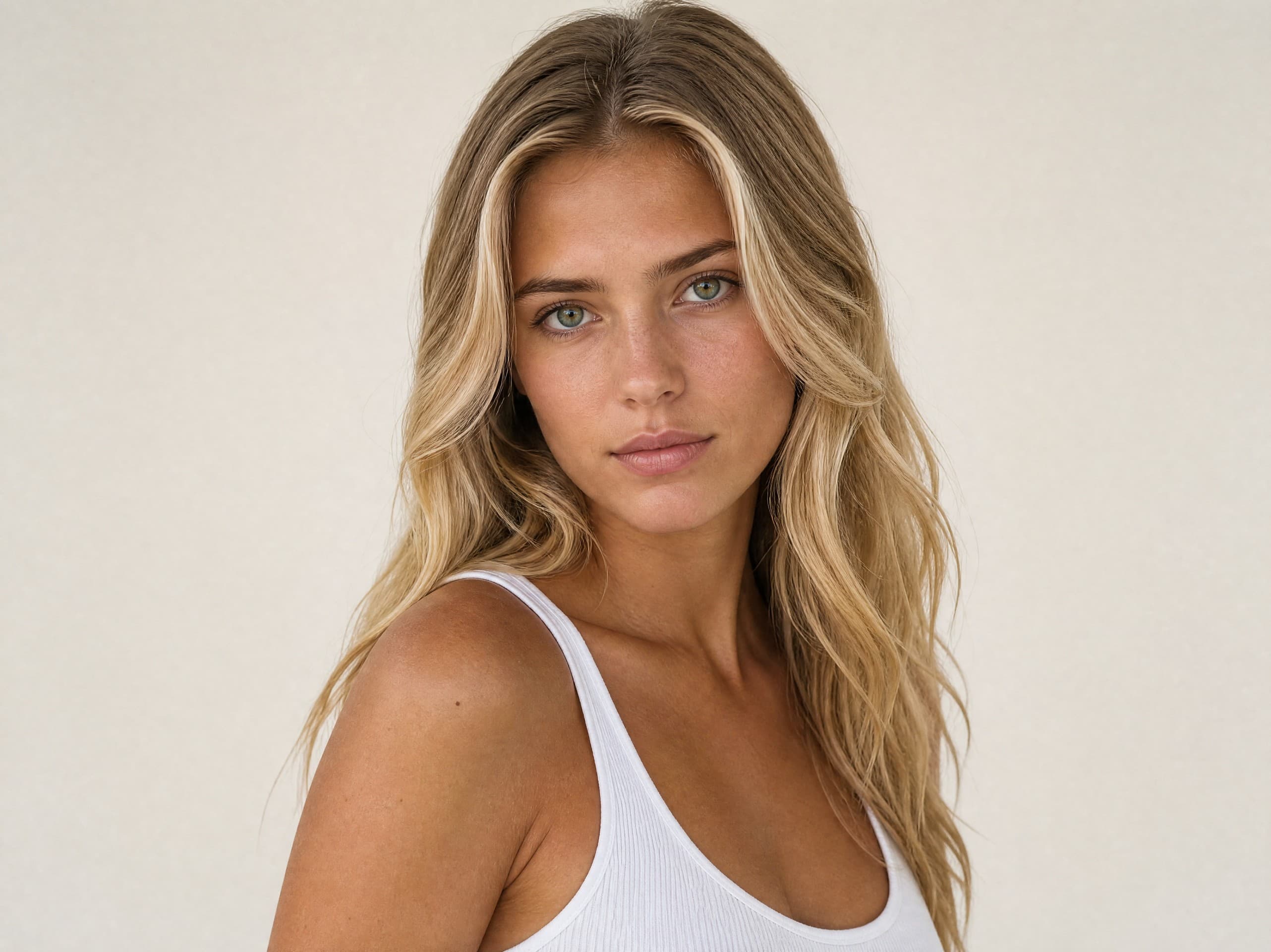
Shirel
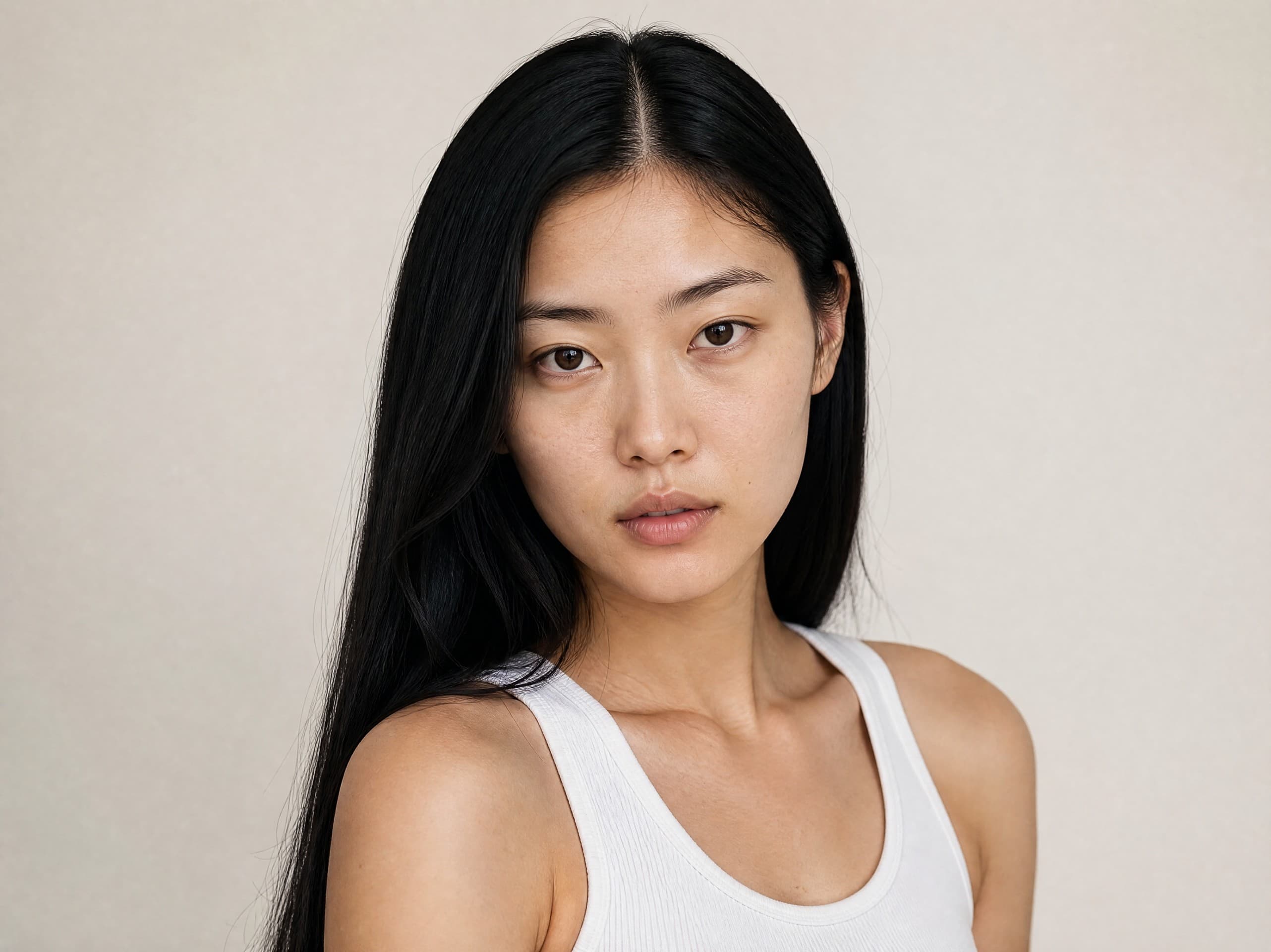
Aviya
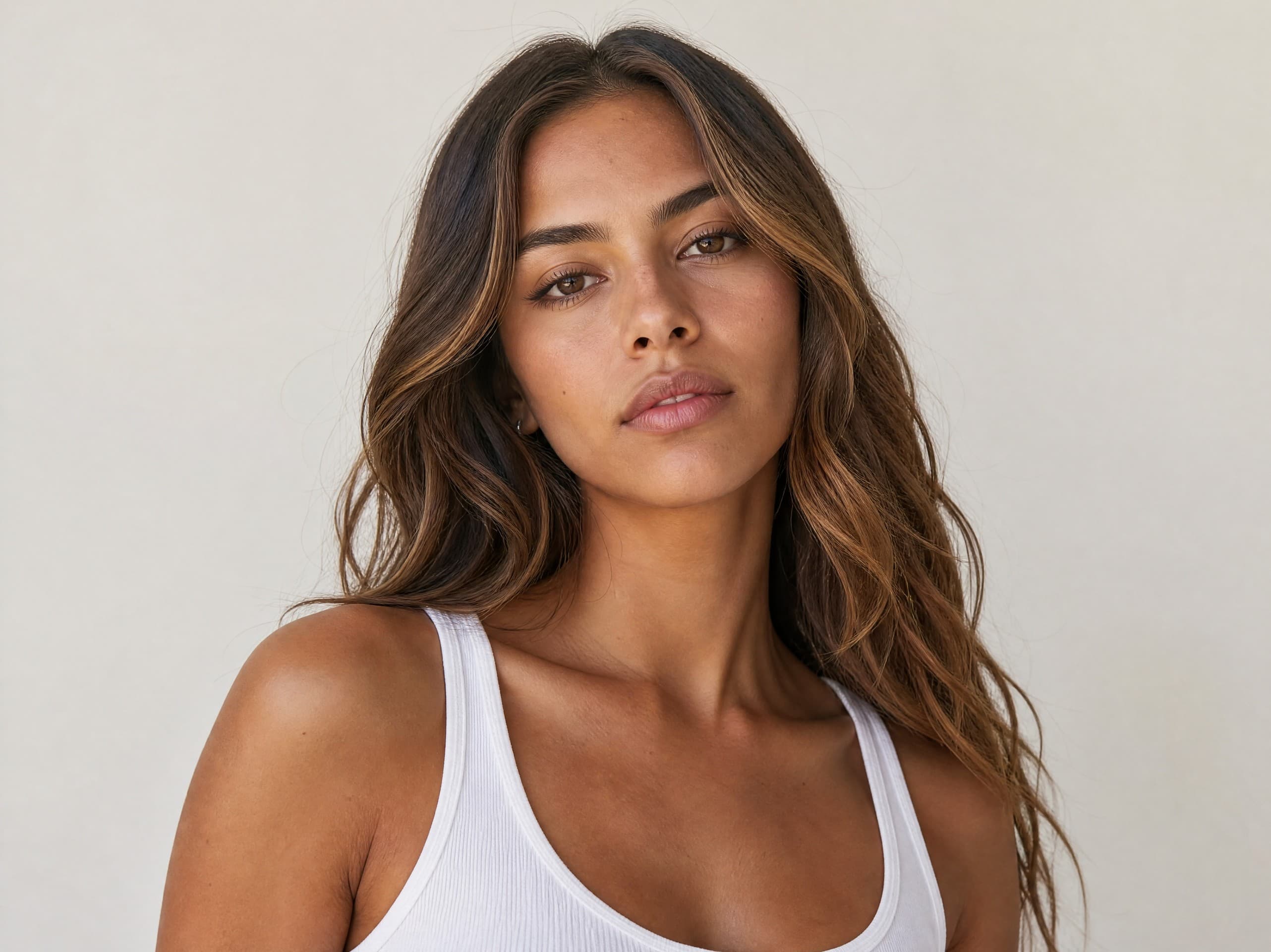
Ravit
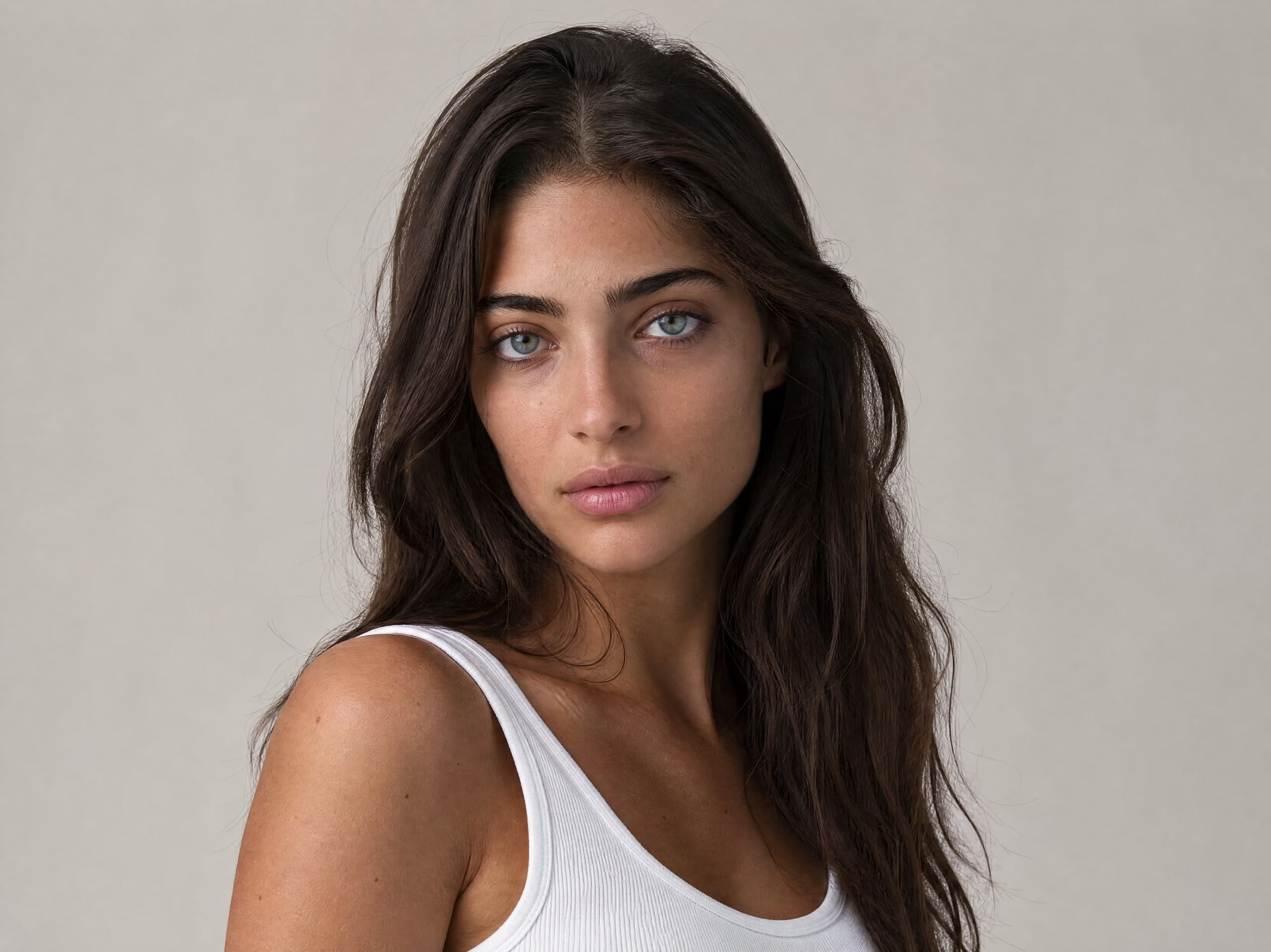
Adiya
What to do with a catalog model
- 1. Choose a shooting mode in the studio. For a garment photographed on a hanger or flat, a garment already photographed on a person, or a ready-made scene such as a beach or a street.
- 2. Upload a photo of the product. An ordinary phone photo is enough, as long as the product is sharp and well lit.
- 3. Pick the model. Every face on this page is in the app, and your product is photographed on it. The same model keeps the same face in every image, so your catalog looks consistent.
More on AI fashion models and putting clothing on a model.
Questions
Are the models in the catalog real people?
No. Every face in the catalog was created with AI and belongs to no real person, so there is no model release, contract or usage period on the photos you make with them. Each model is a fixed face: pick her or him and the same face comes back in every shot.
Is a catalog model exclusive to my brand?
No. Catalog models are available to every customer, like stock models. For a face that is only yours, cast your own model: describe the look, get 4 candidates and keep one, for 6 credits a round.
How do I put my product on a catalog model?
Open the studio, choose a shooting mode (for example a garment photographed flat or on a hanger), upload a photo of the product, and pick the model you found here at the model step. Choosing a model is free; you pay only for the images you create.
Found the face? Now the product
Sign up free and get your first 5 images on us. No credit card needed.
Start free