
AI fashion models for your online store
Put your clothes and jewelry on realistic models without booking a shoot. Choose a model from the catalog or cast your own, pick a studio or a location, and get campaign-quality photos in seconds.
Your first 5 images free · No credit card needed

What an AI fashion model is
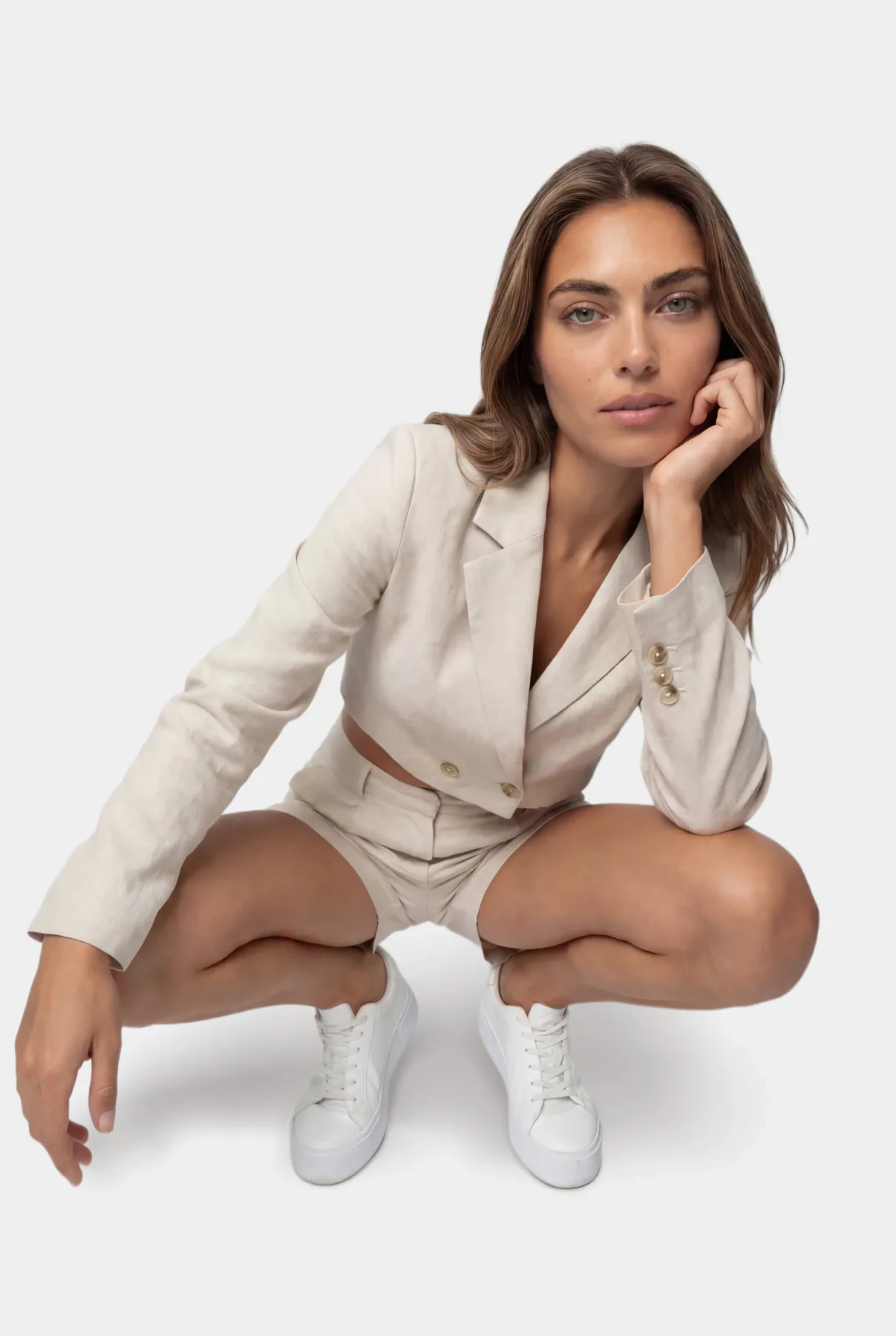
An AI fashion model is a photorealistic person generated for your product photos. You do not book her, pay her day rate or wait for her schedule: you choose a face from a catalog, upload a photo of your product, and the system dresses the model in it, in the setting and pose you pick.
The model is new; your product is not. The color, fabric, print and details of the garment or the piece of jewelry come from your own photo, so the result shows what the customer will actually receive. That is the difference between a product photo and a pretty picture, and it is the part we work hardest on.
The models are not real people, so there is no likeness release to sign and no usage period that runs out. You can use the photos in your store, on marketplaces, in ads and on social media.
How it works
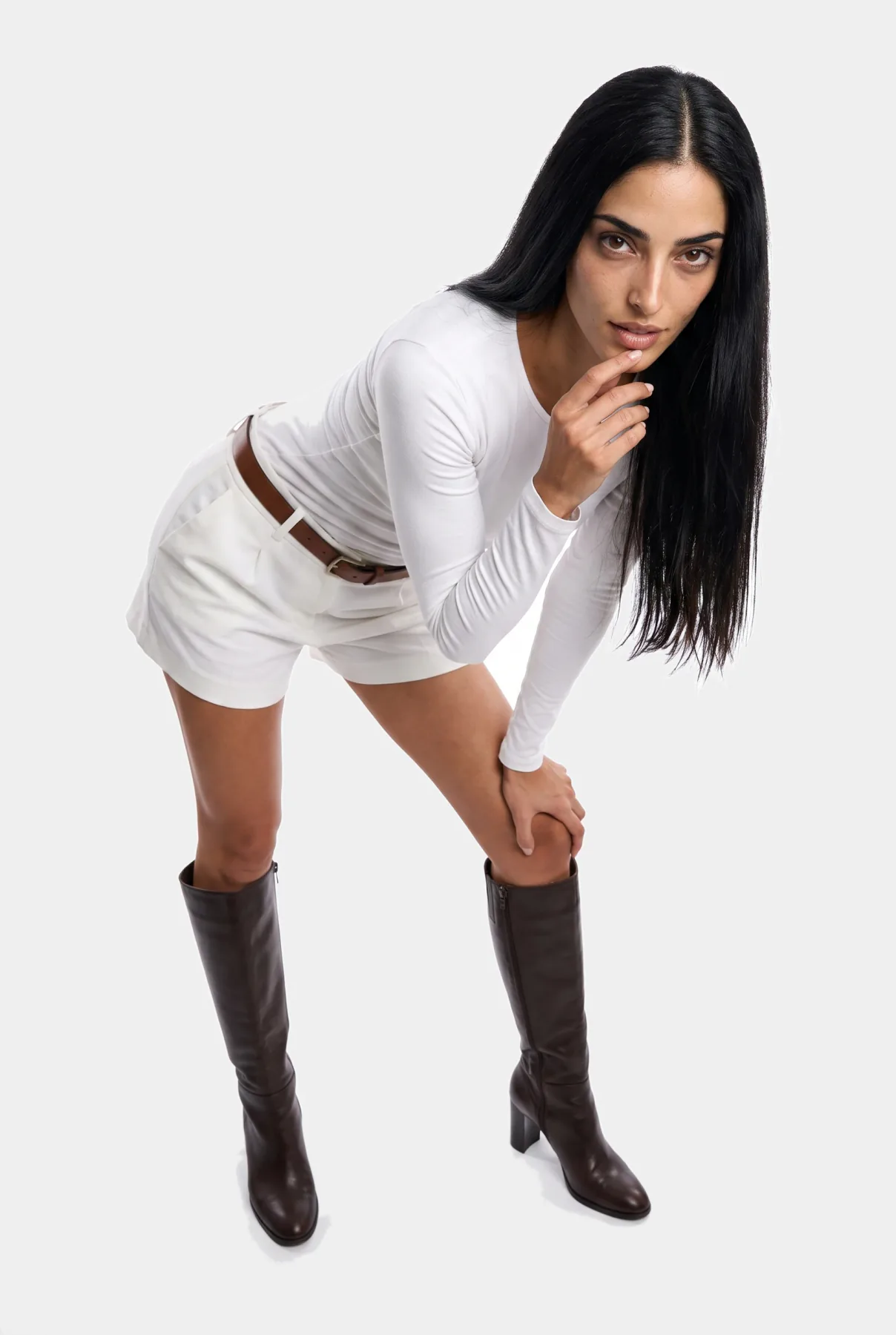
- Upload the product. A phone photo is enough: a garment on a hanger, on a mannequin or laid flat, or a piece of jewelry on a table.
- Choose the model. Browse the catalog by look and age, or cast a model of your own (below).
- Choose the setting. A clean studio, a city street, a beach, an interior, or a background you upload yourself.
- Generate and download. A standard-quality image costs 5 credits and is ready in seconds. Generate again for another pose or framing.
Choosing the right model for your brand
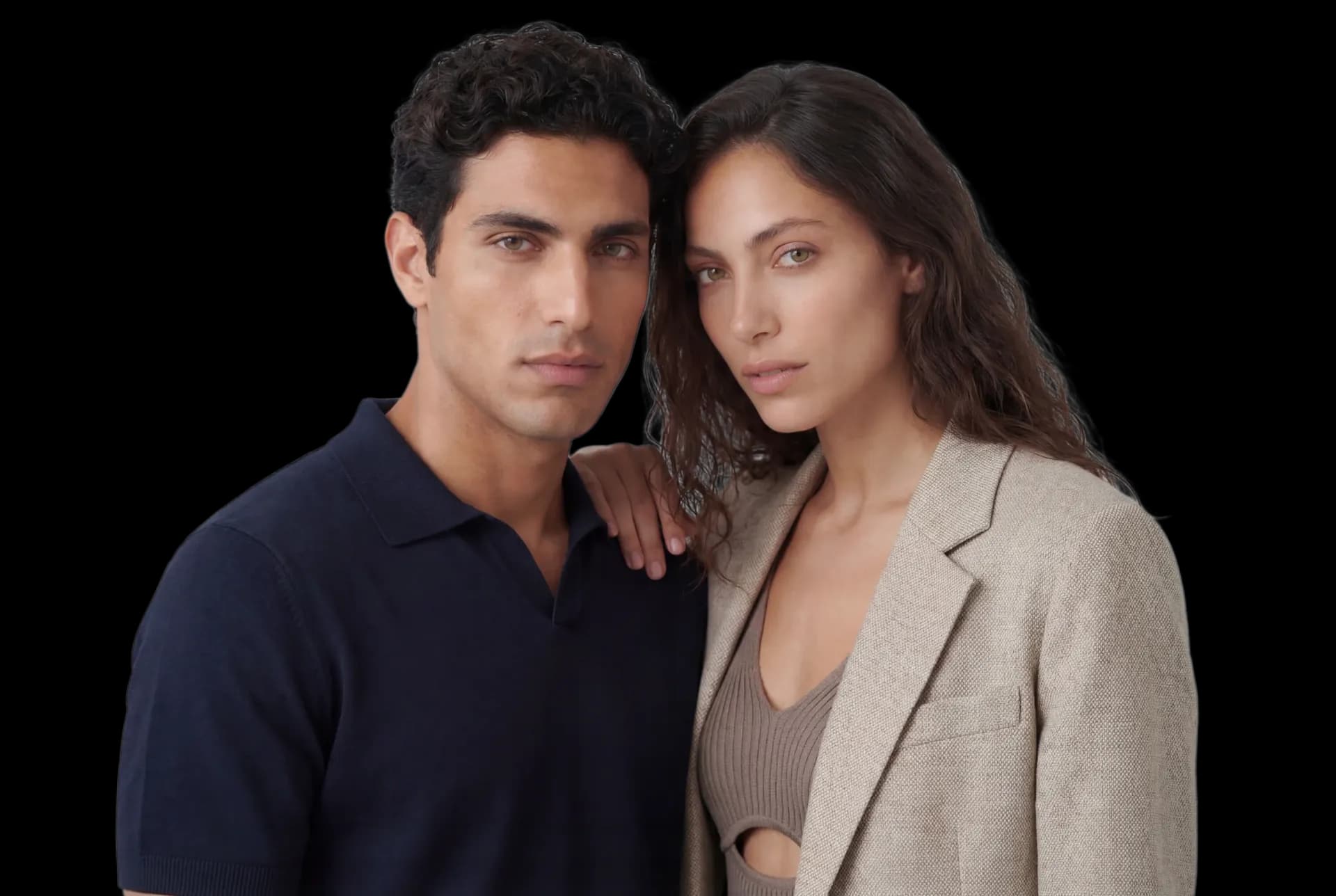
The model is part of your brand. A minimalist label, a beachwear shop and a modest-fashion store each need a different face, age and attitude, so the catalog covers women and men across a range of looks and ages, and the body size can be set from XS to XL for the garment to sit the way it will on your customers.
If none of them is quite right, cast your own. Describe the look, age and style you want, and each casting round shows you 4 candidates for 6 credits. The one you choose is saved to your account, so the same model can wear your whole collection and your catalog looks like one shoot instead of fifty.
A consistent face matters more than it seems. Shoppers who browse several products in a row notice when every item is on a different person, and a recurring model starts to feel like the face of the store.
Not only clothes
Anything worn on the body sells better on a person, because it answers the questions a flat photo cannot: how big is it, how does it hang, what does it look like with an outfit. The same models wear jewelry, sunglasses, bags, shoes and swimwear. Jewelry gets close-ups that keep the shine of the metal and the small details of the stones.


AI models or a photo shoot?
A traditional on-model shoot means a photographer, a model, a studio or location, styling and editing, all booked for a day and all paid for whether you shoot ten items or forty. When a new product arrives the week after, you either wait for the next shoot or list it with a plain photo.
With AI models the cost is per image, and a new product can be online the same day you photograph it. You can also try the same item on two models or in two settings and keep the one that sells.
A real shoot still makes sense for a brand campaign where you want a specific person, a specific place and a creative team behind it. For the everyday work of putting every product on a model, AI is the practical choice for most small and mid-sized stores.
Getting the best results
- Start with a sharp photo. Shoot in daylight, fill the frame with the product, and keep the short side of the photo at least 640 pixels. The uploader warns you when a photo is too small.
- Show the whole garment. If the hem or the sleeves are out of the frame, the system has to guess them.
- Check the details before you publish. Compare length, neckline and print with the real item, and generate again if something is off.
- Keep a house style. One or two models and a consistent setting make a catalog look professional.
Using AI models responsibly
The catalog faces are generated, not photographs of real people. Our terms do not allow creating images that imitate a real person without their permission, so do not upload someone else’s photo to copy their face. Read the details in our terms of use.
Questions
Do AI fashion models look real?
They are photorealistic: skin, hair, light and fabric behave like a photograph. As with any photo, check each image before you publish it and generate again if a detail is not right.
Will the clothes look exactly like my product?
The system takes the color, fabric, print and details from your photo and keeps them. The sharper your photo and the more of the garment it shows, the more accurate the result.
Can I use the same model for my whole collection?
Yes. Pick one model from the catalog, or cast your own (4 candidates per round for 6 credits) and use her for every product.
Are there male models and different body sizes?
Yes. The catalog has women and men across looks and ages, and the body size can be set from XS to XL.
Can I use the photos commercially?
Yes, in your store, on marketplaces, in ads and on social media. The models are generated, so there is no model release or usage period to manage.
How much does it cost?
A standard image costs 5 credits. The free plan covers your first 5 images; paid plans are listed on the pricing page.
Put your product on a model today
Sign up free and get your first 5 images on us. No credit card needed.
Start free