
AI bag photography that shows shape, material and scale
A bag sells on three things: how it holds its shape, what it is made of, and how big it is on a person. Upload a phone photo and get all three, from a clean studio shot to the bag on the shoulder of an AI model.
Your first 5 images free · No credit card needed


The three photos every bag needs
Structure. Does it stand on its own, is it soft or rigid, what is the silhouette? A clean studio shot from the front and a three-quarter angle answers this.
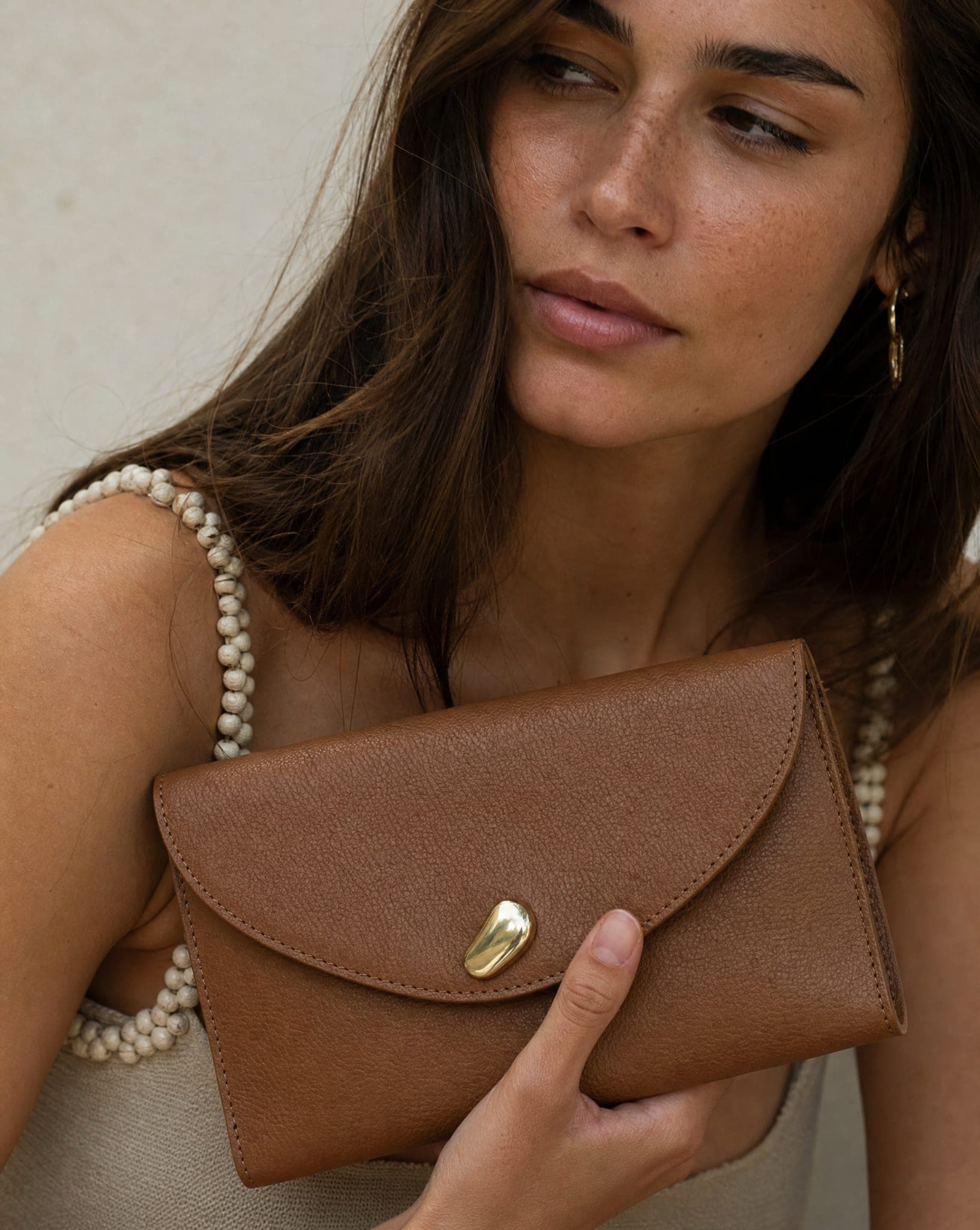
Material. Grain of the leather, weave of the canvas or straw, stitching, zips, buckles and the logo plate. This is a close-up, and it is where a bag shows that it is worth its price.
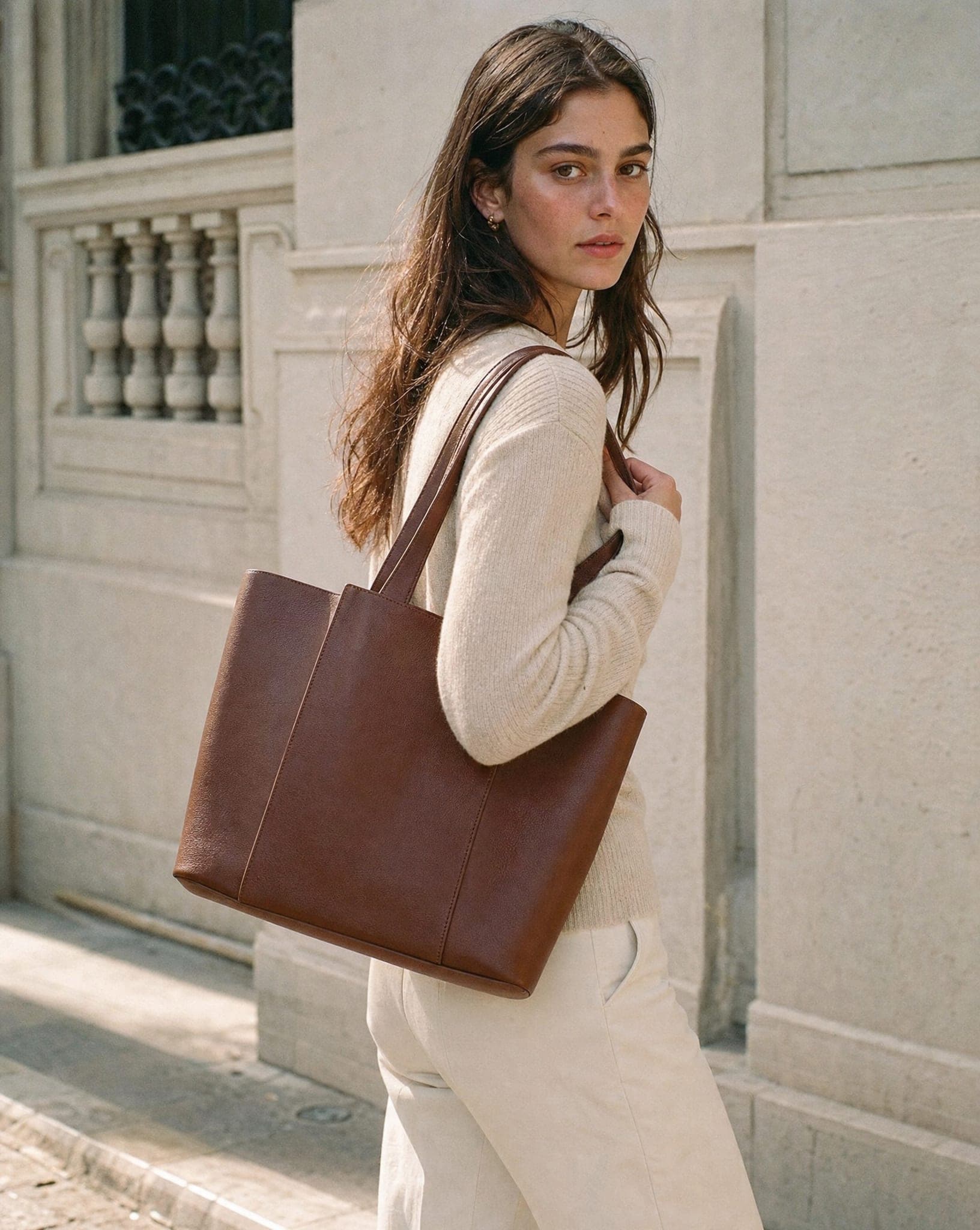
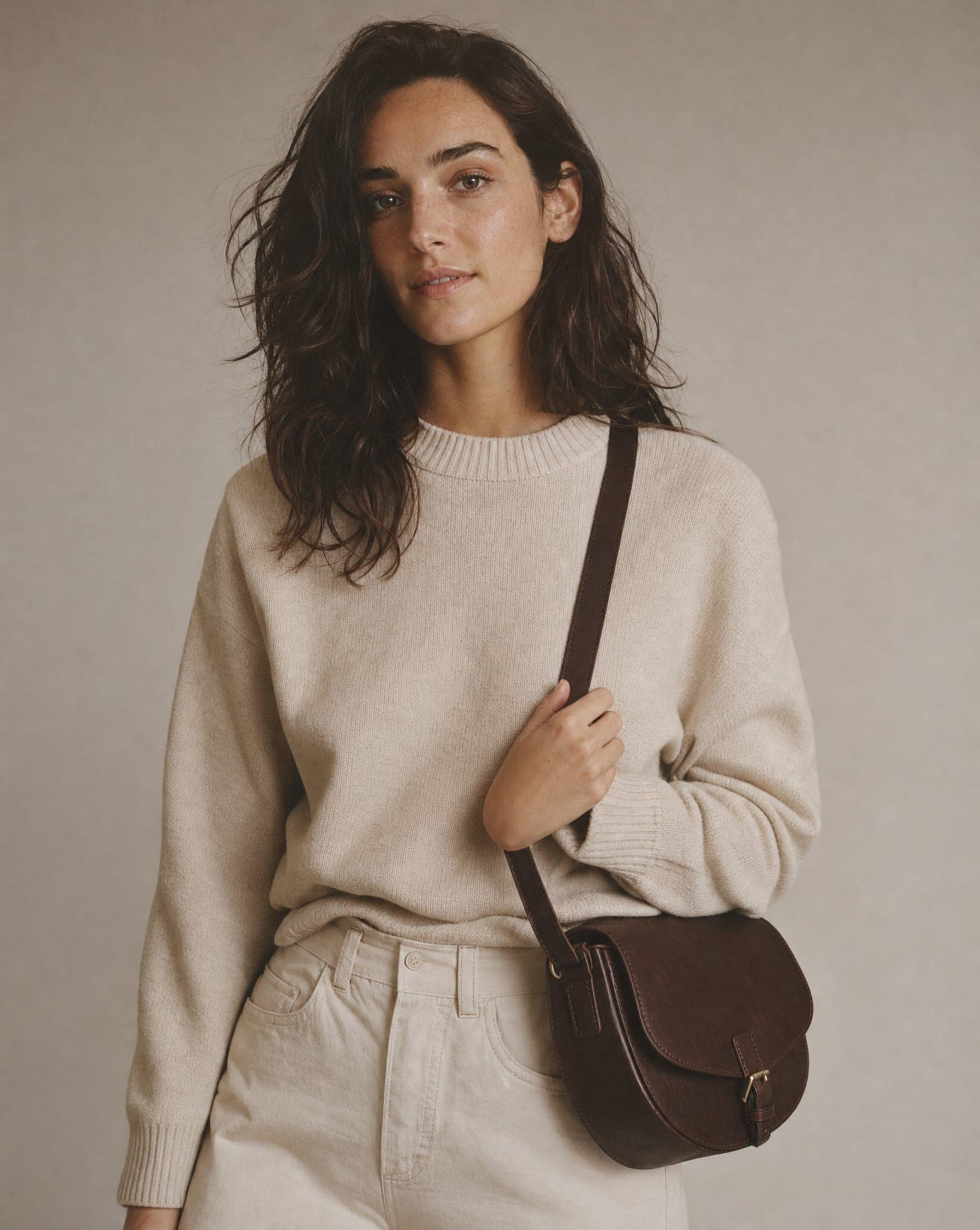
Scale. The question shoppers ask most about bags is how big it really is. Dimensions in the description help, but only a photo on a person answers it at a glance: where it sits on the hip, whether it fits under the arm, how the strap length works.
How AI bag photography works
Upload a photo of the bag and choose the shot: a studio image on white or a soft color, a close-up that brings out the leather and hardware, a scene (a cafe table, a city street, an airport lounge), or the bag carried by an AI model. Shoulder bags, totes, crossbody bags, clutches and backpacks can all be shown worn, on women or on men.
Each standard-quality image costs 5 credits, and the free plan includes 5 standard images a month. For the general workflow beyond bags, see AI product photography.
Preparing the bag for the source photo
- Stuff it. An empty bag slumps. Fill it with tissue paper or a soft cloth so it holds its natural shape, and tuck the straps so they do not hide the front.
- Shoot front, side and open. A closed front view, a side view for depth, and an open shot for the interior. Upload the angles you want to see in the results.
- Photograph the hardware close. A special zip, a metal buckle, a logo or decorative stitching is what sets your bag apart, so give it its own sharp photo.
- Use soft light. Glossy and patent leather reflect hard light as white streaks that hide the grain.
Showing the inside of the bag
Shoppers want to know how many compartments there are, what the lining looks like and whether a laptop or a water bottle fits. The system can only show the inside if it has seen it: upload a photo of the bag open, with the pockets visible, and use it for an interior shot. Without that photo, the result shows the bag closed rather than guessing at a lining that may not match yours.
Bags on a model, in the setting that fits
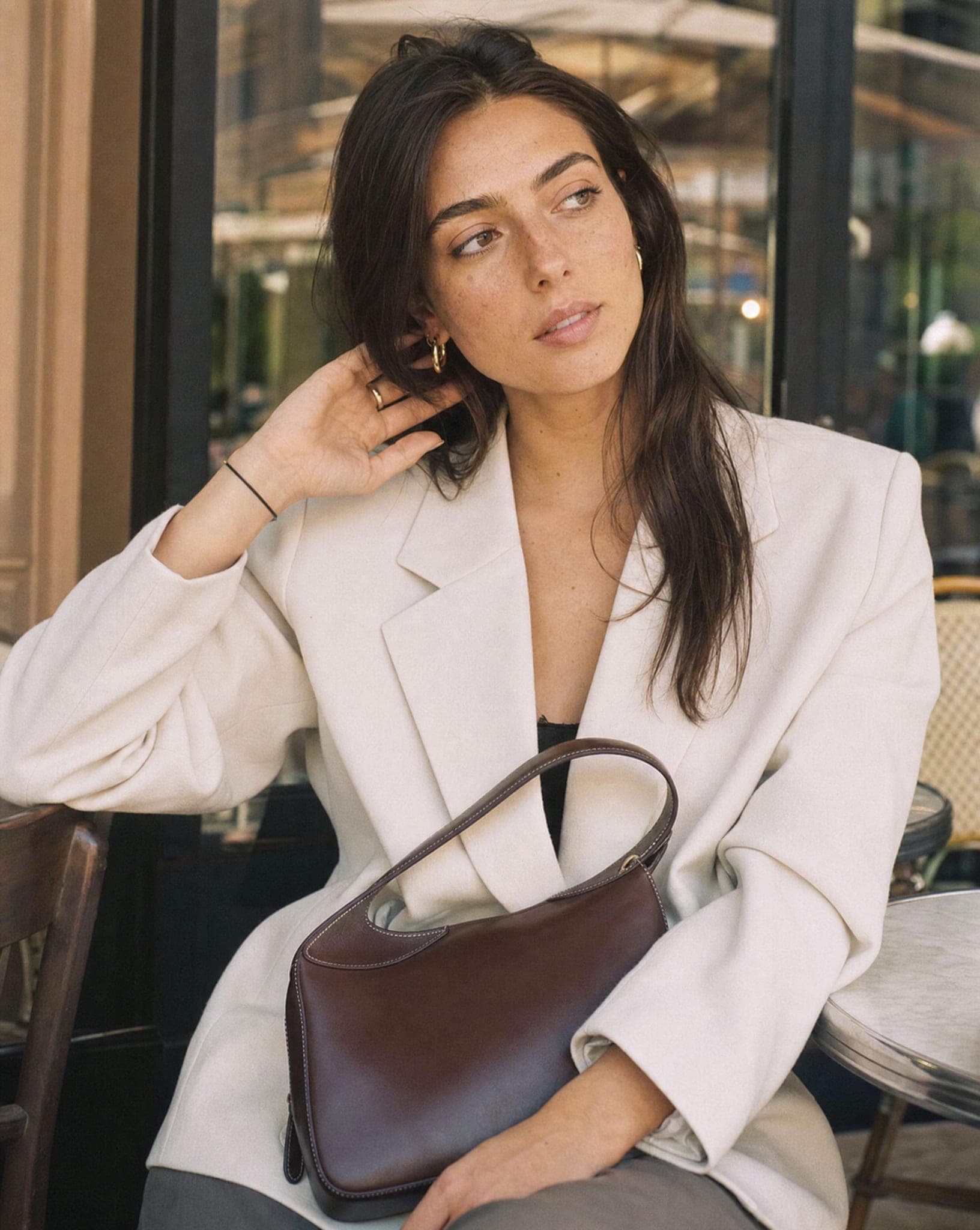
Choose the setting for the job. A clean studio for the product page, a street scene for a work tote, a summer terrace for a straw bag, an evening look for a clutch. Keep a studio shot and an on-model shot for every bag: the first sells on the product page, the second stops the scroll on social media and in ads.
Pick an AI model who looks like your customer. A business bag on a man in a suit and a backpack on a younger model in an urban look tell two different stories with the same product category.
Questions
How does AI bag photography work?
Upload a photo of the bag and choose a style: a studio shot, a close-up, a lifestyle scene, or the bag on an AI model. Several styles can come from the same source photo, so every bag can get a full set.
Can I show the inside of the bag?
Yes, if you upload a photo of it open. The interior shot is built from that photo, so compartments, pockets and lining match the real bag. Upload both a closed and an open photo for the widest set.
Does it work for luxury leather bags?
Yes. Leather grain, stitching and metal hardware come through when the source photo is sharp and softly lit. Compare small details such as the logo plate and the zip pulls with the real bag before you publish.
Can bags be shown on both men and women?
Yes. AI models of different genders, ages and styles can carry the bag on the shoulder, in the hand, across the body or on the back.
How much does it cost?
A standard-quality image costs 5 credits. The free plan includes 5 standard images a month, with no credit card.
Show every bag in the studio and on a model
Sign up free and get your first 5 images on us. No credit card needed.
Start free