
AI cosmetics photography with true-to-life shades
Upload a phone photo of a serum, cream or lipstick and get studio shots, styled scenes and the product in a model's hands, while the color and texture stay faithful to what the customer will receive.
Your first 5 images free · No credit card needed


In beauty, the shade is the product
A lipstick that arrives a tone warmer than it looked on screen gets returned, and so does a foundation that looked like a match and is not. In cosmetics, color accuracy is not a finishing touch; it is the reason the photo exists.
That is why professional beauty shoots lock the white balance and keep identical lighting across the whole range, instead of letting the camera decide shot by shot. The same discipline applies to your source photo and to checking the result, both covered below.
The AI cosmetics photography a beauty page needs
One source photo can become every shot a product page and its ads usually need:
- Studio shot: the clean catalog image, on white or a soft color.
- Scene shot: on marble, beside flowers, or with stones, wood and clay for natural and organic brands.
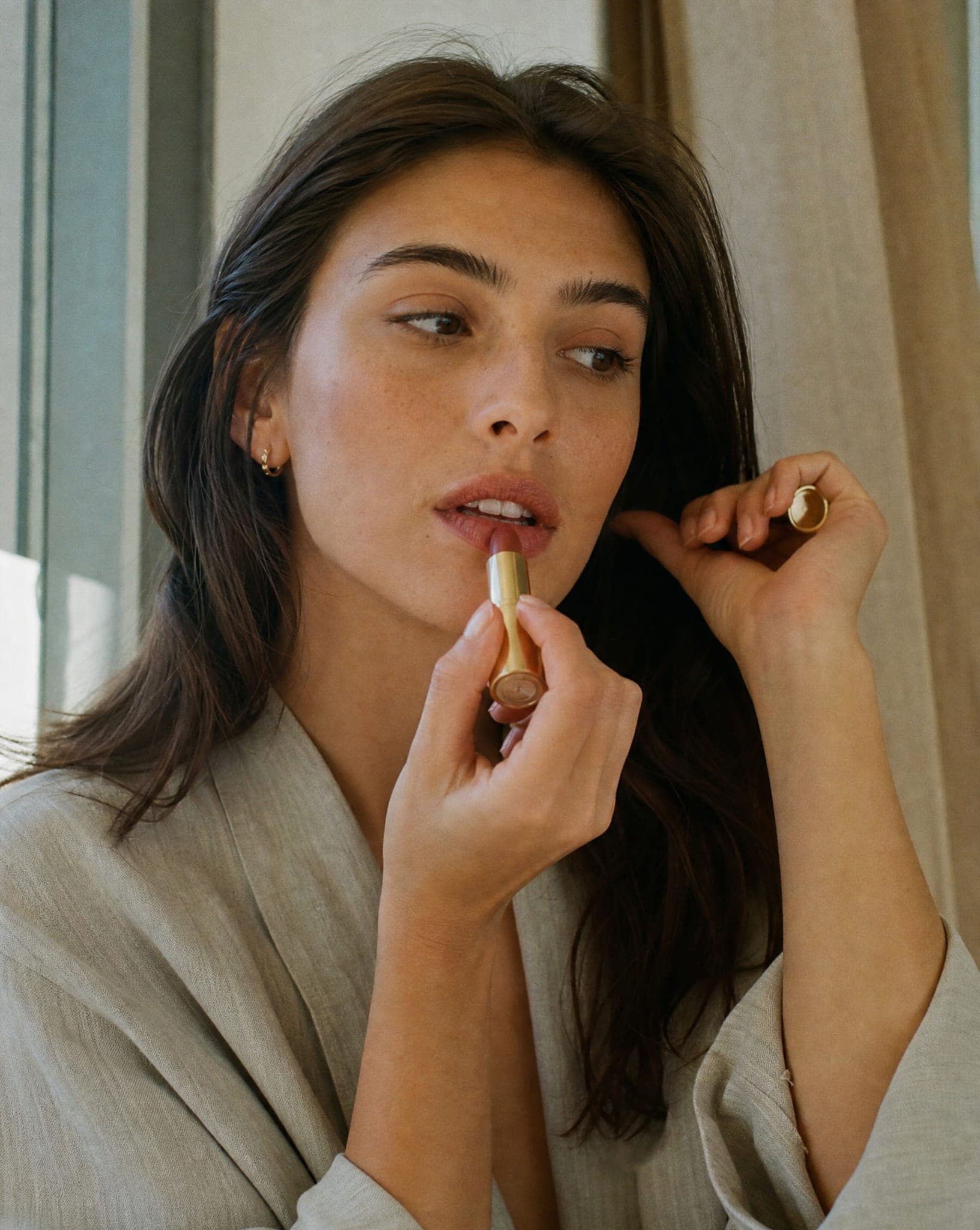
- Product in hand: a serum dropper or a tube held naturally, which shows the size better than any spec line.
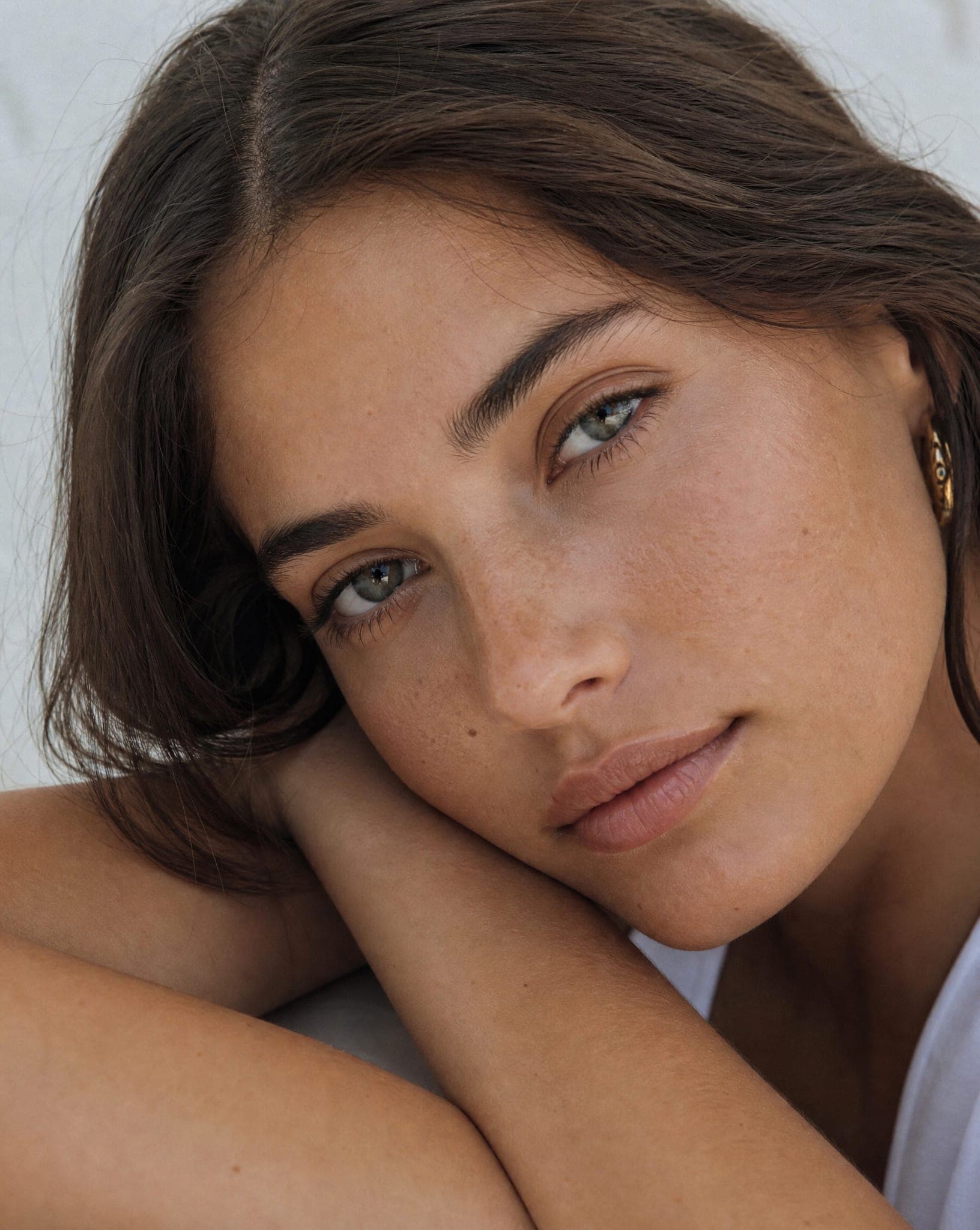
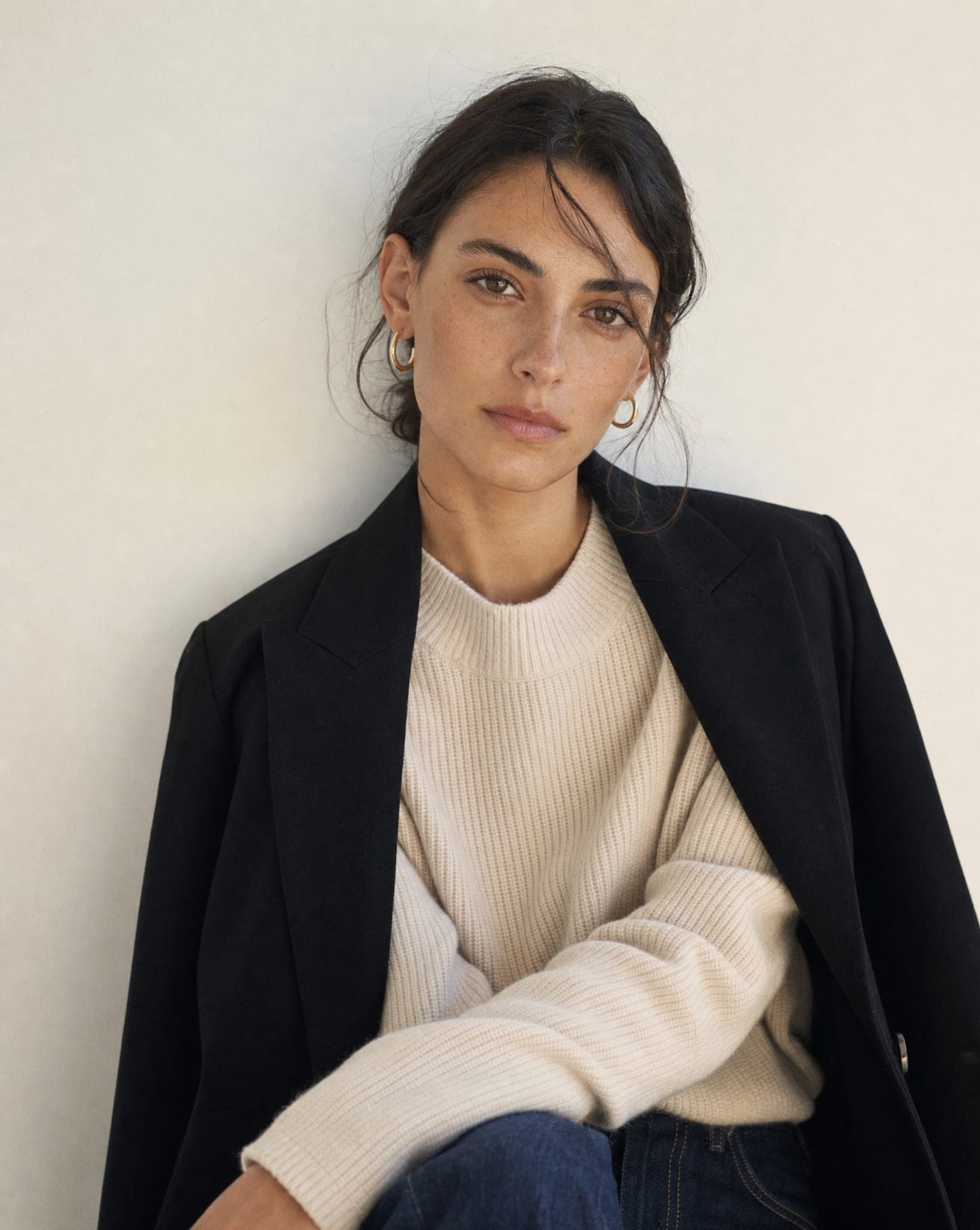
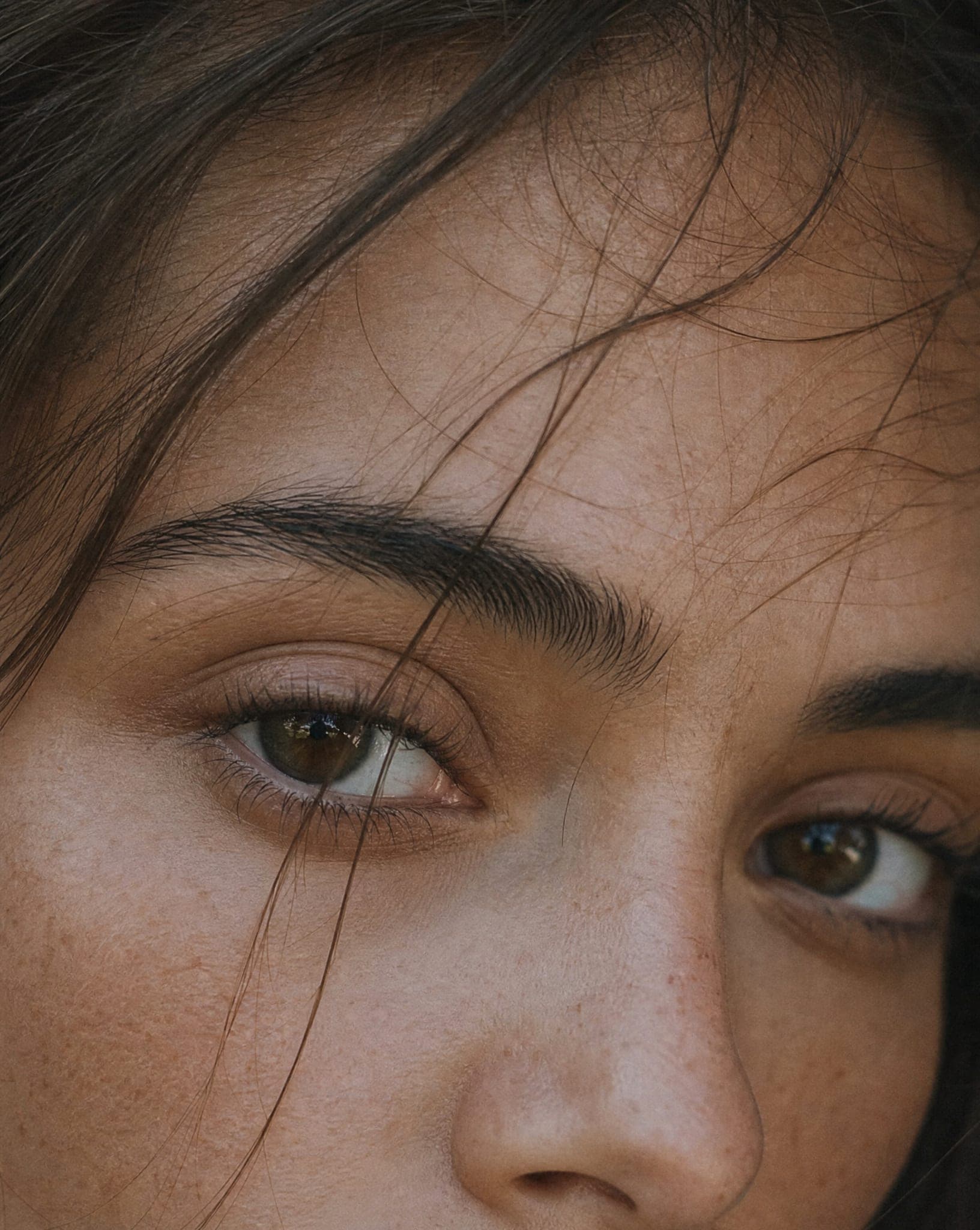
- With a model: a cream on the cheek, a lipstick on the lips, a hair mask on full hair.
- Several products together: the whole routine in one frame, ideal for bundles and category banners.
A standard-quality image costs 5 credits. More on the general workflow is on AI product photography.
How to photograph cosmetics before you upload
- Soft, even light. Daylight from a window or a diffused lamp. A strong flash on glossy packaging creates highlights that look like part of the product.
- Closed and open. Upload the product with the lid on to show the packaging, and open to show the texture and the shade inside. You get a much wider set of images from the two.
- A light, neutral background. White or pale grey gives the most freedom to build any scene around the product. Avoid busy or colored surfaces that tint the packaging.
- The label facing the camera. Straight, sharp and fully in frame, so the brand name and the product name read clearly.
Skin tones and shade ranges
If you sell complexion products, lip colors or anything with a shade range, show it on more than one skin tone. Choose models whose skin matches the customers each shade is made for: a shopper with deep skin judges a bronzer very differently on a fair model.
Keep the setting identical across the range, the same background and the same light, so the only thing that changes from image to image is the shade itself. That consistency is what lets shoppers compare.
Check before you publish
- Compare the shade with the real product on a well-calibrated screen, in daylight. If it drifted, generate again; do not correct it by eye in an editor.
- Read the label. Make sure the logo and product name match the real packaging.
- Look at the texture. A matte powder should not turn glossy, and a rich cream should not look like a gel.
- Match the channel. A clean studio shot for the store, the product in a model’s hands for Instagram, a styled scene for ads.
Questions
Does AI keep the exact color of my cosmetics?
The shade, finish and texture are taken from your photo and kept as faithfully as possible. The better the source (soft even light, no flash glare, correct white balance), the closer the result. Always compare the final image with the real product before publishing.
Can I show skincare on a model?
Yes. You can show a face cream applied to the skin, a serum held in the hand, or a lipstick worn, on AI models of different ages and skin tones. The models are not real people, so the images are cleared for commercial use.
Can I make flat lay and styled scene photos?
Yes. Scene shots place the product on marble or among props such as flowers, leaves, stones and fabric, and the group shot puts several products from a routine together in one styled frame.
How much does AI cosmetics photography cost?
A standard-quality image costs 5 credits. The free plan includes 5 standard images a month, with no credit card.
Does it suit natural and organic beauty brands?
Very well. Earthy scenes with leaves, wood, stone and clay tell the brand story, and the same product can also get a clean studio shot for the store page.
Photograph your beauty range in true color
Sign up free and get your first 5 images on us. No credit card needed.
Start free