
AI jewelry photography that shows the piece and its size
Photograph a ring, necklace or pair of earrings with your phone and get back a clean studio shot, a detailed close-up and the same piece worn on a model. No light tent, no macro lens, no model booking.
Your first 5 images free · No credit card needed


Every piece of jewelry needs two photos
A jewelry product page has to answer two different questions, and no single photo answers both. The first is what exactly am I getting? The stone, the metal, the setting, the clasp. That is a close-up, and it is the photo a hesitant buyer zooms into.
The second is how big is it, and how does it sit? A pendant that looks impressive in a close-up can be the size of a fingernail in real life, and that gap is a classic reason jewelry comes back. One photo on a neck, an ear or a hand settles it. Most small shops upload only the first kind, then answer the second question one customer message at a time.
AI jewelry photography lets you make both from the same phone photo, for every item in the catalog rather than for one collection a year. For the worn version, see jewelry on model.
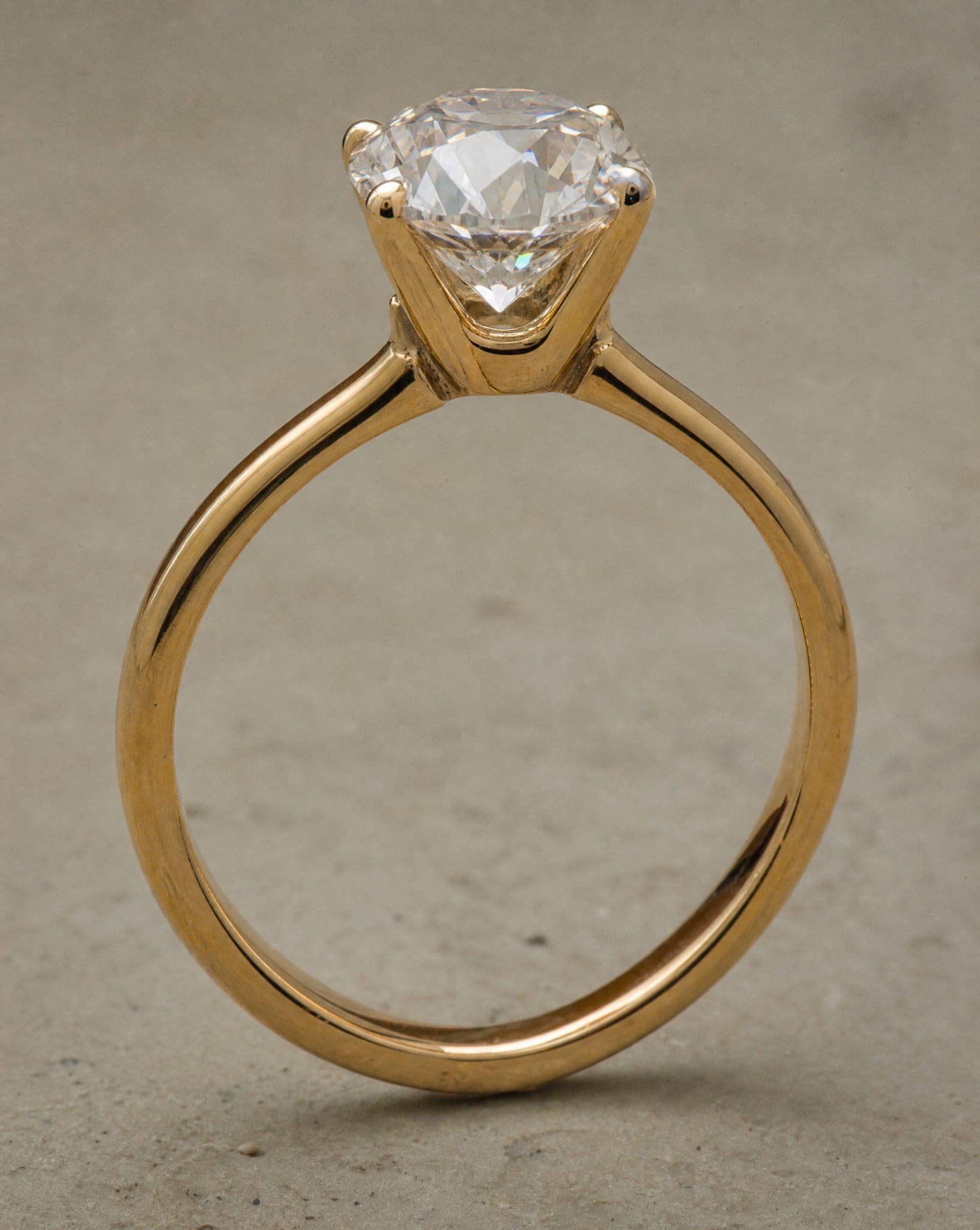
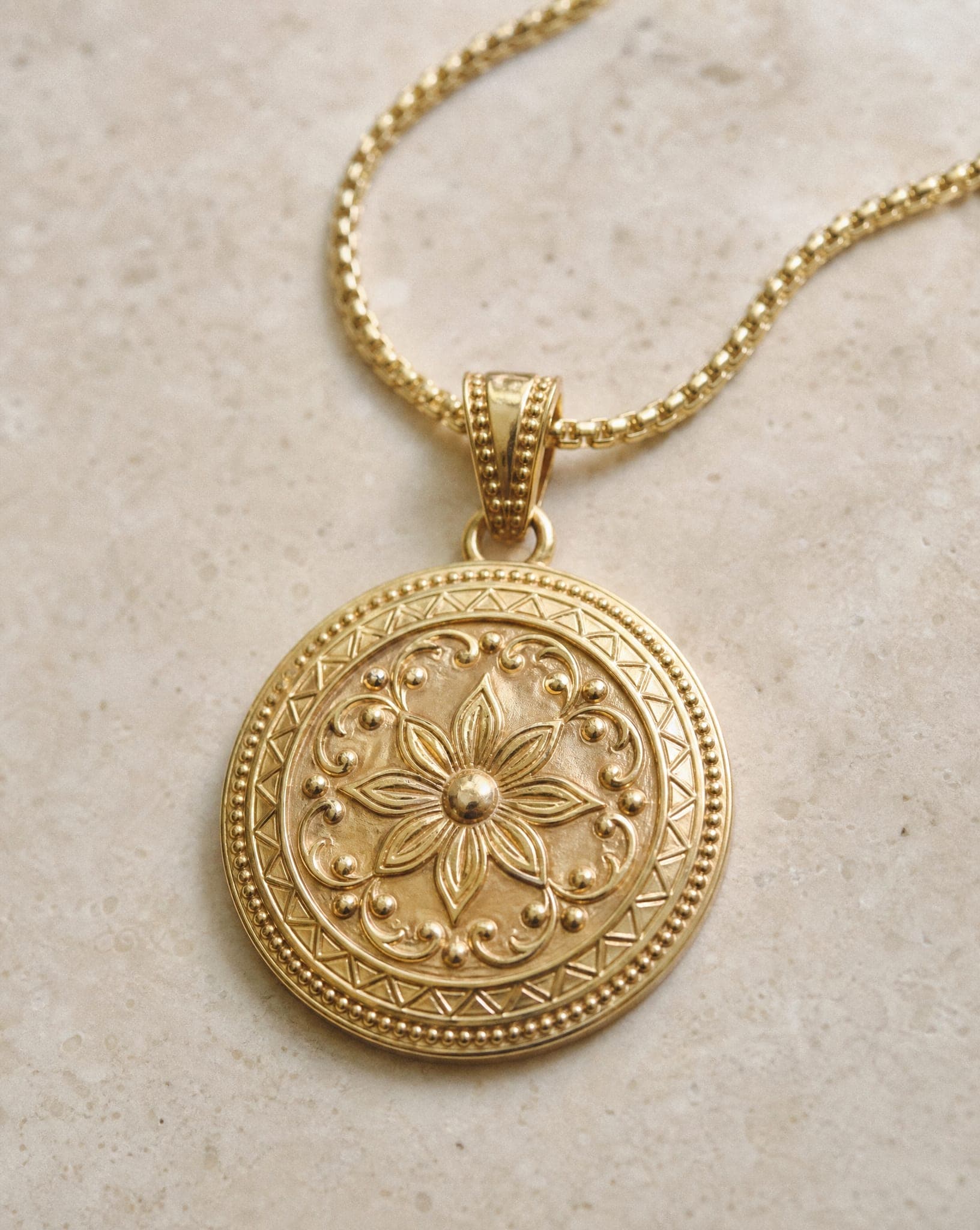
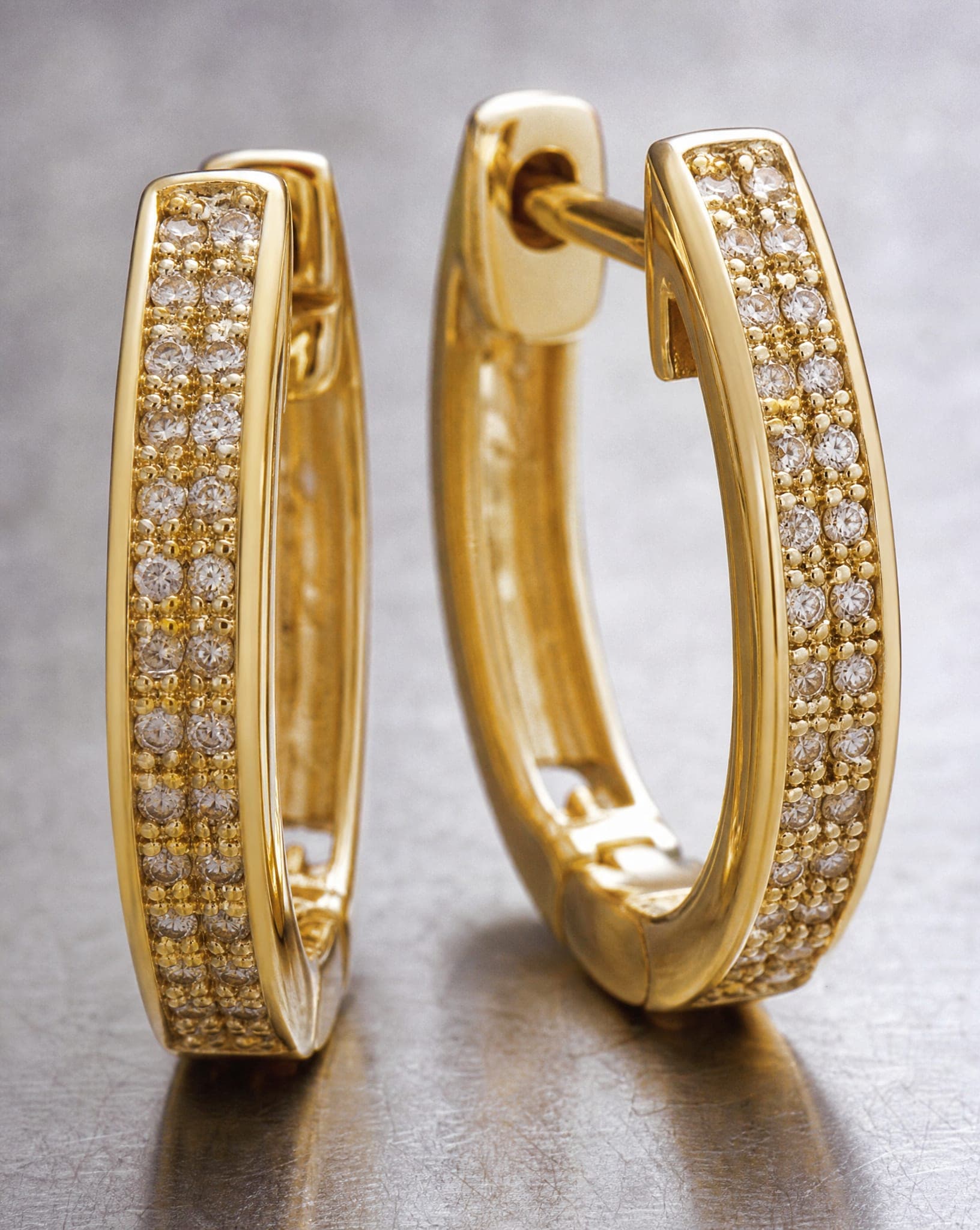
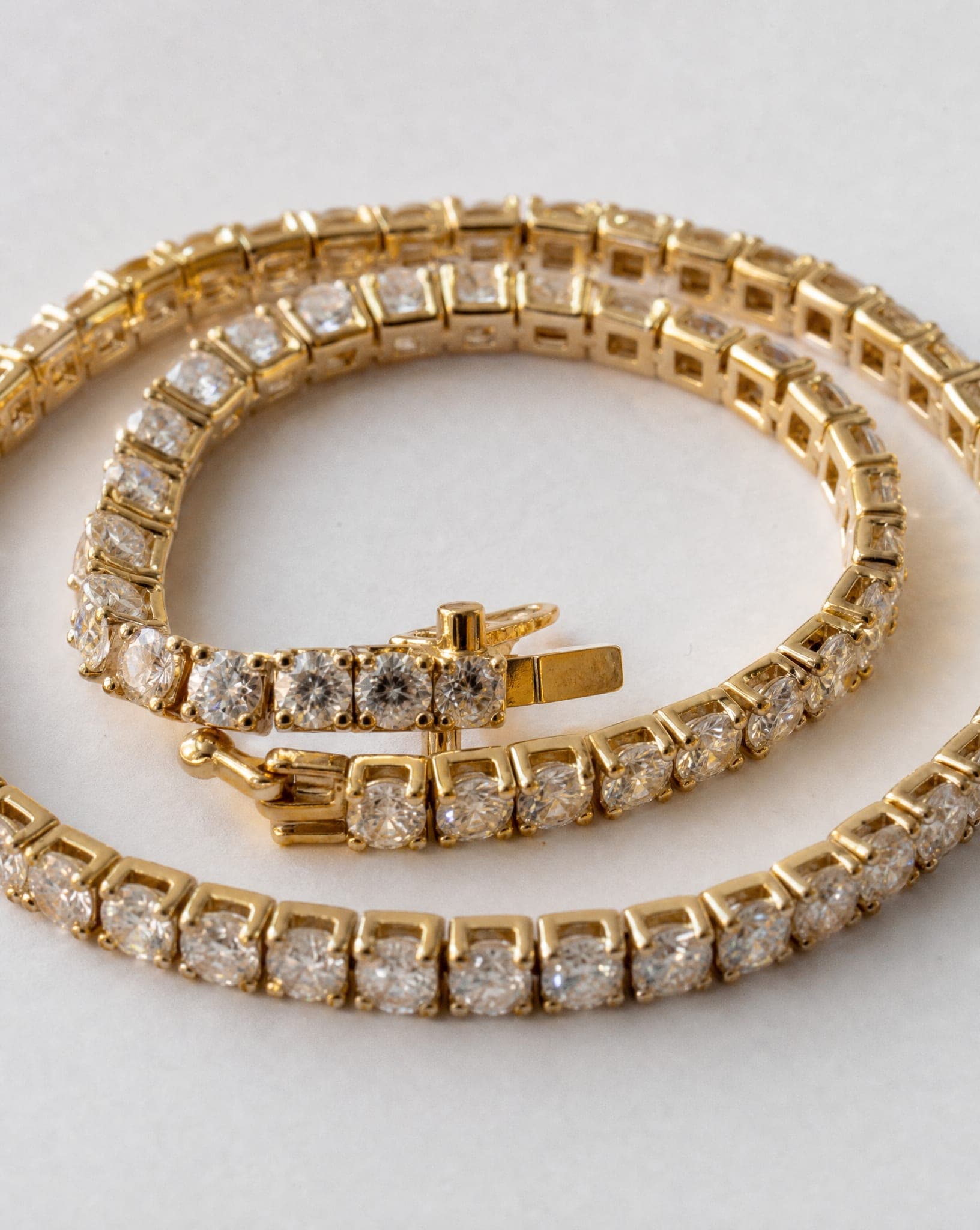
How AI jewelry photography works
Upload a photo of the piece and choose what you need. The jewelry studio covers rings, necklaces, earrings, bracelets and watches, with a separate screen for each kind of shot:
- Studio shot: the piece on a clean background in the color you pick, with or without a soft shadow and reflection. The catalog image.
- Close-up: you pick what to highlight, such as the stone, the engraving or the sparkle.
- On our model and on the body: the piece worn, either on a full model or on a neck, ear, hand or wrist.
- Styled scene and lifestyle scene: the piece on marble, velvet or a vanity, or in an everyday setting, for social posts and ads.
A standard-quality image costs 5 credits, and the free plan includes 5 standard images a month. See pricing for the plans.
How to photograph jewelry with your phone first
- Use window light, not direct sun. Soft daylight shows the metal without hard white hotspots that hide the detail.
- Bounce the light. A folded sheet of white paper behind or beside the piece fills the shadows and calms reflections.
- Get close instead of zooming. Digital zoom throws away pixels. Move the phone closer and rest it on something steady so the shot is sharp.
- Clean the piece. Fingerprints on polished gold and dust on stones show up far more in the result than they do to the eye.
- Mind the background with dark stones. Onyx, black gold or a dark matte finish on a dark surface loses its outline. Shoot dark pieces on a light or mid-tone surface.
What each type of jewelry needs in the photo
- Rings sell on the hand: band width, stone size and how it sits on the finger. Upload a shot from above and one from the side. More in AI ring photography.
- Necklaces and pendants need a neckline so the buyer understands the length and the drop. Lay the chain out straight for the source photo. More in AI necklace photography.
- Earrings need an ear and a face for scale. Photograph both earrings side by side, sharp.
- Bracelets look best on a wrist in a natural pose, where you can see how they fall.
- Watches sell on the dial, the strap and the size on the wrist; they have their own guide.
What to check before you publish
Gold, silver and the sparkle of a stone come out convincingly in most cases. Two details deserve a close look before you run a whole collection: the number of stones in a row, which has to match the real piece, and the clasp, because the small mechanical parts are what tends to come out wrong. Check one image first, then generate the series. If something is off, generate again.
Your main image may also need to be on pure white for a marketplace. The free white background tool does that in your browser.
When a jewelry photographer is still the better choice
- A single, very expensive piece. When one sale carries a large margin, a real macro shoot that captures how light moves through the stone is worth paying for.
- A gemstone whose color is the product. Opal, alexandrite or a color-shifting sapphire need color calibrated against the physical stone. A shade that differs from reality creates a return, not a sale.
- A campaign built on one exact vision. A specific location, a specific person and an art director are a production, not a product photo.
- The everyday catalog is where AI wins: dozens or hundreds of pieces, each needing a clean shot and a worn shot.
Questions
Will the jewelry in the photo be my actual piece?
Yes. The image is built from the photo you upload, so the shape, stones, color and engraving come from your piece. Check the close-up for the number of stones and the clasp before you generate a whole series, and generate again if a detail is off.
How much does AI jewelry photography cost?
A standard-quality image costs 5 credits, whether it is a studio shot, a close-up or the piece on a model. The free plan includes 5 standard images a month, with no credit card.
Do I need a light box to photograph jewelry?
No. A light box gives even light and a clean background, which helps when you shoot many pieces. Window light and a sheet of white paper give a similar result, and the studio shot replaces the background anyway.
Should I photograph a set together or each piece on its own?
Both, for different jobs. The product page needs each piece alone, because the buyer is buying one item. A set shot (earrings, necklace and ring together) works well as a campaign or category image and sells the whole look.
Can I use the images on Etsy, Shopify and in ads?
Yes. The images are yours for commercial use in your store, on marketplaces, in ads and on social media. The models are not real people, so there is no model release or usage period to manage.
See your piece in a studio shot and on a model
Sign up free and get your first 5 images on us. No credit card needed.
Start free