
Canva alternative for product photos
By the IsraModel AI team · Published
Canva is a design tool: templates, posts, banners and ads. IsraModel AI makes the product photo itself, from a phone shot. Many shops need both. Here is where each one fits, with Canva facts from its own pricing page.
Your first 5 images free · No credit card needed
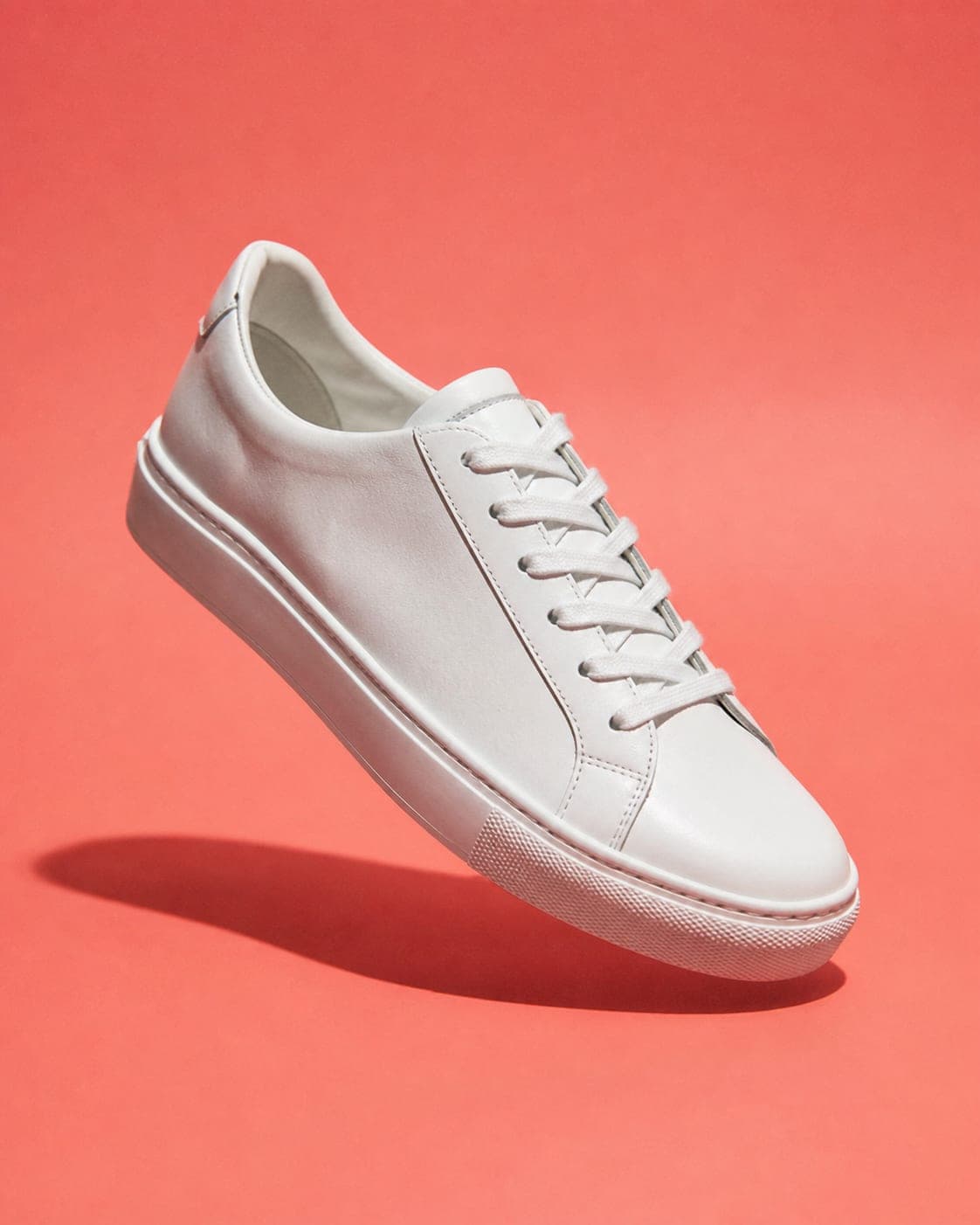
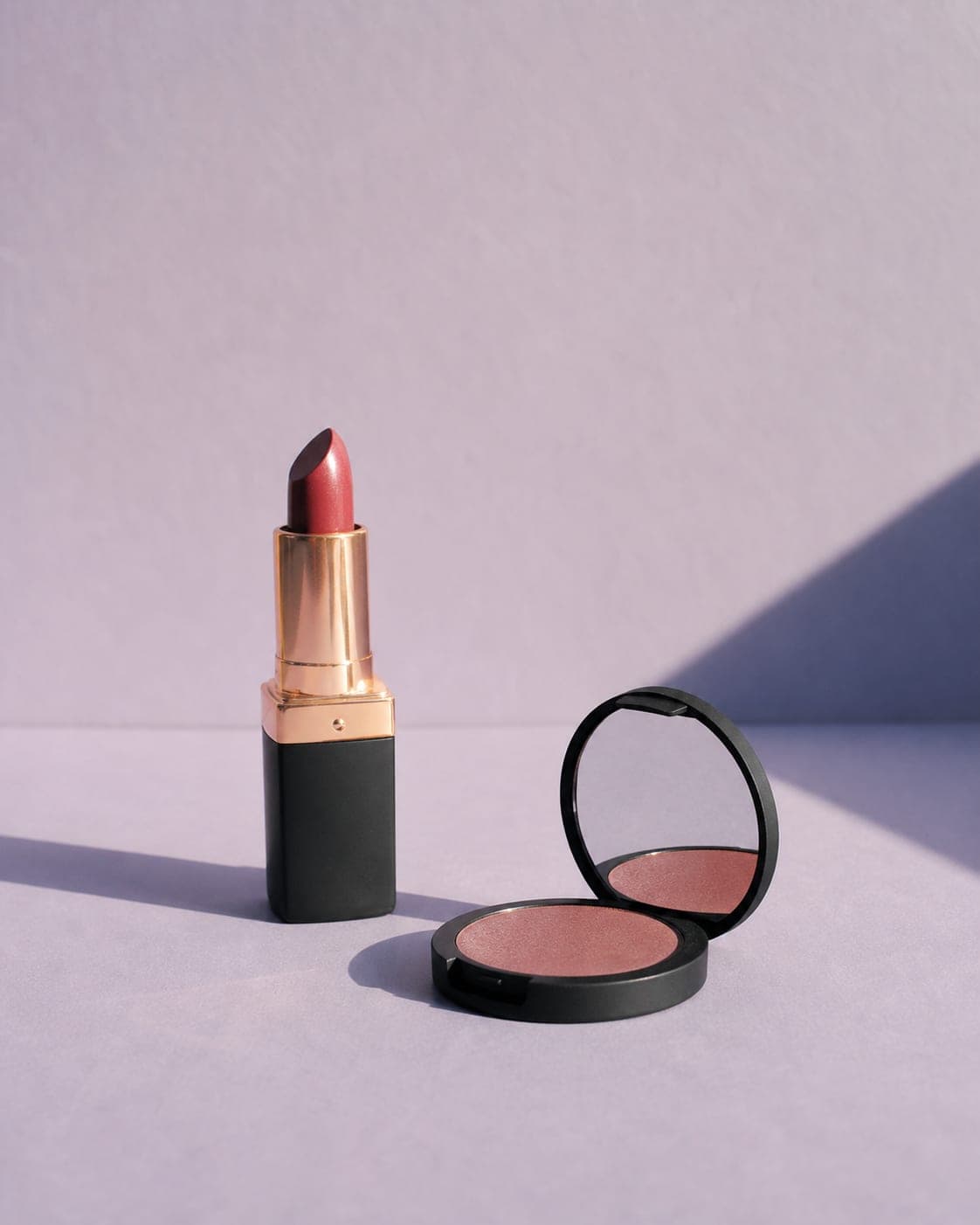
Two tools, two different jobs
Canva starts from a template and helps you lay out text, graphics and photos into a finished design. It is very good at that, and it has added many AI features along the way.
IsraModel AI starts from a photo of your product and returns a new photo: the product on a studio background, in a styled scene, held in a hand, or worn by a realistic AI model. It does not design posts or banners.
So the honest question is not which one to pick, but whether your bottleneck is the design or the photo. If your product photos are already good, Canva may be all you need.
What Canva Free and Canva Pro include
According to Canva’s pricing page:
- Canva Free includes the drag-and-drop editor, 1.6M+ templates, 4.7M+ photos, videos, graphics and audio, and “Up to 20 Standard or Premium AI uses”.
- Canva Pro adds “AI tools (resize, translate, remove background, and more)”, premium templates and content, and “10x more AI than Canva Free”.
- Canva Business adds team tools and “20x more AI than Canva Free”.
- Free trials of Pro and Business are offered.
Canva shows its prices in your local currency, so we do not quote them here; check the page from your own country.
Source: Canva plans and pricing, checked October 15, 2026.
Background removal without a subscription
On Canva, background removal is listed among the Pro AI tools. If that is the main thing you use Canva for, our free background remover does it with no account, runs in your browser, and allows commercial use. From the same cut-out you can export a transparent PNG, a pure white background or an Amazon-ready main image.
Two more free tools cover jobs people often open a design app for: resizing to a marketplace size, and compressing a photo so your store loads faster.
When the problem is the photo itself
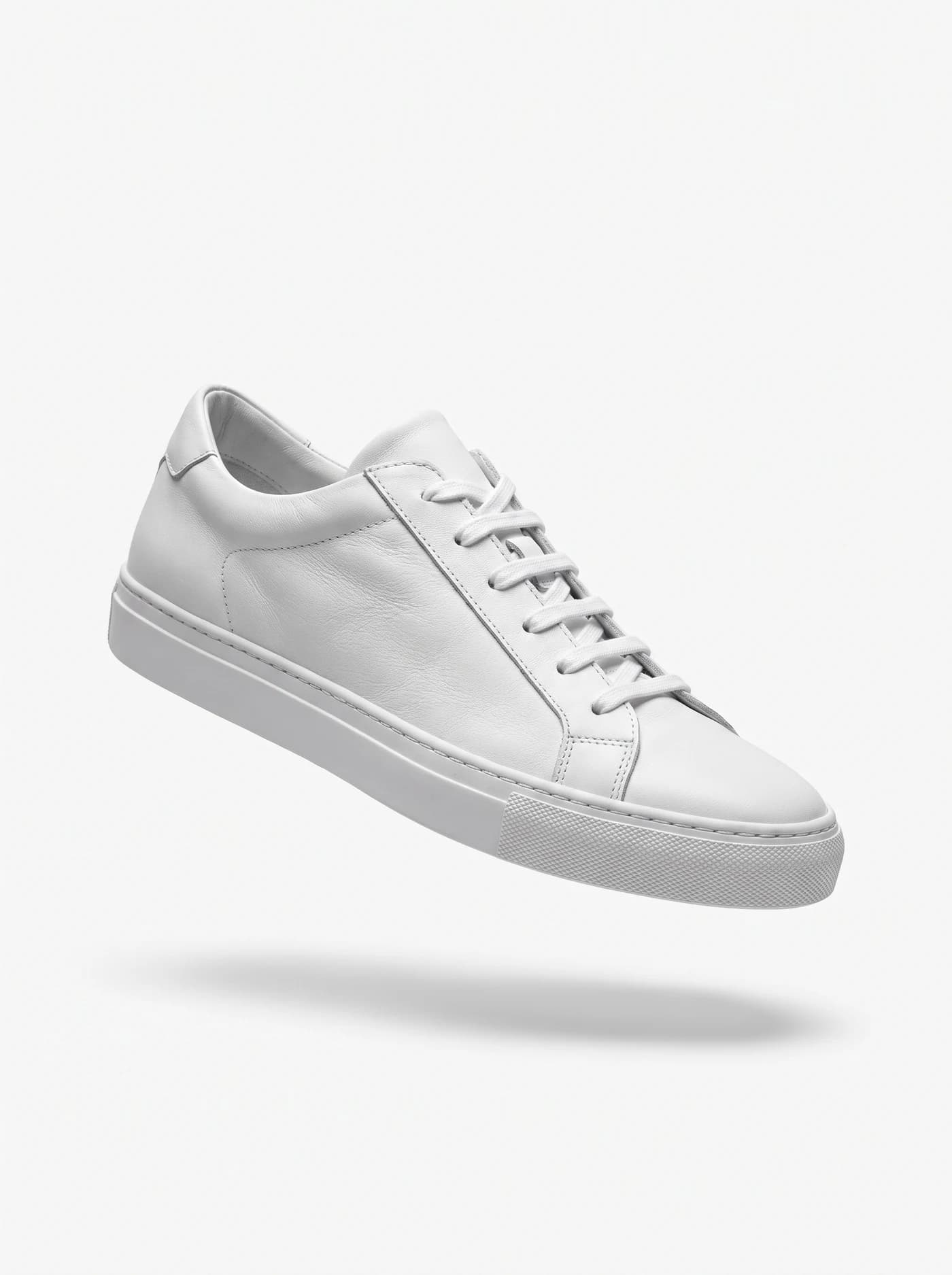
A template cannot fix a product photo taken on a bed under a kitchen light, and it cannot put a dress on a person. That is the part IsraModel AI handles:
- Clothing on a model from a flat lay, a mannequin, or a photo of someone wearing it, with a model you choose from the model catalog.
- Jewelry in a studio shot, in a scene, or worn by a model.
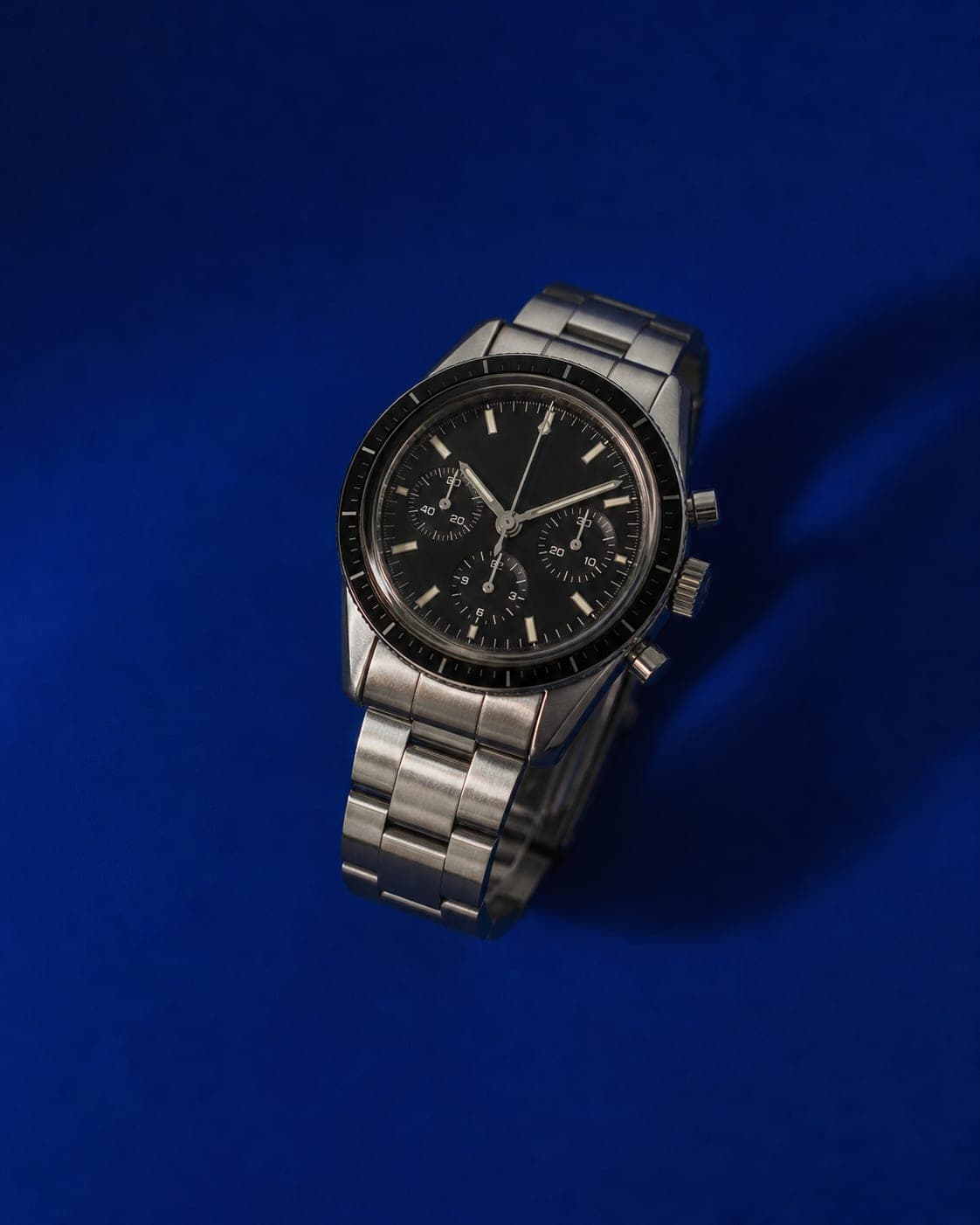
- Products on a studio background, in a lifestyle scene, in a hand, or several products together.
A standard image costs 5 credits, and the free plan includes 5 standard images a month with no credit card. Plans are on the pricing page.

When Canva alone is the better choice
- You need social posts, stories, banners, flyers or presentations, with text and layout.
- Your product photos are already clean and you only need to place them in a design.
- A team works on the same brand kit and templates.
- You want one subscription that covers design, stock content and basic photo edits.
Using both together
A common workflow: make the product photo in IsraModel AI, download it, and place it in a Canva template for the ad or the post. The photo carries the product; the template carries the message. Neither tool replaces the other.
Questions
Is IsraModel AI a replacement for Canva?
Not for design. Canva builds posts, banners and presentations from templates. IsraModel AI creates product photos: on a studio background, in a scene, or on an AI model. Many shops use both.
Can I remove a background in Canva for free?
Canva's pricing page, checked October 15, 2026, lists background removal among the AI tools in Canva Pro. Our background remover is free with no sign-up and allows commercial use.
Does Canva Free include AI features?
Yes, within limits. Canva's pricing page, checked October 15, 2026, lists up to 20 Standard or Premium AI uses on Canva Free, and 10x more AI on Canva Pro.
How much does IsraModel AI cost?
A standard image costs 5 credits. The free plan includes 5 standard images a month with no credit card, and paid plans are listed on the pricing page.
Make the photo, then design the post
Sign up free and get your first 5 images on us. No credit card needed.
Start free