
AI food photography from a phone photo
Photograph the dish before it goes cold, then choose the light, the surface and the setting afterwards. Your food stays your food; only the photography around it changes.
Your first 5 images free · No credit card needed
Why food is the hardest product to photograph
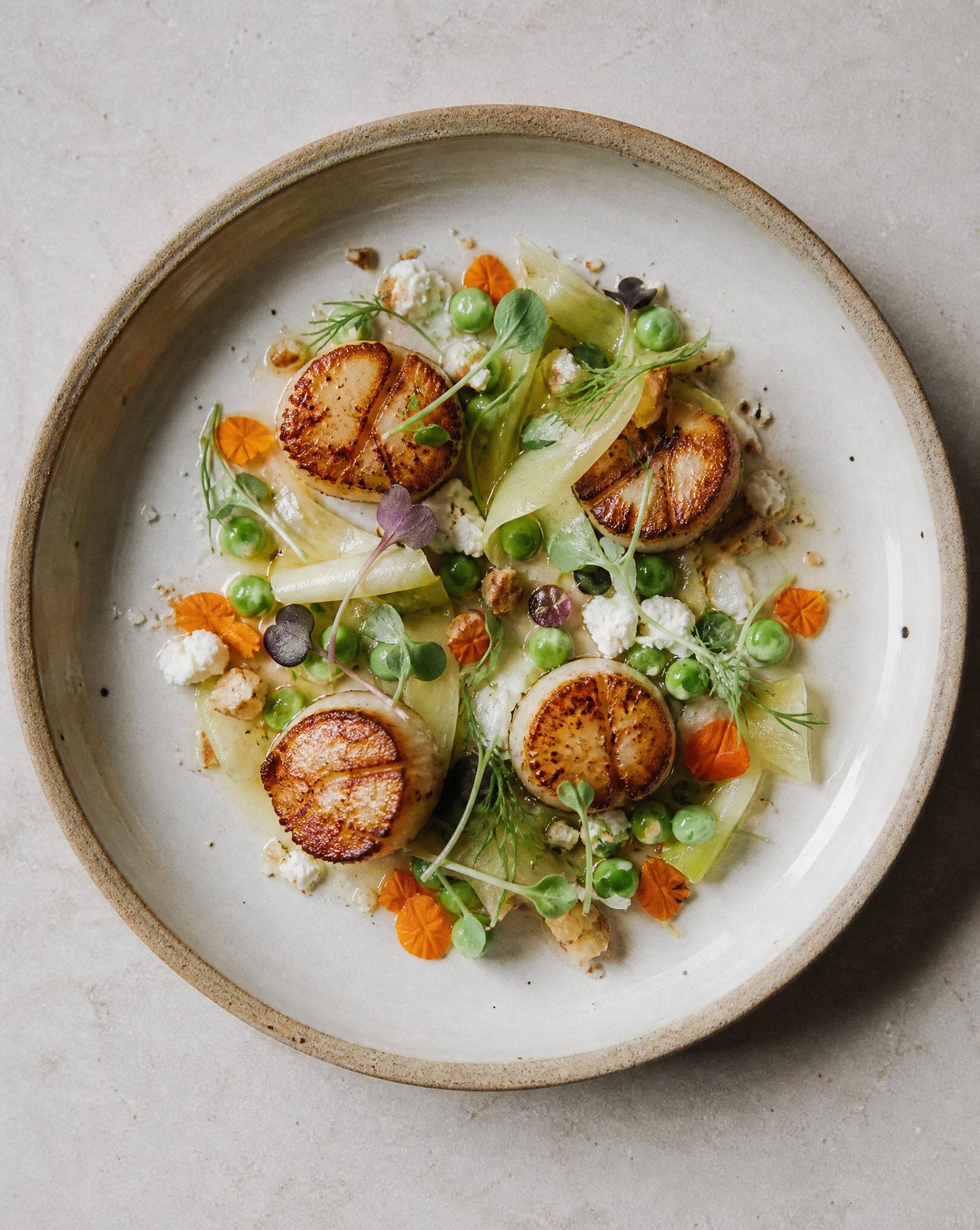
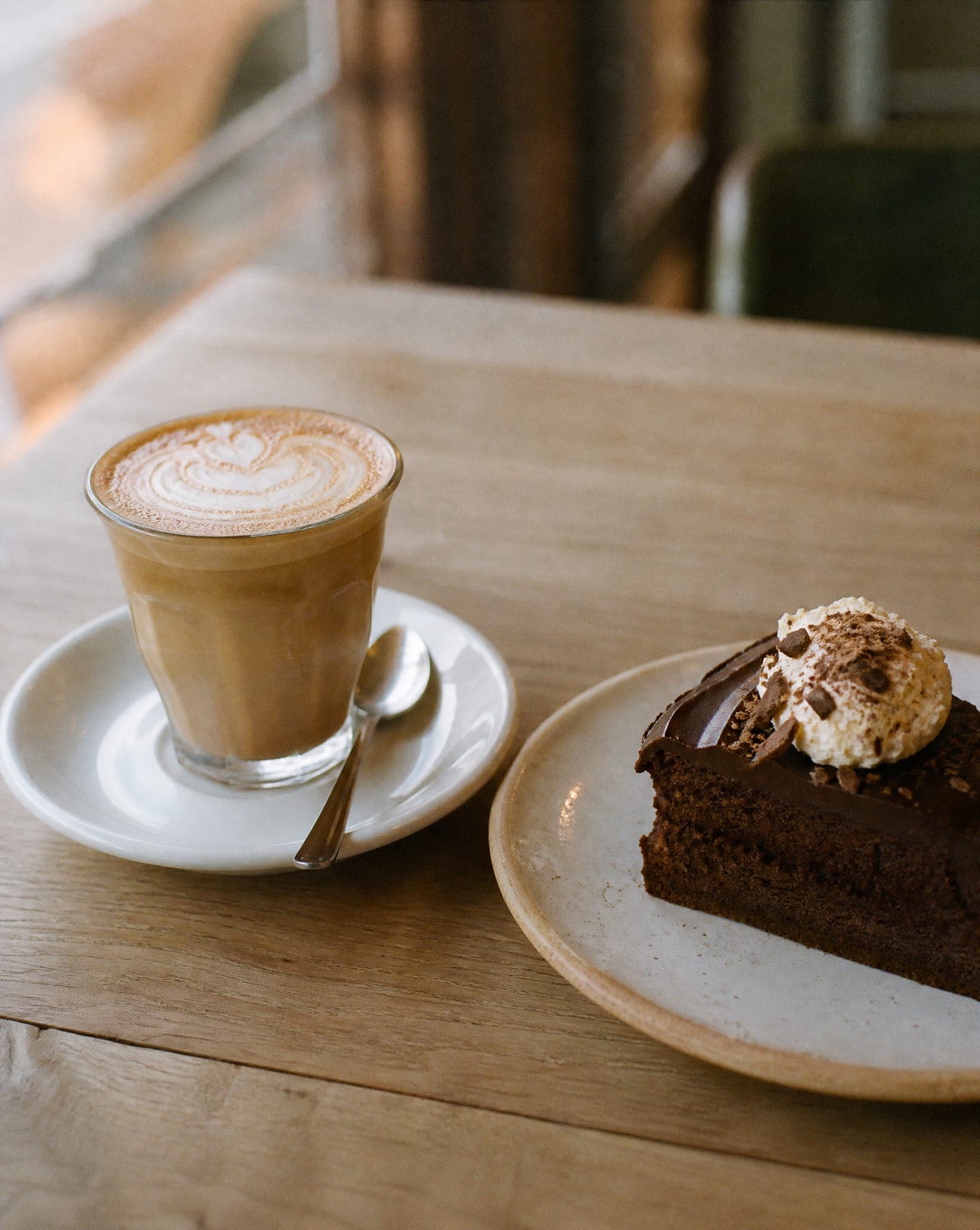
Food changes while you look at it. Ice cream melts, salad wilts, sauce skins over and steam disappears. A professional food shoot works around that with a stylist, duplicate plates and a lot of time, which is why most small kitchens and bakeries end up posting whatever the phone caught under the kitchen lights: yellow, flat, and a little sad.
AI food photography splits the job in two. You only need a fast, sharp photo of the real item while it looks its best. The light, the background, the surface and the props are chosen afterwards, calmly, and can be changed as often as you like without cooking anything again.
How to shoot the input photo
- Daylight from the side, no flash. Sit next to a window. A flash flattens texture and puts a hot spot on anything glossy, and the result inherits it.
- Pick the angle by the shape of the food. Flat food (pizza, a tart, a bowl) reads best from straight above. Tall food (a burger, a layer cake, a drink) reads best from the side.
- Clean the plate. Wipe drips and smudges off the rim before you shoot. What is on the plate in your photo is what ends up in the final image.
- Fill the frame and keep it sharp. The short side of the photo should be at least 640 pixels. The uploader warns you when a photo is too small.
- Keep packaging readable. For jars, bottles and boxes, shoot the label straight on so the text is legible in the source.
What you can make from one food photo
Food runs through the products studio, which gives you several kinds of shot from the same upload:
- Studio shot. The item on a clean backdrop, white for marketplaces and delivery menus, or cream, sand or black for a more styled look, with a choice of soft or dramatic light.
- Scene shot. The item set into a styled scene. The food scenes are rustic wood table, marble kitchen, café, picnic.
- Product in hand. A hand holding the cup, the pastry or the jar, or using it (opened, applied, poured). Good for drinks and anything sold to take away.
- Several products together. A gift box, a breakfast set or a bundle of jars in one frame.
For a clean cut-out on white without any of the above, the free white background tool is enough.
Keep the food honest
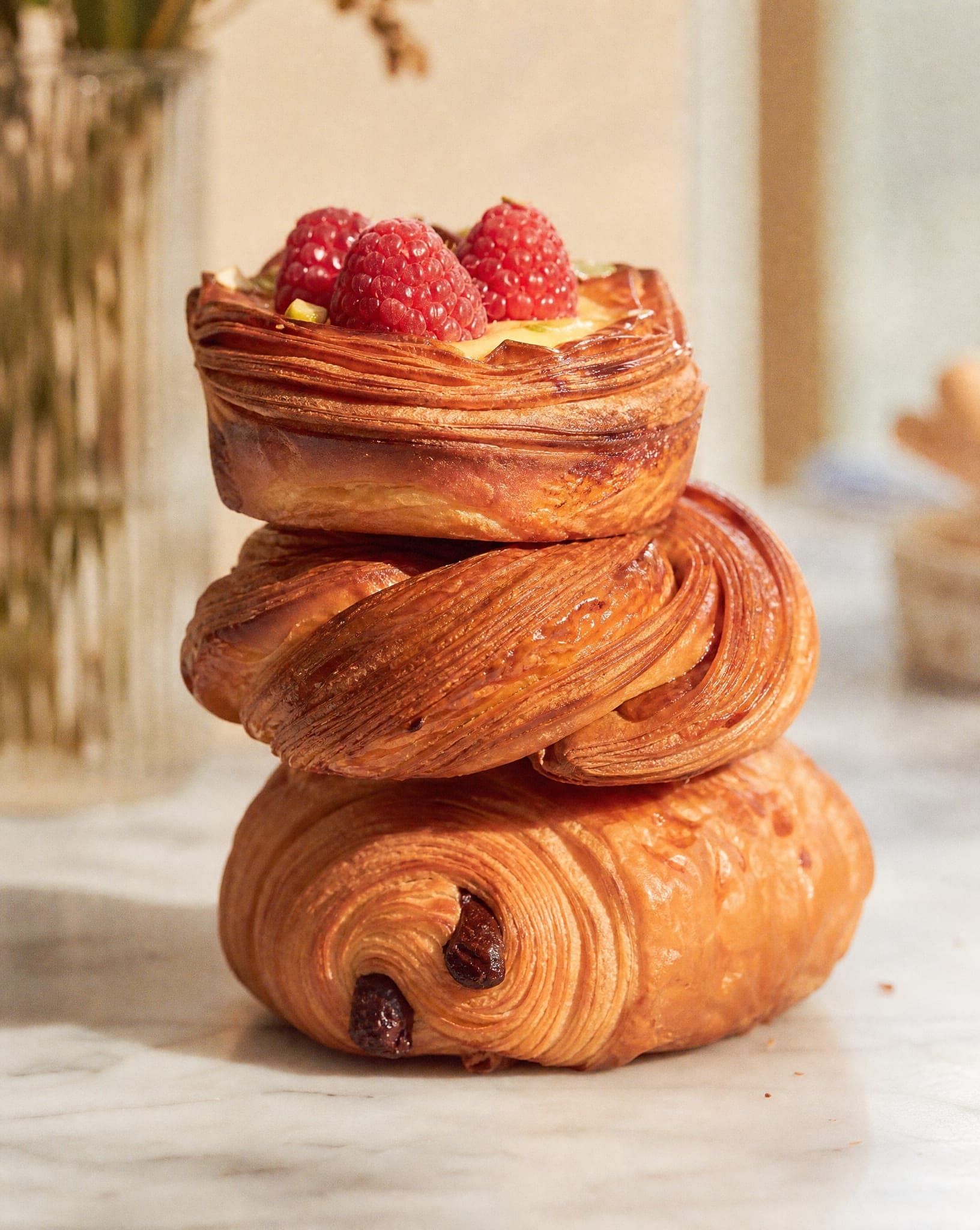
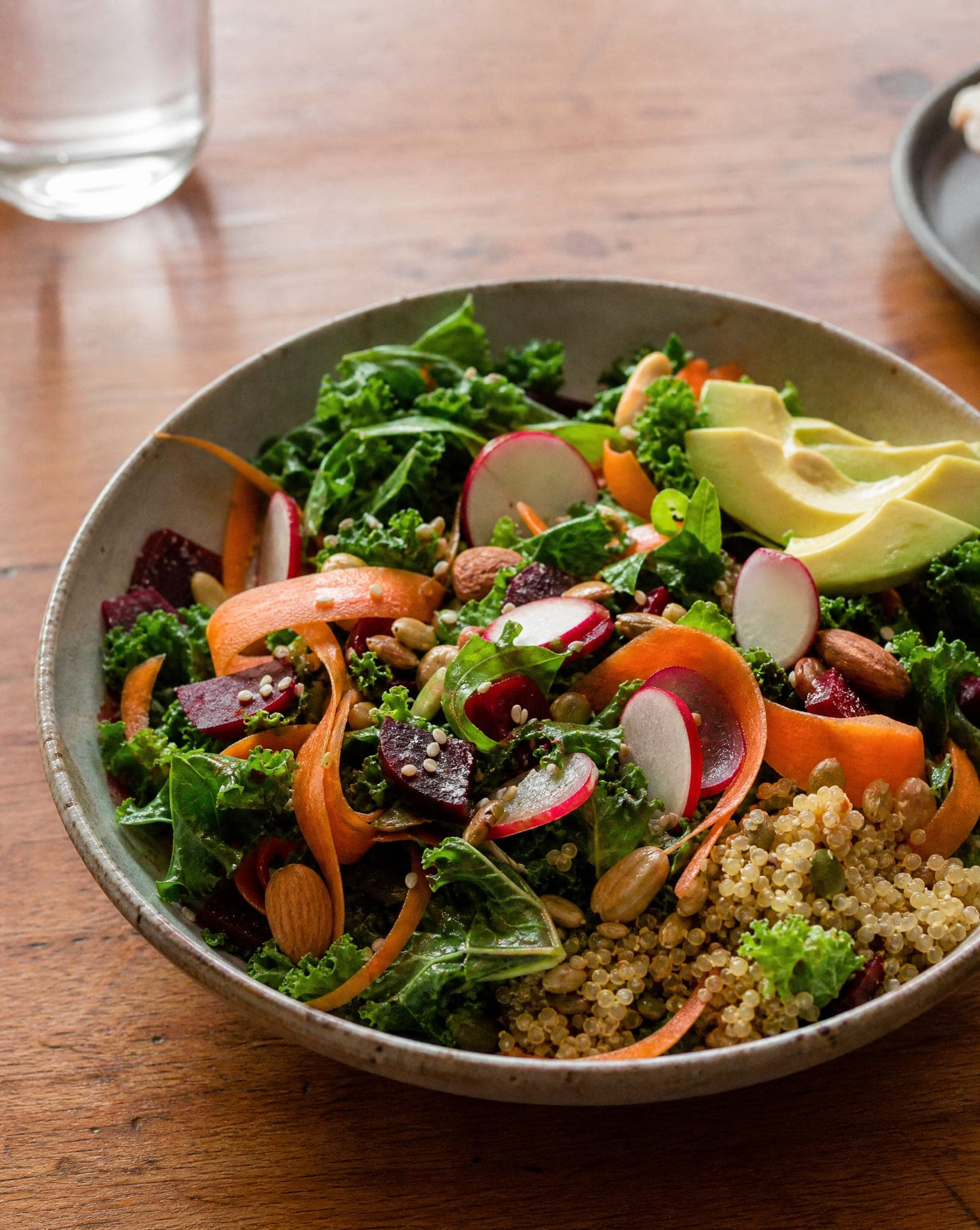
A food photo is a promise. If the burger in the picture is twice the size of the one in the box, the review will say so. Use AI for what a food photographer does: light, angle, background and styling around the plate. Do not use it to add toppings that are not there or to make a portion look bigger than it is.
Before you publish, compare the result with the real item: the color of the crust, the number of pieces, the size of the portion against the plate. For packaged food, read the label text in the result letter by letter. If anything drifted, generate again; it takes seconds. Delivery platforms and marketplaces also have their own photo rules, so check theirs before you upload.
Menus, new dishes and seasonal updates
The real advantage is not one beautiful photo, it is never being behind. A new dish, a seasonal cake or a changed recipe can be online the same day: photograph it during service, choose the same backdrop and light you used for the rest of the menu, and the new item matches the old ones. A consistent menu looks like one shoot even when it was made over a year.
Use a plain white or light backdrop for menus and listings, a warm wooden table for social media, and a darker, more dramatic look for an ad. For bottles, jars and boxes, see also AI product photography.
A standard-quality image costs 5 credits, and the free plan includes 5 standard images a month. Plans are on the pricing page.
Questions
How does AI food photography work?
You upload a phone photo of the dish or product, choose a type of shot (a clean studio backdrop, a styled scene, the item in a hand, or several items together), and the system re-photographs it with new light, background and styling. The food itself comes from your photo.
Will the dish still look like the real one?
It should, and you should check it does. The system keeps the food from your photo and changes the photography around it. Compare color, portion size and the number of pieces with the real item before you publish, and generate again if something drifted.
Does it work for restaurants, or only for packaged food?
Both. Plated dishes, pastries and cakes, drinks, jars, bottles and boxes all work. Plated food benefits most from a clean source photo taken quickly in daylight; packaged food needs the label to be readable in the source.
Can I use the images on delivery apps and marketplaces?
Yes, the images are yours to use commercially. Each platform has its own photo rules (background, size, text on the image), so check them before uploading. A plain white or light studio backdrop is the safest choice for listings.
How much does it cost?
A standard-quality image costs 5 credits. The free plan includes 5 standard images a month with no credit card; paid plans are on the pricing page.
Photograph your next dish before it goes cold
Sign up free and get your first 5 images on us. No credit card needed.
Start free