
AI model generator: the house model of your brand
Create or choose a realistic model once, then put every product you sell on her. Same face, same style, every collection, without an agency or a shoot day.
Your first 5 images free · No credit card needed
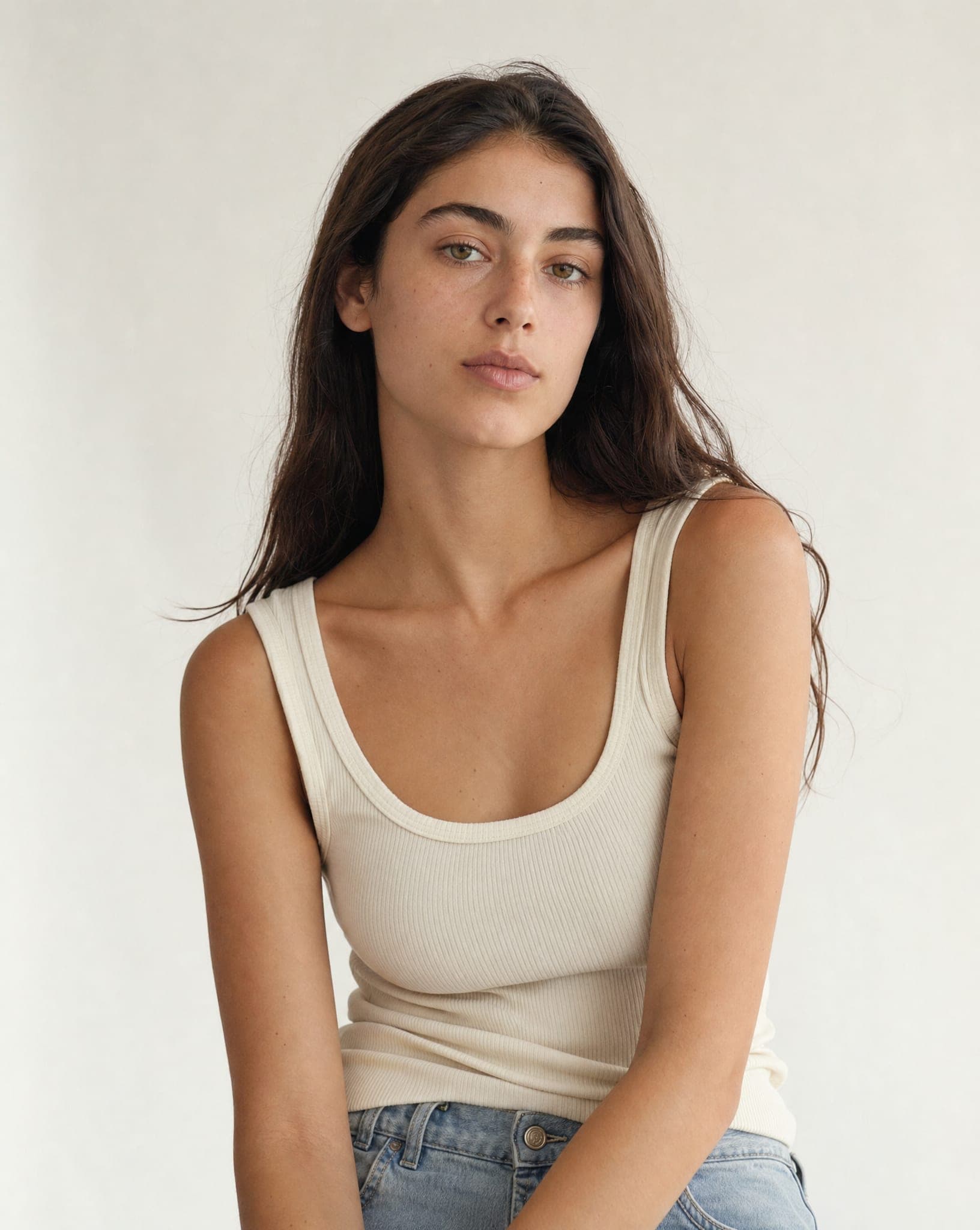
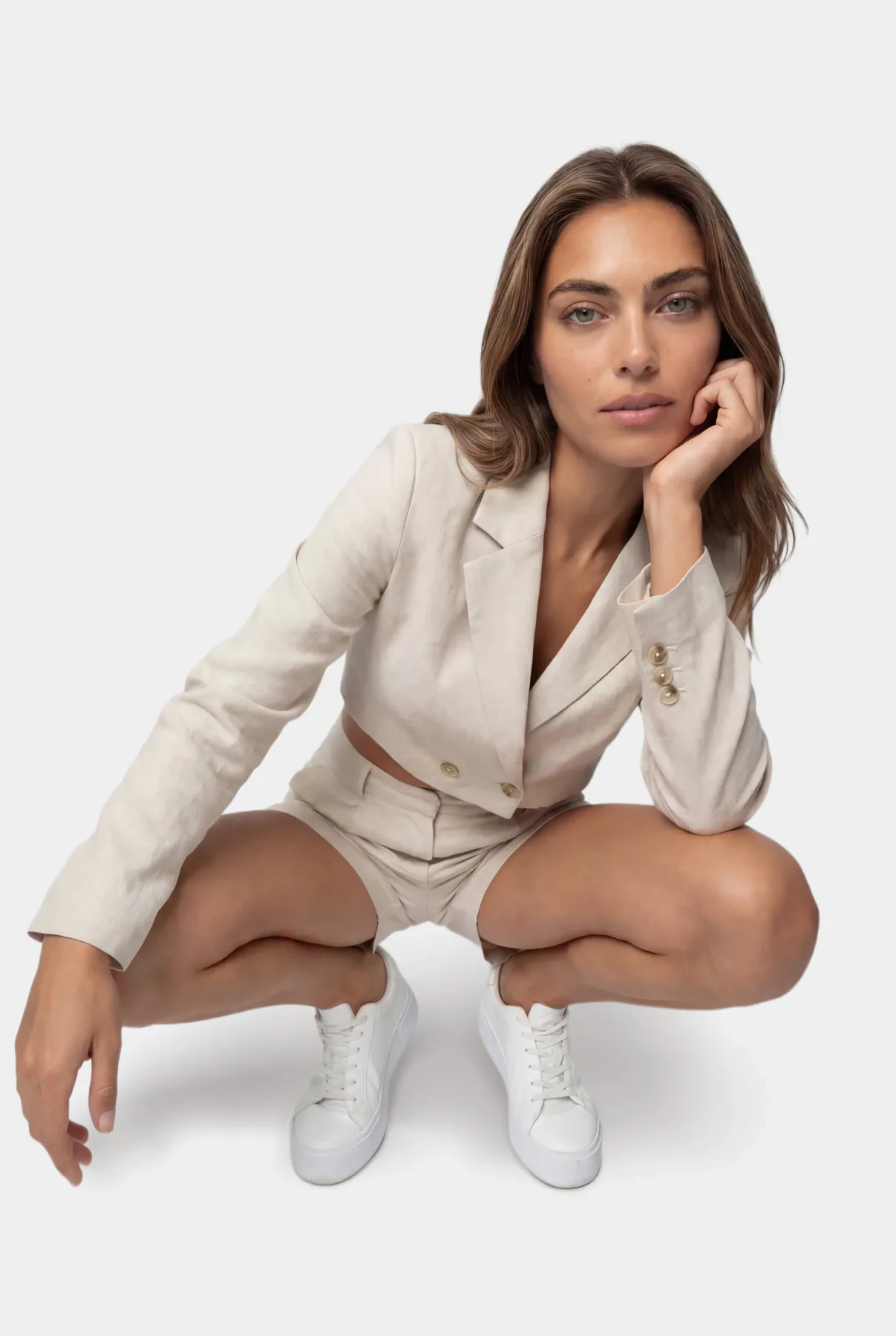
What an AI model generator should do for a store
A general image generator can draw a person wearing a dress. It cannot draw your dress, and it draws a different person every time. For a store, both are deal-breakers: the product has to be the one you ship, and the face has to be the same across the catalog.
A model generator built for commerce does the two things a general one does not. It keeps one model consistent from image to image, and it dresses her in the real product from the photo you upload, keeping its color, cut and details. What changes between images is only what you ask to change: the garment, the pose, the background.
Why a house model matters
Big brands build recognition around a recurring face: the same model in the campaign, the catalog and the social feed, season after season. Small stores usually cannot afford that, so their catalog ends up a patchwork: one model in spring, another in autumn, a mannequin in between, supplier photos for the rest.
A generated house model closes that gap. She is available for every new item, at any hour, looking exactly the same, and because she is not a real person there is no contract to renew and no usage period that runs out.
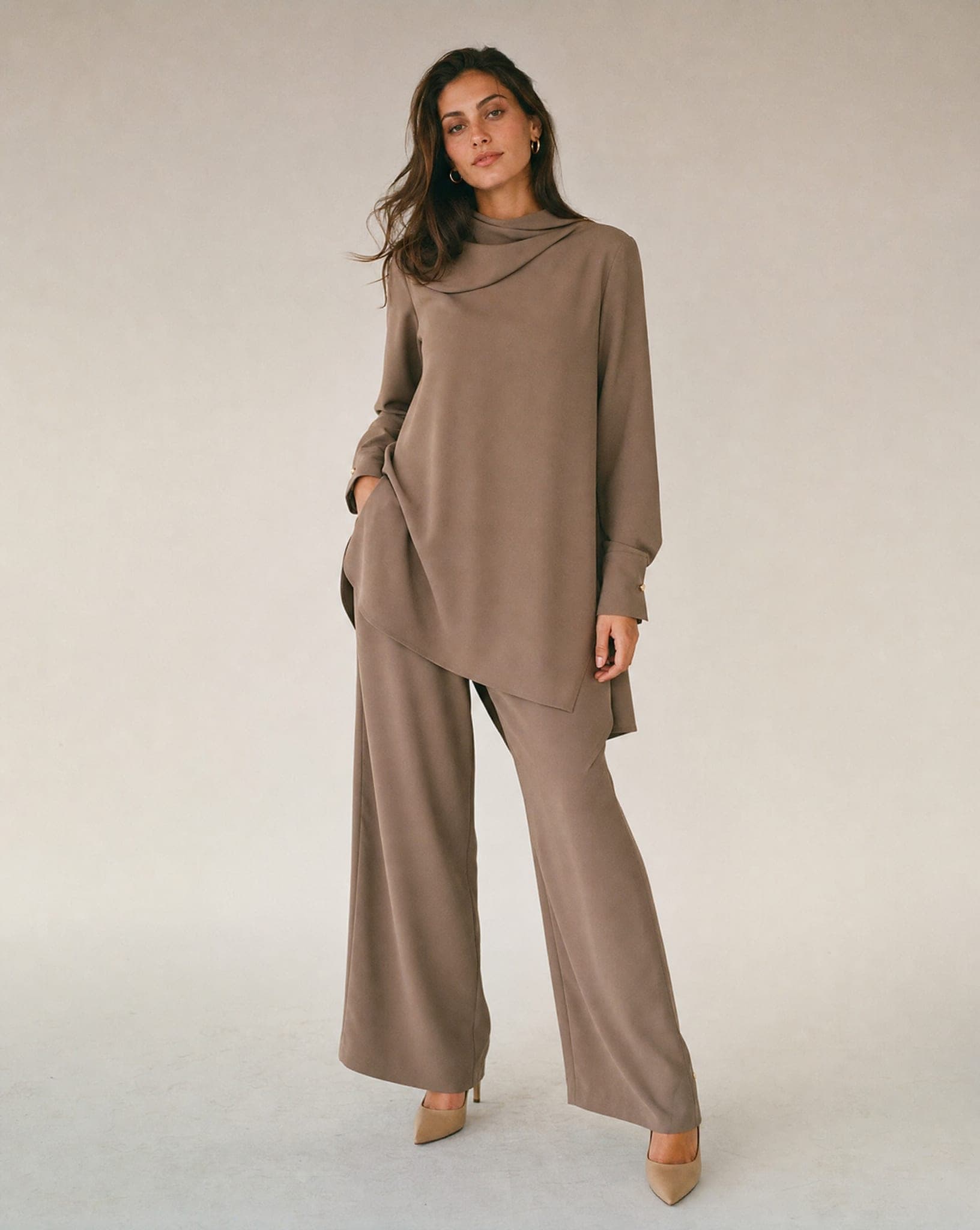
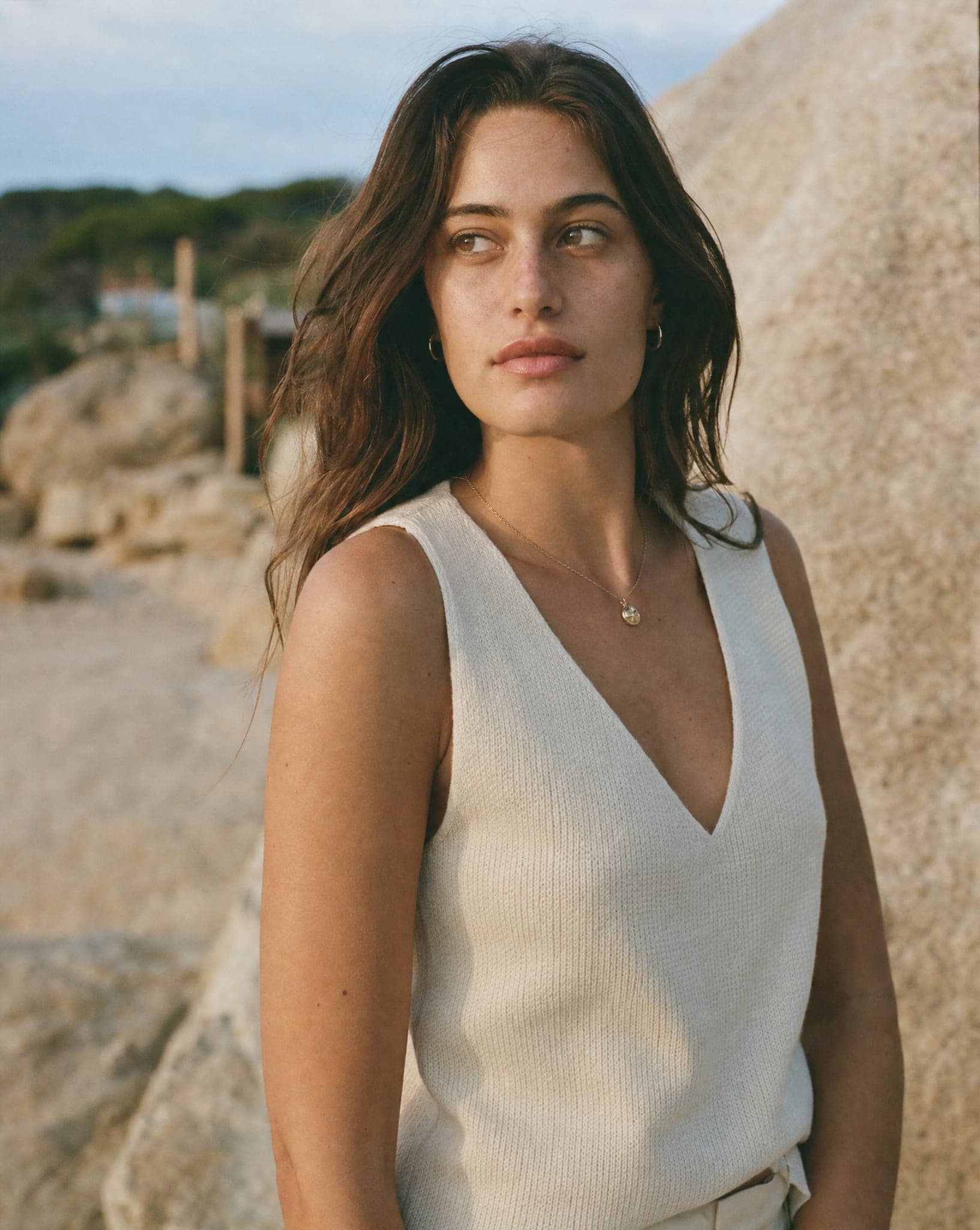
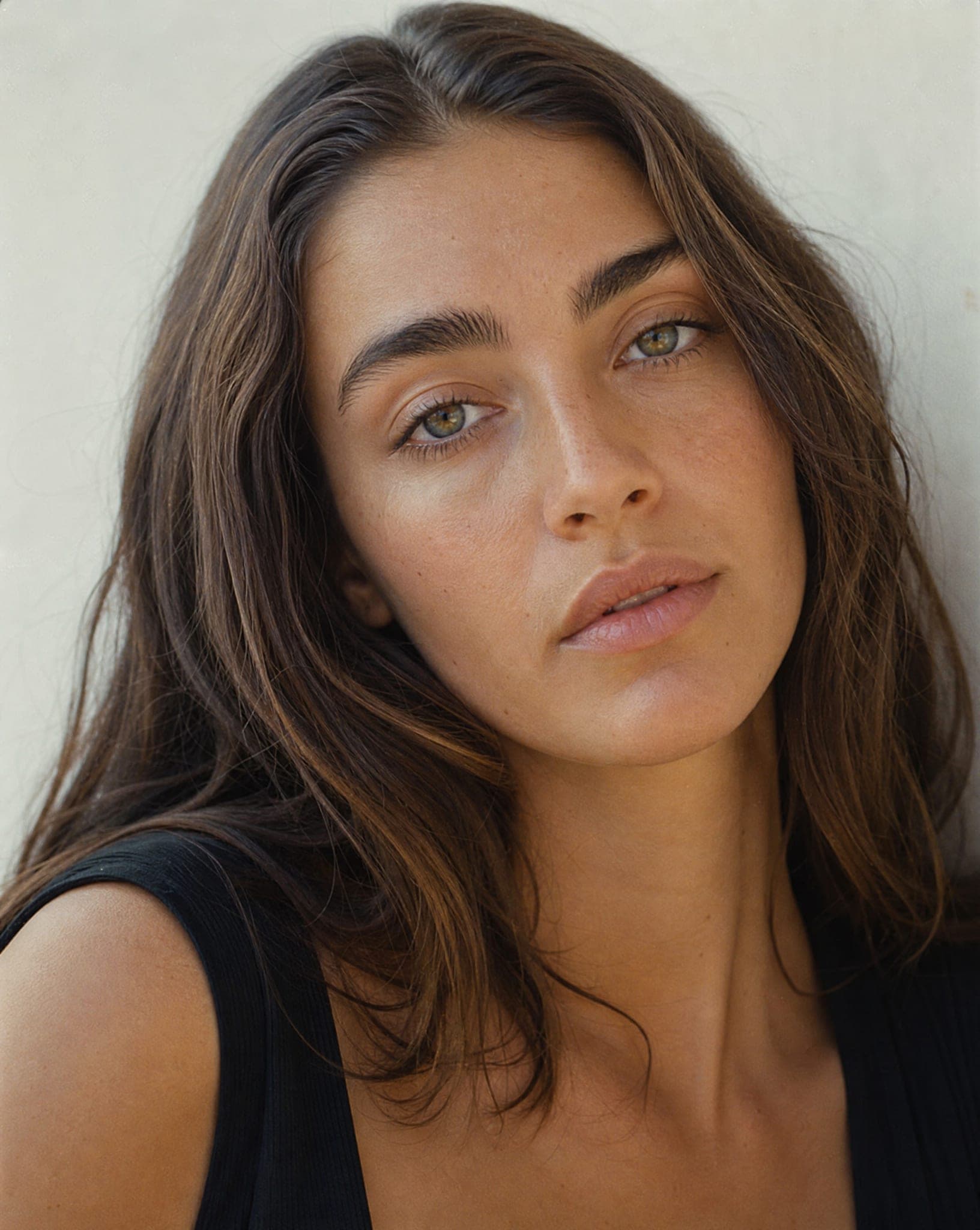
Three ways to get your model
- Choose from the catalog. Ready models, women and men, across looks and ages. The fastest start and the best way to test which look your customers respond to. Browse them on AI fashion models.
- Cast your own. Set age, look, hair color, hair length, hair texture, eye color, body type, facial hair, and add a detail in your own words if you like. Each round shows 4 candidates photographed in the same studio style, for 6 credits. Choose one, name her and save her; from then on she is available for every product photo in your account.
- Use a model you already work with. If you have photos of your own model, upload one to the New outfit for your model screen with up to 3 new items, and she wears them in the same pose and setting. Only use photos you have the rights to edit. See virtual try-on.
Getting the most out of your generated model
- Start in the catalog, then cast. Try a few ready models on your best sellers, see which look works, then cast a model of your own in that direction.
- Cast for your customer, not your taste. People buy from someone they recognize themselves in. If you sell to women in their forties, a model in that range will usually serve you better than the most striking twenty-year-old.
- One model per product line. Consistency is the whole point. Two models (say, one for the main line and one for a younger line) are fine; a new face every week is not. Need a man or a fuller figure too? See male models and plus size models.
- Upload a sharp product photo. The model wears what is in your photo, so the source decides the result: even light, a clean background, no folds hiding the cut.
- Test variations in ads. Backgrounds, poses and looks cost the same as any image, so try two and keep the one that gets the clicks.
What it costs
A casting round is 6 credits, and every image after that costs the same as any other: 5 credits at standard quality. The free plan includes 5 standard images a month with no credit card, and plans are on the pricing page. The images are yours for commercial use in your store, on marketplaces, in ads and in print.
Questions
How is this different from a general AI image generator?
A general generator creates a new person every time and cannot keep your product exact. A model generator for stores keeps the same model across images and dresses her in the real product from your photo, so the result is usable in a store, not only nice to look at.
Will my model look the same in every image?
Yes, that is the purpose. The model you choose or cast keeps her face, build and style; only the garment, pose and background change, so your catalog looks like a series of shoots with one house model.
How do I create my own model?
In casting you choose the gender, age, look, hair, eyes and body type, and can add a detail in words. Each round shows 4 candidates for 6 credits. Pick one, give her a name and save her.
Can I dress the model in my own products?
Yes. Upload a photo of the item (a garment on a hanger, a piece of jewelry, a bag, sunglasses) and it is shown on the model with its color, cut and details taken from your photo.
Who owns the images?
You do, for full commercial use: your site, marketplaces, paid ads, social media and print. The model is not a real person, so there is no model release, no usage period and no royalties, even when a campaign runs for a year.
Create the house model of your brand
Sign up free and get your first 5 images on us. No credit card needed.
Start free