
Plus size AI models for your clothing store
A dress shown only on a size small leaves every other customer guessing. Put your collection on a fuller-figure model, the same one in every photo, without searching for an agency.
Your first 5 images free · No credit card needed
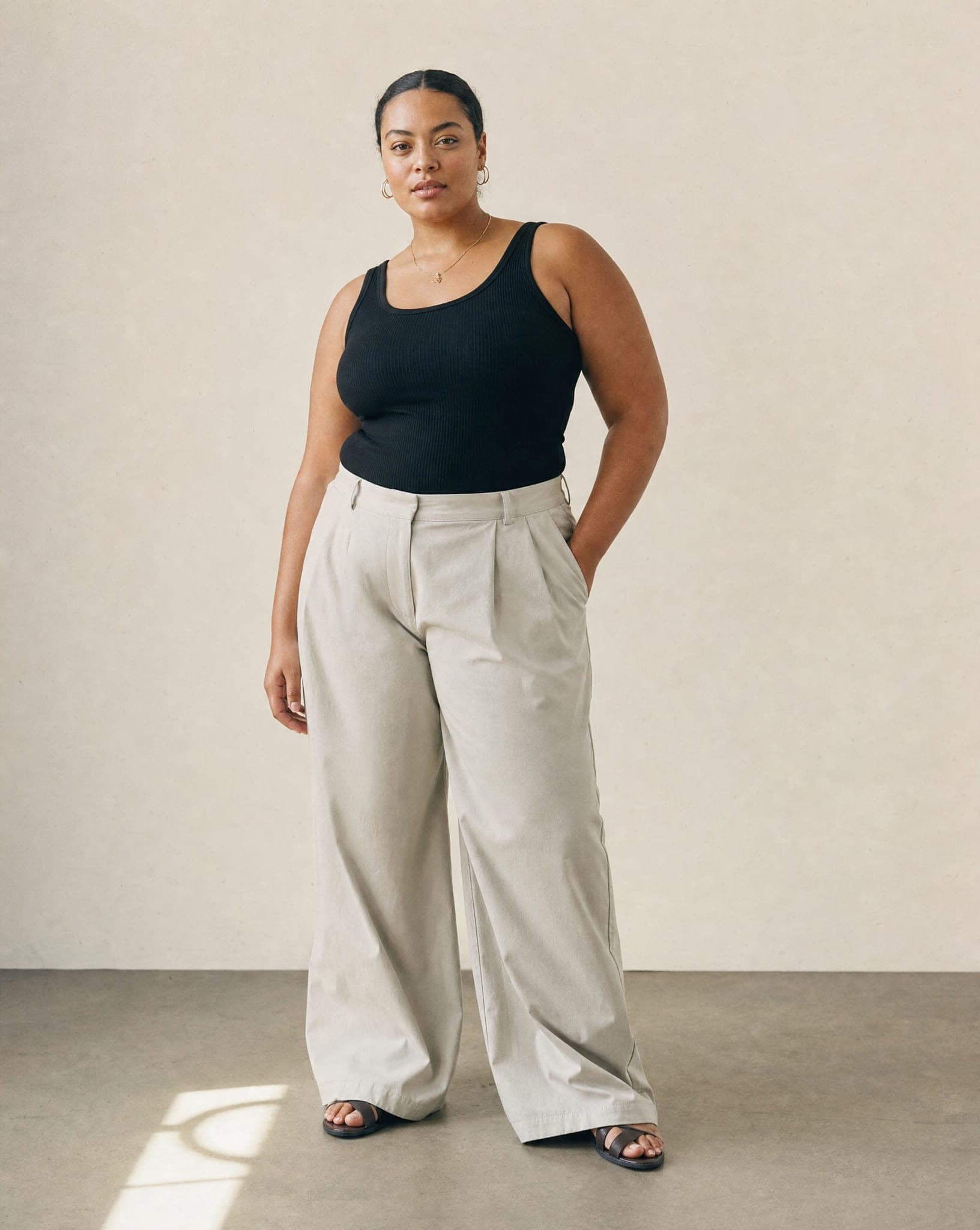
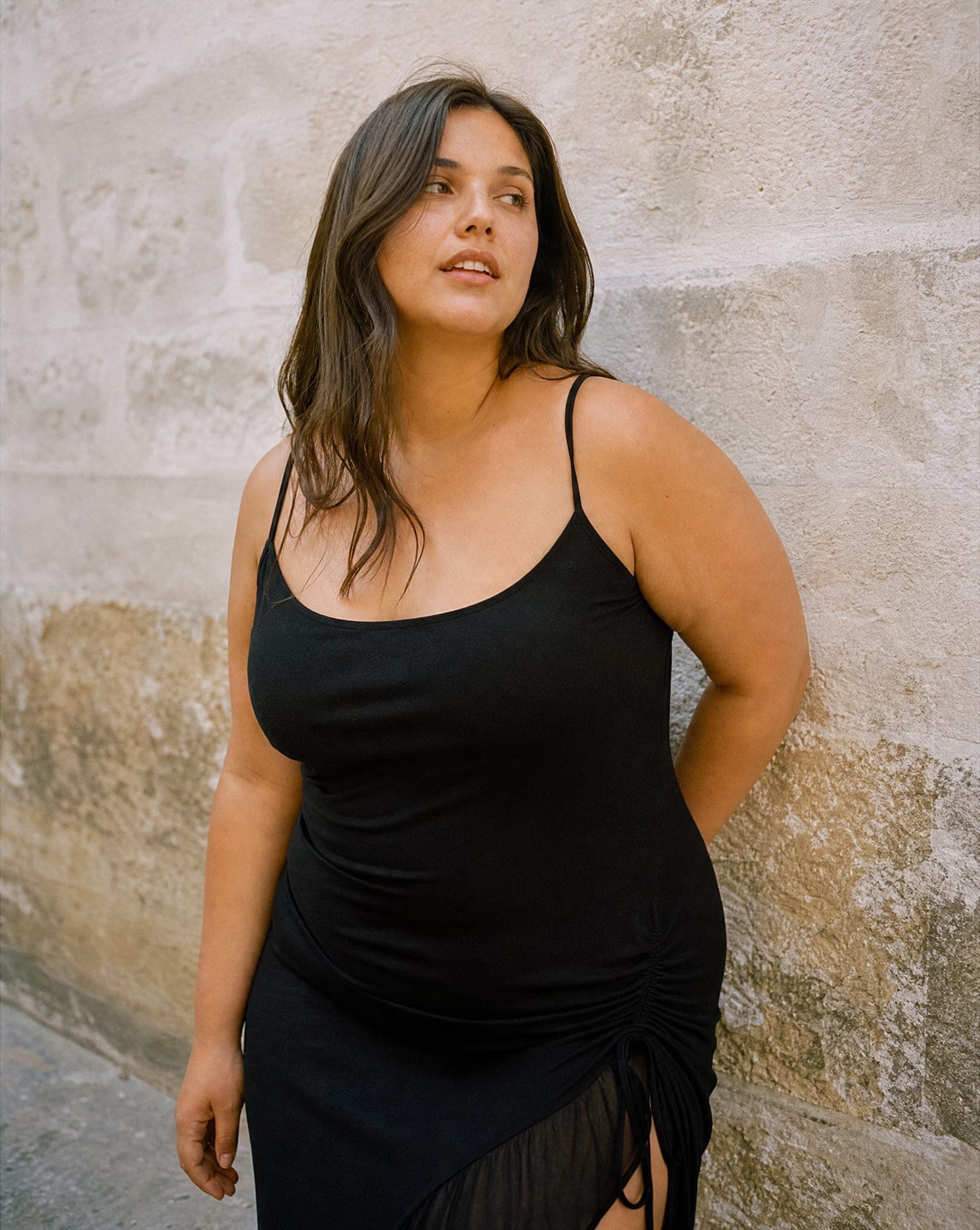
Why plus size shoppers need to see a body like theirs
A customer who wears a larger size looks at a product photo with one question: how will this look on me? When every photo in the store is on a very slim model, she has no answer. Either she does not buy, or she buys, finds out at home, and sends it back.
Showing the garment on a fuller figure answers the question before the purchase. It also tells her something about the store: that it was made with her in mind. For a brand that sells extended sizes, a catalog photographed only on small sizes quietly contradicts its own message.
Finding plus size models through an agency for every collection is hard for a small brand, and booking several bodies for every shoot is harder. With AI models, every size costs the same.
Two ways to show a fuller figure
- Set the body size per photo. On the flat lay and mannequin screens, every model you pick gets a body size from XS to XL. You can put the same garment on the same model in two sizes in one run.
- Cast a fuller-figure model of your own. In casting, choose the Curvy body type together with age, look, hair and eyes. Each round shows 4 candidates for 6 credits; the one you choose is saved to your account and wears your whole collection.
Be clear about what this is: a realistic body shape, not a measured size. The size picker goes up to XL; for a fuller figure than that, a cast model with the Curvy body type is the better route. Keep your size chart and measurements on the product page, as you would with any photo.
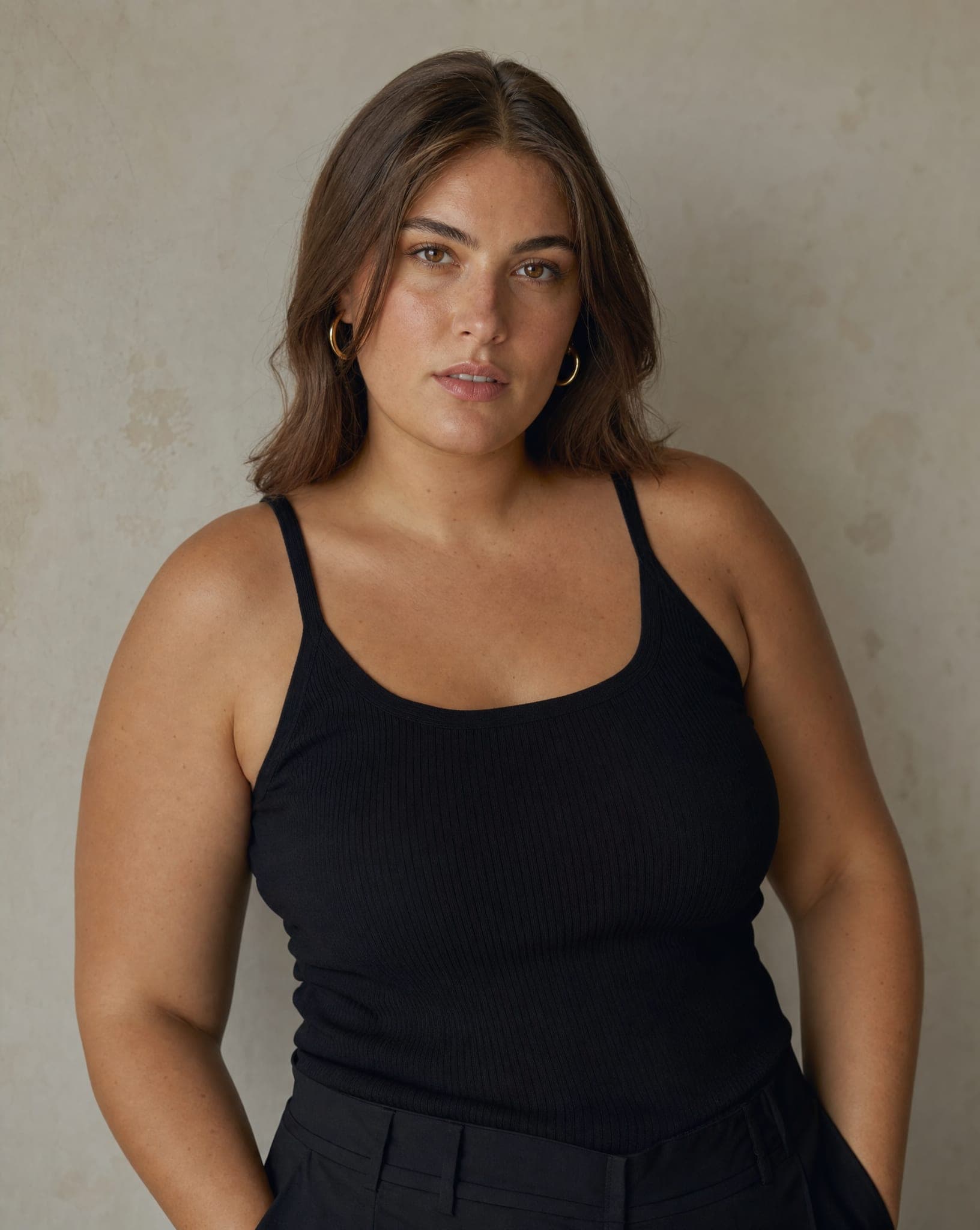
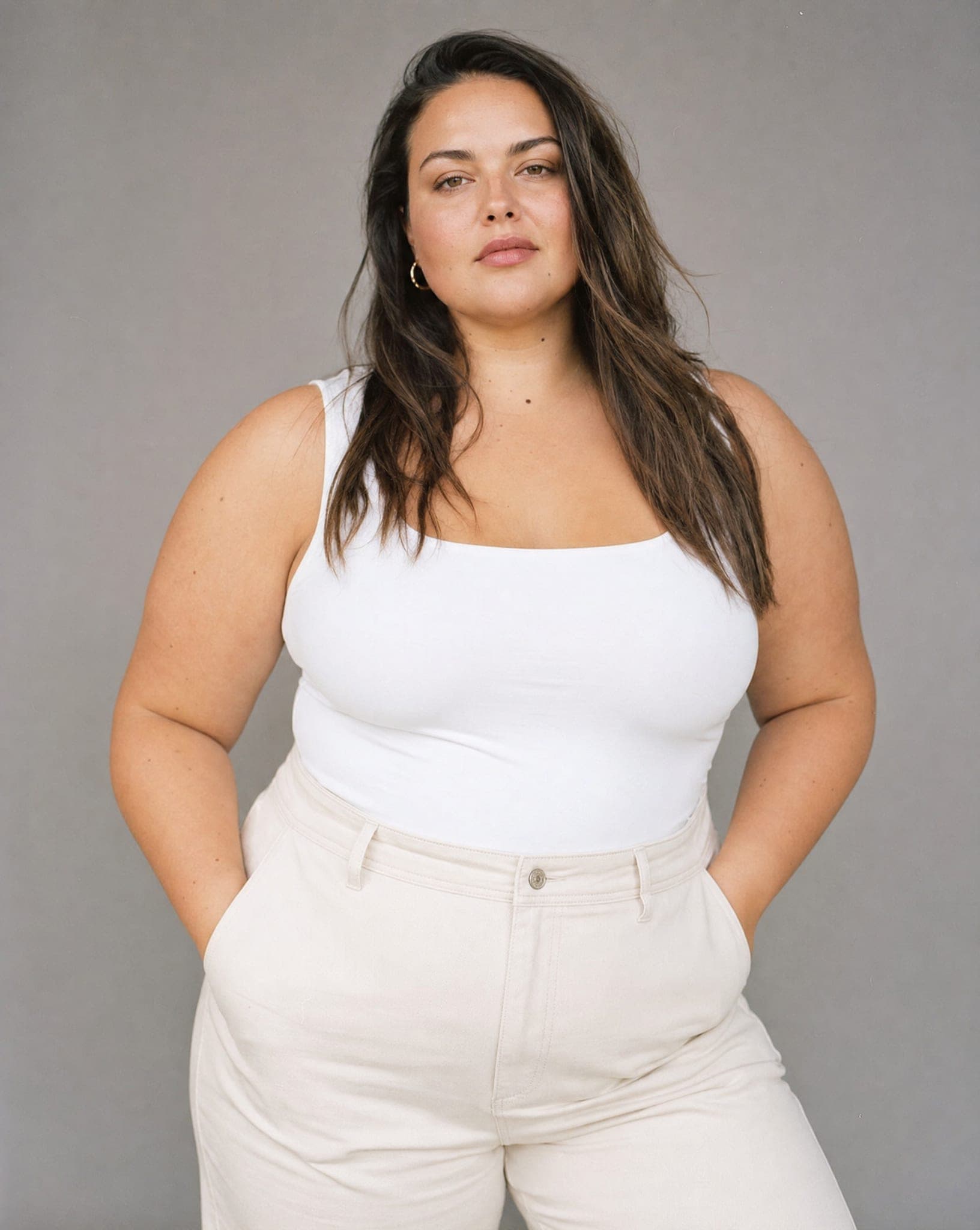
What each photo should prove
A plus size shopper checks specific things in a product photo. Plan your shots around them rather than repeating the same front view:
- How the waist sits: a three-quarter view in a relaxed, natural stance.
- Sleeve and skirt length against the body: a full-length shot with the arms loose.
- Whether the fabric pulls across the bust or the upper arm: an upper-body close-up.
- How the fabric falls below the bust and over the stomach: a side or three-quarter view, not only the front.
Getting the garment right
- Show the true color. Photograph the garment in daylight; the color in the result comes from your photo.
- Photograph stretch fabrics relaxed. Do not pull a stretchy garment tight on the table or the mannequin; lay it as it is, so its real proportions are what the system sees.
- Get the whole garment in the frame, including the hem and the sleeves.
- Check the drape. Before you publish, compare the length and the fit with how the real piece looks in that size, and generate again if it is off.
Styling that respects the customer
Relaxed, confident poses work best: walking, leaning, a hand on the hip. Lifestyle backgrounds such as a street or a cafe help the customer picture herself in the situation she is buying for. And when you sell the full size range, show the same item on a smaller and a fuller model side by side; it helps every shopper judge the fit.
Already have photos of your own model and a new collection? See virtual try-on. For the full catalog of faces, see AI fashion models. A standard image costs 5 credits, and the free plan includes 5 standard images a month.
Questions
Can I choose the body size of the model?
Yes, in two ways. On the flat lay and mannequin screens you set a body size from XS to XL for each model. In casting you can choose the Curvy body type and get a fuller-figure model saved to your account.
Are sizes above XL available?
The size picker goes up to XL. For a fuller figure, cast a model with the Curvy body type. In both cases it is a realistic body shape, not an exact measurement, so keep your size chart on the product page.
Does a plus size model cost more?
No. Every image costs the same whatever the size or the model: 5 credits at standard quality. A casting round for a model of your own is 6 credits.
Do the photos look natural?
In most cases yes: studio-grade light, shadows and proportions. Close-ups of skin or hands can sometimes give away that the image is generated, so look through each photo before you upload it to your store.
Can I use the images in ads?
Yes. The images are yours for commercial use in your store, on marketplaces, in ads, in print and on social media. The models are generated, so there is no model release or usage period to manage.
Show every customer a body like hers
Sign up free and get your first 5 images on us. No credit card needed.
Start free