
Remove the background from many photos at once
Drop up to 20 product photos into the tool and download them all in one ZIP: transparent PNGs, pure white JPGs or square Amazon main images. Free, no sign-up, and your photos never leave your browser.
Remove the background from an image
Upload a photo and get it back without the background: a transparent PNG, on pure white, or framed for Amazon. It runs inside your browser, so your photo is never uploaded anywhere.
On first use your browser downloads the removal engine (about 50 MB on a phone) and keeps it, so next time it starts instantly. Works best with one product or one person in the photo. Check very fine edges, such as thin chains or hair, zoomed in.
How to remove backgrounds in bulk
- Select up to 20 photos. Pick them in the file picker or drop them all on the upload area. JPG, PNG and WebP all work. If you pick more, the first 20 are processed and the tool tells you to upload the rest in the next round.
- Let the batch run. The photos are processed one after another on your own device, and each tile turns into its cutout as it finishes. The first time, the browser downloads the removal engine (about 50 MB on a phone) and keeps it, so the next batch starts right away. On a phone a photo can take up to half a minute; a computer is faster.
- Pick the output for the whole batch. Transparent, white or Amazon. You can switch after the batch has finished without running it again, because every cutout is kept while the batch is on screen.
- Download. One ZIP with every photo, or click a single tile to save just that one. Each file keeps its original name, with -transparent, -white or -amazon added, so the batch is easy to match back to your products.
Three outputs, chosen once for the whole batch
- Transparent PNG for placing the product on your own backgrounds, in a design tool or in an ad. More on transparent backgrounds.
- White JPG on exact white (255,255,255), not an off-white such as 250, which shows as a faint grey box on a white product page. More on white backgrounds.
- Amazon JPG: a square on exact white with the product centred, filling 85% of the frame, at least 1,000 pixels a side so zoom works. If the tool finds no product in a photo, that photo is left out of the Amazon ZIP and the tool names it.
Results keep your photo’s own size, up to 2,560 pixels on the long side. Larger photos are scaled down to that.
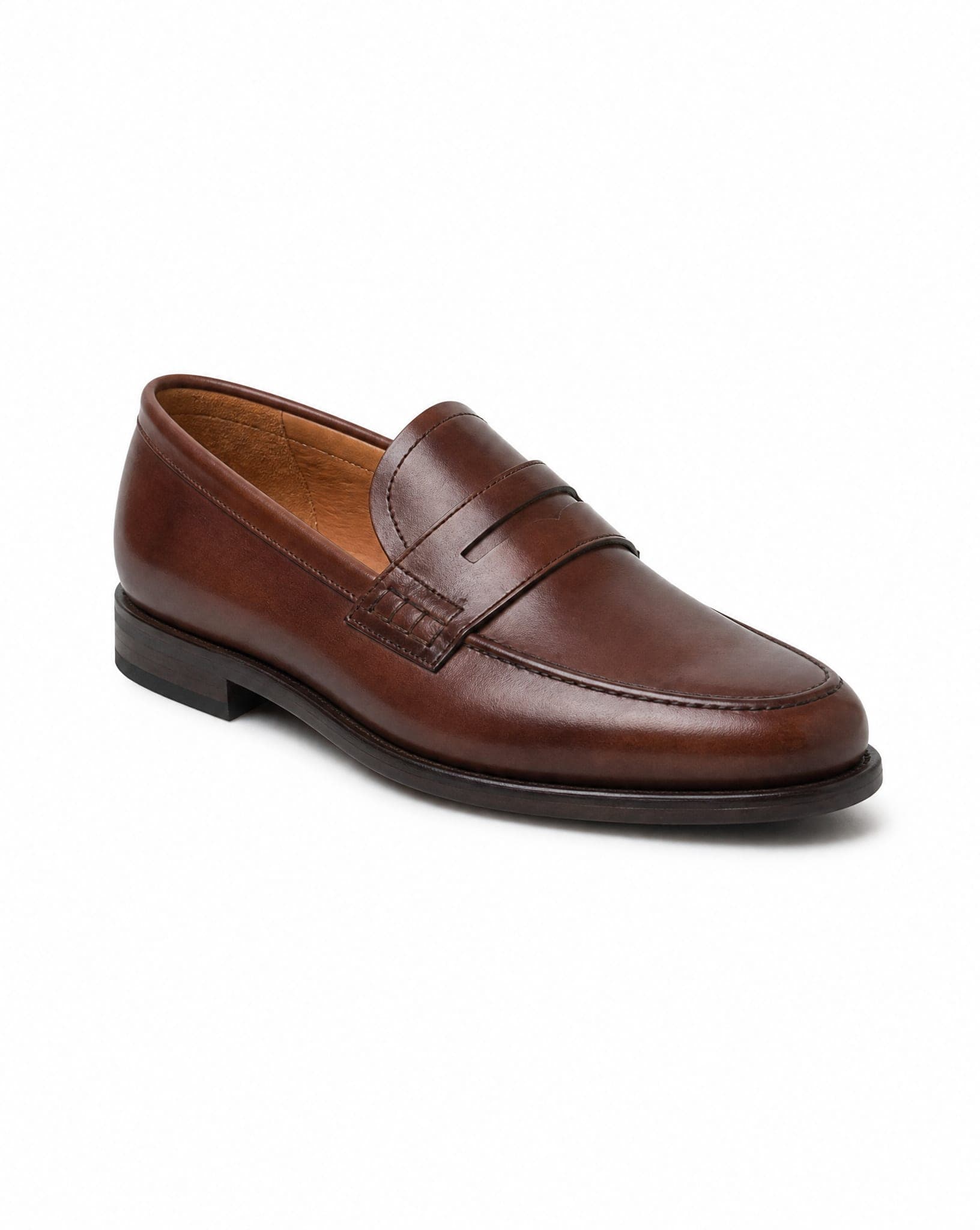
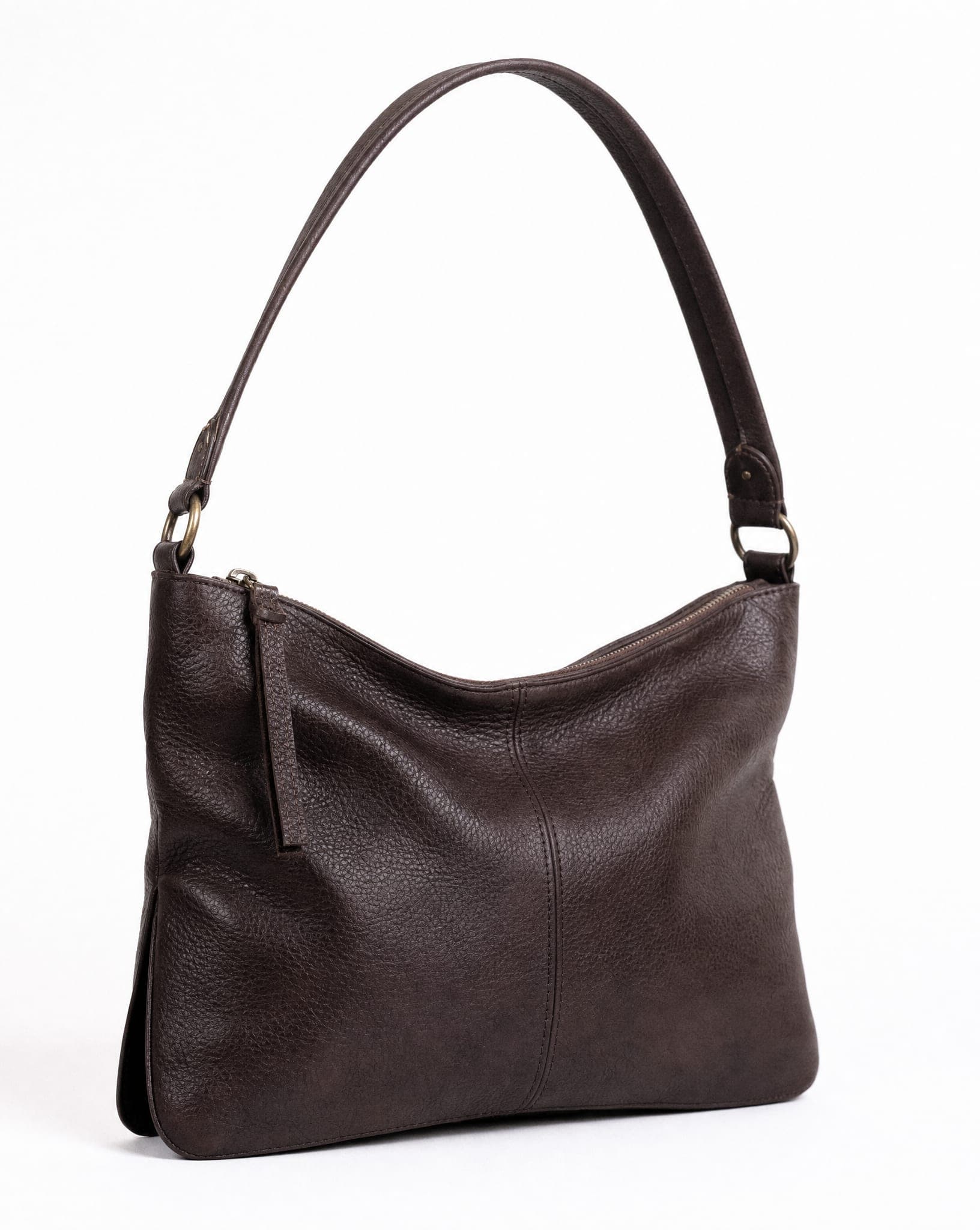
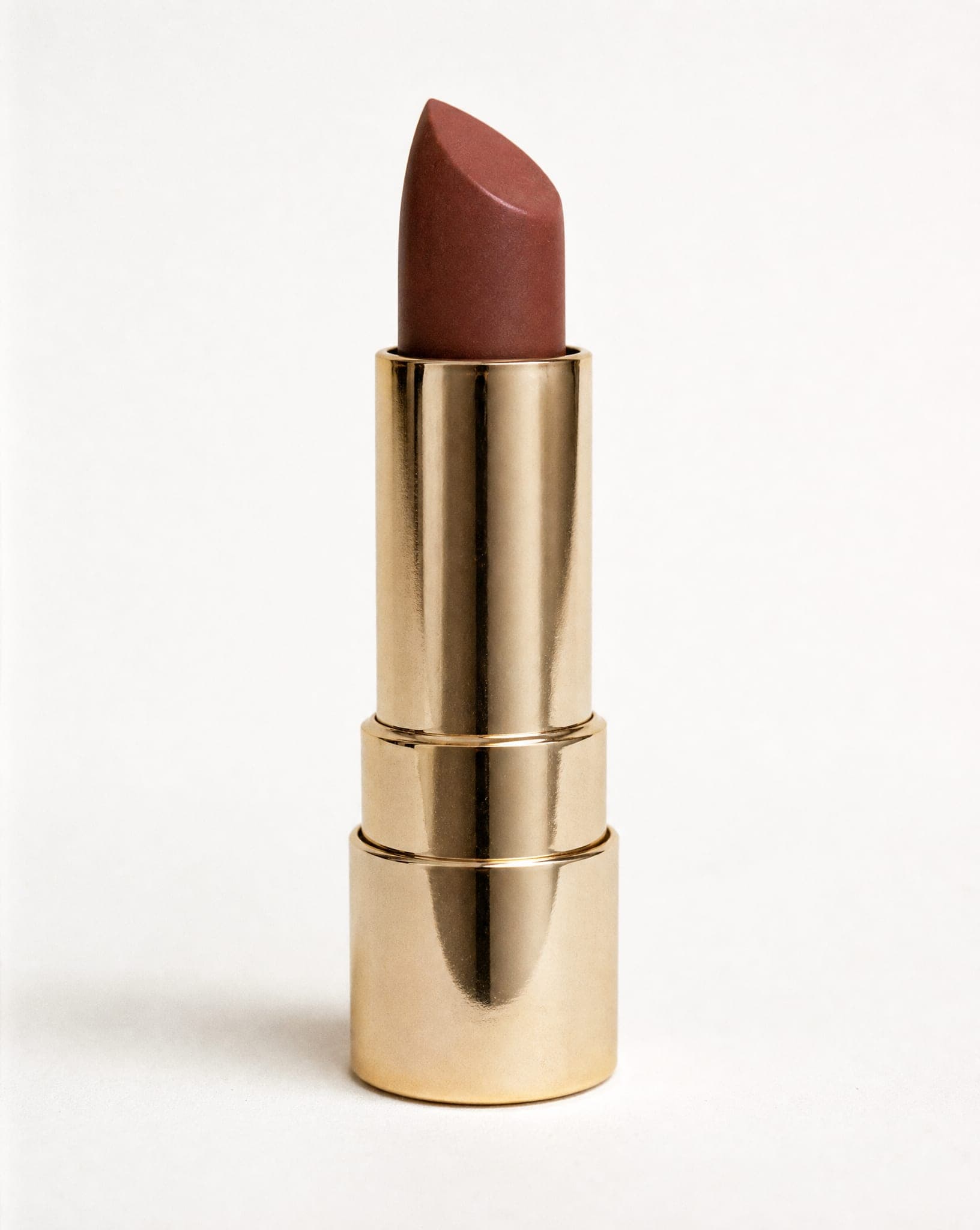
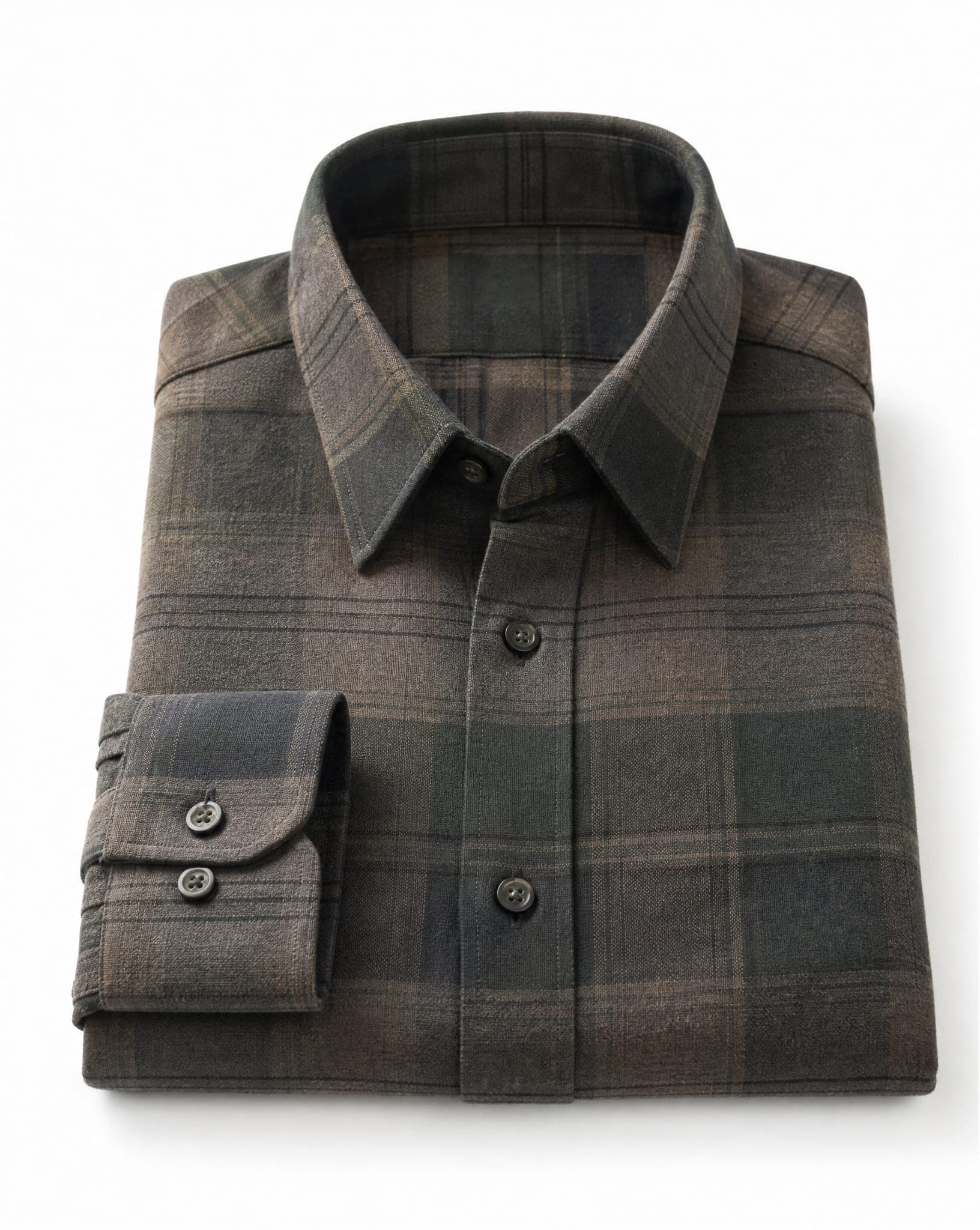
Free, private, and allowed for commercial use
The removal runs in your browser, on your own computer or phone, so your photos are not uploaded to a server. That is also why it is free: processing a photo costs us nothing. There is no account, no watermark and no credit to run out, and you can run as many rounds as you like.
The results are yours to use in your store, on marketplaces, in ads and on social media. The model behind the tool is open source under the Apache-2.0 licence, which allows commercial use.
Get a cleaner batch
- One product per photo. The tool works best with one product or one person in the frame.
- A background that contrasts with the product. A white mug on a white table loses its edge.
- Fill the frame. A product that is small in the photo has fewer pixels left once the background is gone, and the Amazon frame has to enlarge it.
- Group similar products. Shoes with shoes, jars with jars. A batch of similar cutouts is quicker to check than a mixed one.
- Check the hard ones zoomed in. Hair, fur, lace, glass and thin chains are where every automatic remover struggles. Look at the edges on a dark background, where leftover pixels show.
- Logos and signatures go one at a time. Choose “A logo or signature on white paper” in the tool: it keeps thin strokes and works instantly, for one file per round.
If you used remove.bg for bulk editing
remove.bg’s bulk editing and its desktop app close with the site on December 1, 2026. Its FAQ points bulk users to Canva, whose bulk background removal is on paid plans, up to 50 images per folder and one folder at a time. Sources: remove.bg FAQ and Canva help center, checked October 26, 2026.
This tool takes 20 photos per round for free, with no account. The trade-off is speed: it works on your device, so a large catalog takes several rounds. If you need thousands of images a month without anyone at a keyboard, you need an API, which we do not offer; remove.bg API alternatives compares the ones that do. Dates, credits and invoices are in the remove.bg shutdown checklist.
After the cutout
A product on white is the minimum for a marketplace. The images after it sell better with context: the product in use, in a room, or worn by a person. IsraModel AI makes those from the same phone photos, a whole catalog in one style; see bulk product photos. The free plan includes 25 credits a month.
Questions
How many photos can I remove the background from at once?
Up to 20 per round, and as many rounds as you like. If you select more, the first 20 are processed and the tool asks you to upload the rest next.
Is the bulk background remover really free?
Yes. No sign-up, no credits and no watermark. It runs on your own device, which is why it costs nothing, and commercial use of the results is allowed.
Are my photos uploaded?
No. The backgrounds are removed inside your browser. The first time, the browser downloads the removal engine and keeps it; your photos never leave your device.
Can I make Amazon main images in bulk?
Yes. Choose Amazon and every photo comes back as a square JPG on exact white (255,255,255), with the product centred and filling 85% of the frame, at least 1,000 pixels a side.
Why did one photo in my batch fail?
Usually the file could not be read as an image, or, for the Amazon output, no product was found in it. The rest of the batch carries on. If every photo fails, open the page in an up-to-date Chrome or Safari.
Is there an API for bulk background removal?
Not from us: IsraModel AI does not offer a background-removal API. Our remove.bg API alternatives guide compares the APIs that do, with prices from their own sites.