
Bulk product photos for a whole catalog
Upload up to 40 products at once, set one style for all of them, and adjust any single item before you generate. The fortieth photo matches the first.
Your first 5 images free · No credit card needed
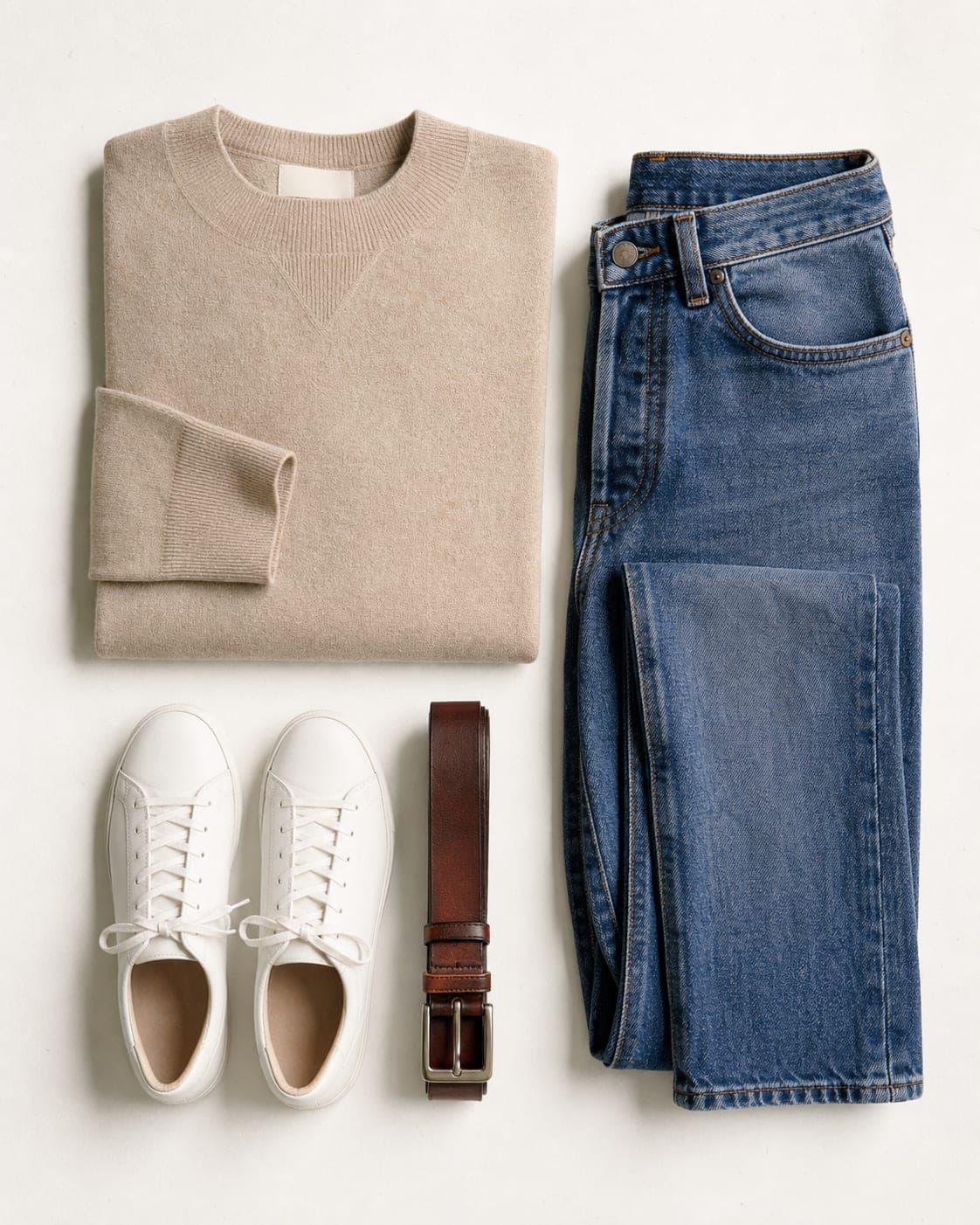

The bottleneck is setup, not the photo
Photographing a hundred products is not a hundred times one product. Each item needs its background, its angle and its light set again, and by the end of the day the light has changed, the setup has drifted and the last photos do not quite match the first. Then each product needs more than one image: a main image, one on a model, one in context, a close-up.
The fix is a single template applied to the whole set. Decide the look once (background, model, framing, quality) and let every product go through the same settings. Consistency stops depending on how tired anyone is.
How bulk generation works
- Upload the products. Up to 40 items in one batch, one photo each (plus extra reference photos for an item if it needs them).
- Set the shared settings. Quality, aspect ratio and one template for everything, or a free-text description, plus any notes or reference images that should apply to every item. When the template puts the product on a model, choose the model once for the whole batch.
- Adjust single items. Any product can override the shared template or get its own description, so the odd one out does not force you to split the batch.
- Generate. Items run in parallel and appear as they finish. Each item is charged on its own, and if one fails, its credits come back.
For clothing there is a second kind of bulk: on the flat lay and mannequin screens, one garment can go on several models in several poses at once, up to 16 images in a run. See the flat lay to model guide.
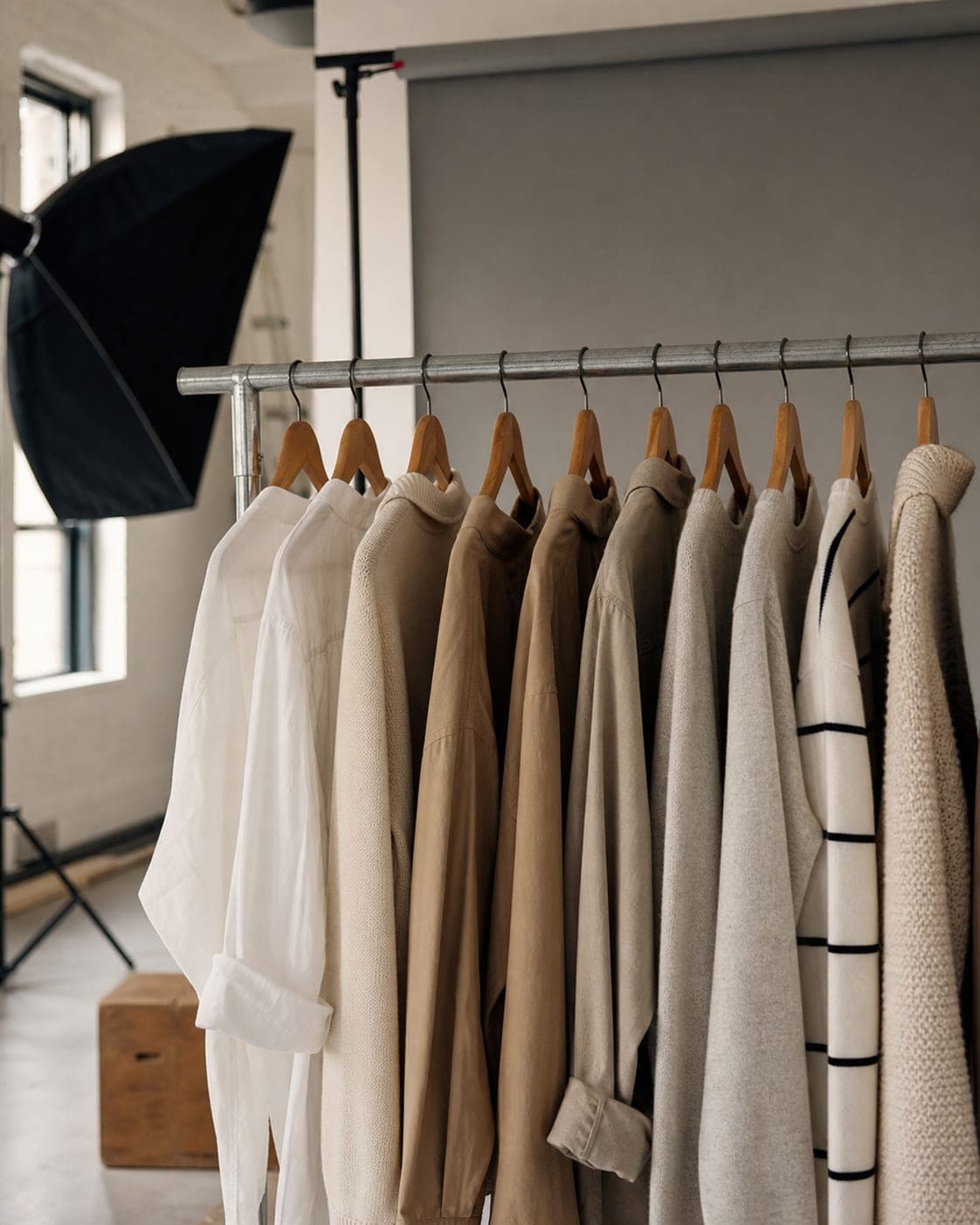
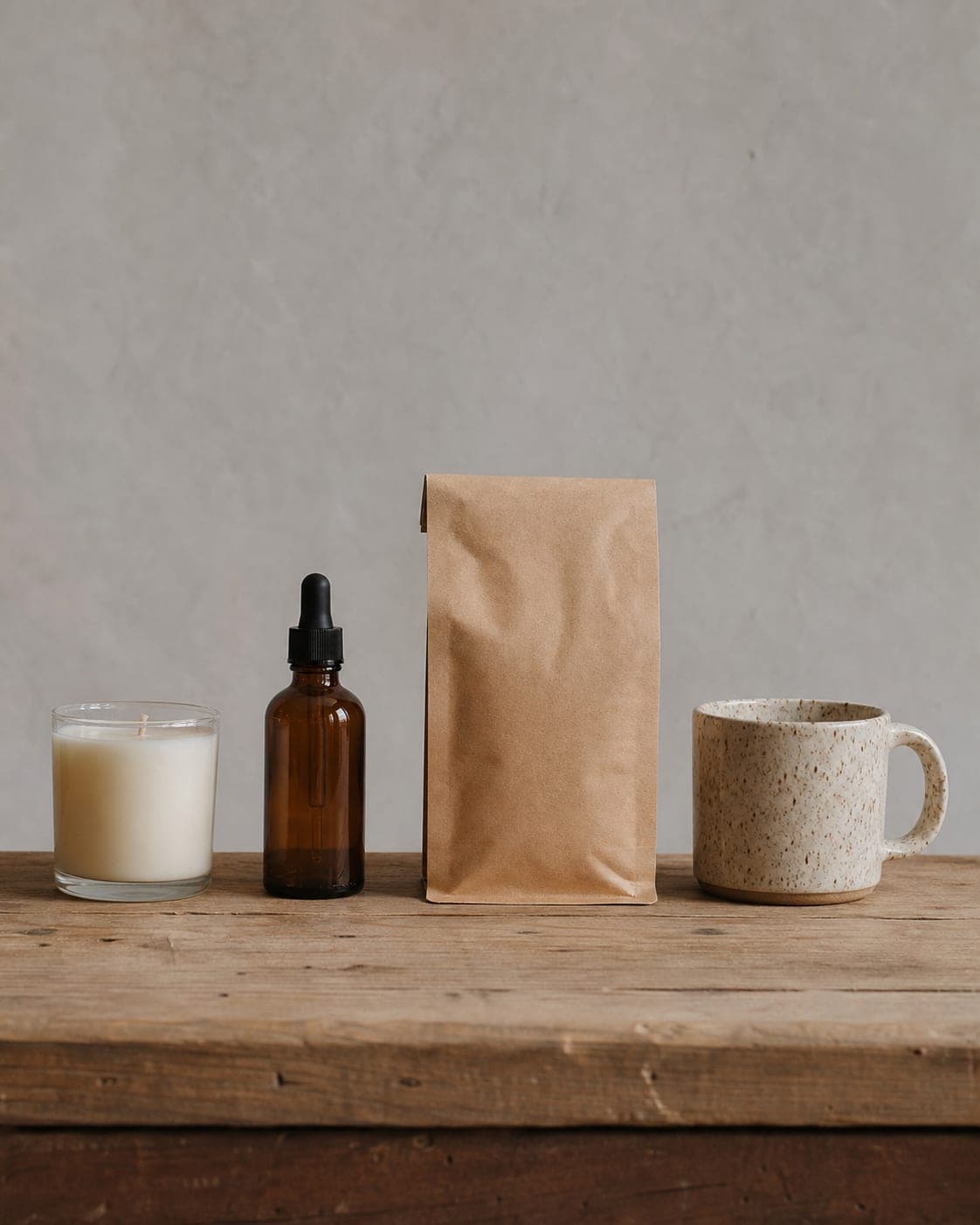
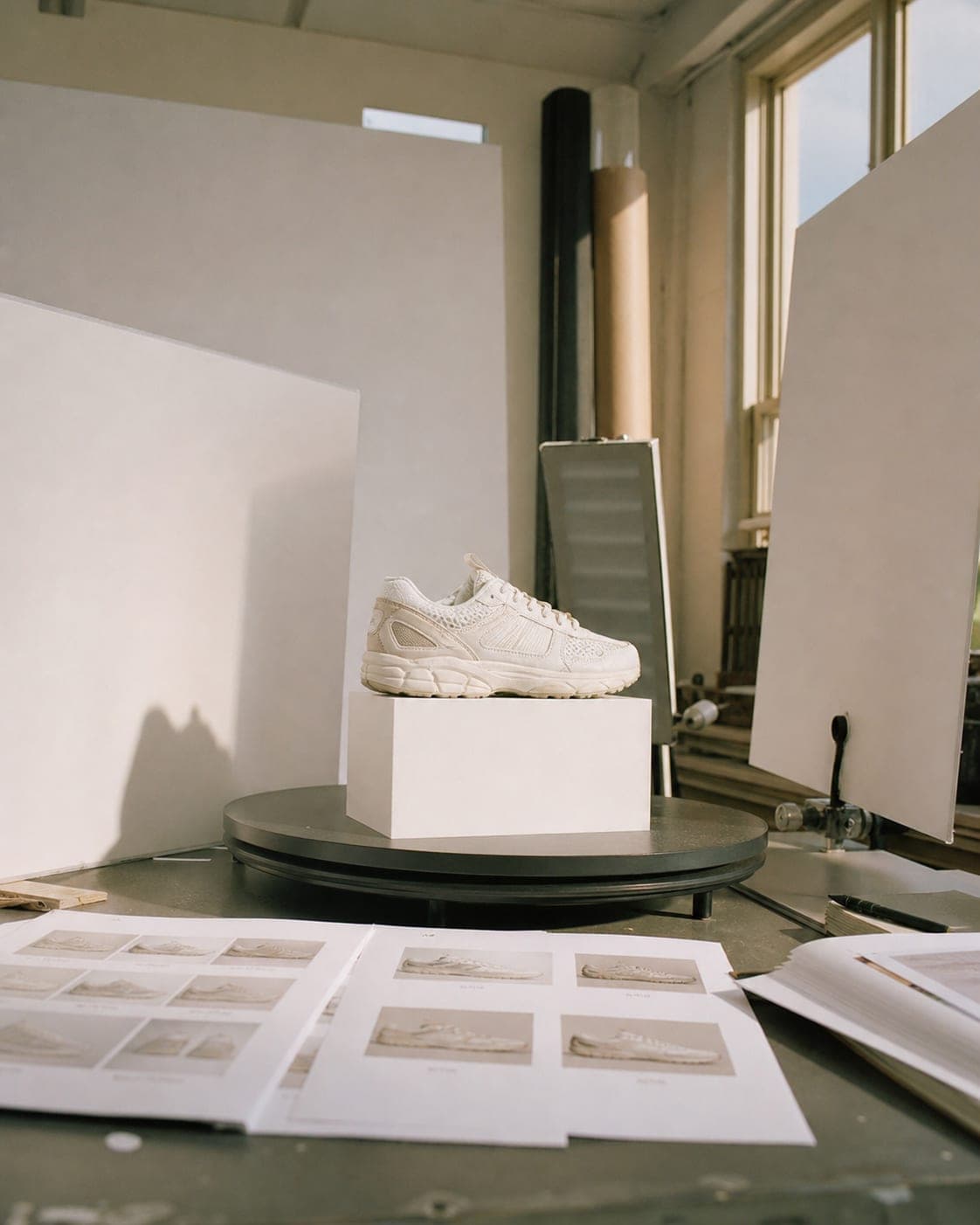
Prepare the batch before you upload
- Collect every source photo in one folder, one clear photo per product, centered and well lit. The short side should be at least 640 pixels.
- Group similar products. Tops with tops, jars with jars. A batch of similar items shares a template naturally and needs fewer overrides.
- Start with your best sellers. With five hundred products, upgrade the fifty that sell most first. That is where better images pay back fastest.
- Run a small test first. Generate three or four items with the chosen template, check them, and only then queue the full batch.
Plan three or four images per product
A product page sells better with a set than with a single photo. A practical set for each product:
- Main image on white for marketplaces and the category grid (the free white background tool handles batches too).
- On a model, for anything worn: clothing, jewelry, bags, shoes.
- In context, a lifestyle scene for ads and social media.
- A close-up of the detail customers ask about.
Run one batch per image type, each with its own template, and every product ends up with a matching set.
Check the batch, then the cost
Bulk does not mean unchecked. Scroll through the results and compare each against its product: color, print, label text and proportions. Re-generate only the items that need it. Then publish; marketplaces have their own rules, so see Amazon product images and Shopify product images.
Every image costs the same in a batch as on its own: 5 credits at standard quality, and you see the total before you generate. The free plan includes 5 standard images a month; larger catalogs are what the plans on the pricing page are for.
Questions
How many products can I process at once?
Up to 40 products in one batch. For clothing, the flat lay and mannequin screens can also make up to 16 images of one garment in a run, across several models and poses.
Will every image look the same?
They share one template, so background, light and framing match across the batch. Any single item can override the template or get its own description when it needs to.
Can I put the whole batch on the same model?
Yes. When the template puts the product on a model, choose the model once and every item in the batch uses the same one, which keeps the catalog consistent.
What happens if one item fails?
Each item is charged on its own, and a failed item has its credits returned. The rest of the batch carries on.
How much do bulk product photos cost?
The same per image as single generation: 5 credits at standard quality. You see the total for the batch before you generate.
Put your whole catalog in one style
Sign up free and get your first 5 images on us. No credit card needed.
Start free