
Ghost mannequin photos, without the mannequin work
Upload one photo of the garment and get it back on its own, with shape and drape, on a clean backdrop. No body, no hanger, no two-shot composite to retouch.
Your first 5 images free · No credit card needed
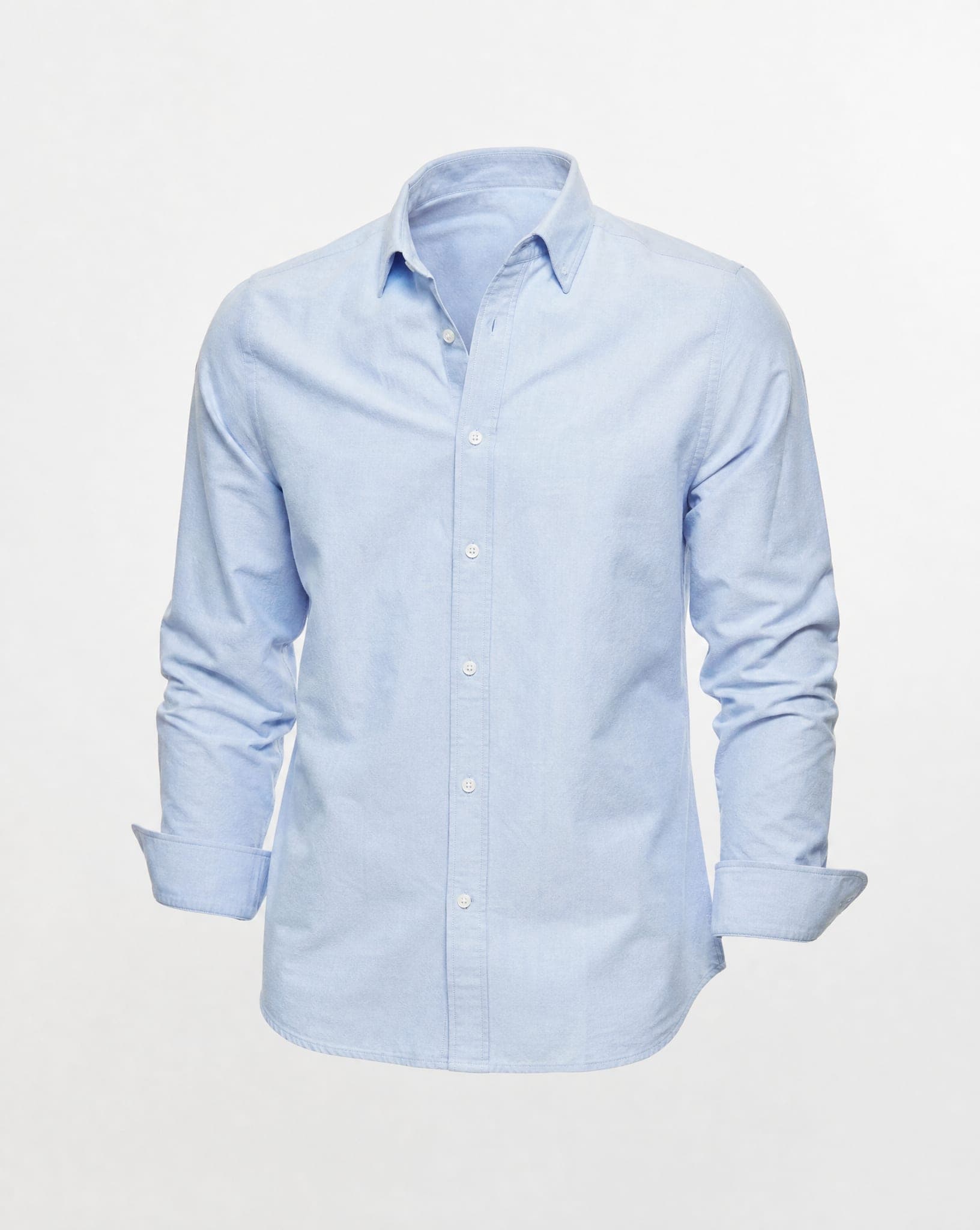
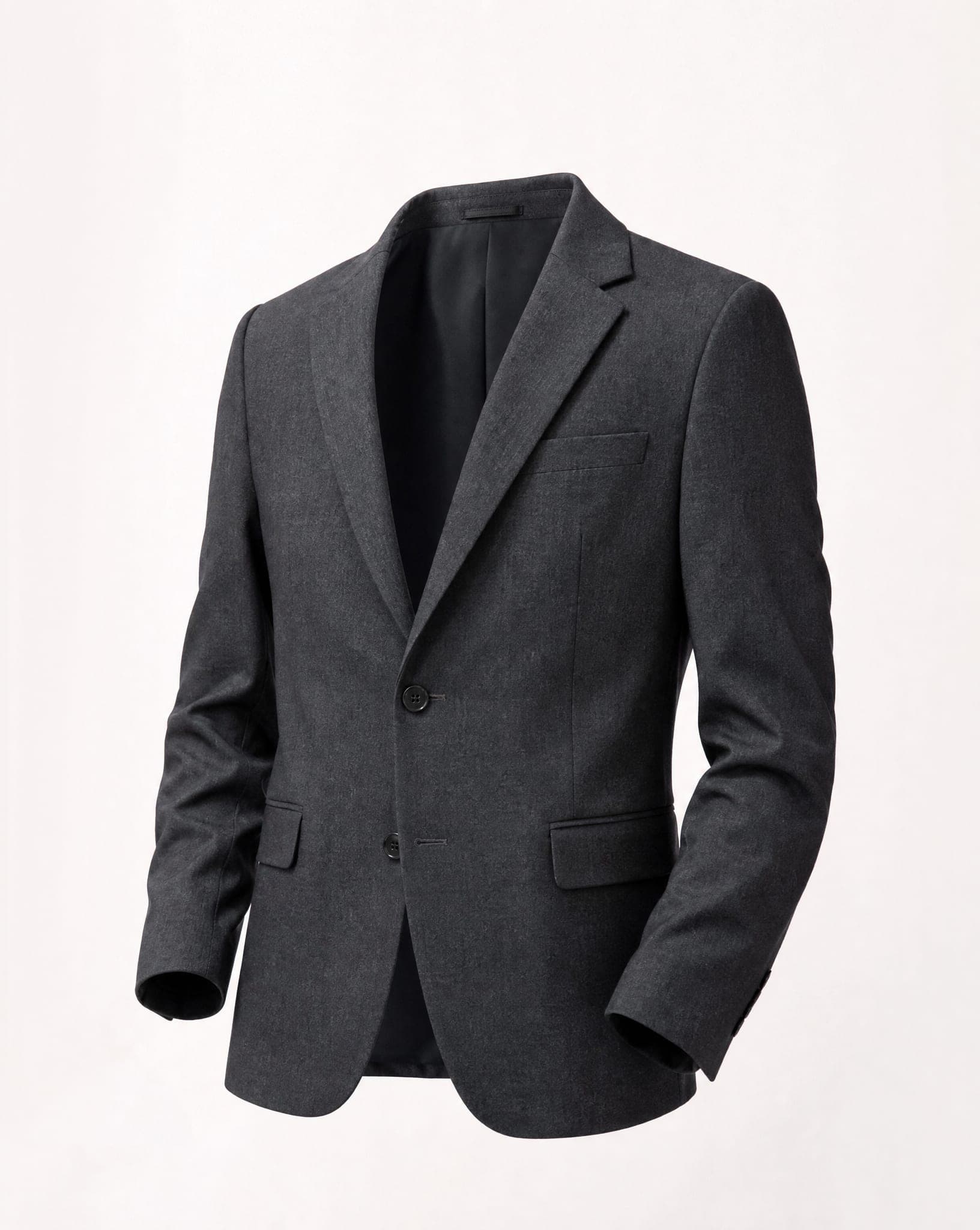
What the ghost mannequin look is, and why it costs so much
A ghost mannequin (or invisible mannequin) photo shows a garment as if someone were wearing it, with volume, an open neckline and a real silhouette, but with nobody inside it. It keeps the eye on the product, which is why so many clothing stores use it for the main product image.
The traditional way is slow. The garment is dressed on a mannequin and photographed, then photographed again inside out to capture the back of the collar, and a retoucher removes the mannequin and stitches the two shots together, one image at a time. Every new collection starts the whole cycle again, and in the meantime new items go online on a flat hanger photo.
How it works here
- Upload one photo of the garment, on a hanger, laid flat or on a mannequin. The short side should be at least 640 pixels.
- Choose the backdrop: pure white, studio grey, warm cream, a soft gradient, a bright backdrop with a natural shadow, or isolated on white for an easy cut-out.
- Choose the angle: front, three-quarter, from above, side or back.
- Generate. The garment comes back on its own, re-lit, with a natural drape and clean edges, and the hanger or mannequin is gone.
One honest note: the result is a re-photographed garment, not a composite of two real shots. If you need the inside back of the collar to show a specific label, check that detail in every image before you publish.
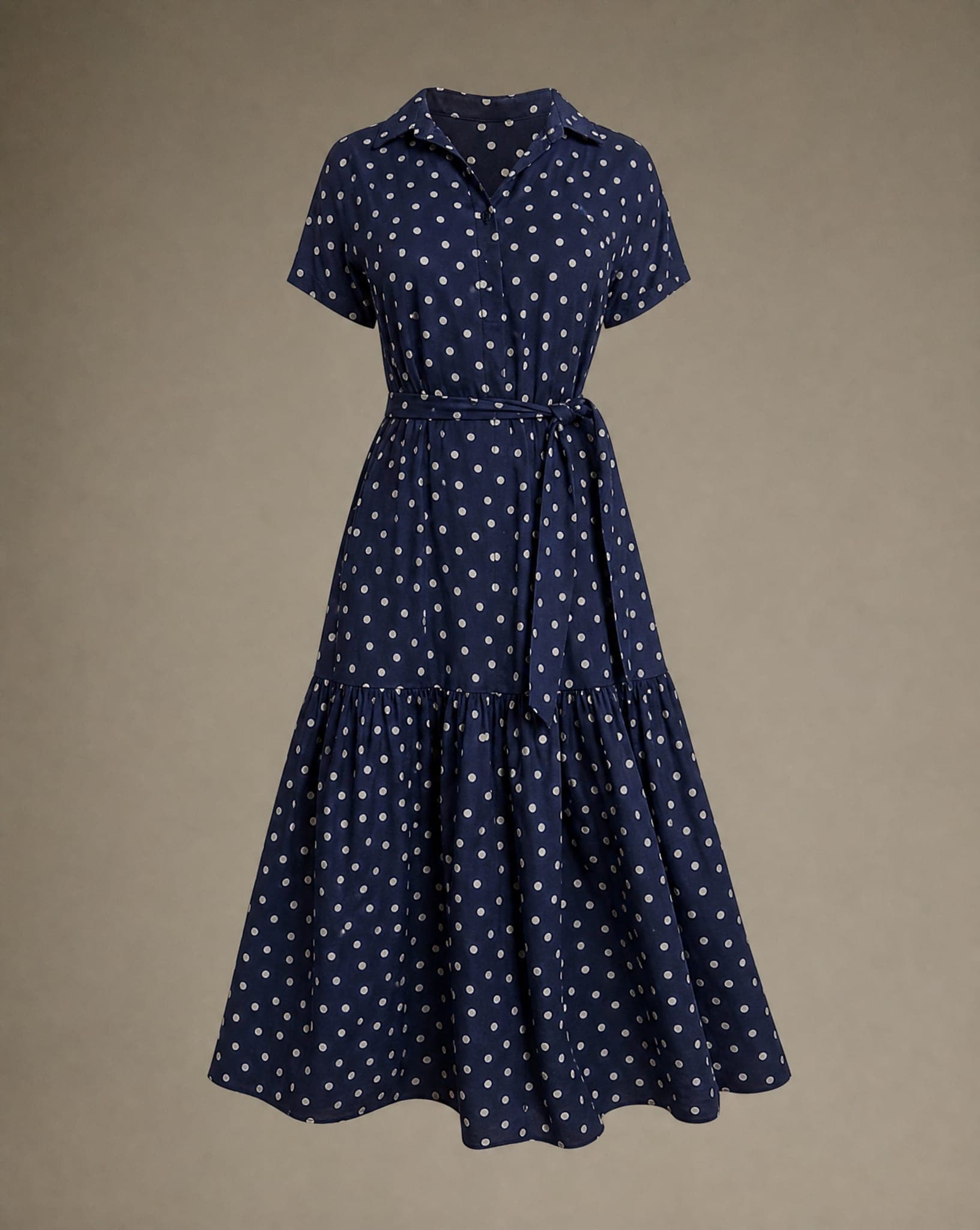
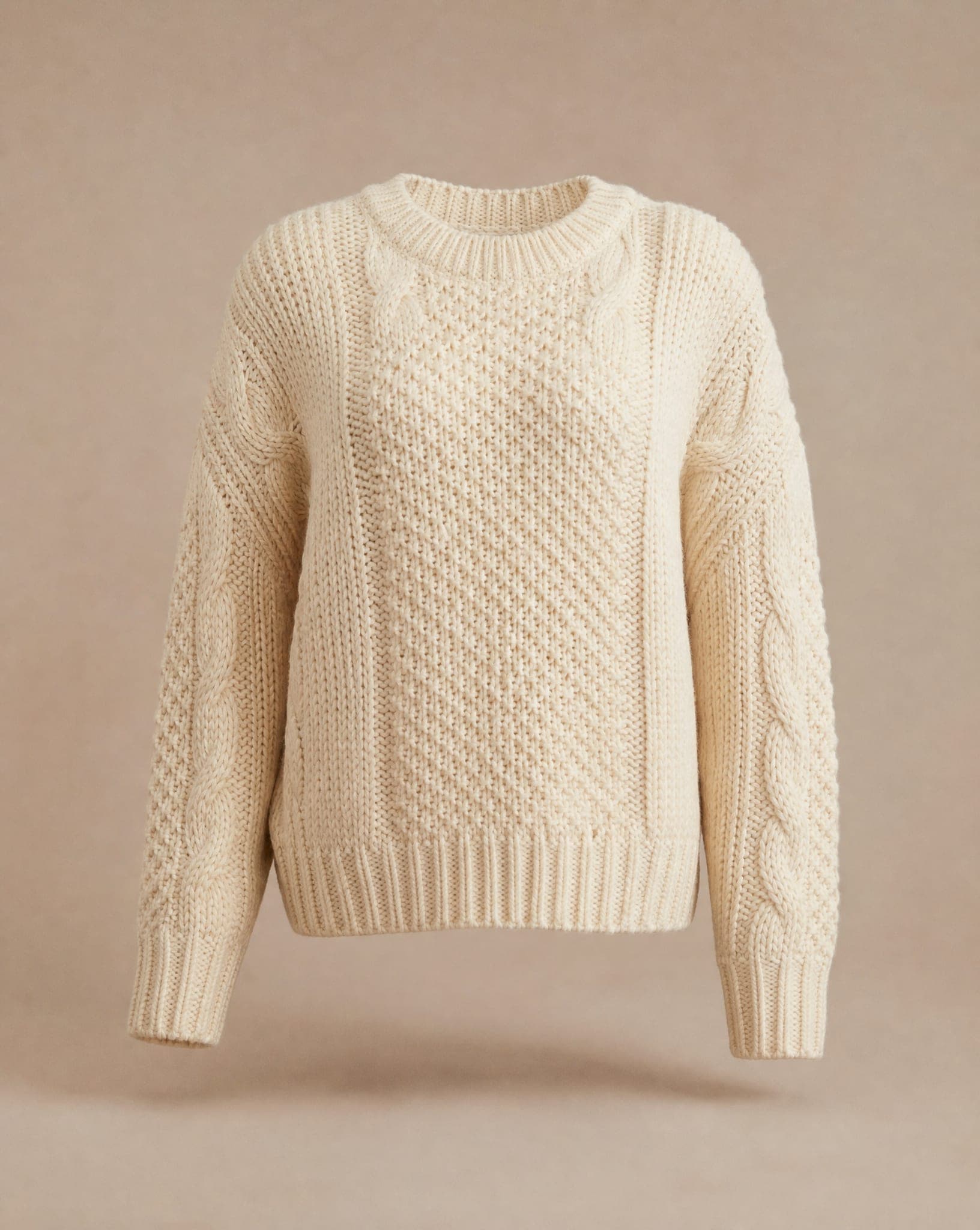
Preparing each type of garment
- Shirts and T-shirts. Button the shirt and arrange the collar neatly; the neckline is where the effect shows most. Smooth creases across the chest and let the sleeves fall naturally.
- Dresses. Make the waistline clear in the source photo, since that is where the body shape is read from. A dress on a hanger with the straps level gives a natural fall.
- Jackets and coats. Arrange the sleeves so they look full rather than crumpled (a little tissue paper inside helps), with straight lapels and closed pockets.
- Trousers and skirts. Close the waistband and lay them flat with pressed creases for a clean leg line.
- Lace and sheer fabrics. They need an especially sharp photo on a neutral background and even light, so the pattern and the transparency survive.
Hanger, ghost mannequin or on a model?
Each presentation answers a different question. A hanger or flat-lay photo shows the color and the print, but no shape. A ghost mannequin photo adds volume and the cut while keeping all the attention on the garment, which makes it the natural main image for a product page and a catalog. A photo on a model shows how the piece falls on a body and what to wear it with, which is what sells it on the home page, in ads and on social media.
You do not have to choose. The same source photo can also go to the clothing on a model screens, and if you already shoot on a mannequin, the Mannequin to model screen replaces the mannequin with a model. Shooting from scratch? Start with the flat lay to model guide.
For marketplaces and the rest of the catalog
Choose the pure white backdrop when a marketplace requires it, and check the result with the free Amazon image checker. Using the same backdrop, light and angle for every item is what makes a catalog look like one shoot rather than a pile of supplier photos.
A standard-quality image costs 5 credits, and a new variation is one more click, not another round of retouching. The free plan includes 5 standard images a month.
Questions
What is a ghost mannequin photo?
A clothing photo in which the garment looks worn, with volume and a real shape, but no mannequin or person is visible. Traditionally it is made by photographing the garment on a mannequin and retouching the mannequin out.
What photo do I need to upload?
One clear photo of the garment: on a hanger, laid flat or on a mannequin. It should be sharp, evenly lit and on a background that does not blend into the fabric. The clearer the source, the more accurate the result.
Is it the same as a retouched two-shot composite?
No. The garment is re-photographed from your photo, so there is no second inside-out shot. Details such as the inside of the collar are generated, so check them in each image if they matter for your listing.
Ghost mannequin or a model: which is better?
Both, for different jobs. The ghost mannequin look keeps the focus on the garment for the product page and catalog; a model shows fit and styling for the home page, ads and social media. You can make both from the same source photo.
Does it work for every kind of garment?
Shirts, T-shirts, dresses, jackets, coats, trousers and skirts all work. Everyday fabrics such as cotton, denim and polyester are the easiest; lace and sheer fabrics need an especially sharp source photo.
Give your whole catalog the ghost mannequin look
Sign up free and get your first 5 images on us. No credit card needed.
Start free