
Google Shopping image requirements, explained
Merchant Center has clear rules for product images, and the same few mistakes break them again and again. These are the rules from Google's own help page, the mistakes to avoid, and how to make a feed of clean images from phone photos.
Your first 5 images free · No credit card needed
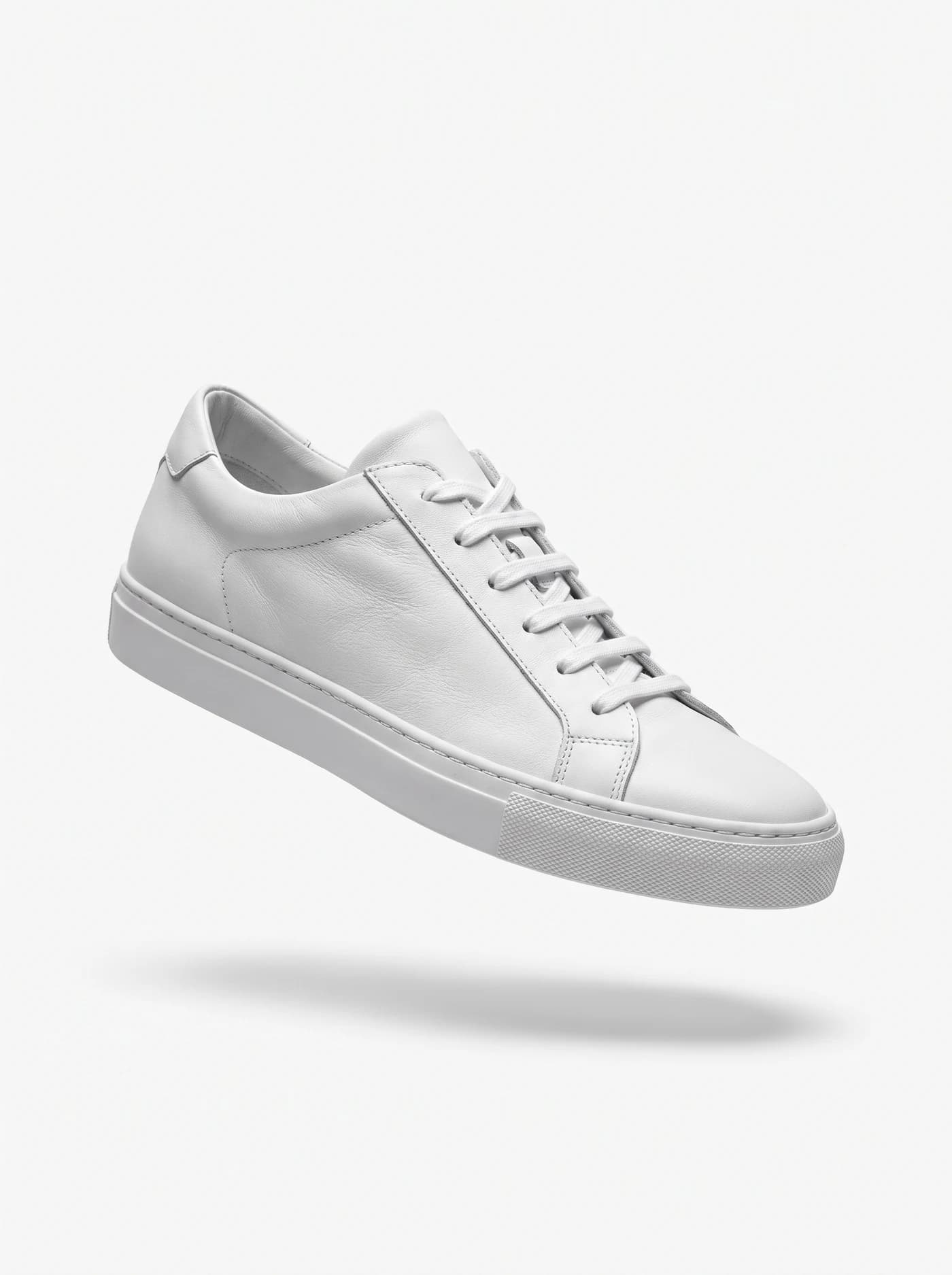
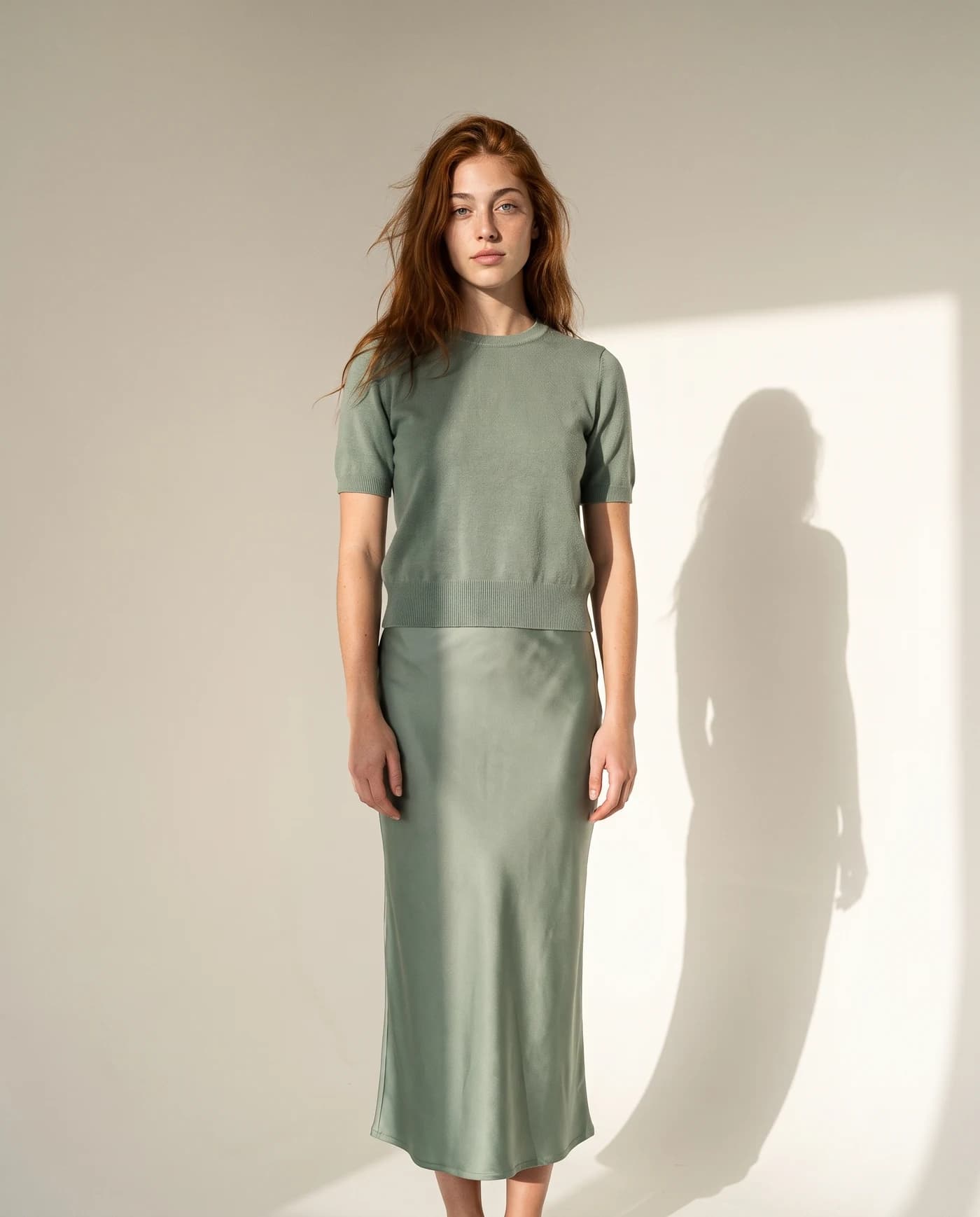
The image rules in Merchant Center
| Rule | Google’s guidance |
|---|---|
| Recommended size | Around 1,500 x 1,500 px or above |
| Minimum size | 500 x 500 px for all products from January 31, 2027 |
| Maximum | 64 megapixels, 16 MB per file |
| Framing | Product takes up no less than 75% and no more than 90% of the image |
| Overlays | No promotional elements: calls to action, prices, watermarks, barcodes |
| Borders | No borders |
| Placeholders | No generic or placeholder image that does not show the product |
All of this is according to Google Merchant Center’s help center, checked October 15, 2026. Supported formats there are JPEG, WebP, PNG, GIF, BMP and TIFF.
Common mistakes to avoid
- Sale badges and price stickers. A “20% off” corner or a price on the photo is a promotional overlay. Keep promotions in your feed’s sale price, not on the image.
- Logos and watermarks. Branding stamped across a product photo counts as an overlay too. Use clean files for the feed, even if your site shows watermarked ones.
- Tiny product, big margins. A small item lost in a large frame falls below the 75% framing rule. Crop in so the product fills most of the image.
- Frames and borders. A decorative border around the photo breaks the no-border rule.
- Supplier images that are too small. With the 500 x 500 minimum coming in 2027, now is the time to replace small supplier photos.
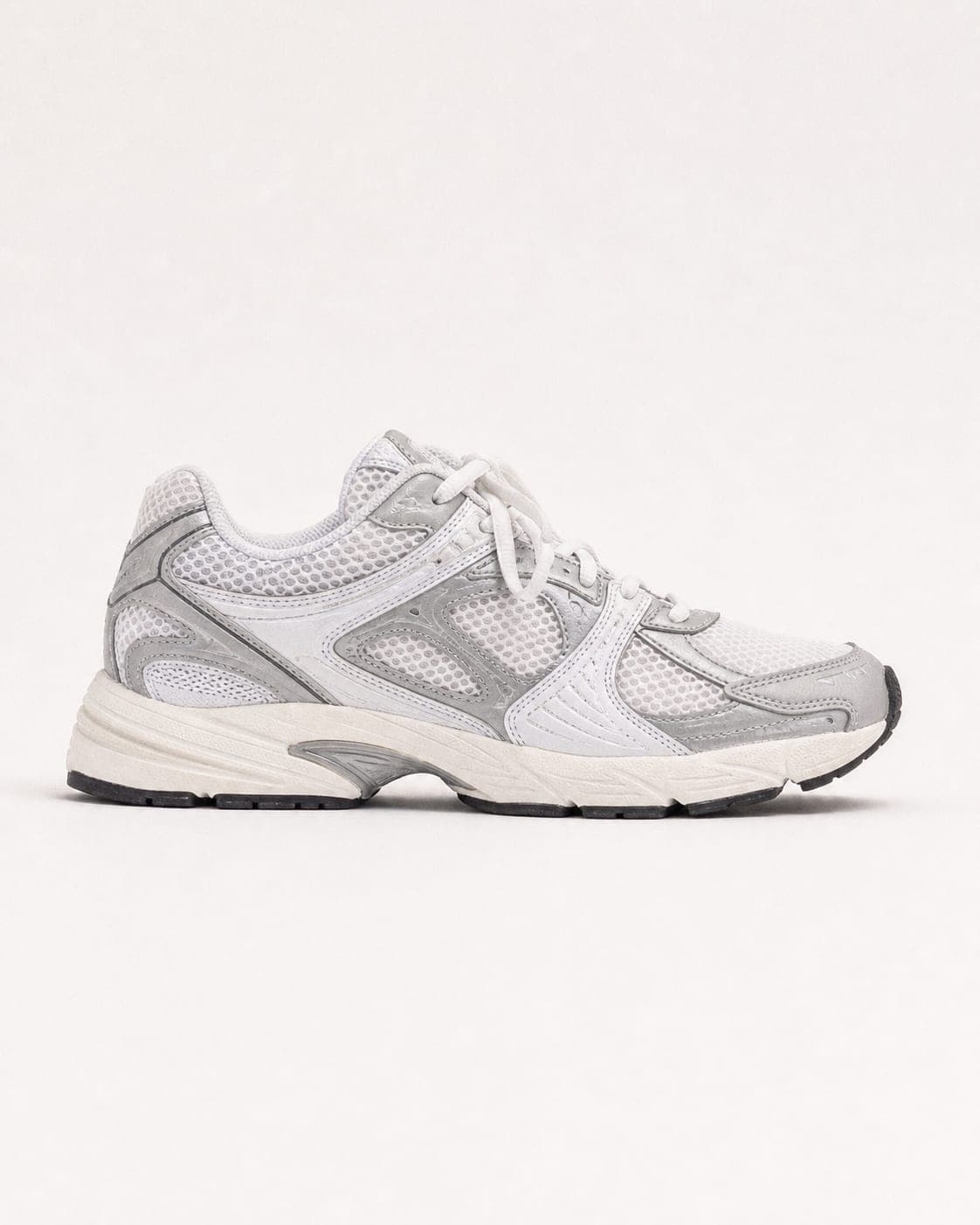
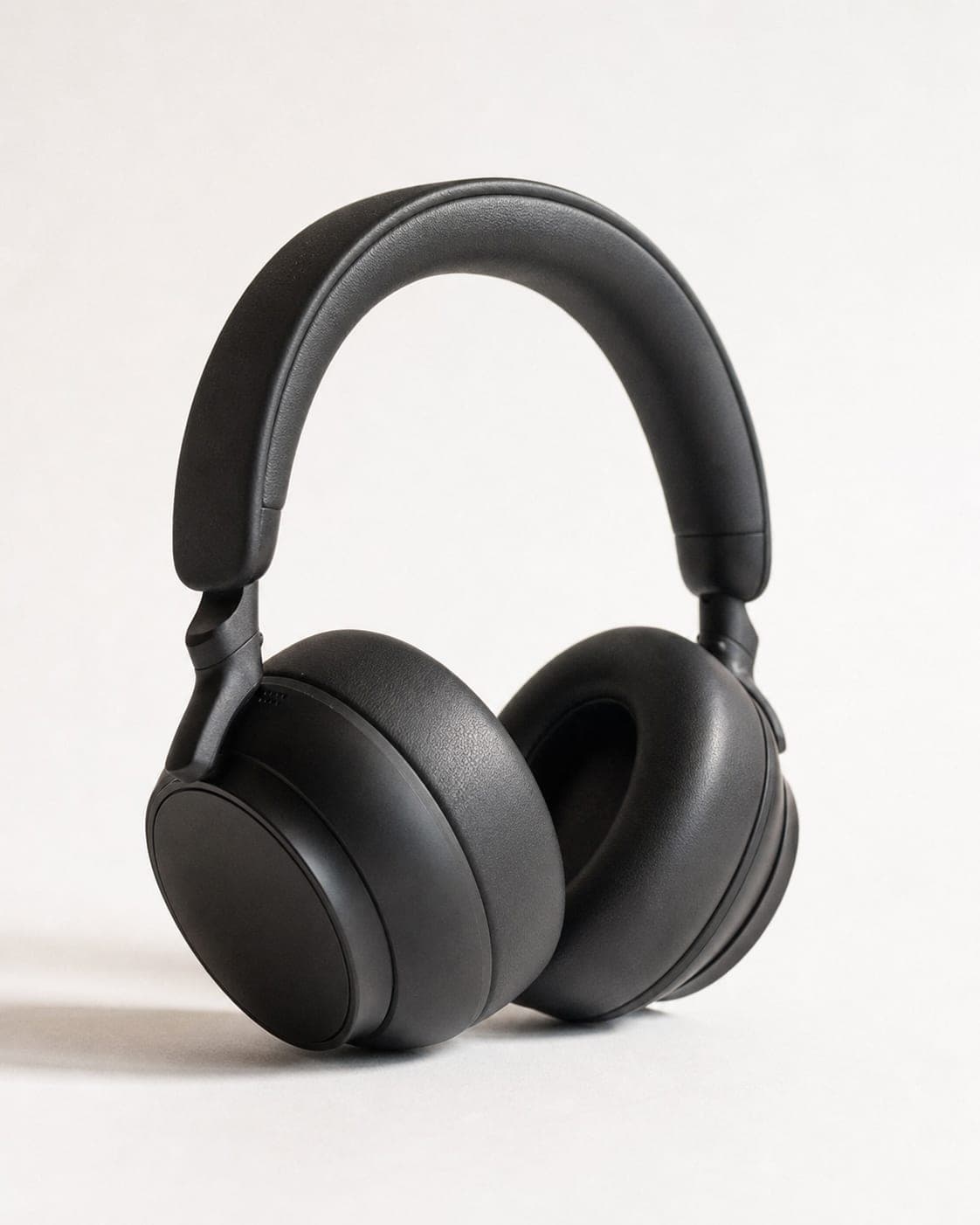
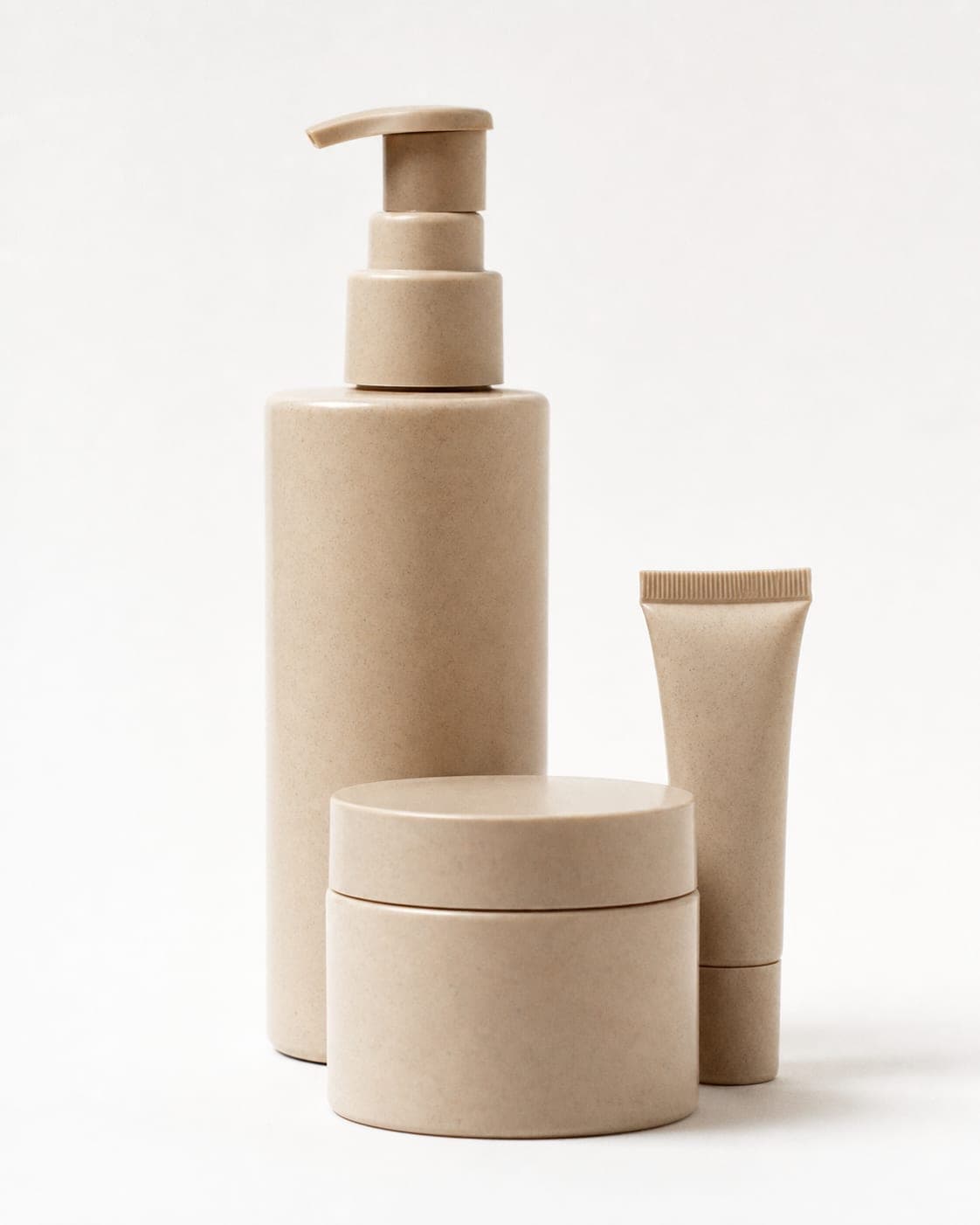
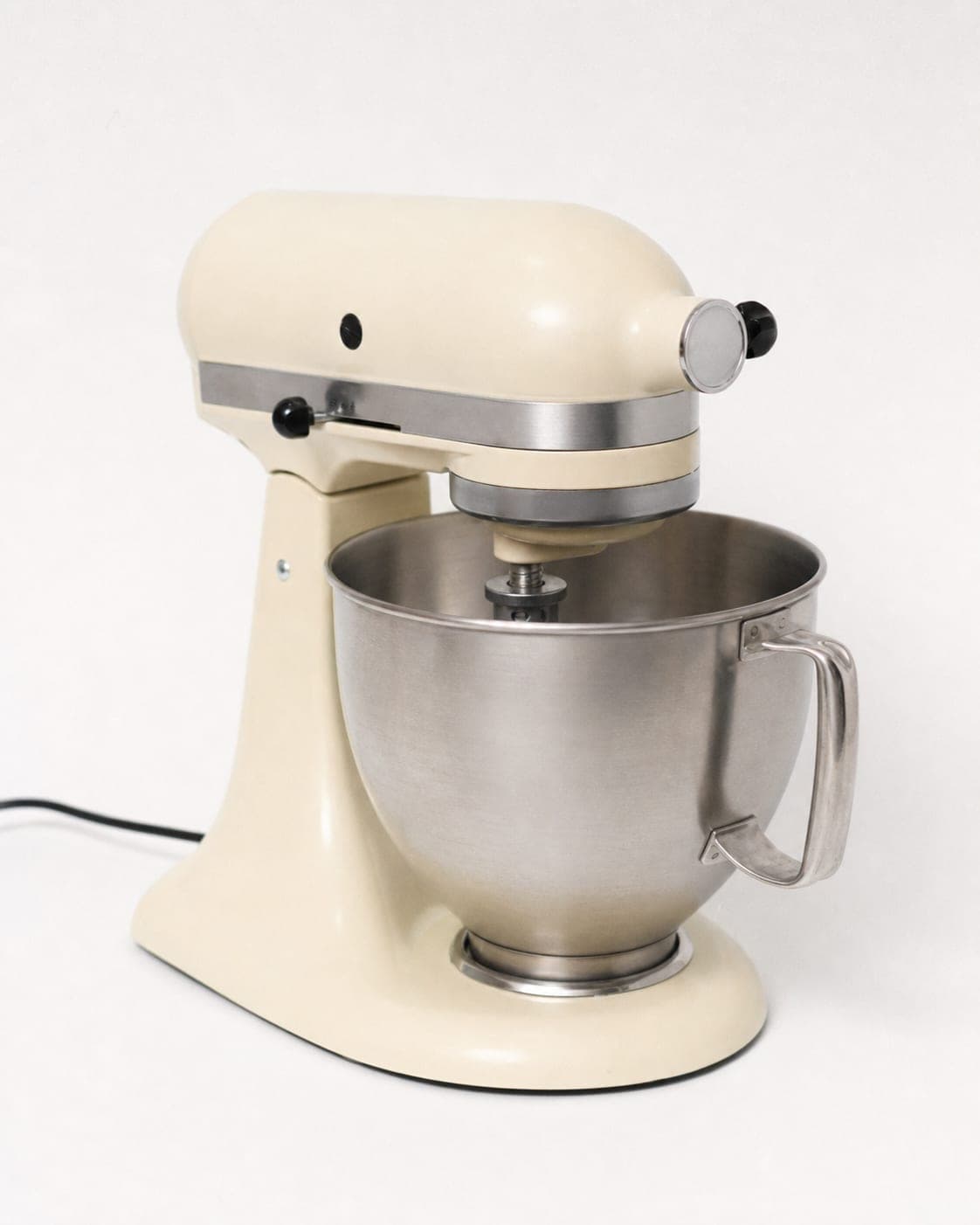
Fixing a feed of phone photos
For the main image, the free white background tool puts each product on a clean background in your browser, and its Amazon option crops the product to fill about 85% of the frame, inside Google’s 75 to 90% range. Check that the file is large enough, and if it is not, run it through the image enhancer.
One look across the whole feed
Shopping results put your product next to other stores’ products, and next to your own. A feed where every main image has the same background, the same light and the product at the same size looks like a serious store; a feed of mixed supplier photos, kitchen-table shots and cut-outs looks like three different shops. Pick one background for every main image, process the whole catalog the same way, and keep the settings for new products. For large catalogs, bulk product photos covers working through many items at once.
Additional and lifestyle images
The main image is not the only slot. Merchant Center accepts additional images for other angles and detail shots, and a separate lifestyle image attribute for the product shown in context. Those are where a store can stand out from the dozen identical listings next to it.
IsraModel AI makes those from the same phone photo: the product in a scene, in a hand, with a model or as a group, and clothing, shoes and bags on a realistic AI model. The product is kept as photographed. Download the images, host them with your store, and point your feed to them. A standard image costs 5 credits, and the free plan includes 5 standard images a month.


Questions
What are the Google Shopping image requirements?
No promotional overlays, watermarks, prices or borders; the product should take up 75% to 90% of the image; images around 1,500 x 1,500 pixels or above are recommended; and no file over 16 MB or 64 megapixels.
What is the minimum image size for Google Shopping?
Google's help page announces a minimum of 500 x 500 pixels for all products beginning January 31, 2027, and recommends images of around 1,500 x 1,500 pixels or above.
Can I put my logo or a sale badge on Google Shopping images?
No. Google does not allow promotional elements or overlays on product images, including calls to action, prices and watermarks. Put sale information in the feed instead.
Can I use lifestyle or AI images in Merchant Center?
Merchant Center has a separate attribute for a lifestyle image of the product in context, plus additional images for angles. Any image must show the actual product; IsraModel AI keeps the product as photographed and changes only its setting.
Make clean feed images and lifestyle shots
Sign up free and get your first 5 images on us. No credit card needed.
Start free