
WooCommerce product images that stay sharp
Unlike hosted platforms, WooCommerce lets your theme and your settings decide how product photos are cut and scaled. That is flexible, and it is also why so many WooCommerce stores have blurry or oddly cropped thumbnails. Here is how the sizes work and how to feed them good source images.
Your first 5 images free · No credit card needed

The three image sizes WooCommerce creates
When you upload a product photo, WordPress and WooCommerce keep your original and generate smaller copies for different places in the store. The three WooCommerce sizes are:
| Size | Where it shows | Default |
|---|---|---|
| Thumbnail | Product grids, such as the shop page | 300 px wide, square crop |
| Single | The main image on the product page | 600 px wide, uncropped |
| Gallery thumbnail | The small images under the main one | 100 x 100 px, square crop |
Defaults are according to WooCommerce’s documentation, checked October 15, 2026. Many themes set their own values, so the numbers in your store may differ. What matters for you: your upload should be comfortably larger than the biggest size your theme displays, including on high-density phone screens and in zoom.
The crop setting behind most odd thumbnails
Where your theme allows it, the Customizer lets you choose how shop thumbnails are cropped: 1:1 square, a custom ratio you define, or uncropped, which keeps each image’s own shape. A square crop on tall photos chops off heads and hems; uncropped with mixed photo shapes gives a ragged grid.
The fix is on both sides: choose one crop for the store, then make every product photo in that same shape, with the product centered and some space around it so a crop never cuts into it. The free resizer fits photos into a square on white without cutting the product.
Changed a size? Regenerate the thumbnails
The smaller copies are made at upload time. WooCommerce’s documentation notes that after you change the image sizes, you may need to regenerate thumbnails so existing images use the new sizes. Until you do, old products can keep blurry or wrongly cropped copies while new ones look right, which is a common source of an inconsistent shop page.
Better source photos, consistent across the catalog
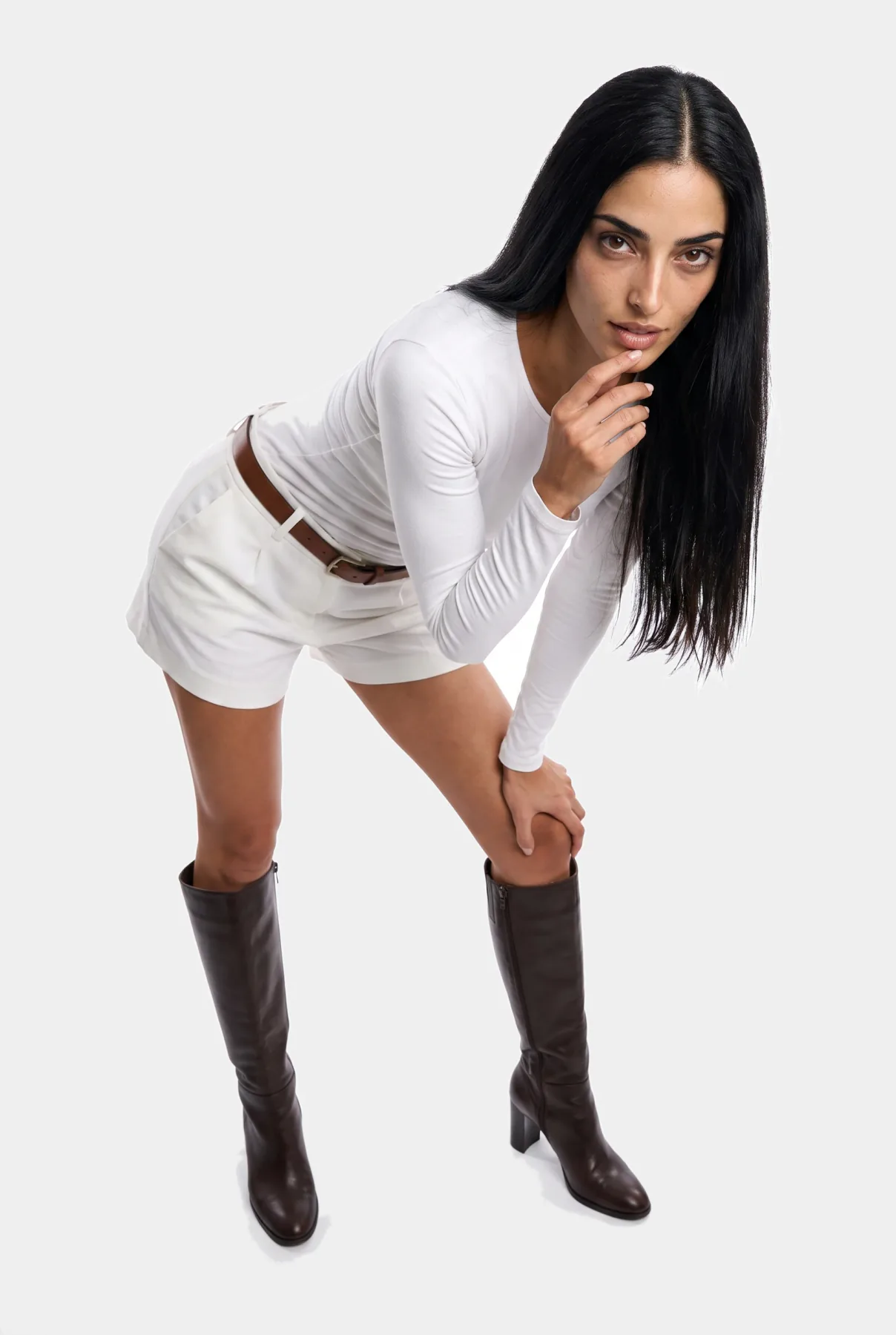
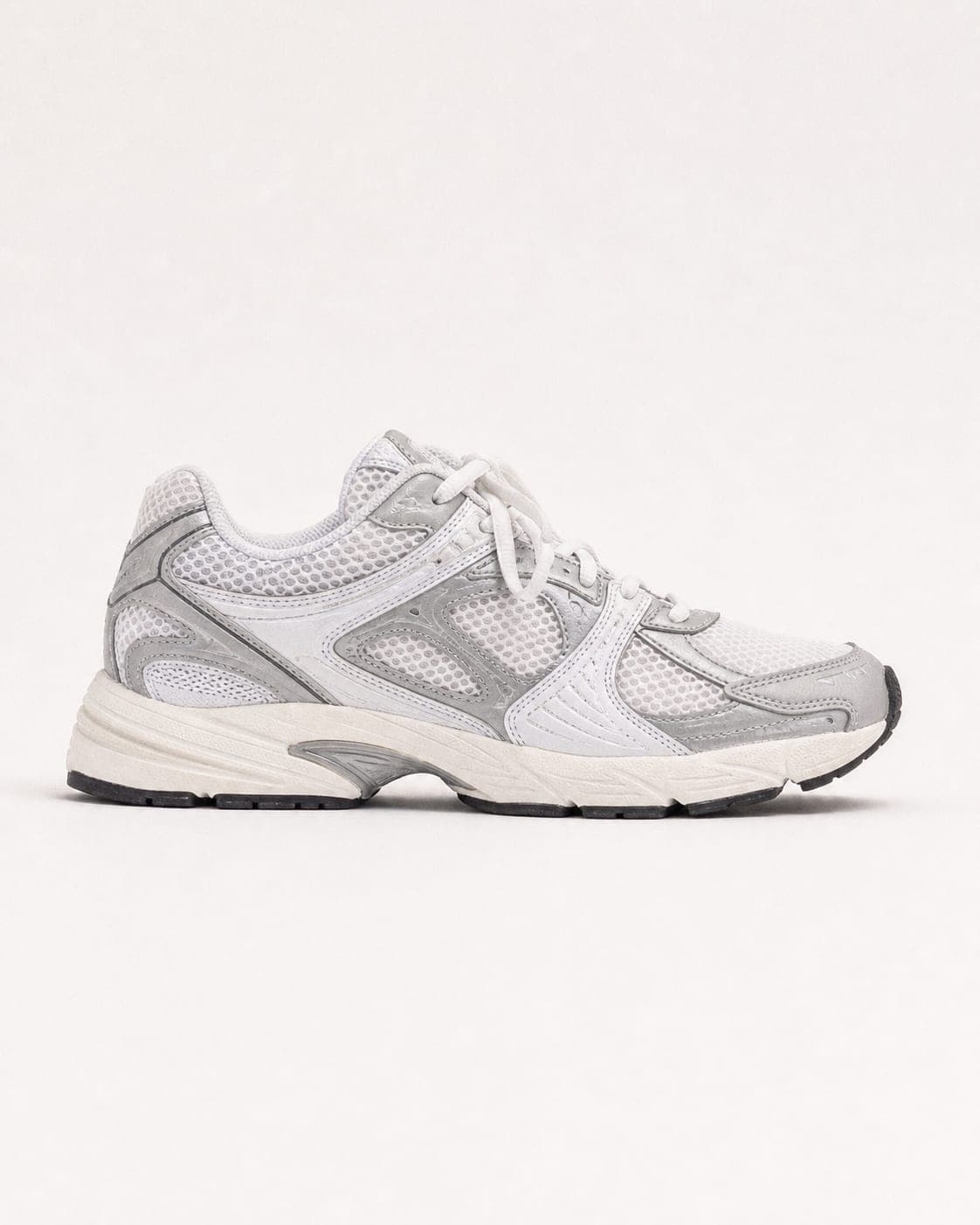
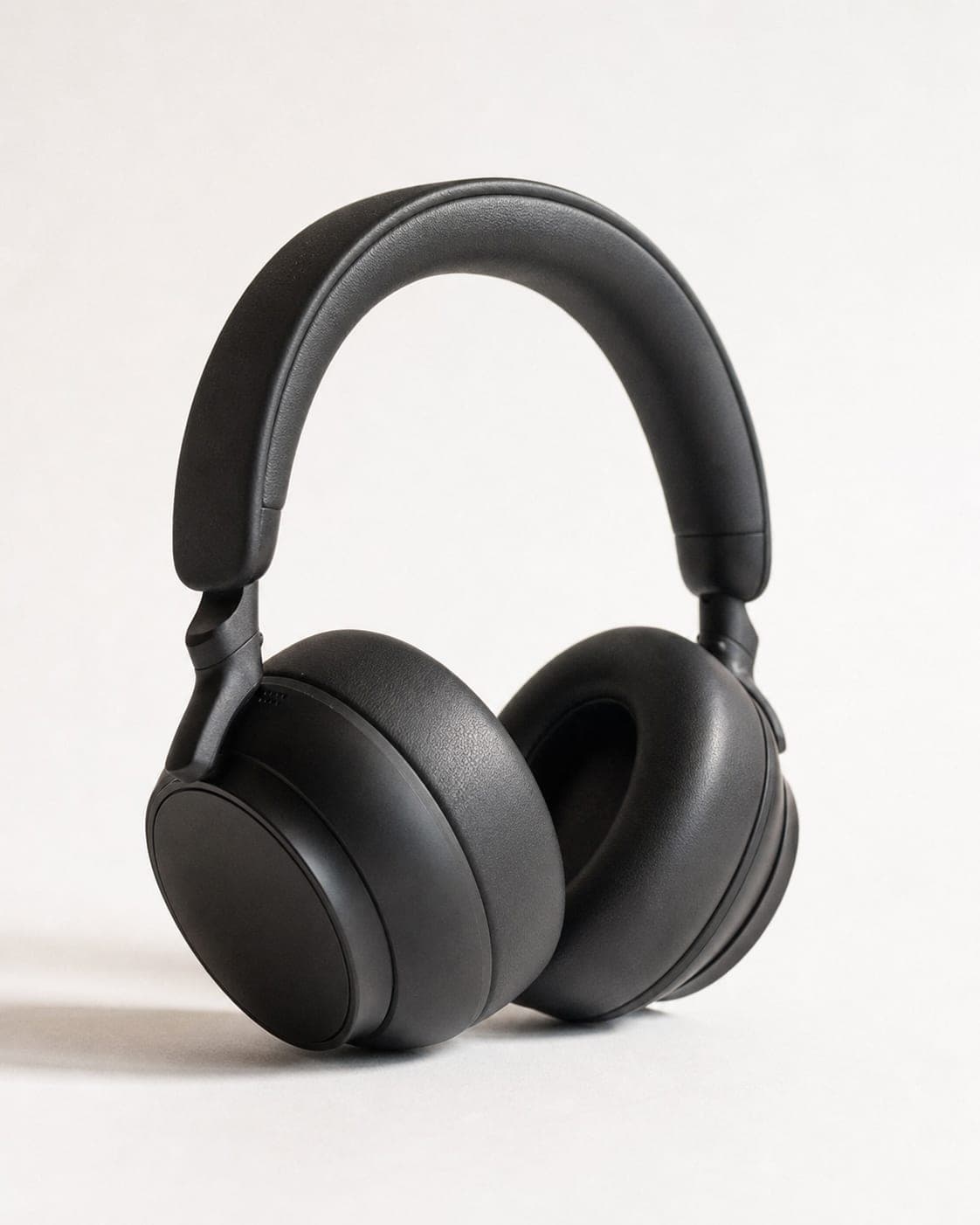
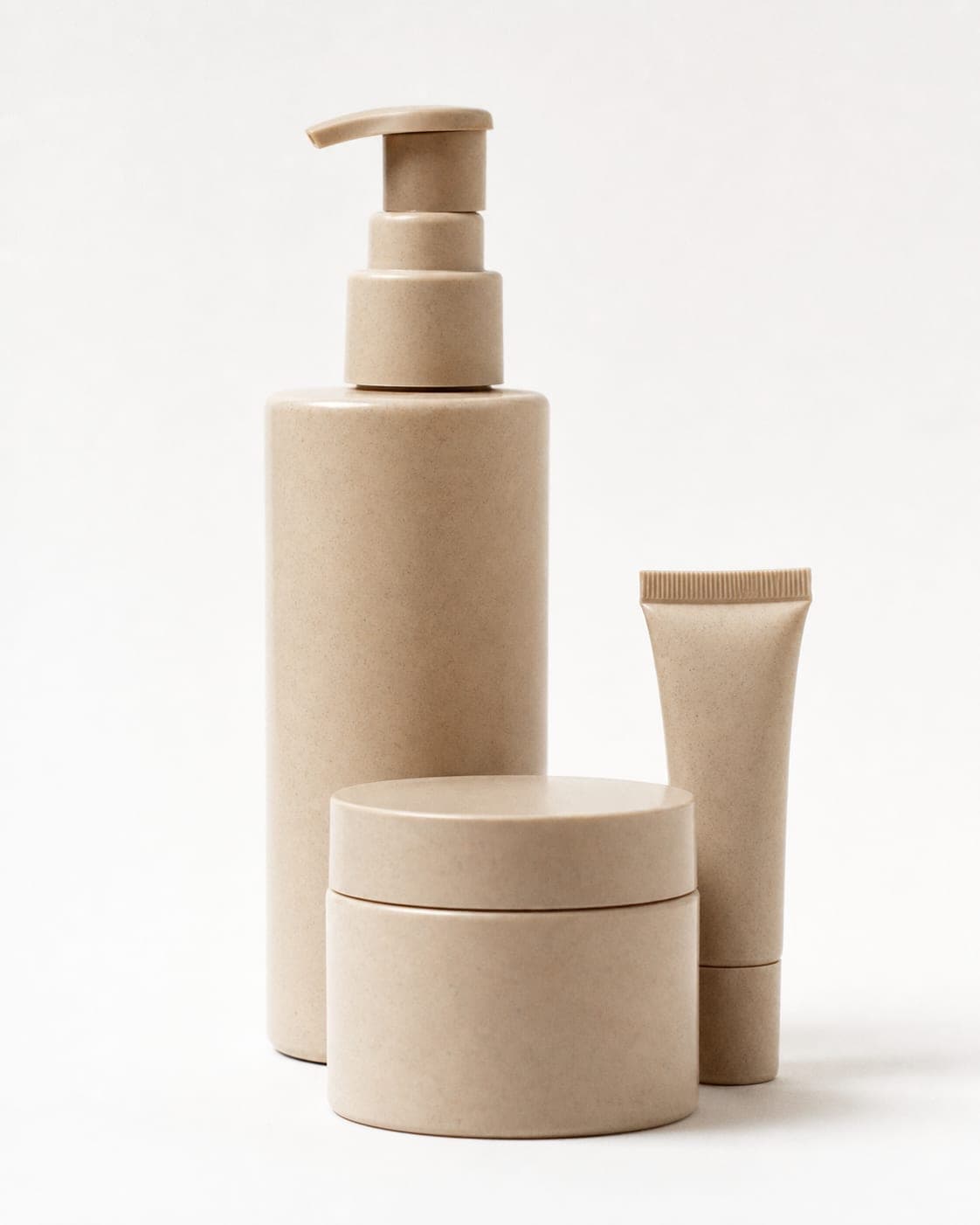
No setting can sharpen a small, dim phone photo. IsraModel AI starts from that photo and produces a clean studio shot, a scene, a product-in-hand shot, a shot with a model, or several products together, all in the same light and style so the catalog looks like one store. For clothing, the studio reshoots the garment on a model or turns a mannequin or flat lay photo into a model photo. The product is kept as photographed.
There is no WooCommerce plugin: download the images and add them to the product in WordPress as usual. For a large catalog, bulk product photos explains how to work through many products at once.

Sharp, but not heavy
Self-hosted stores feel image weight directly: large files slow the page and use up hosting storage. Upload a size that covers your theme’s largest display and zoom, then compress. The free compressor shrinks a batch in your browser, and alt text that describes the product in plain words helps both accessibility and image search.
A standard image in IsraModel AI costs 5 credits; the free plan includes 5 standard images a month.


Questions
What size should WooCommerce product images be?
WooCommerce has no single required size; your theme decides how large images are displayed. Upload a square image well above the largest size your theme shows, so zoom and high-density screens stay sharp, and keep every product in the same shape.
Why are my WooCommerce product images blurry?
Usually the uploaded photo is smaller than the size the theme displays, or the thumbnails were generated before a size change and never regenerated. Upload larger originals and regenerate thumbnails after changing image settings.
Why are my WooCommerce thumbnails cropped badly?
The shop thumbnail is cropped to square by default. Either make your photos square with space around the product, or change the crop setting in the Customizer if your theme allows it.
Is there a WooCommerce plugin for IsraModel AI?
No. You create images in IsraModel AI, download them, and upload them to your products in WordPress.
Give your WooCommerce catalog one consistent look
Sign up free and get your first 5 images on us. No credit card needed.
Start free