
Shopify product images that look like one brand
Shopify does not force a background or a shape on you, which is exactly why so many stores end up with a gallery of mismatched photos. Here is the size Shopify recommends, the limits it enforces, and a simple way to build five to eight matching images per product from a phone photo.
Your first 5 images free · No credit card needed
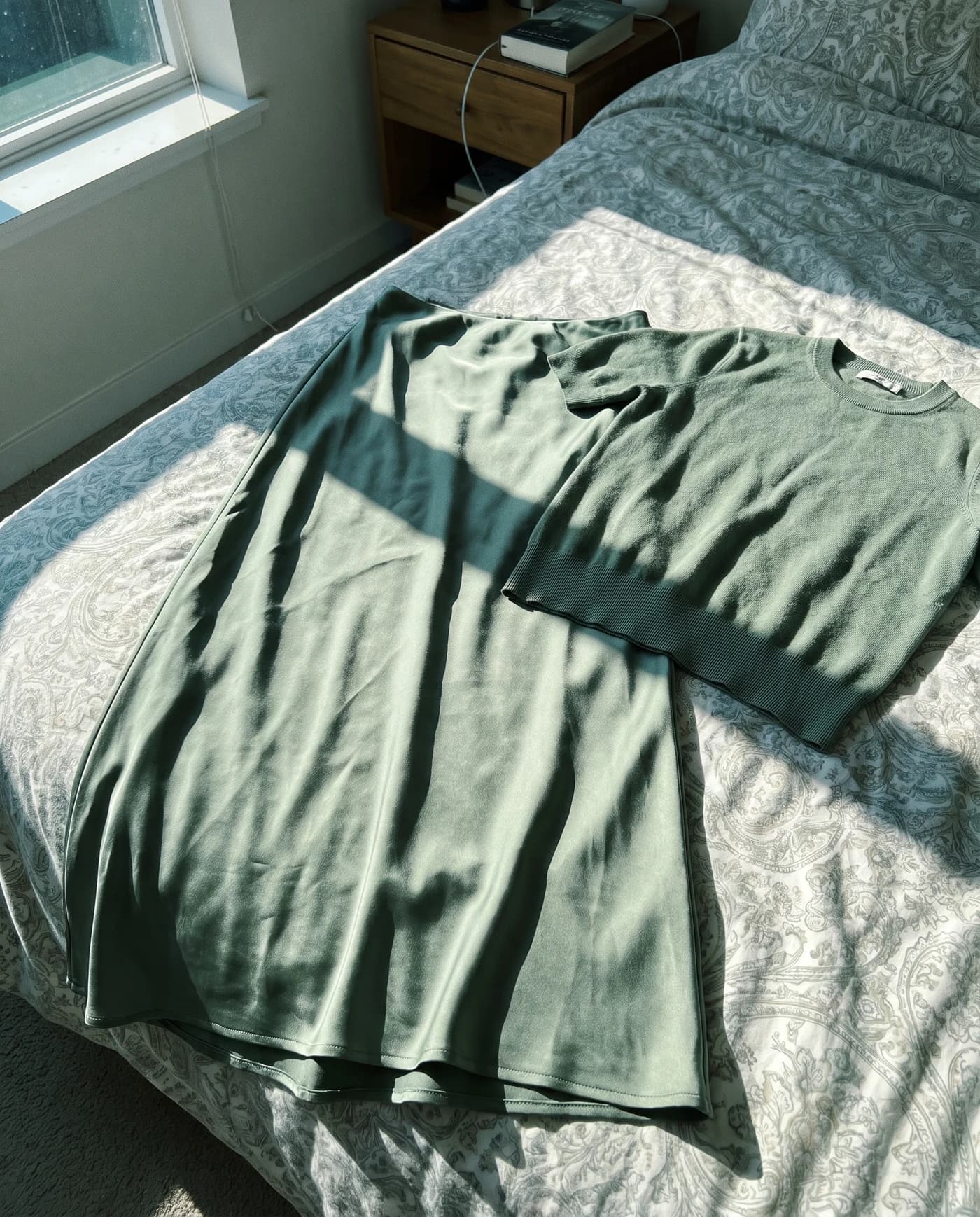
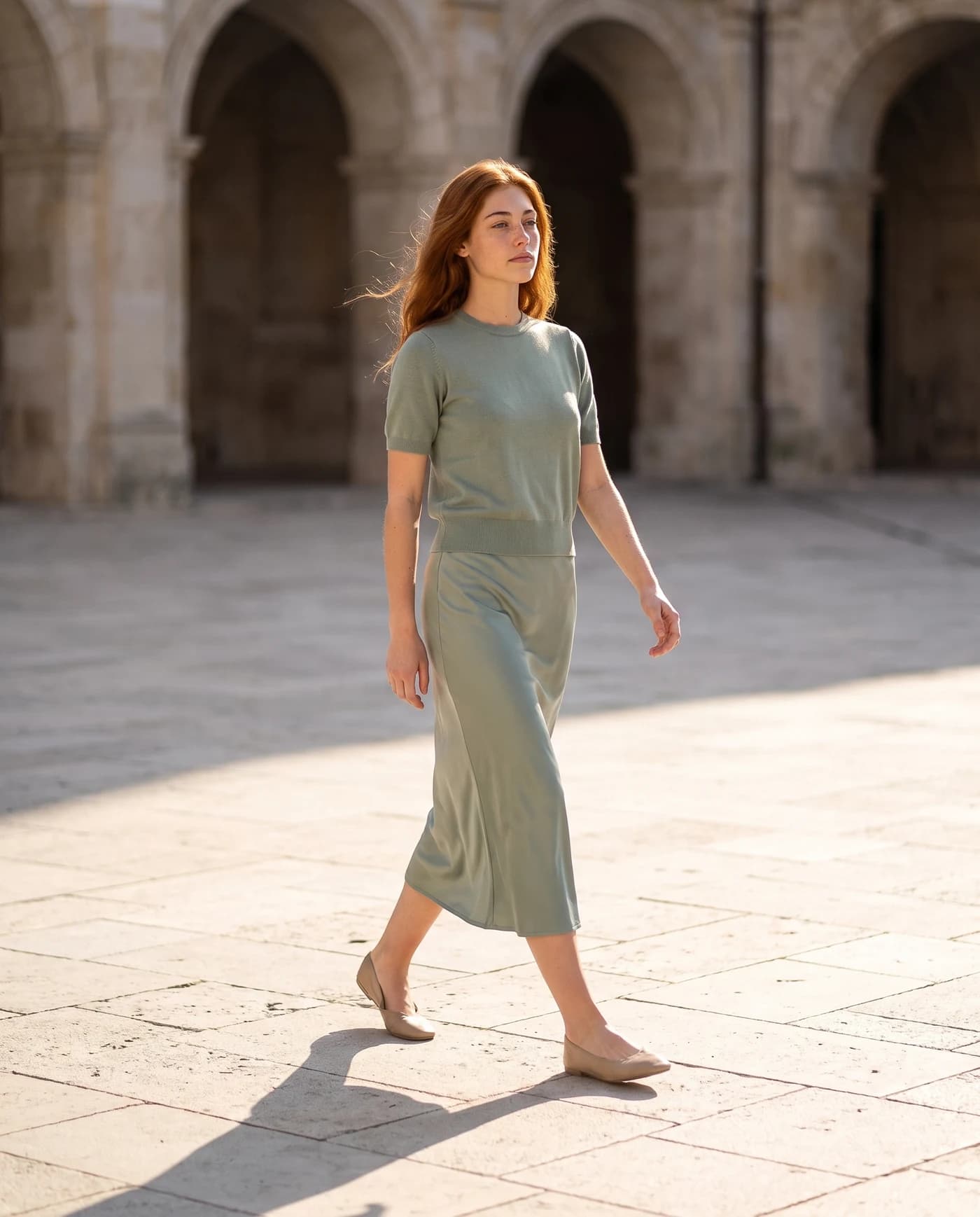
Shopify image size and upload limits
| What | Shopify’s guidance |
|---|---|
| Best size for square images | 2,048 x 2,048 px |
| Largest accepted | 5,000 x 5,000 px, or 25 megapixels |
| File size | Under 20 MB |
| Formats | JPEG, PNG, WebP, HEIC, GIF, TIFF, BMP, SVG |
| Shape | Any, but keep one aspect ratio across all images |
These figures are according to Shopify’s help center, checked October 15, 2026. The free image resizer has a Shopify preset that exports at 2,048 x 2,048, padding the photo on white so the whole product stays in the frame.
Why one aspect ratio matters more than the exact pixel count
On a collection page, Shopify themes line products up in a grid. When one product is square, the next is tall and the third is wide, the grid turns ragged: some cards get white bands, some get cropped, and the store looks assembled rather than designed. Shopify’s own advice is to pick one ratio for every image, and square is the easiest choice because it works in grids, on phones and in most themes.
The same goes for light and background. A catalog where every first image sits on the same clean background, with the product the same size in the frame, reads as a real brand. The free white background tool does that for a whole batch of first images at once, in your browser.
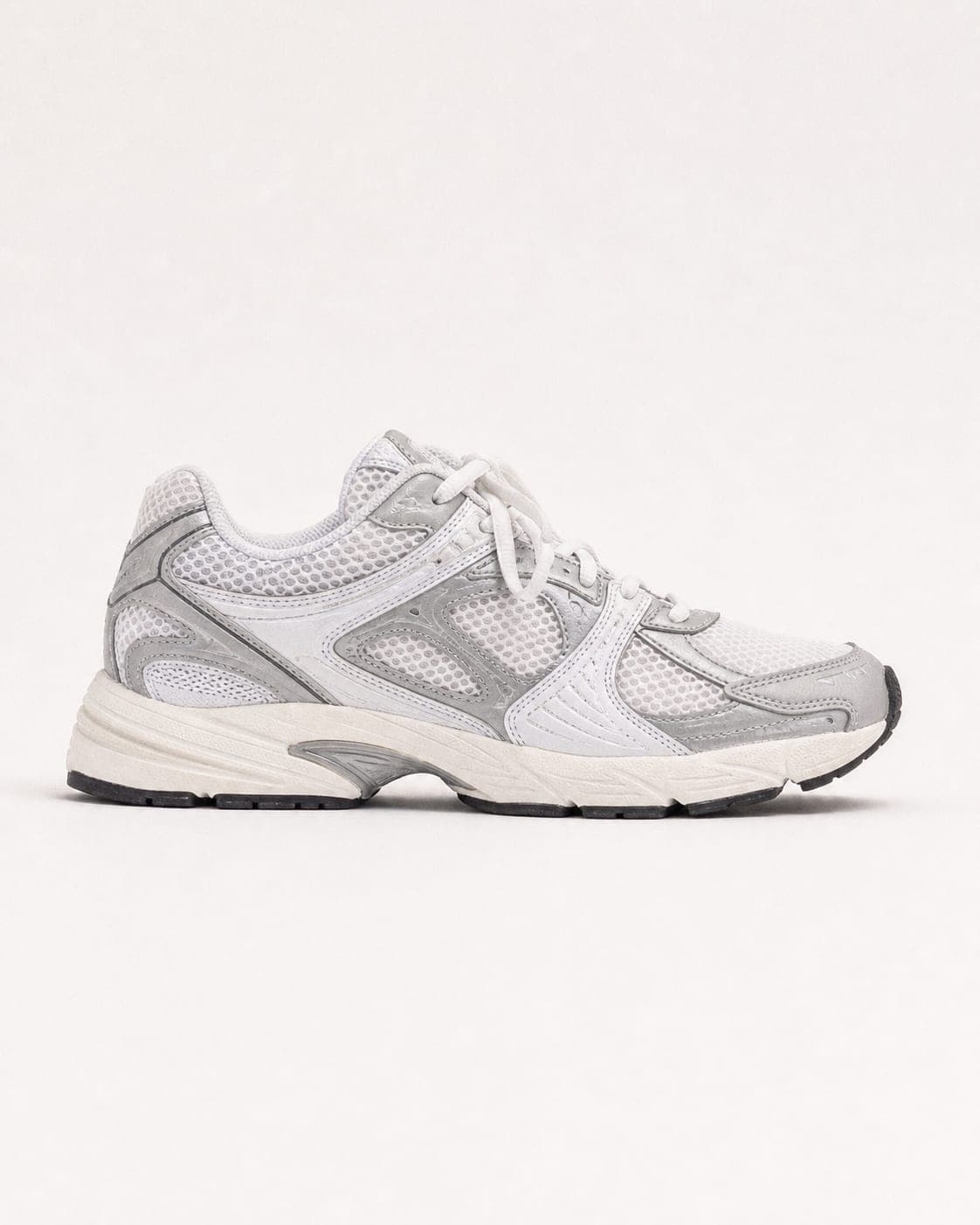
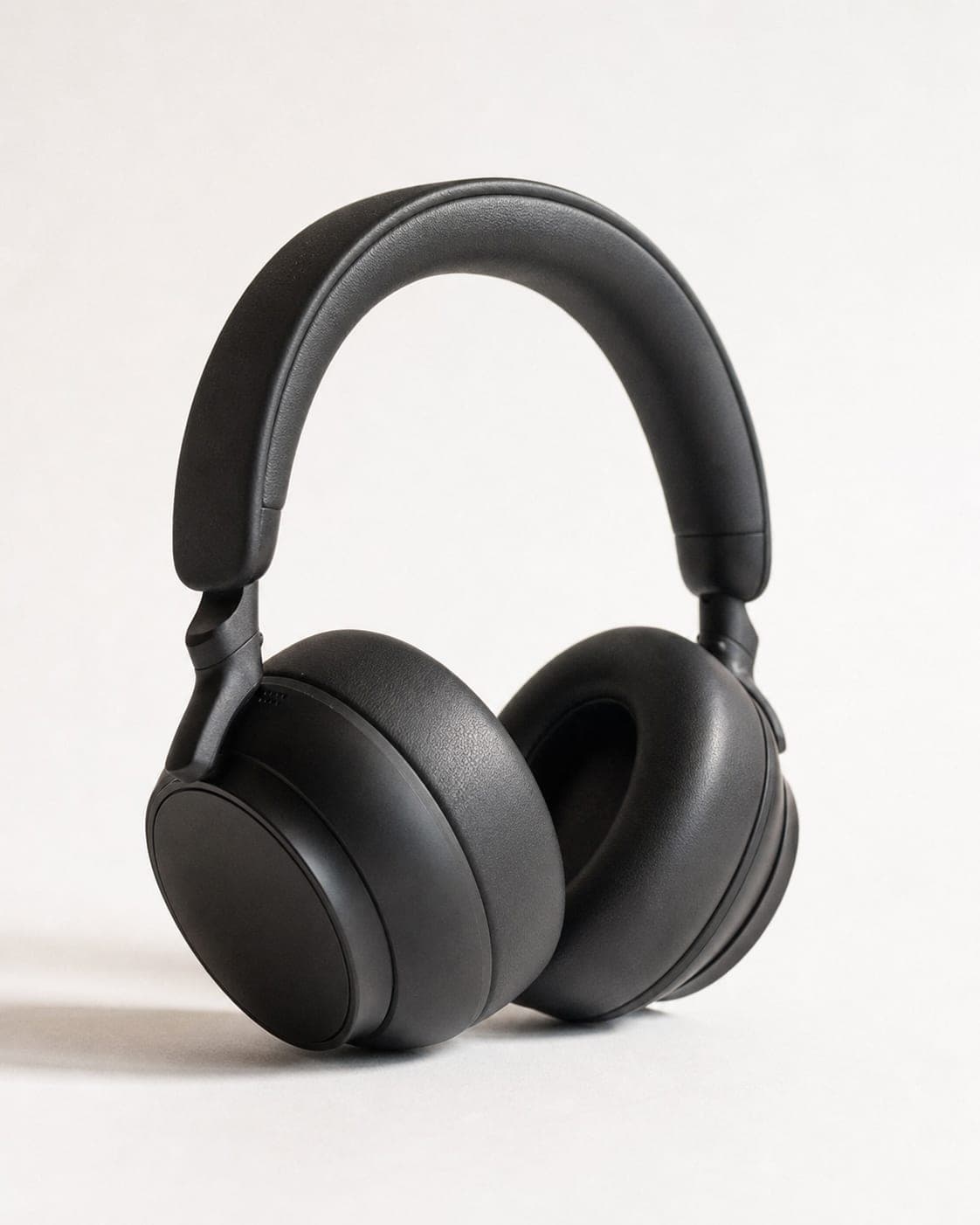
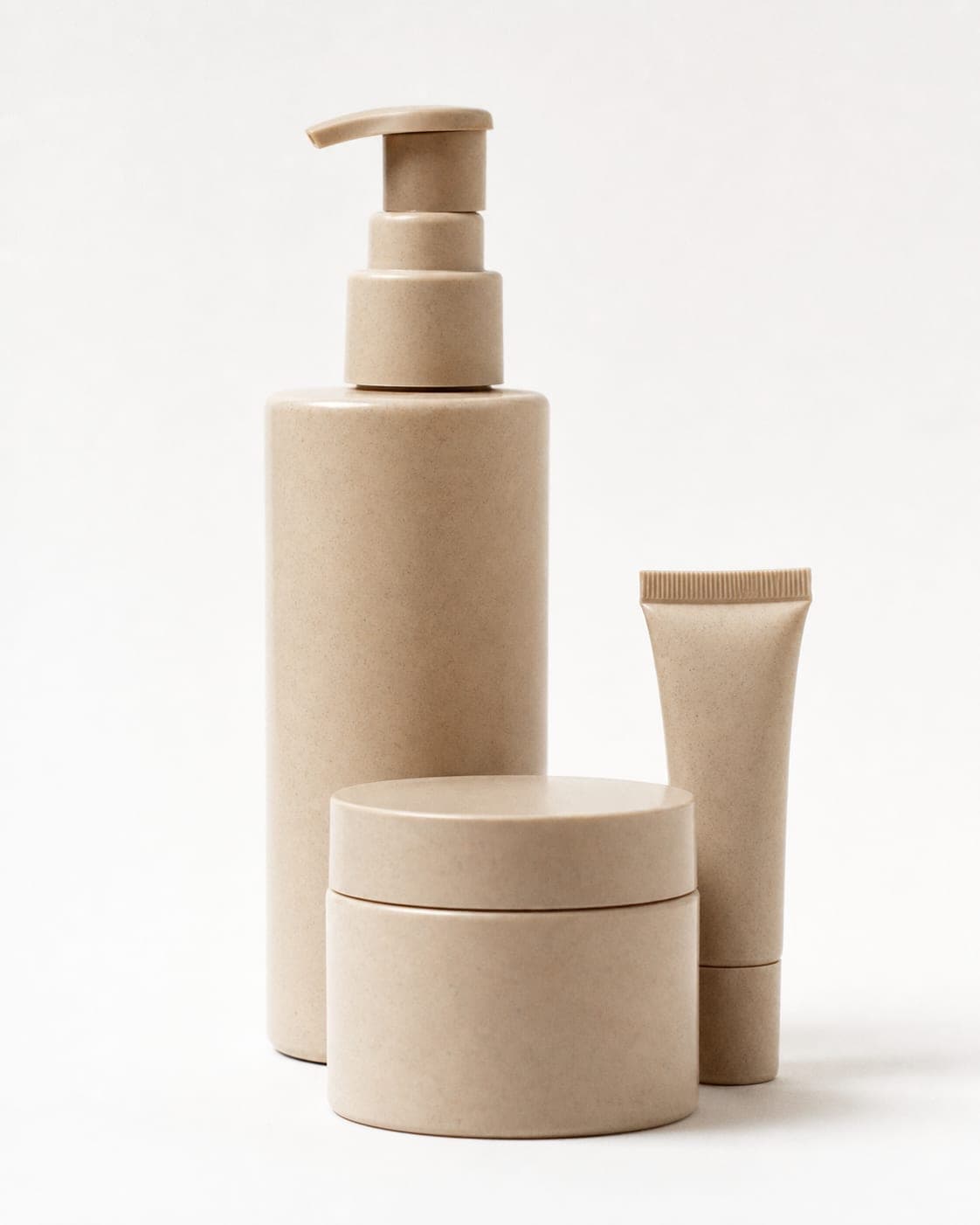
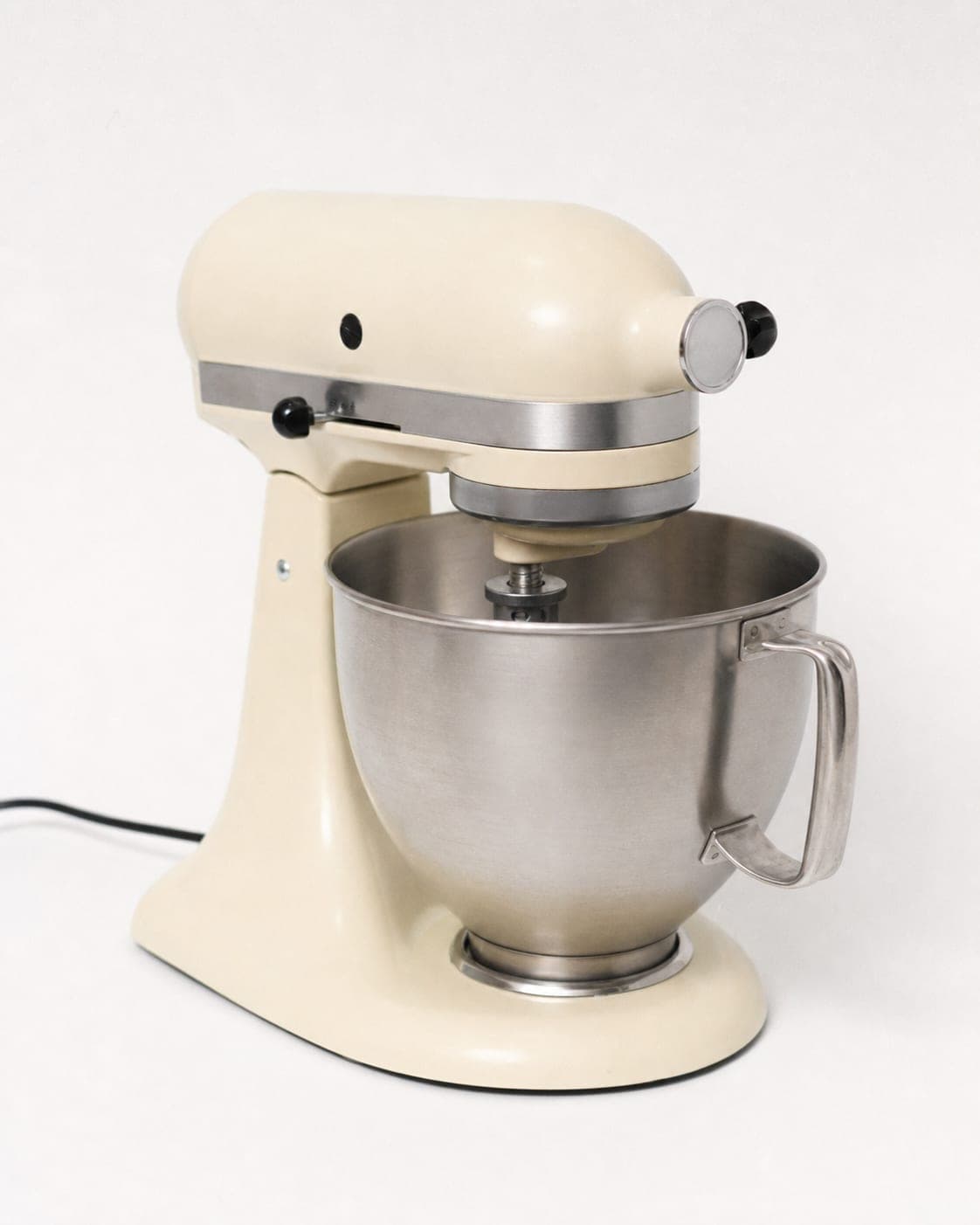
The five to eight images a Shopify product page needs
- First image, clean and centered. It shows on collection pages and in search, so it has to read at thumbnail size: plain background, product large in the frame.
- Two or three angles. Front, back and side. Shoppers cannot pick the item up, so every angle answers a question before it reaches your inbox.
- On a person. For clothing, jewelry, bags and shoes this is the image that sells. Clothing on an AI model shows fit and drape without booking a shoot.
- A close-up. Fabric, stitching, clasp, texture. Close-ups cut the “it looked different online” returns.
- In context. The product where it will be used: on a counter, in a hand, on a street.


From a phone photo to your Shopify admin
IsraModel AI is a studio, not a Shopify app, so the workflow is simple: photograph the product with your phone, create the images, download them, and upload them to the product in your Shopify admin.
In the studio, fashion items can be shot as a clean product shot, an editorial shot, reshot on a model, turned from a mannequin or a flat lay into a model photo, or framed as a close-up. Other products get a studio shot, a scene, a product-in-hand shot, a shot with a model, or several products together. The product itself is kept as you photographed it.
A standard image costs 5 credits, and the free plan includes 5 standard images a month. See pricing for larger catalogs.
Keep the files light
Bigger is not always better. Going far above the 2,048 x 2,048 Shopify recommends mostly adds weight, not detail a shopper can see, and a lighter file uploads faster and keeps you well under the 20 MB limit. The free compressor shrinks a batch before upload without visible loss.
Questions
What size should Shopify product images be?
Shopify says 2,048 x 2,048 pixels usually displays best for square product images. The upload limit is 5,000 x 5,000 pixels or 25 megapixels, and the file must be under 20 MB.
Does Shopify require a white background?
No. Shopify does not dictate a background. A clean, consistent background on the first image is still the safest choice, because it makes the collection grid look tidy.
Is there a Shopify app for IsraModel AI?
No. You create the images in IsraModel AI, download them, and upload them to the product in your Shopify admin like any other photo.
Square or portrait for clothing stores?
Either works, as long as every product uses the same one. Square is the simplest default; some fashion themes are designed around a taller portrait card, so check your theme and stick to its shape.
Can I use AI images on my Shopify store?
Yes, as long as the image shows the product the customer will receive. IsraModel AI keeps the product as photographed and changes the setting, the light or the model around it.
Build a full Shopify gallery from one photo
Sign up free and get your first 5 images on us. No credit card needed.
Start free