
Wix product images: the size, the ratio and the setting that crops
Wix asks for product images of at least 3,000 x 3,000 pixels, and most stores upload smaller. Here are Wix's own rules from its help center, why the product gallery crops some photos and not others, and how to make a consistent set from a phone photo.
Your first 5 images free · No credit card needed
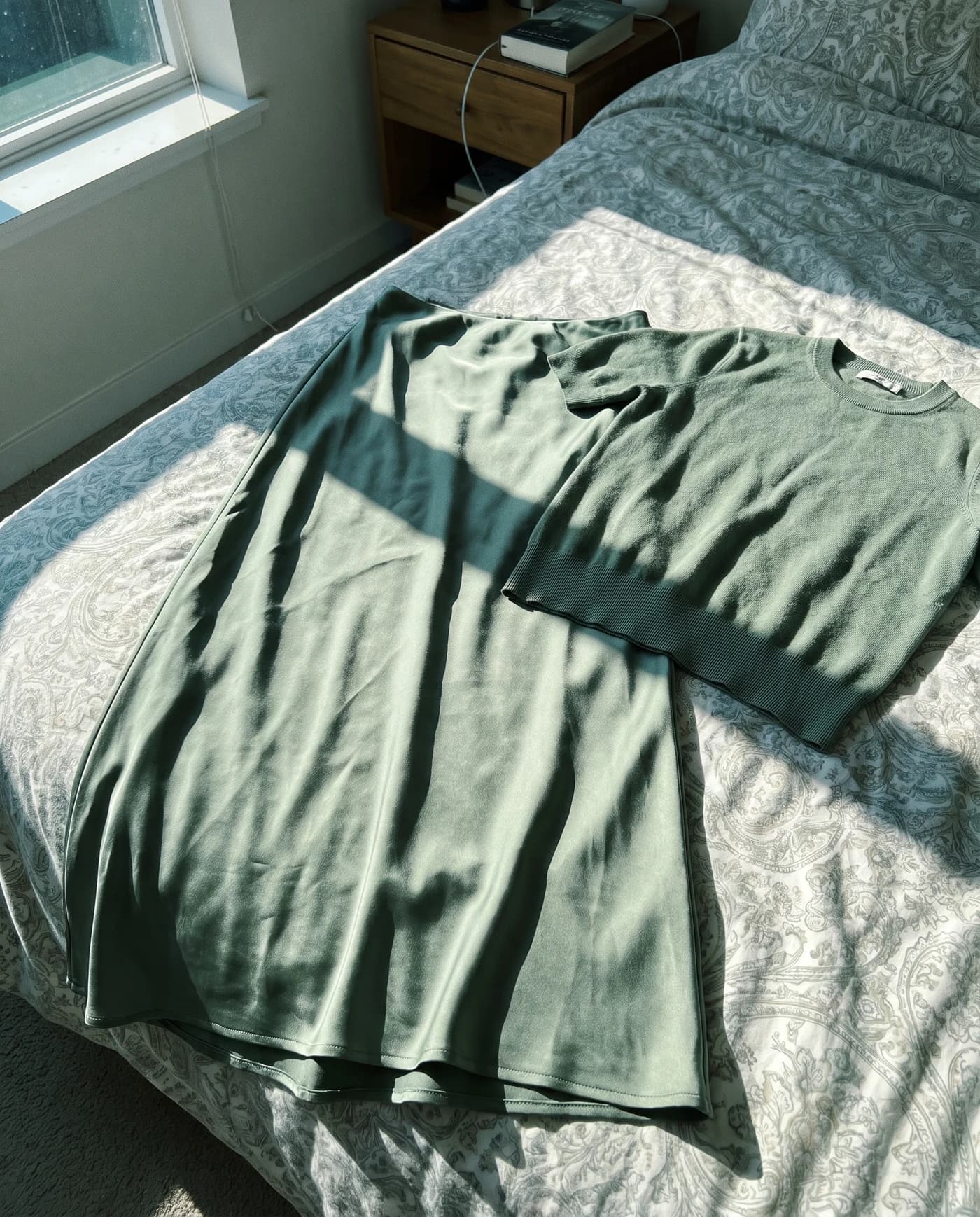
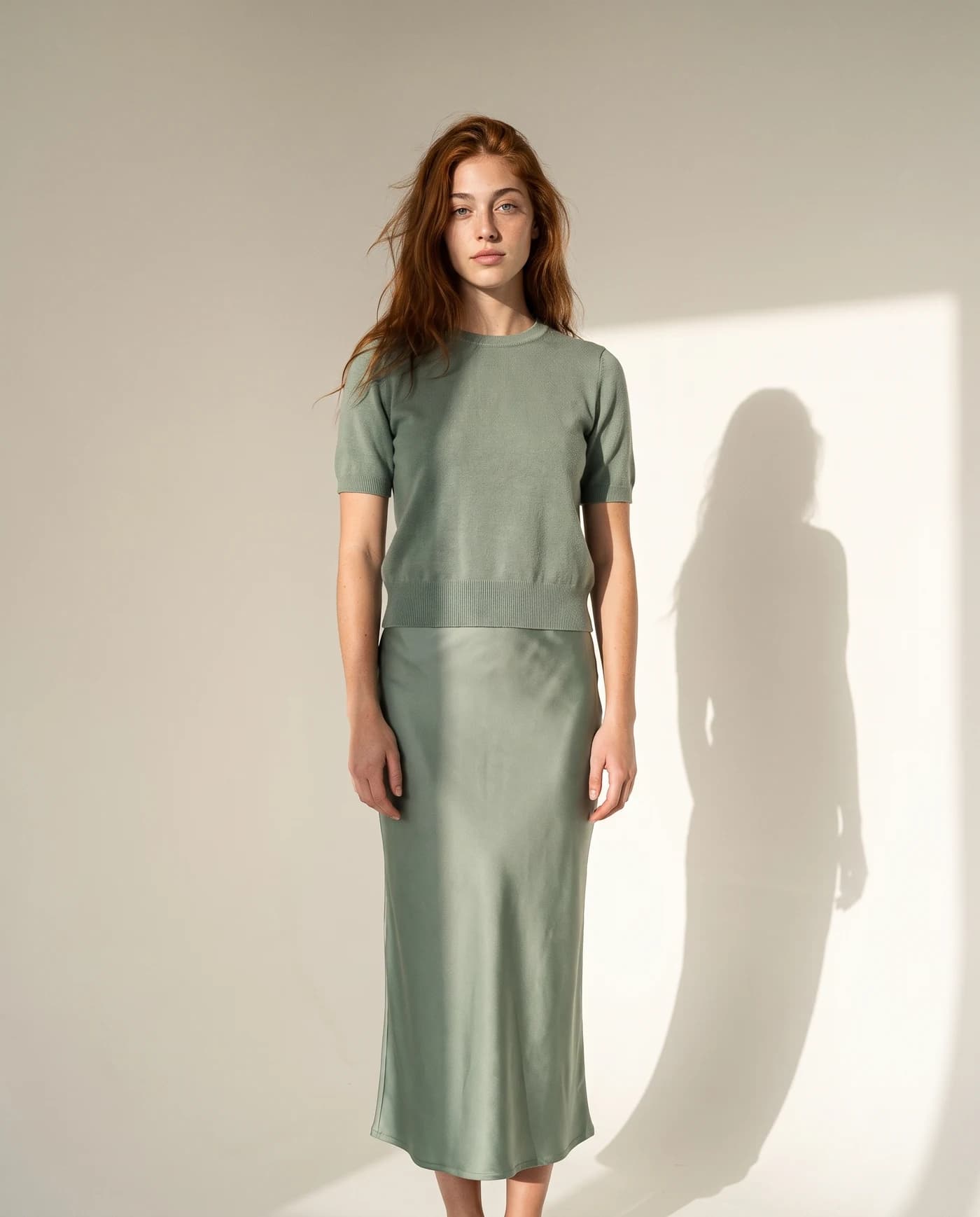
Wix's product image rules
| What | What Wix says |
|---|---|
| Minimum resolution | 3,000 x 3,000 pixels |
| Ratio on mobile | Square (1:1) recommended |
| Ratios you can choose | From 9:16 portrait to 16:9 landscape |
| Media per product | Up to 50 images, GIFs or videos |
| File types | JPG, PNG, WEBP, AVIF, HEIC and more |
| File size | Up to 50 MB per image, 15 MB per GIF |
| Product video | Up to 50 MB, as MP4, MOV, AVI or MPEG |
Sources: Wix help center on product images, adding a product and supported files, checked October 16, 2026.
Why Wix crops your product photos, and the fix
The product gallery and the product page have a display setting with two options. Crop cuts every image to the same size; Fit shows the whole image in its original ratio. With Crop on and photos in mixed shapes, a portrait shot next to a landscape one loses its edges, and it shows most on mobile.
- Fix one: the same ratio for every product. Wix itself recommends uploading every image in the same ratio. The free resizer has a Wix preset that makes a 3,000 x 3,000 square on white without cutting the product.
- Fix two: Fit instead of Crop. In the editor, open the product gallery’s settings, go to Layout, choose Fit and the image ratio. The product page widget has the same setting.
Source: Wix help center, setting how store images are displayed, checked October 16, 2026.
Do not stretch a small photo
A 1,200 pixel photo stretched to 3,000 is not sharper, only heavier. Upload it at its own size, or create it again at a higher resolution. Once the size is right, compress the file: Wix accepts 50 MB, but a 1 to 2 MB image loads much faster for your customers.
Making 3,000 x 3,000 product photos from a phone photo
- Photograph the product in daylight on a clean surface. The background will be replaced.
- Create the image in a 1:1 ratio, on white, on a model or in a scene. At Ultra quality (4K) the image comes out above 3,000 pixels on each side, as Wix asks, for 7 credits. At High quality (2K) it costs 6 credits and comes out around 2,000 pixels: sharp, but below Wix’s minimum.
- Upload to Wix: in the dashboard, open Products, open the product and add the images, all in the same ratio.
The free plan includes 5 standard images a month with no credit card. See pricing for the plans.
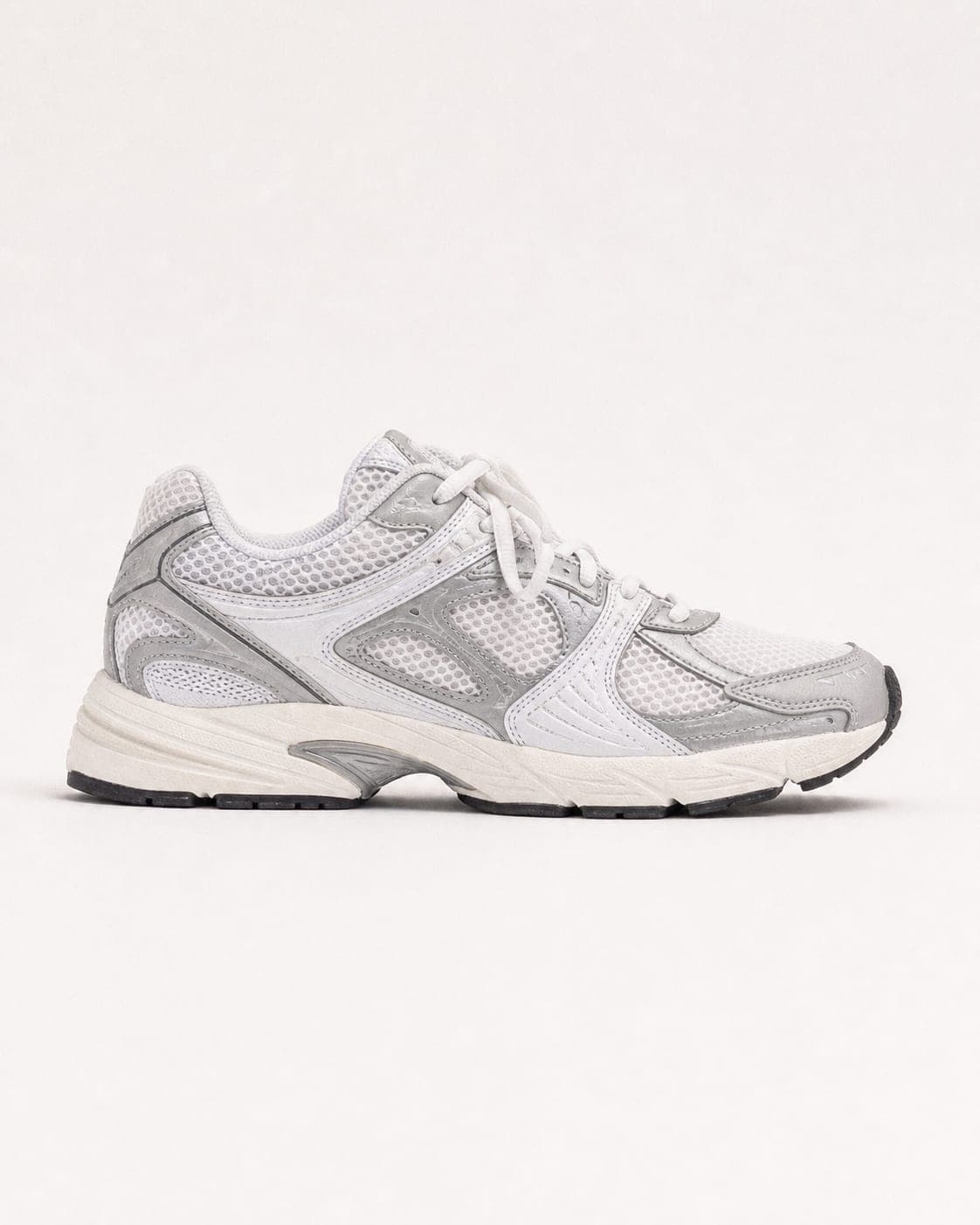
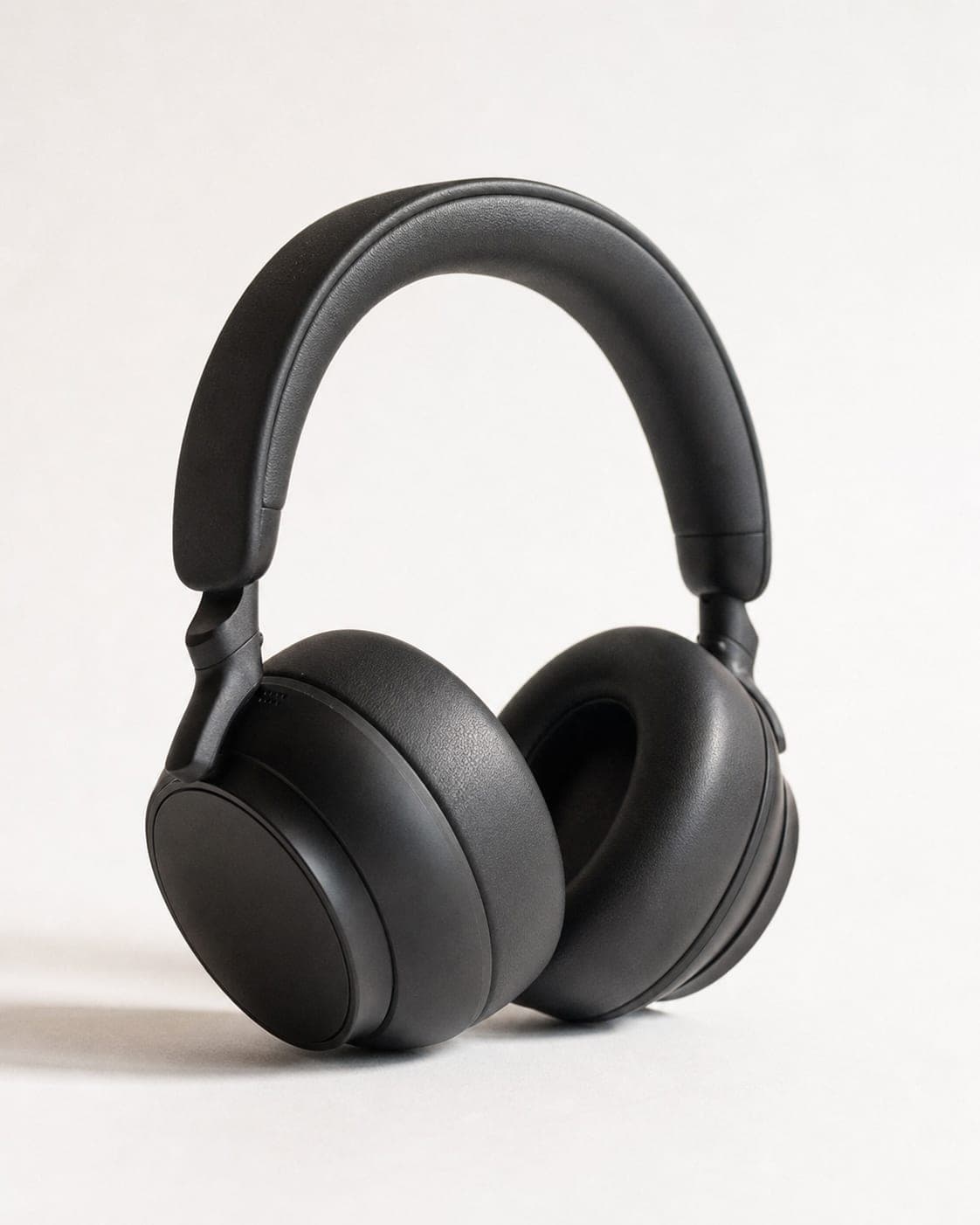


Questions
What size should Wix product images be?
According to Wix's help center, at least 3,000 x 3,000 pixels, and square (1:1) for mobile. A smaller image still uploads, but looks soft when a customer zooms in.
Why does Wix crop my product images?
When the gallery is set to Crop, every image is cut to the same size. Upload every image in the same ratio, or switch the gallery and the product page to Fit.
How many images can a Wix product have?
Up to 50 images, GIFs or videos per product, according to Wix.
Can I use AI images in a Wix store?
Yes, as long as the image shows the product as it is: the same color, shape and details. An image that improves the product beyond what the customer will receive leads to returns.
Product photos at the size Wix asks for
Sign up free and get your first 5 images on us. No credit card needed.
Start free