
AI watch photography, from the dial to the wrist
A watch needs two things a phone does not have: a macro lens for the hands and indices, and light that does not flare across the curved crystal. Upload a photo of the watch and get dial close-ups, wrist shots and lifestyle scenes.
Your first 5 images free · No credit card needed
Why watches are a specialist job
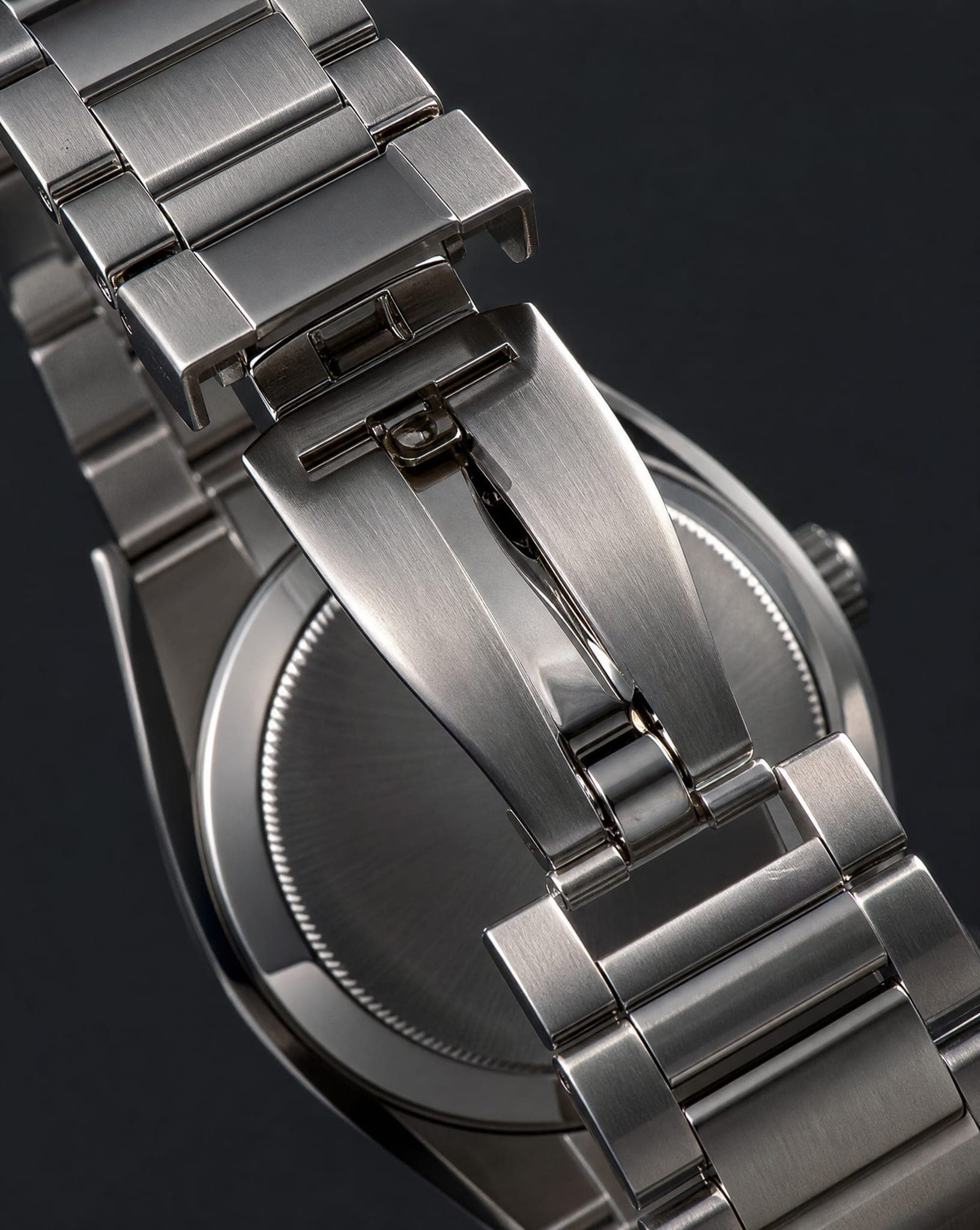
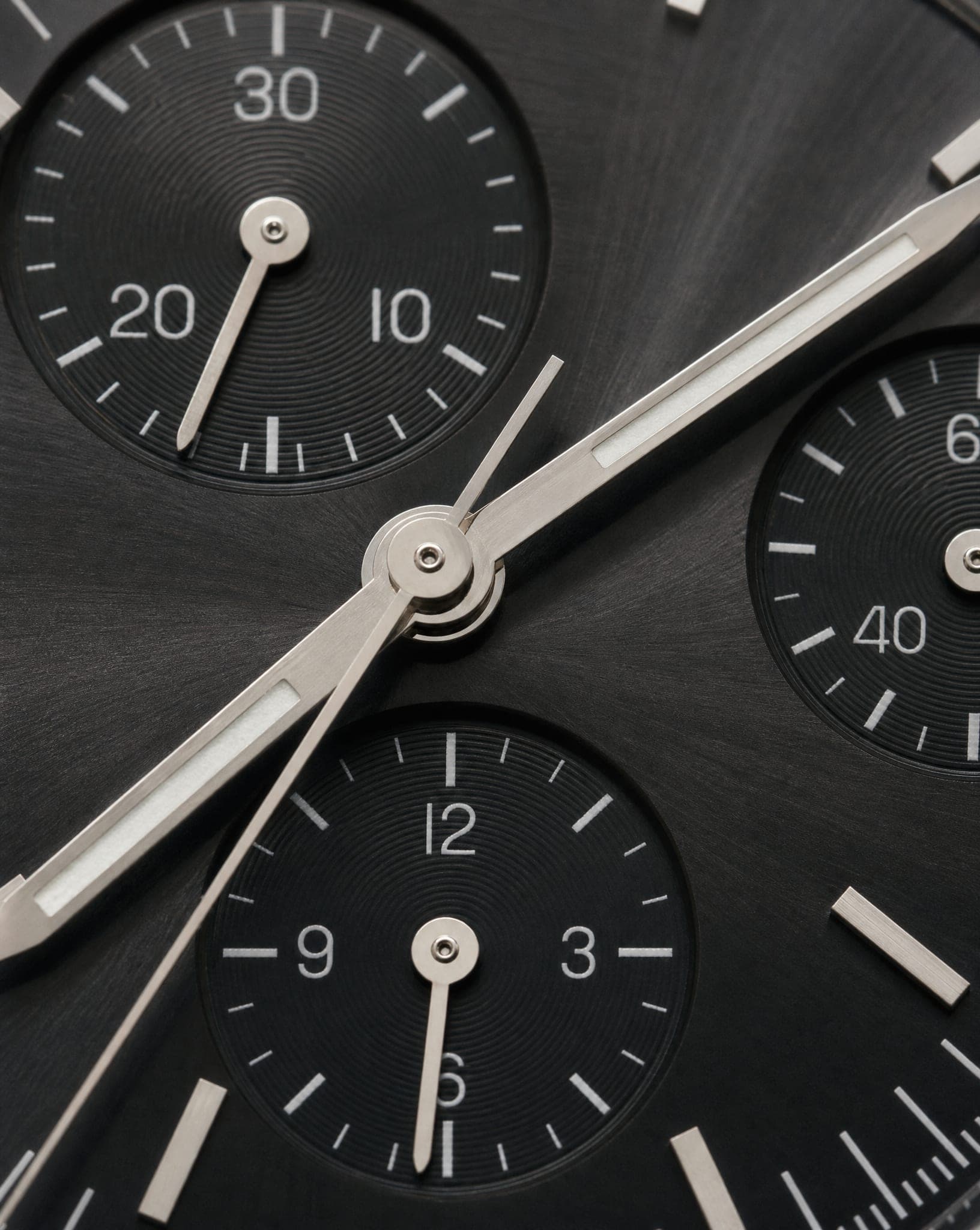
A watch is small, shiny and full of detail. Every index on the dial, every notch on the bezel and every link of a metal bracelet has to be sharp. Traditionally that means a macro lens, controlled lighting that shows texture without glare on the crystal, and a stand that holds the watch at exactly the right angle.
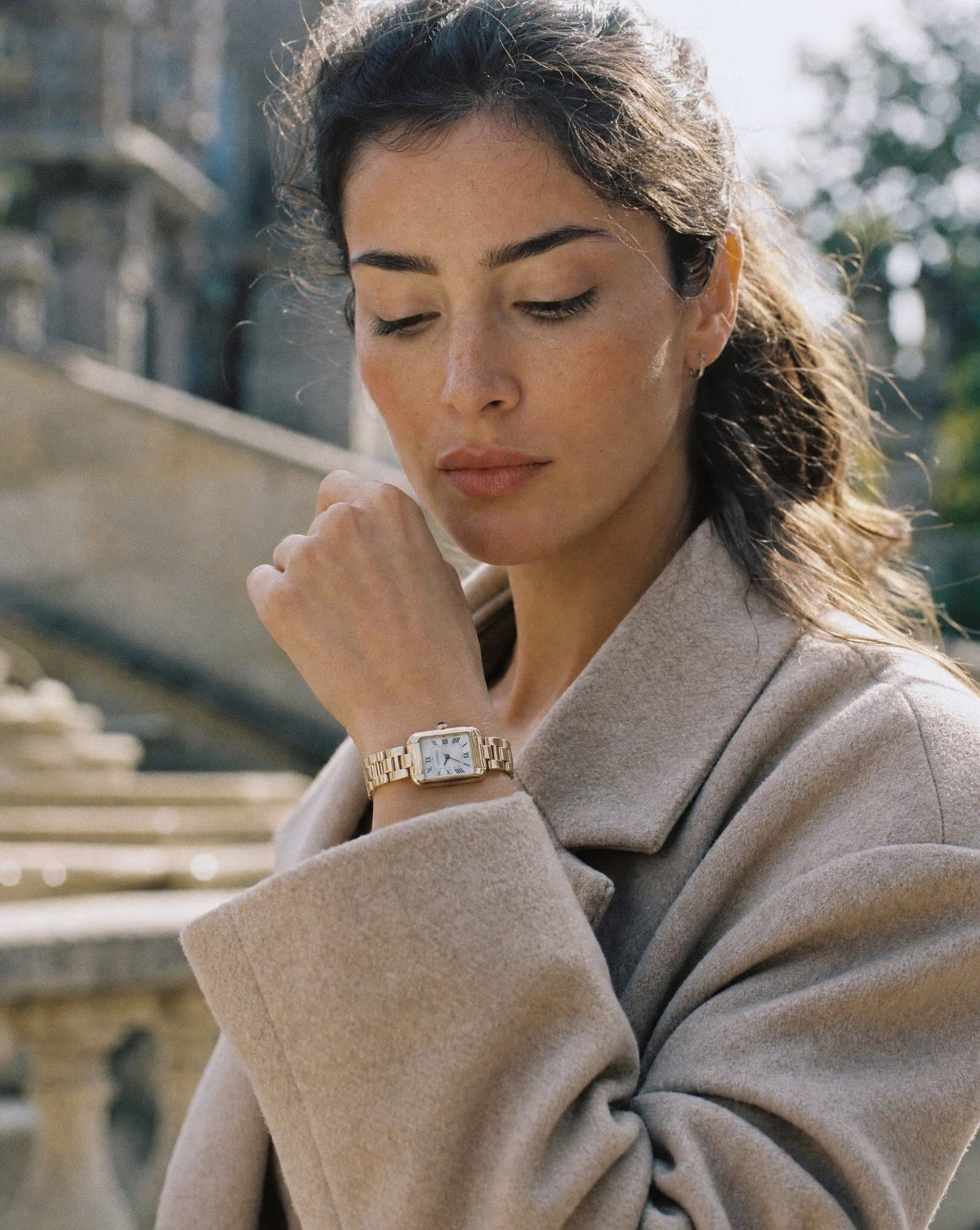
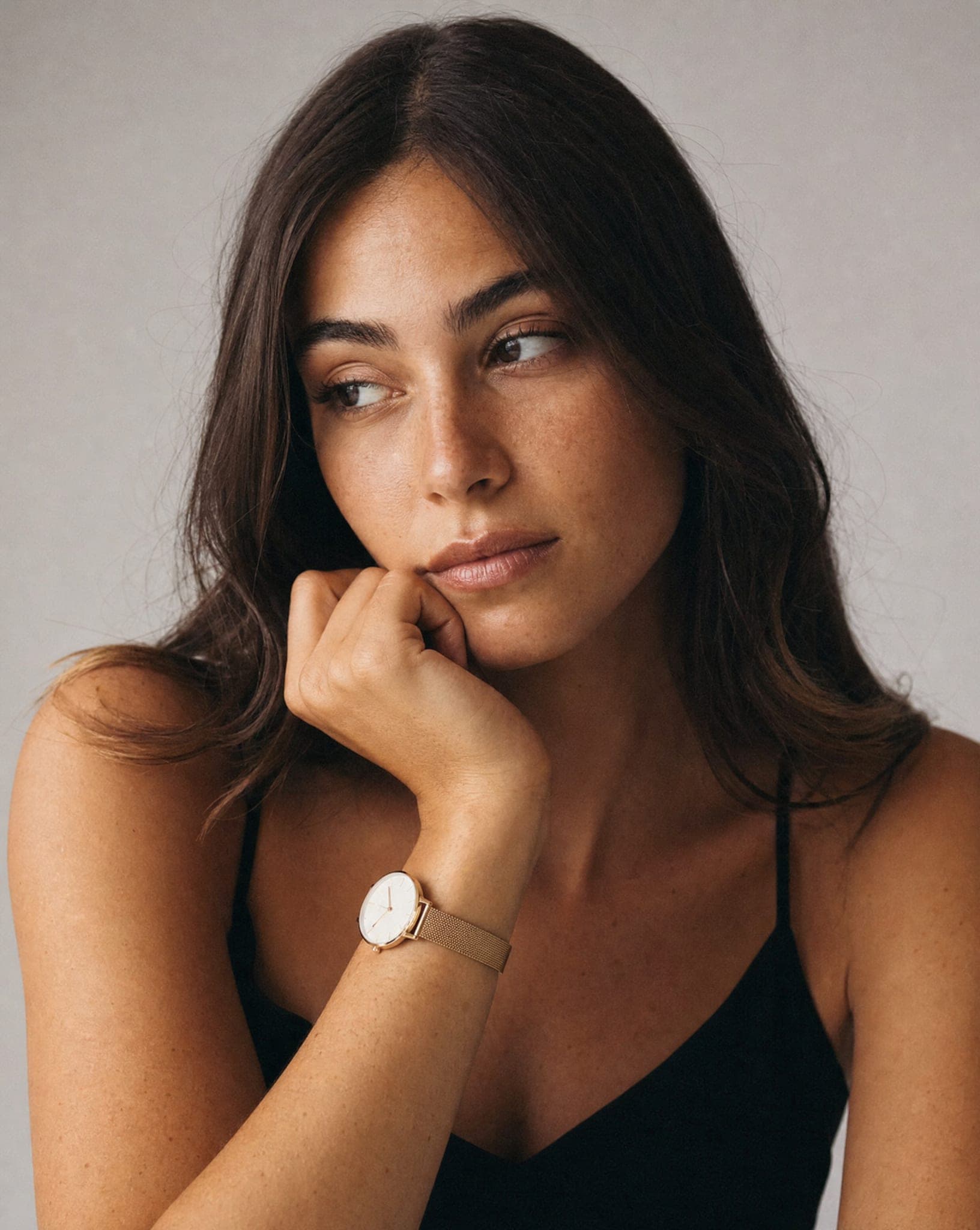
And watches live on the wrist. Buyers want to see the size, the thickness and how the strap wraps around, which needs a hand model posed so the dial stays visible. That is two different shoots for one product.
The AI watch photography set: macro, wrist and lifestyle
Watches go through the same studio as jewelry, so one photo can become:
- A studio shot on a clean background, with or without a soft reflection beneath.
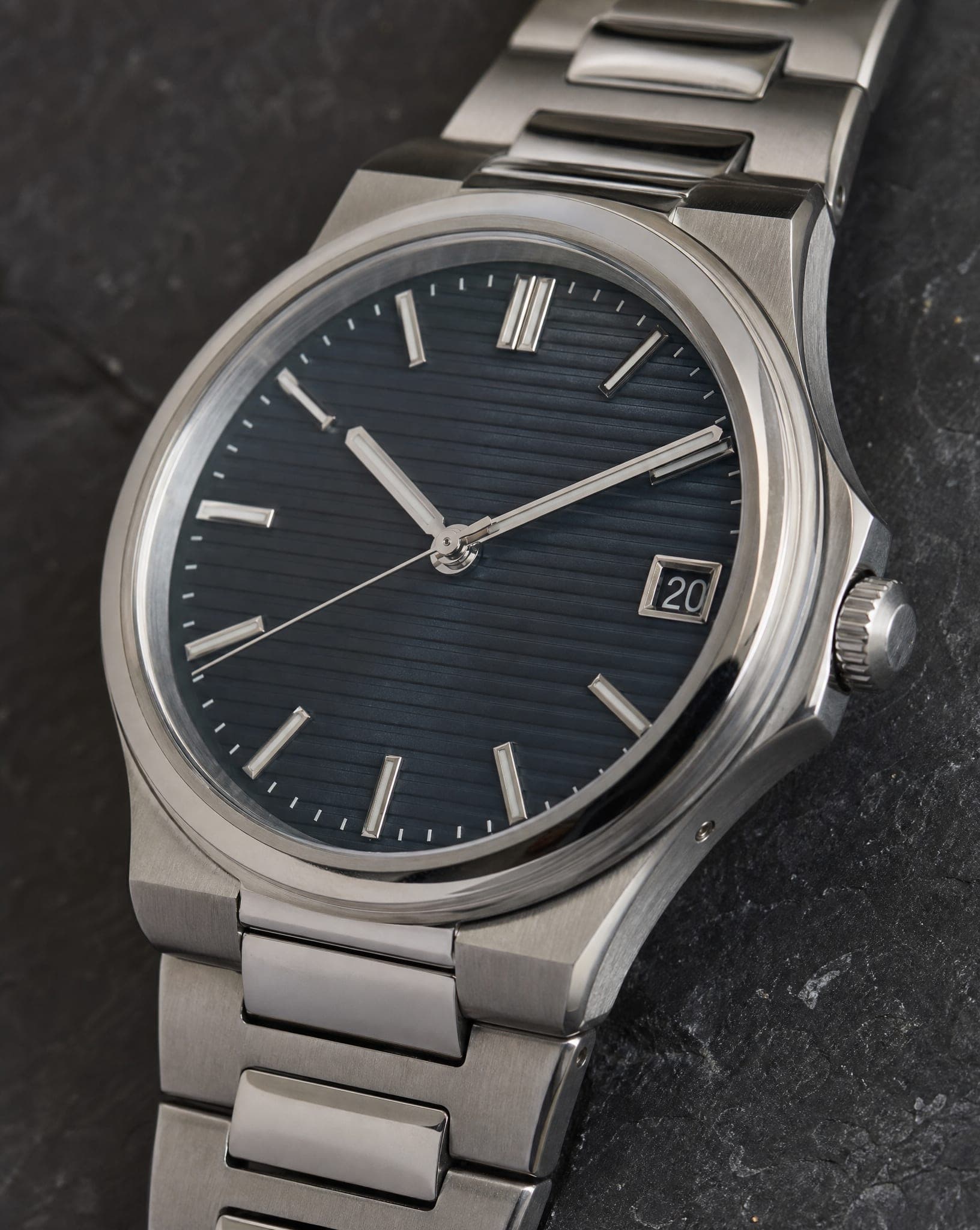
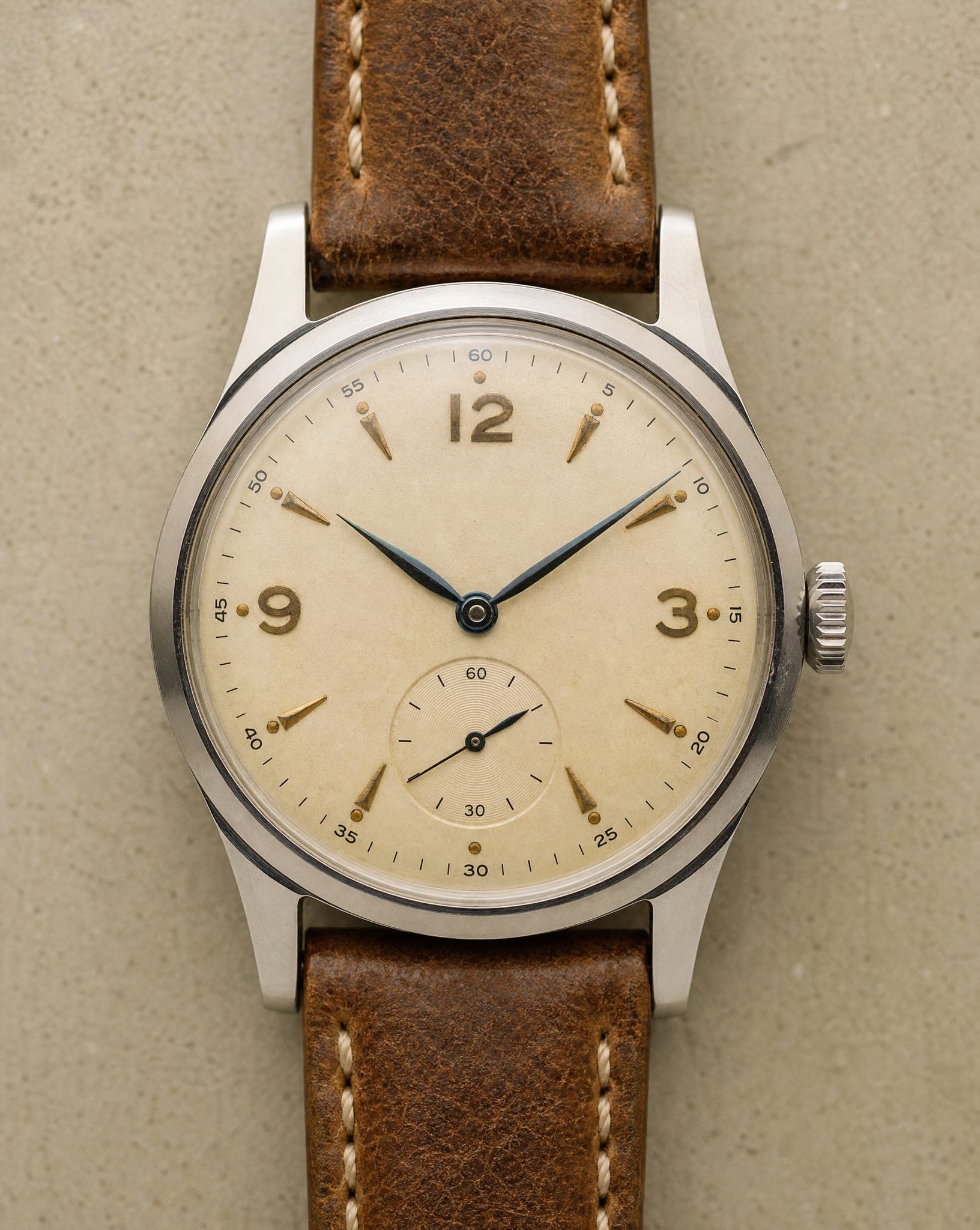
- A close-up of the dial, the hands and indices, the subdials of a chronograph, the case finish or the strap stitching.
- On the wrist, without a face, choosing the skin tone; or on a full model for a campaign look.
- A styled or lifestyle scene, on a desk next to a coffee cup, on a leather tray, or on a wrist at the wheel.
Each standard-quality image costs 5 credits, and the free plan includes 5 standard images a month.
Preparing the watch for the source photo
- Clean the crystal and the case. Use a microfiber cloth. Even a faint fingerprint is obvious in a close-up.
- Set the time to 10:10. The hands form a symmetrical V that frames the logo, the industry standard for a reason.
- Soft side light on a dark surface. A dark background brings out the shine of steel and gold; light from the side shows texture without hard reflections on the glass.
- Lay the strap out open. The full length, the texture and the buckle or clasp need to be visible.
- Add a side shot. Case thickness, the crown and the pushers matter to watch buyers, and they only show from the side.
Choosing the wrist
A watch reads differently on a broad wrist and on a slim one, so match the wrist to the buyer: a sturdy wrist for a diver or a field watch, a slender one for a dress watch, an active look for a smartwatch strap. For unisex models, showing both is the quickest way to answer whether it will look too big or too small. If you also sell bracelets, the jewelry on model guide covers the stacked wrist shot.
Check the details that watch buyers check
Collectors notice what casual shoppers do not. Before you publish, compare the result with the real watch: the number and position of the indices, the logo and the text on the dial, the date window, the subdials and the shape of the hands. The sharper your source photo, the better these come through. If one detail is off, generate again rather than publishing a dial that does not match the watch in the box.
Questions
Will the dial details be sharp?
The close-up brings out the indices, hands, logo and subdials, but the result depends on your source photo: the sharper the original, the more convincing the detail. Compare the text and markings on the dial with the real watch before you publish.
Can I show the watch on different wrists?
Yes. Show it on a man's or a woman's wrist, choose the skin tone for a wrist-only shot, or put it on a full model for a campaign image.
Why should the hands be set to 10:10?
At 10:10 the hands form a symmetrical V that frames the logo and keeps the dial uncluttered. It is the standard pose in watch photography, and setting it on the real watch before you shoot carries into every result.
How much does AI watch photography cost?
A standard-quality image costs 5 credits, whether it is a macro, a wrist shot or a lifestyle scene. The free plan includes 5 standard images a month.
Can I create lifestyle shots with a watch?
Yes. A watch on a wrist at the wheel, on a desk next to a coffee cup, or on a model in a suit. Several scenes can come from the same source photo.
Photograph your watches from dial to wrist
Sign up free and get your first 5 images on us. No credit card needed.
Start free