
Jewelry on model photos, without booking a model
Jewelry on a shelf looks like a product; jewelry being worn looks like something you want. Upload a photo of the piece and get it on the neck, ear or hand of a realistic AI model, for every item in your store.
Your first 5 images free · No credit card needed


Why jewelry on a model sells
The reason is scale. On a model, the shopper sees how big the pendant really is, where it lands on the chest, and how the earring hangs next to the face. A photo on a white background cannot tell her any of that, so she either guesses or leaves.
Almost every jewelry brand knows this, and almost none photographs the whole catalog on a model, because a model, a makeup artist and a photographer who can light small shiny objects add up fast. Most shops end up with white-background photos for everything and a model, if at all, for one collection a year. With AI, every piece can get its worn photo.
Two ways to show jewelry on a model
On our model puts the piece on a full model, with the face always in the frame. You upload up to three photos of the piece (different angles, or each item of a set), pick the type of piece, choose the model and decide how the piece is shown. The background can be a studio, a scene or a background of your own, and the clothing and hair adapt to the piece.
On the body is the tighter shot: a neck, an ear, a hand or a wrist, without a face. You choose where the piece is worn and the skin tone. It reads as a detail shot for the product page and keeps all the attention on the jewelry.
A standard-quality image costs 5 credits in either mode.
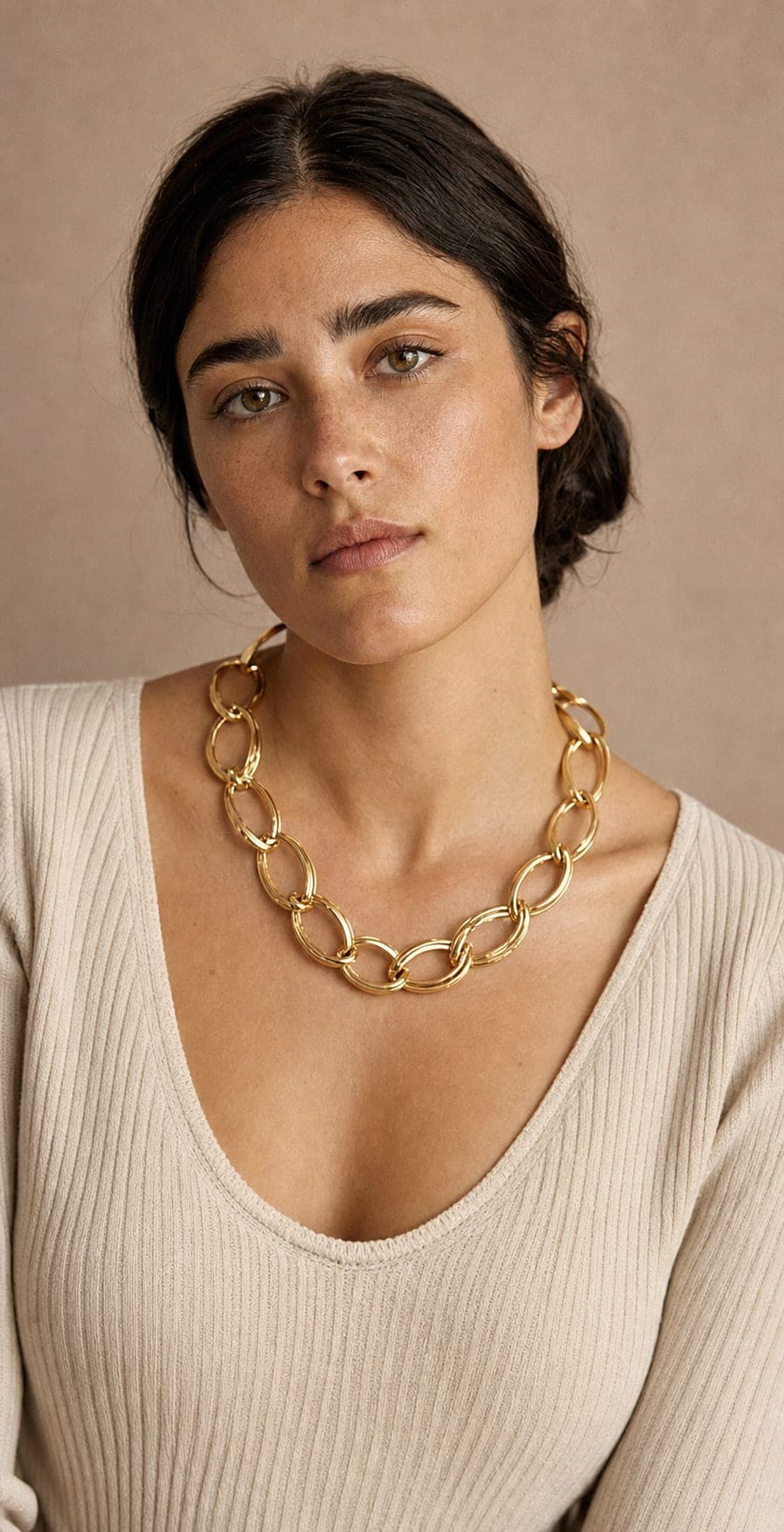
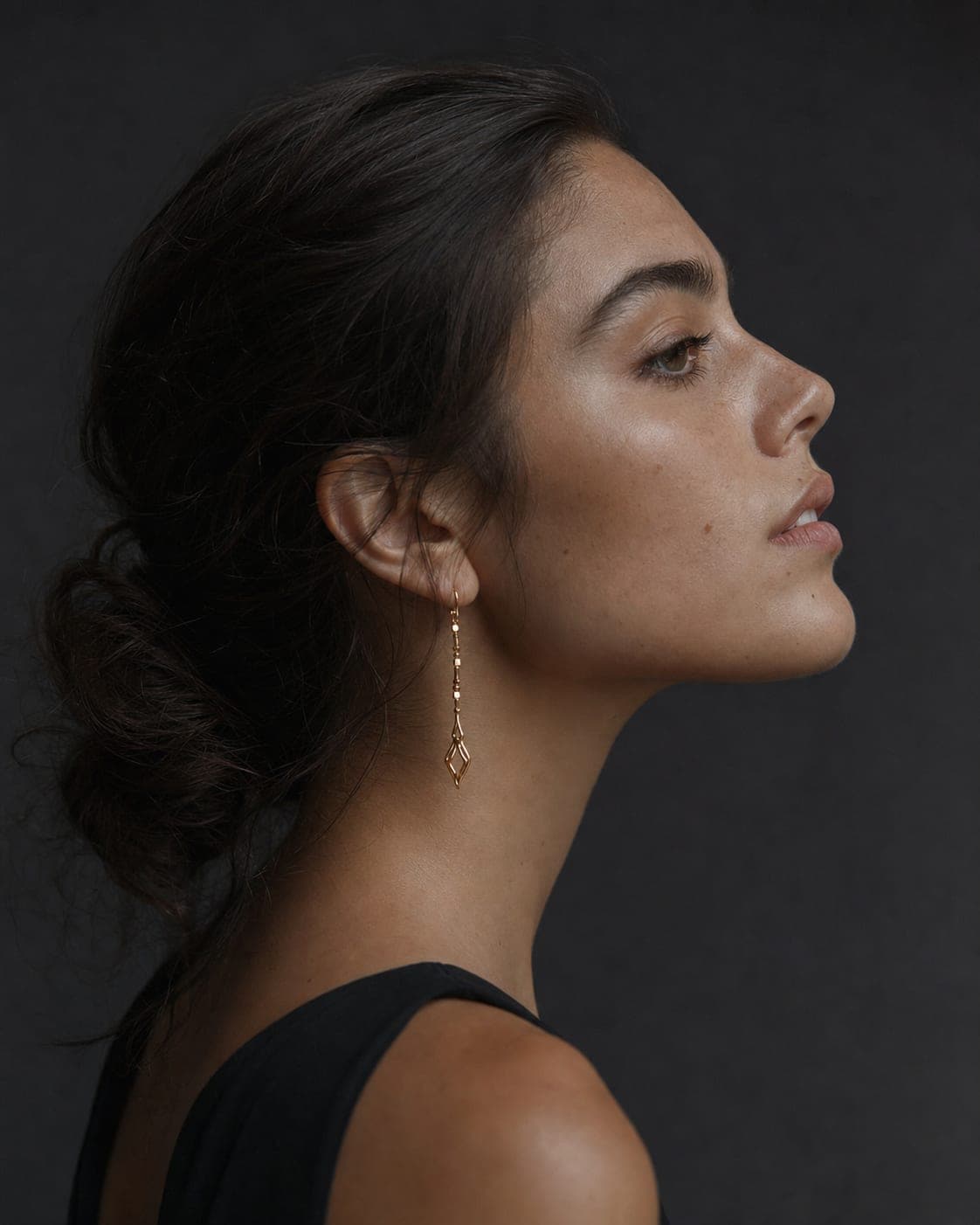
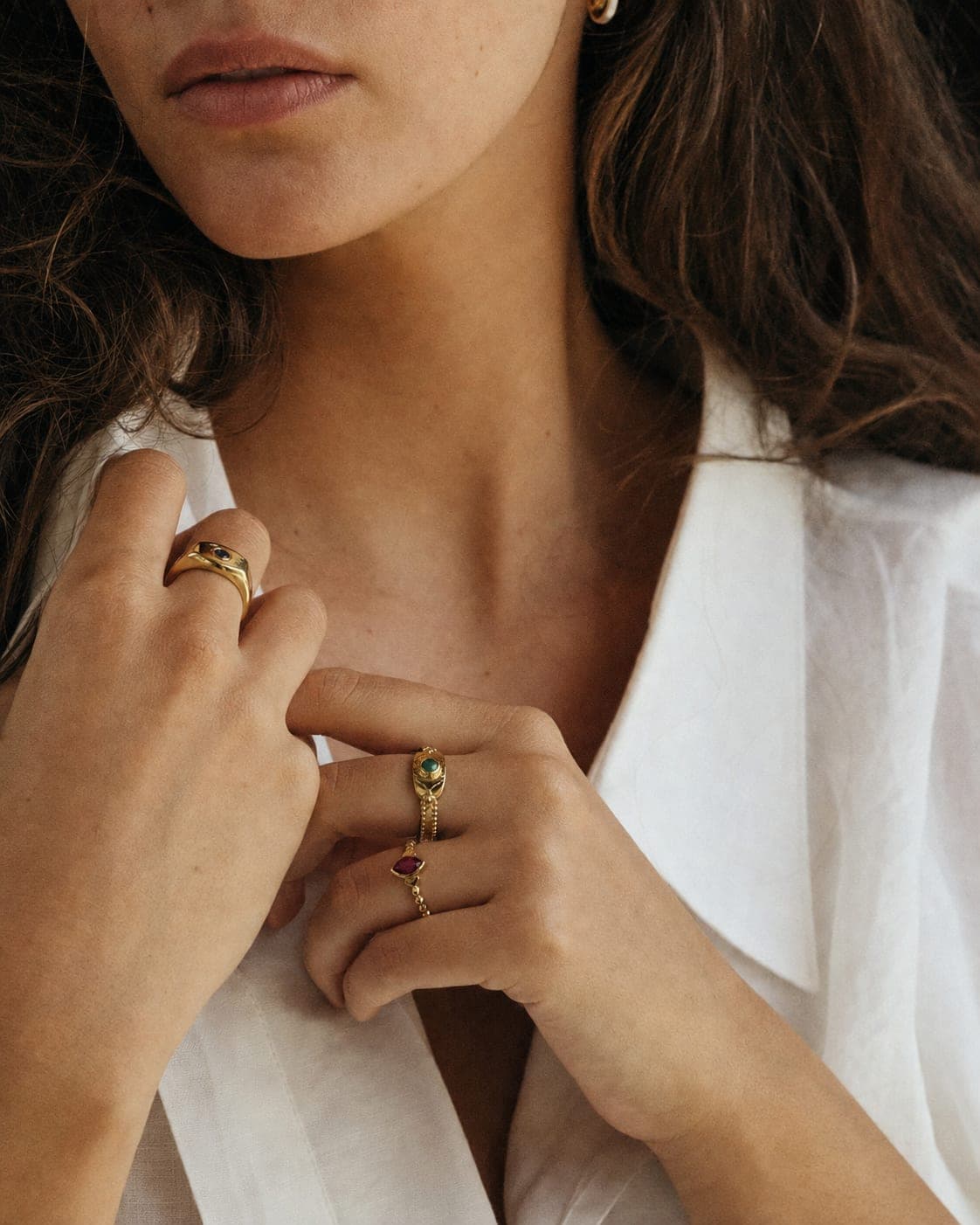
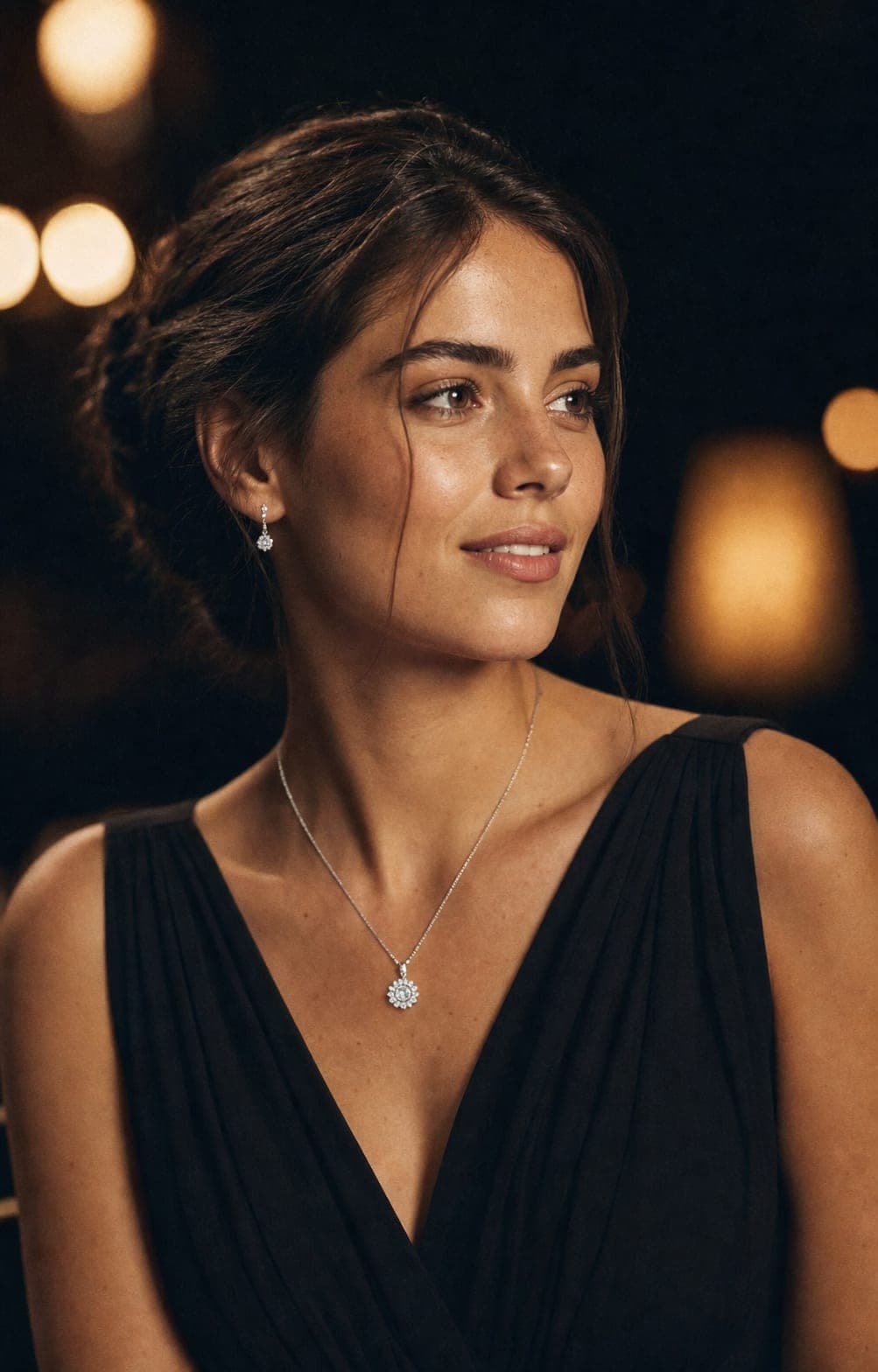
The shot that sells each piece
- Necklaces and pendants: show the neck and collarbone. Hair pulled back keeps the chain visible along its whole length.
- Earrings: a profile with the hair up is the angle that sells drop earrings; studs work in a three-quarter view close to the face.
- Rings: a hand close-up with a subtle manicure. Bold nail polish competes with the ring.
- Bracelets and watches: a wrist raised near the face in a natural pose gives you a detail and a styling context in one frame.
- Sets: a necklace and earrings on one evening look sell the set together, one photo for several products.
The photo you upload decides the result
The model is generated; the piece is not. Its shape, stones, color and engraving come from your photo, so a sharp source is the single biggest factor in the result.
- Lay a necklace out straight, in even light without hard shadows.
- Photograph both earrings side by side, in focus.
- Give a ring two photos, one from above and one from the side.
- Wipe off fingerprints; they show on polished metal.
Then compare the result with the real piece before you publish. If one version is not accurate enough, generate another. More tips on preparing the photo are in the AI jewelry photography guide.
Choosing the model for your brand
Pick a model whose age, look and skin tone fit your customers. Keeping the same model across a collection makes the store look like one shoot instead of fifty, and you can also try the same piece on two different models and keep the one that performs better. The full catalog, and how to cast a model of your own, is on the AI fashion models page.
On a model and on white: you need both
The two photos do different jobs. The clean white-background shot belongs on the product page and meets marketplace rules; the on-model shot catches the eye in ads, on social media and on the home page, and answers the size question. Both can come from the same source photo. For the white one, use the free white background tool.
Questions
Will the jewelry in the photo be exactly my piece?
The image is built from the photo of the piece you upload, so its shape, stones, color and engraving are kept from the source. Compare the result with the real item, and if a version is not accurate enough, generate another.
How much does a jewelry on model photo cost?
A standard-quality image costs 5 credits, with full commercial use. The free plan includes 5 standard images a month, so you can try it on your own pieces first.
Can I choose what the model looks like?
Yes. Choose from a catalog of AI models of different ages, looks and skin tones, or use a model you cast yourself, so the face fits your audience. For a body-only shot you choose the skin tone directly.
Which kinds of jewelry work on a model?
Necklaces and pendants, drop and stud earrings, rings, bracelets, watches and complete sets. Each has an angle that works best: a profile for earrings, a hand close-up for rings, the neckline for necklaces.
Can I use these photos in my store and in ads?
Yes, for full commercial use: your store, marketplaces, ads, social media and print. The models are not real people, so there are no model rights, usage periods or royalties.
Put your jewelry on a model today
Sign up free and get your first 5 images on us. No credit card needed.
Start free