
eBay photo requirements, and photos that win the click
On eBay your listing sits in a results page next to dozens of near-identical items, and the first photo decides who gets the click. Here are eBay's own photo rules, and a practical way to fill a listing with clear, trustworthy images from a single phone photo.
Your first 5 images free · No credit card needed
eBay's picture requirements
| Rule | eBay’s guidance |
|---|---|
| Pictures per listing | At least 1, up to 24 |
| Minimum resolution | 500 x 500 px |
| Recommended | About 1,600 x 1,600 px |
| File size | Up to 12 MB per picture |
| Formats | JPEG, PNG, WebP, HEIC, AVIF, GIF, TIFF, BMP |
| Added graphics | No badges, logos, copyright notices or watermarks |
| Used items | No catalog or stock photos; show the actual item |
All of this is according to eBay’s help center, checked October 15, 2026. eBay notes that graphics such as logos and watermarks can affect where a listing is placed in search results, so keep your branding off the photo itself.
The first photo: clean, large, centered
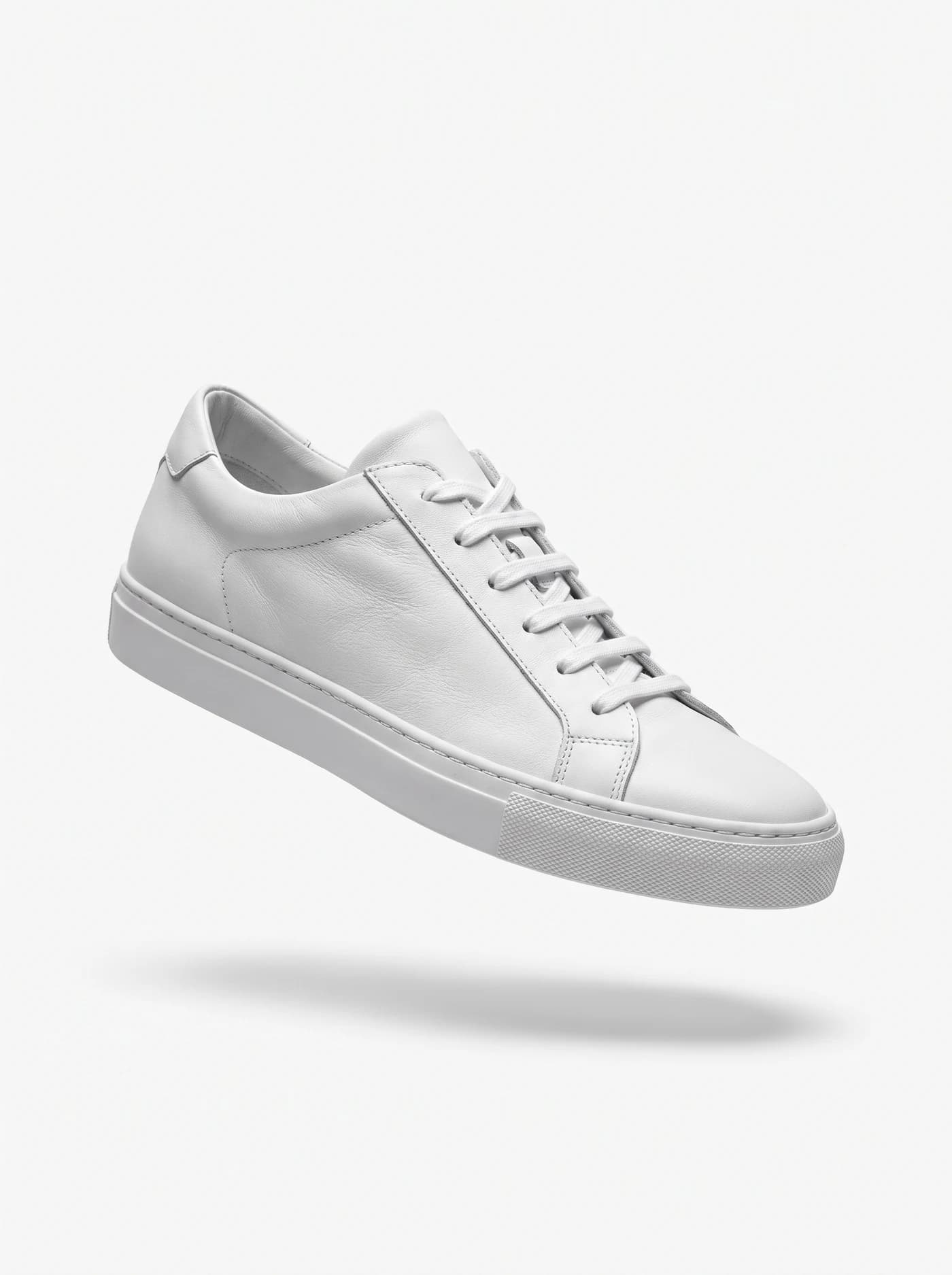
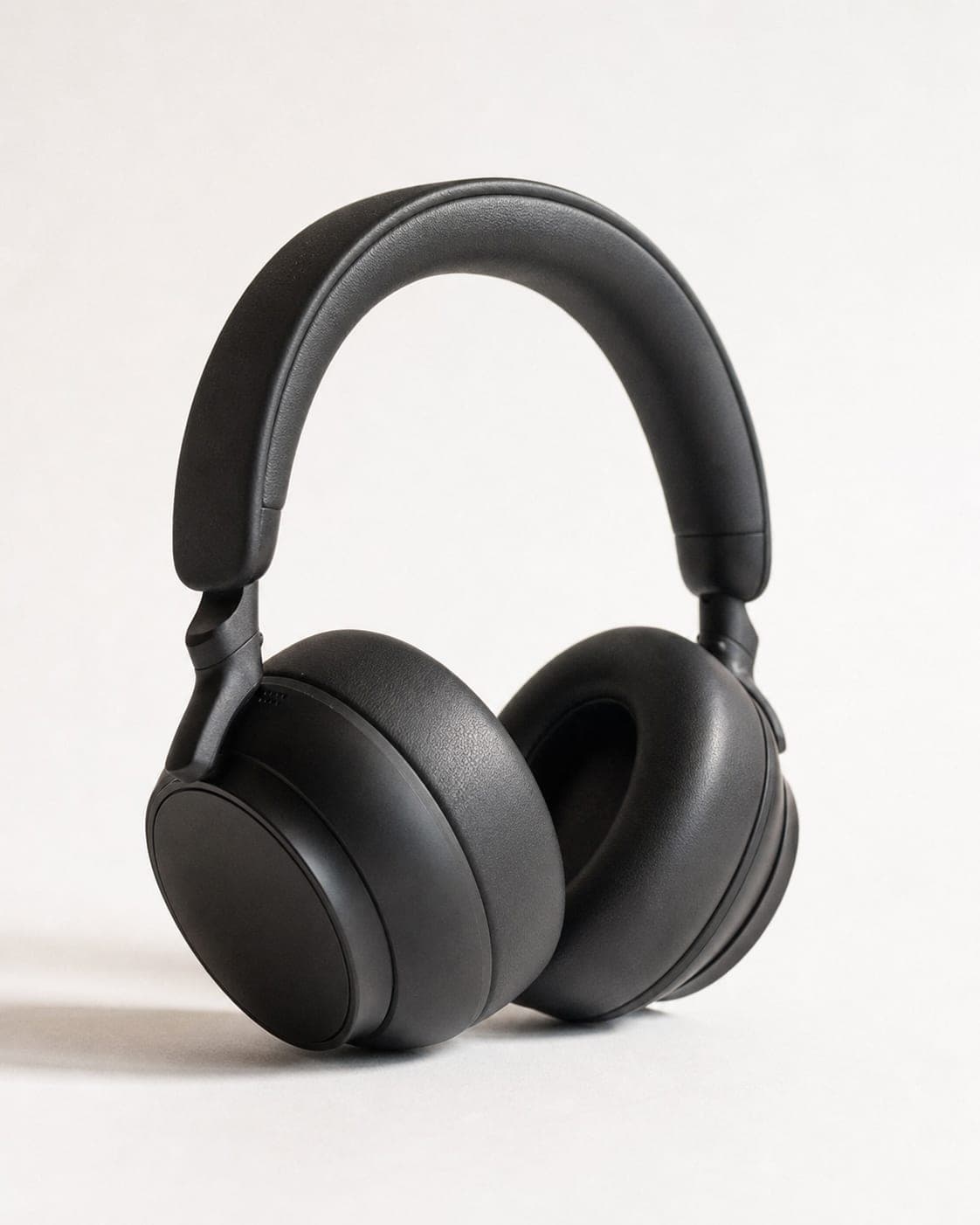
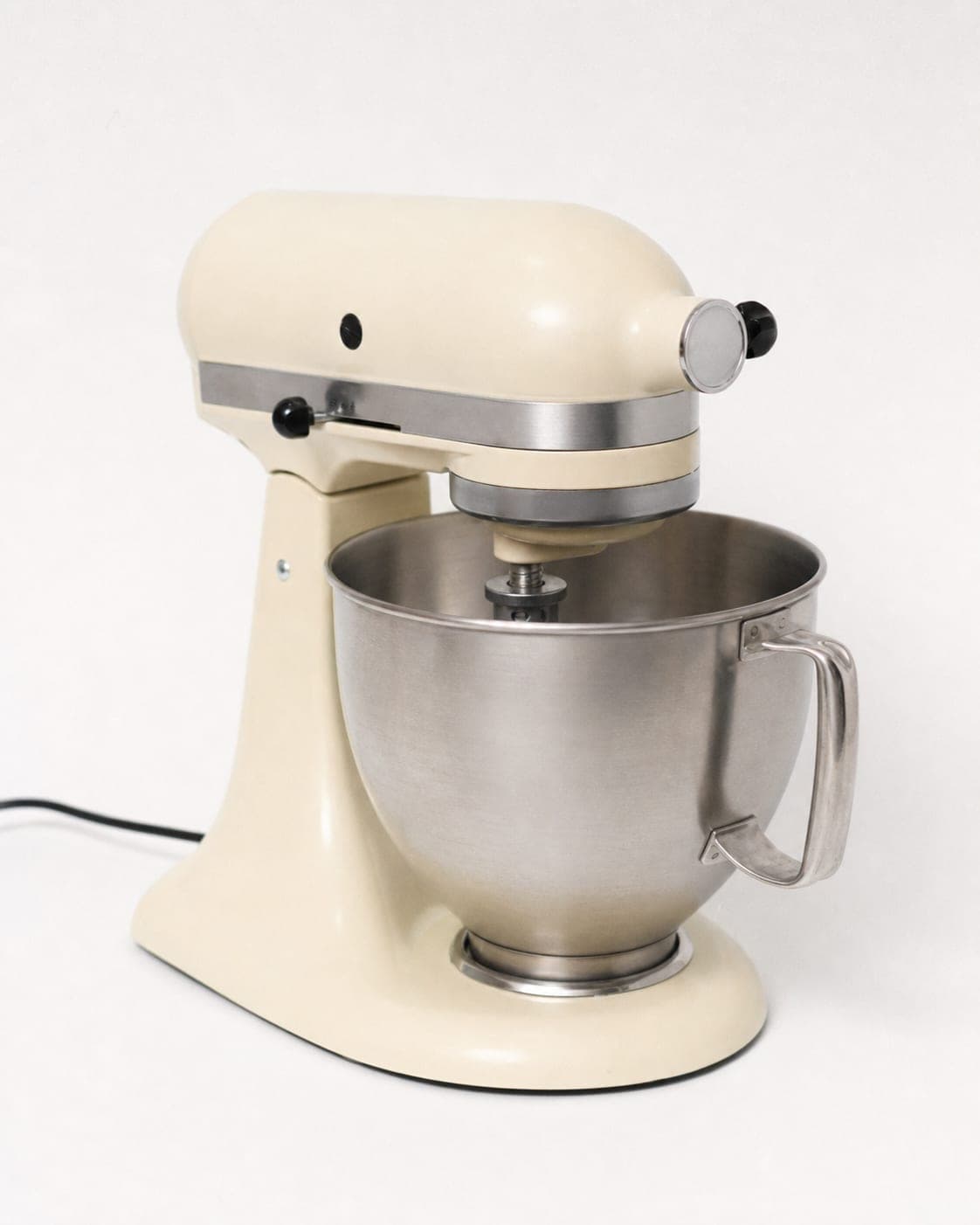
eBay’s picture rules do not ask for a particular background, but a plain, light background makes the item easy to read at thumbnail size and makes your listing look like a shop rather than a garage sale. Center the product, let it fill most of the frame, and keep the background free of other objects.
The free white background tool cleans up a phone photo in your browser, and the resizer has an eBay preset that exports a 1,600 x 1,600 square with the product fitted on white. If an older photo is too small for the minimum, the image enhancer can help.

What to put in the other slots
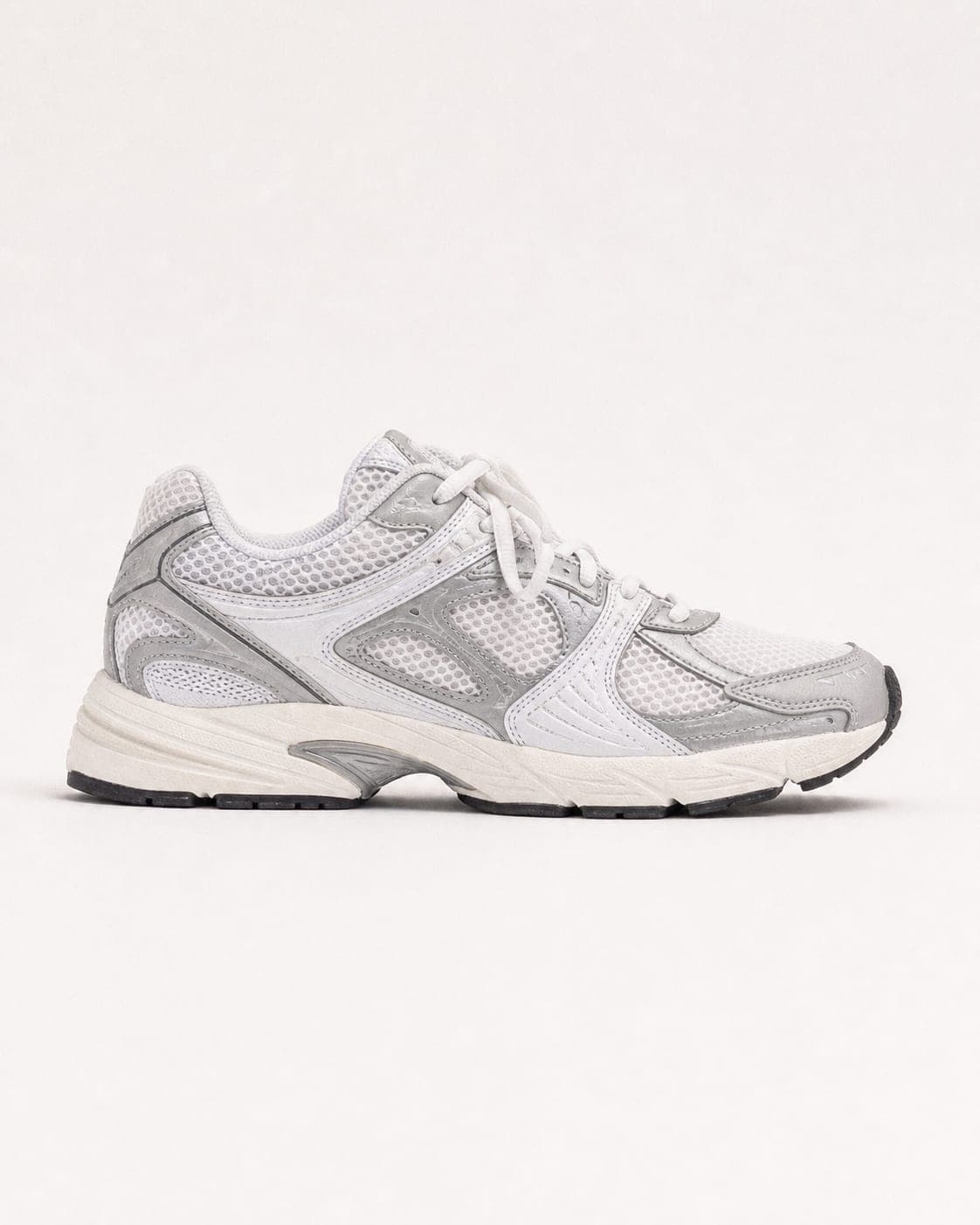
- Every side. Front, back, both sides, top and bottom. A buyer on eBay is often comparing your listing with three others; the one that hides nothing wins.
- Labels and markings. Brand tags, model numbers, size labels, hallmarks. These answer the authenticity question before it is asked.
- Scale. The item in a hand or next to a familiar object, so the size is never a surprise.
- Condition, honestly. For used items, photograph every scuff and mark. It protects you in a dispute and builds trust.
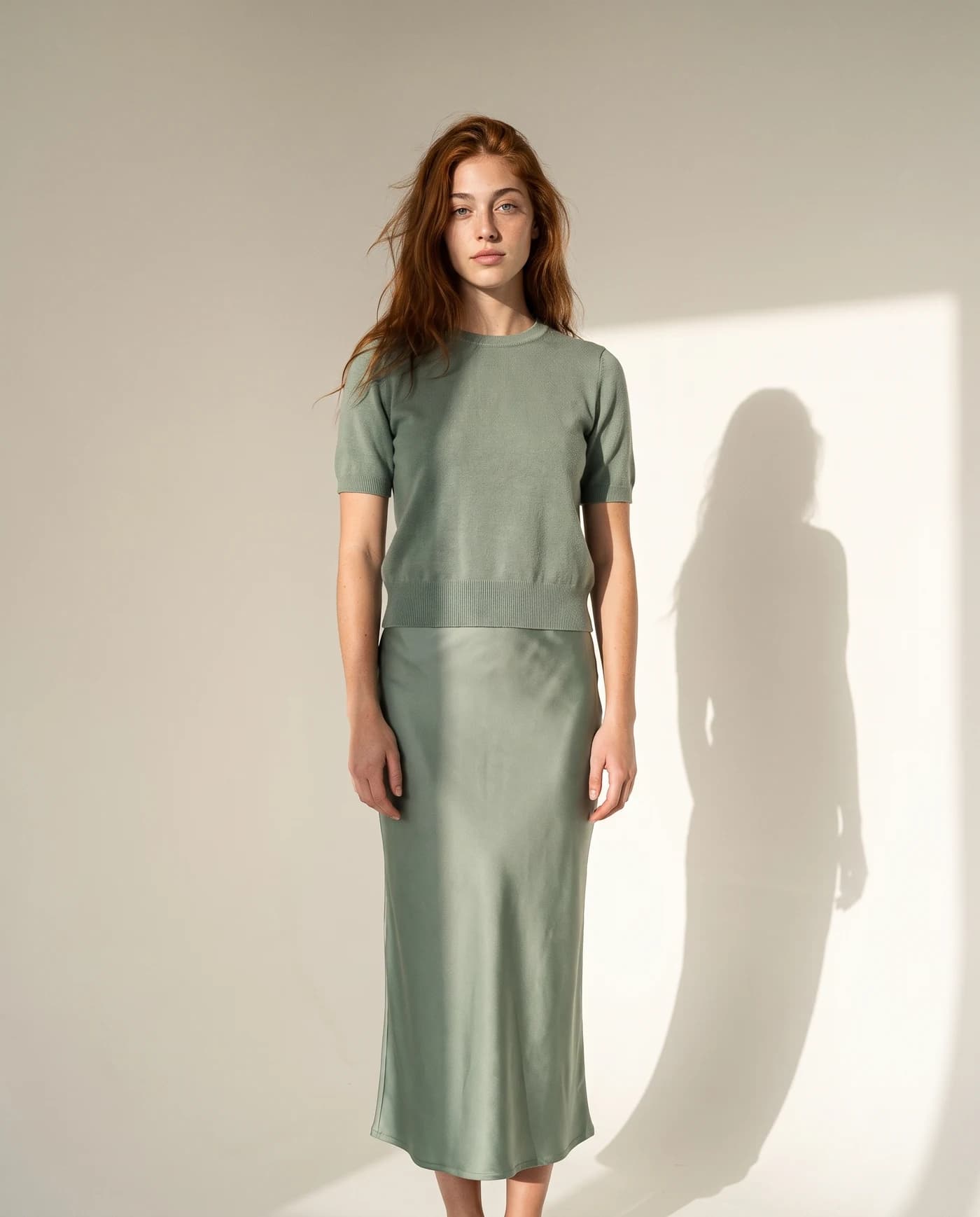
- In use. Shoes worn on a street, a bag on a shoulder, a mixer on a kitchen counter.


Photos that work for buyers abroad
Many eBay sellers ship across borders, and a buyer in another country cannot ask a quick question in your language as easily. Let the photos do the explaining: show the size against a hand or a common object instead of relying on units in the description, show the plug, the label or the size tag, and keep any text off the image itself so the photo works in every market. Sharp, large images give buyers room to look closely at the details they care about; eBay recommends about 1,600 x 1,600 pixels, well above its minimum.
Where AI helps, and where it should not
For new items, IsraModel AI turns one phone photo into the polished shots: a studio shot, the product in a scene, in a hand, with a model, or shoes and bags worn on a person. The product is kept as you photographed it. You download the images and upload them to the listing yourself.
For used items, the condition photos should be real photos of the actual item, exactly as eBay asks. Use AI for the attractive lead images and your own camera for the honest detail shots.
A standard image costs 5 credits, and the free plan includes 5 standard images a month.
Questions
How many photos can I add to an eBay listing?
Up to 24 pictures per listing, with at least one required, according to eBay's help center.
What is the minimum photo size on eBay?
eBay asks for at least 500 x 500 pixels and recommends images of about 1,600 x 1,600 pixels.
Can I put my logo or a watermark on eBay photos?
eBay asks sellers not to add badges, logos, copyright notices or watermarks, and says they can affect where the listing appears in search results.
Does eBay require a white background?
eBay's picture rules do not name a background color. A plain, light background is still the easiest way to make the first photo stand out in results, and the free white background tool does it in your browser.
Can I use AI images for used items on eBay?
eBay does not allow catalog or stock photos for items listed as used, so show the actual item. AI images suit new items, where the product shown is exactly the one the buyer receives.
Fill your eBay listings with clean photos
Sign up free and get your first 5 images on us. No credit card needed.
Start free