
AI model poses: which pose sells which product
By the IsraModel AI team · Published
The same garment can look like a catalog photo or like a mistake, depending only on the pose. This guide matches poses to products, shows the poses that work against you, and explains how to pick them in the studio.
Your first 5 images free · No credit card needed
The short answer
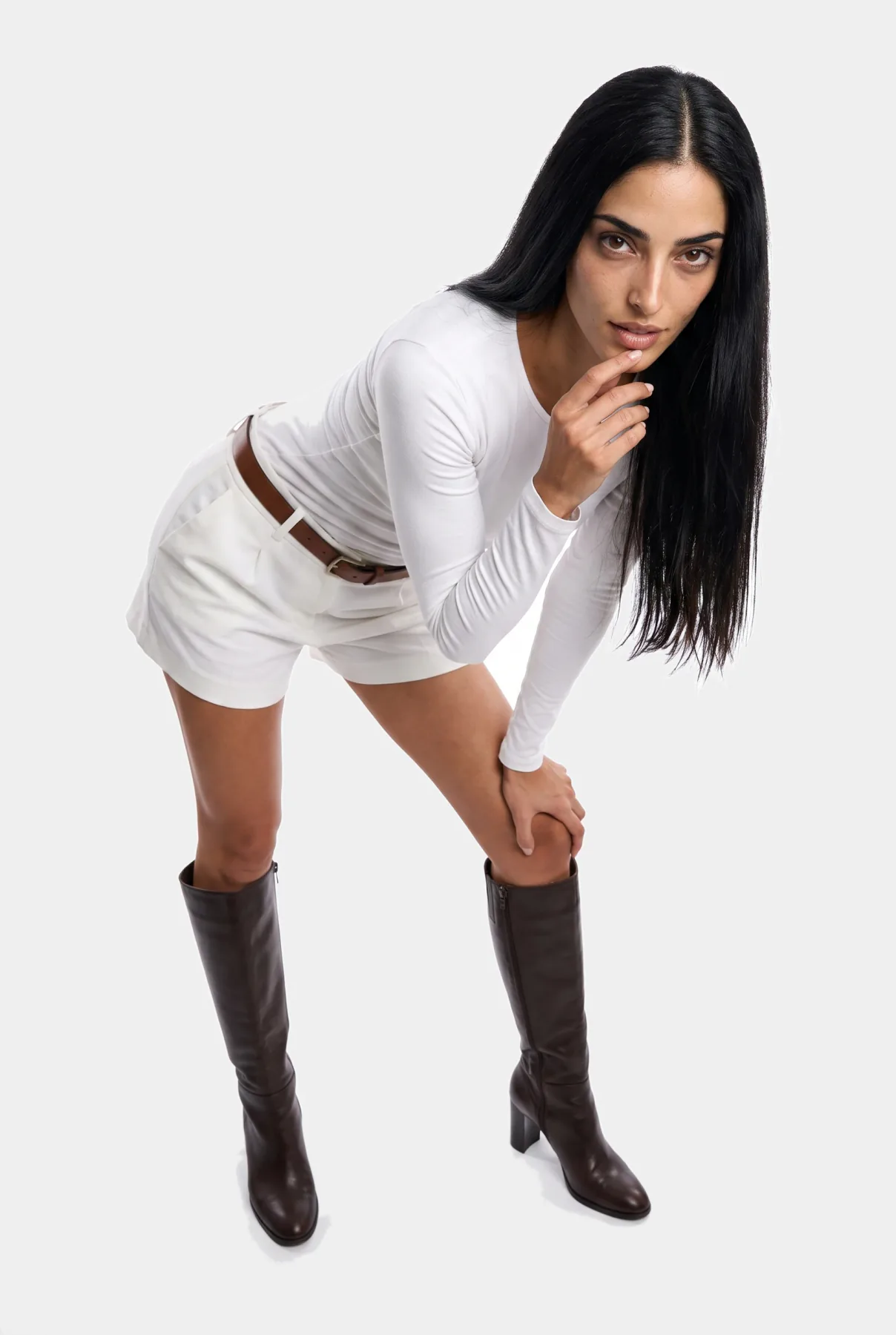
For clothing, a full-length standing pose, turned slightly to the side, shows the whole garment from neckline to hem. For jewelry and accessories, a close-up or a hand pose frames the piece without covering it. For social media and ads, a natural walk or an everyday moment adds movement that a static pose cannot.
Natural poses beat dramatic ones almost every time. The shopper wants to see how the product looks on a person in ordinary life, not how a model can contort around it.
Why the pose decides whether the photo sells
Everyone has seen the weak version: a model standing stiffly, arms hanging, face frozen. The garment may be beautiful, but the photo does not sell it. The pose is what tells the story, presents the product and leads the eye.
On a real shoot, an experienced photographer directs the model into poses that flatter the product. With AI models, you make that call yourself. The good news is that the rules are few, and once you know them the choice becomes quick.
Six pose types and when to use each
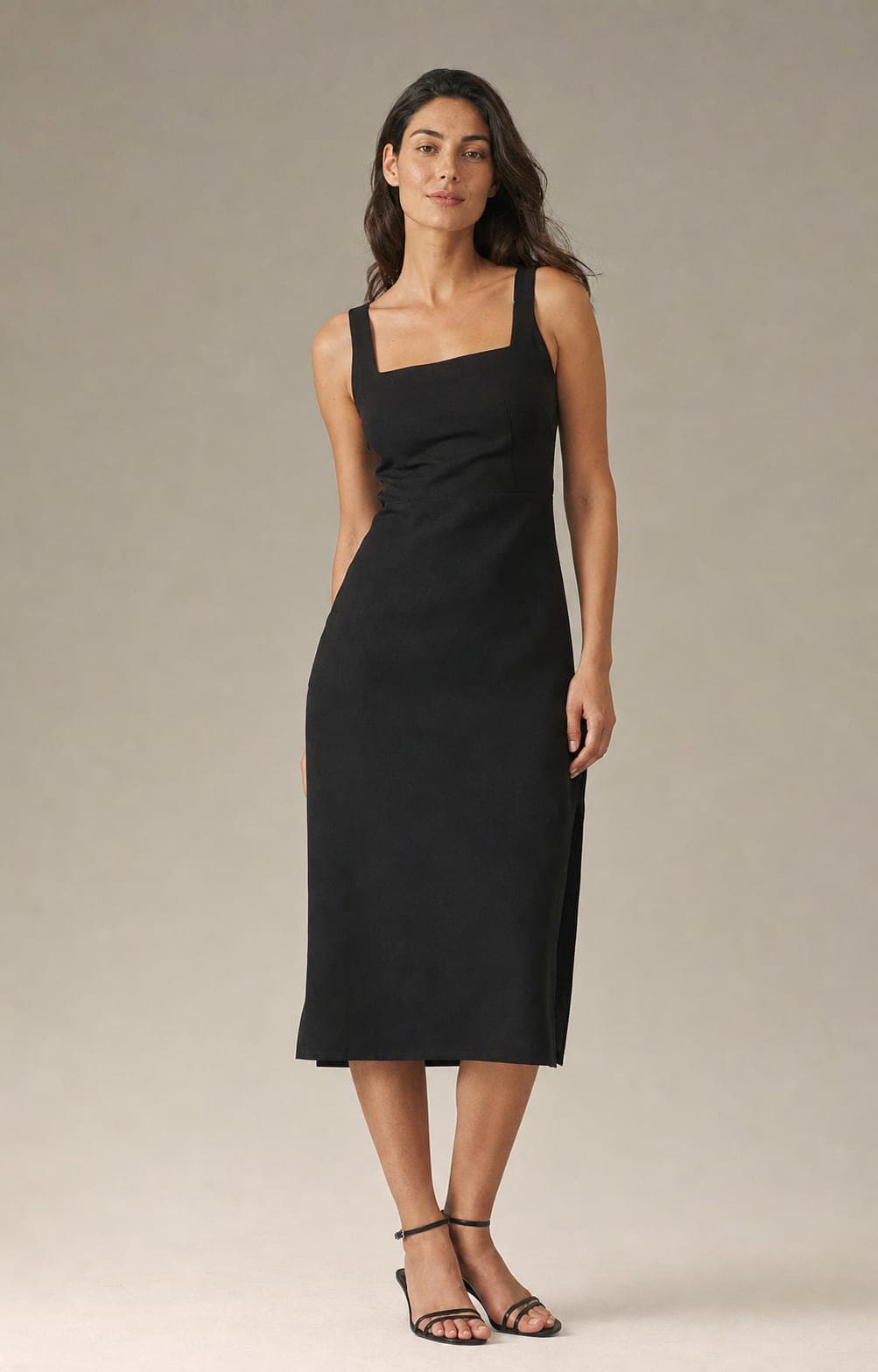
- Classic full-length standing. The base for dresses, suits and full outfits. A slight angle to the camera and one hand relaxed or on the hip shows the whole piece and looks confident.
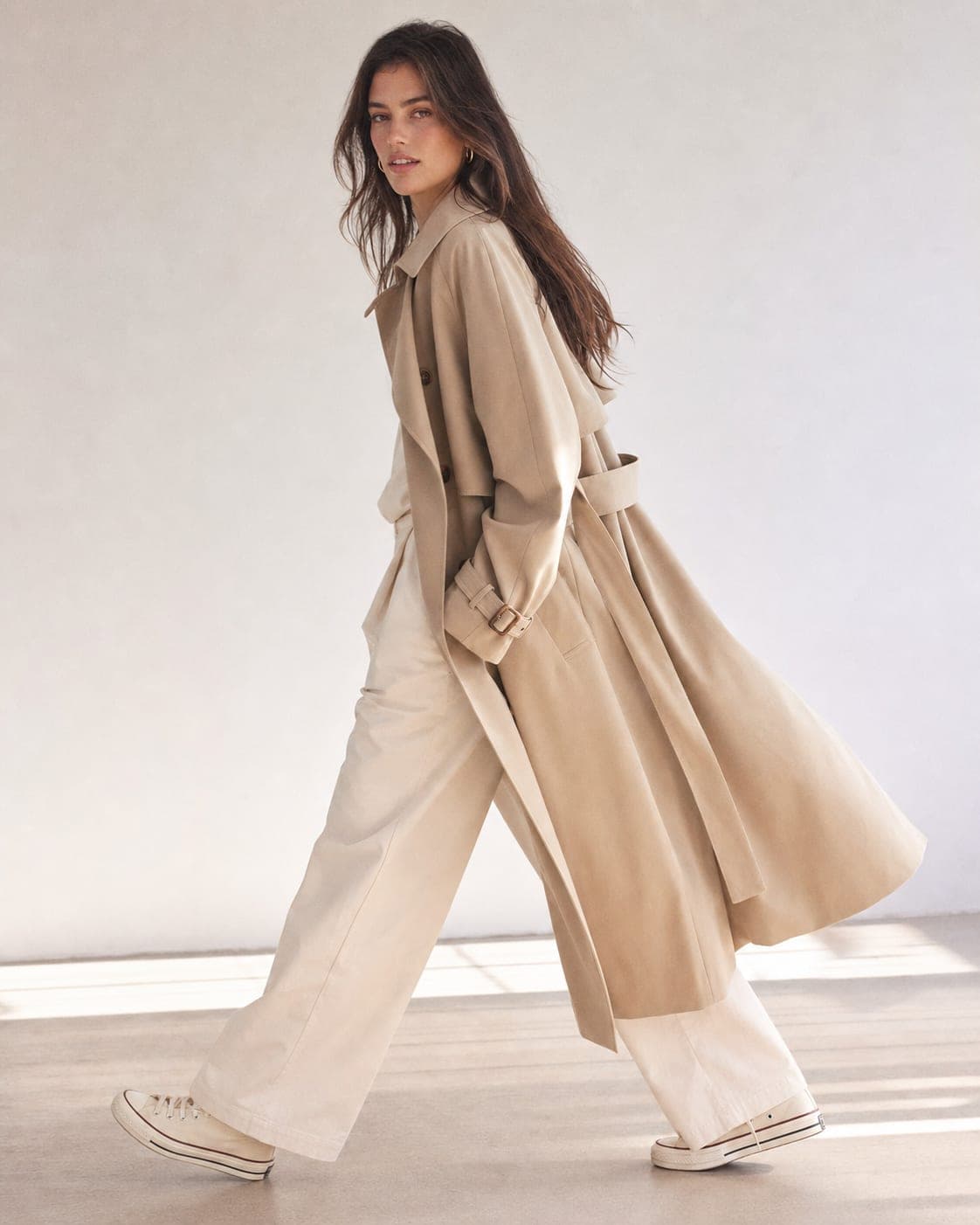
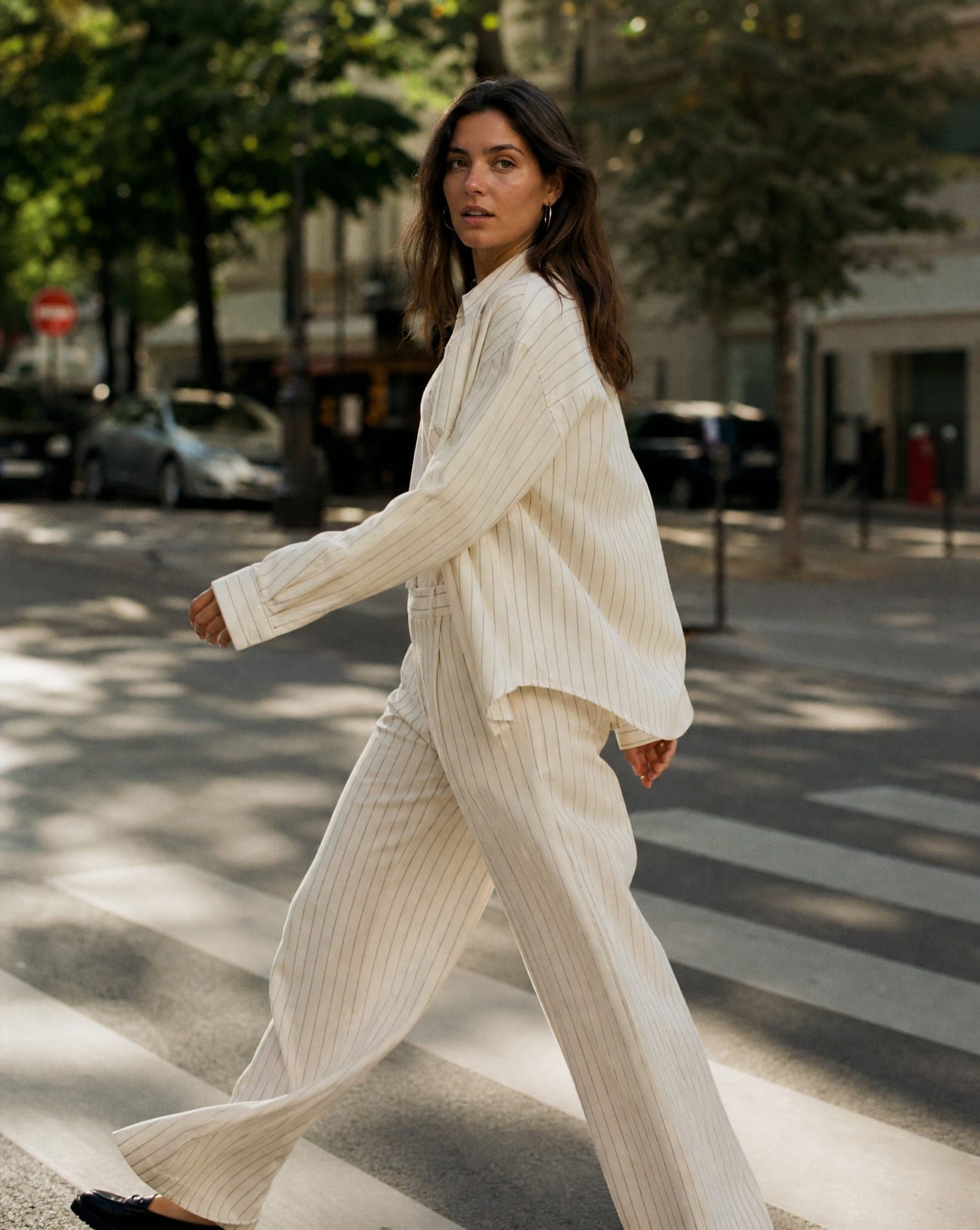
- Natural walk. The model looks caught mid-step in the street. Good for social media and ads, and for trousers and skirts, because it shows how the cut moves.
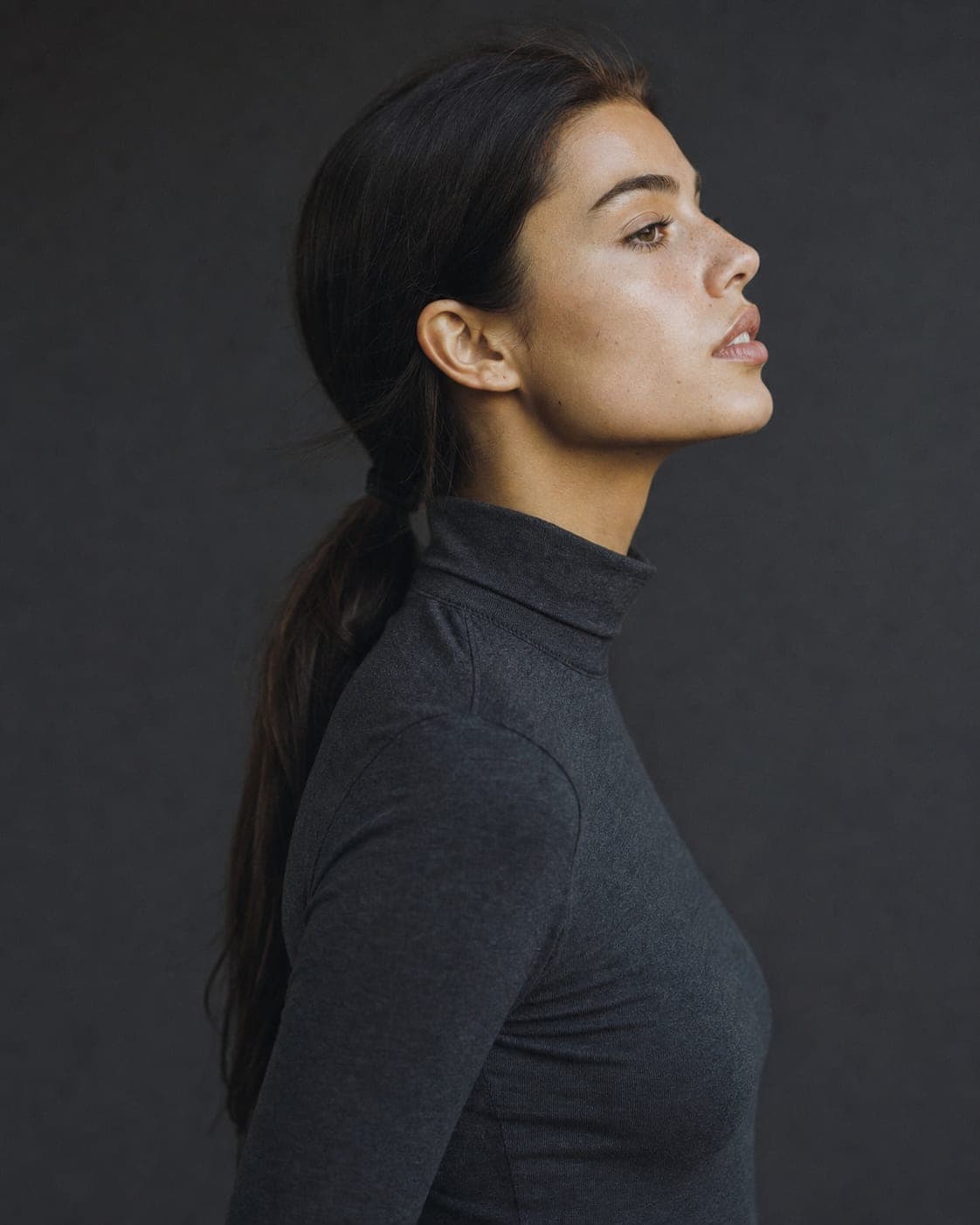
- Close-up. Face, neck or hands only. Right for earrings, necklaces and sunglasses: the eye goes straight to the product with nothing competing for it.
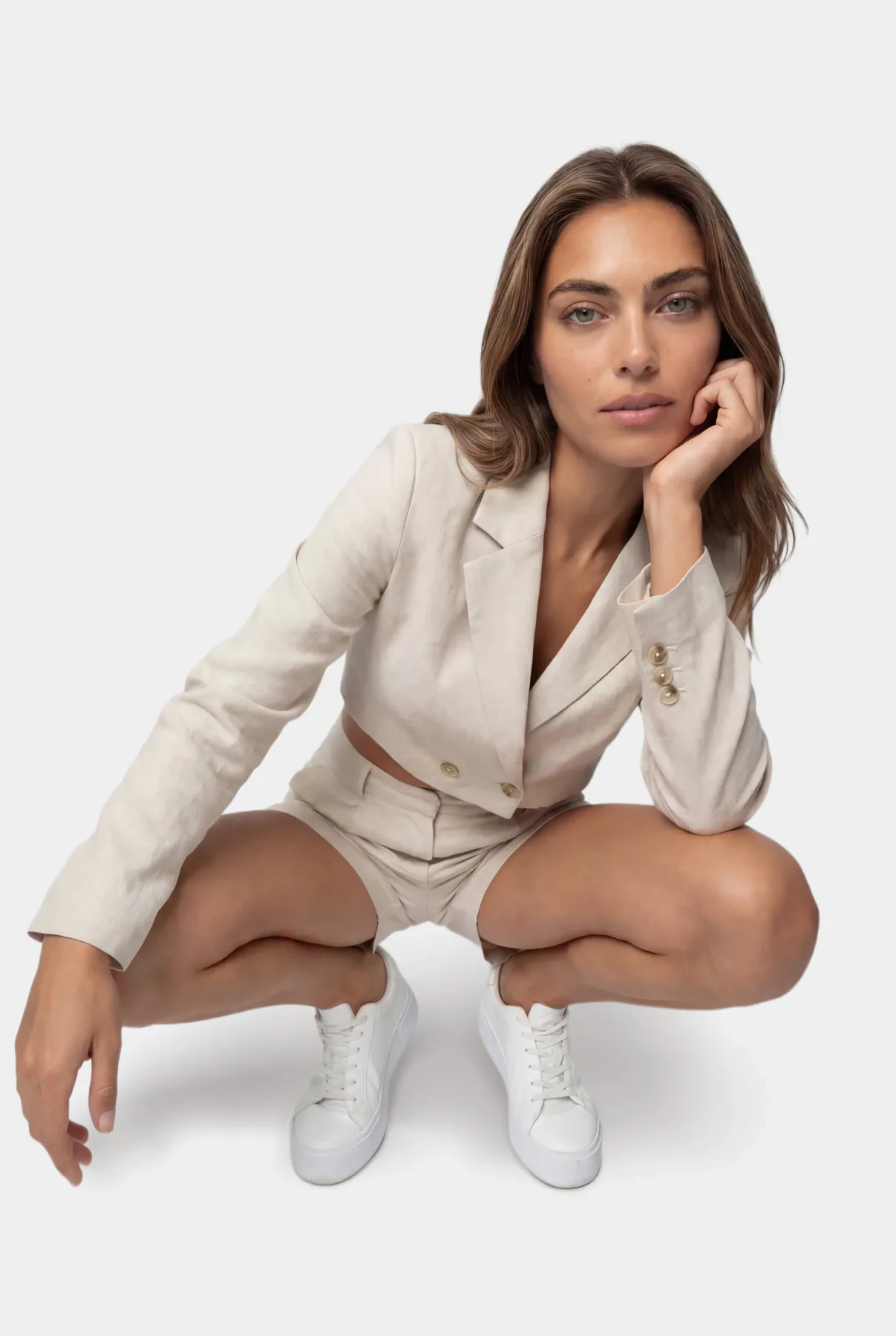
- Seated. A chair, a stool or the floor. It reads as calm and approachable, and suits loungewear, slippers and home products. Avoid it for fitted skirts and dresses, which crease when seated.
- Hand pose. A hand raised near the face, touching the neck or resting on the collar. Made for rings, bracelets and watches, because it shows the piece next to a body part everyone knows the size of.
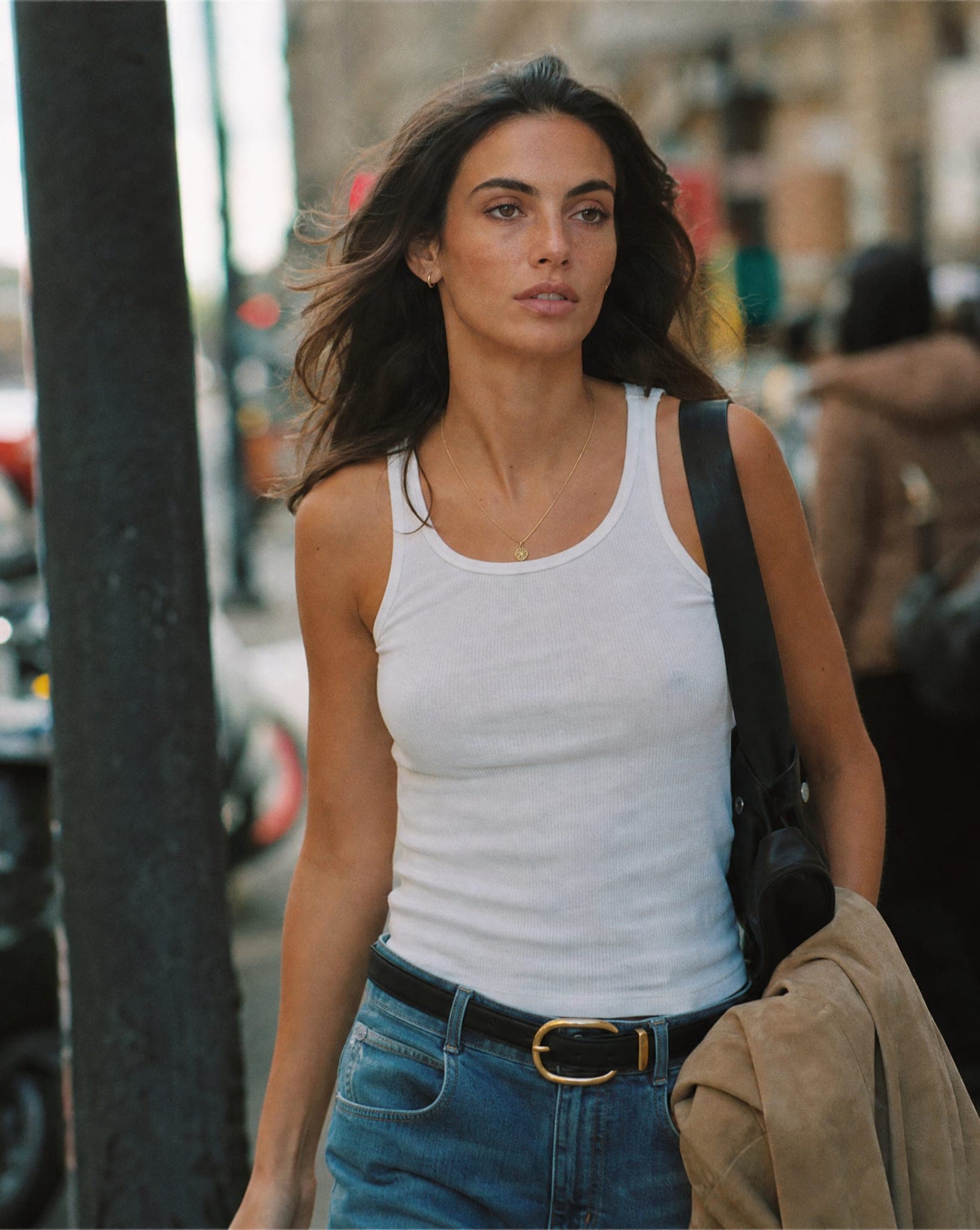
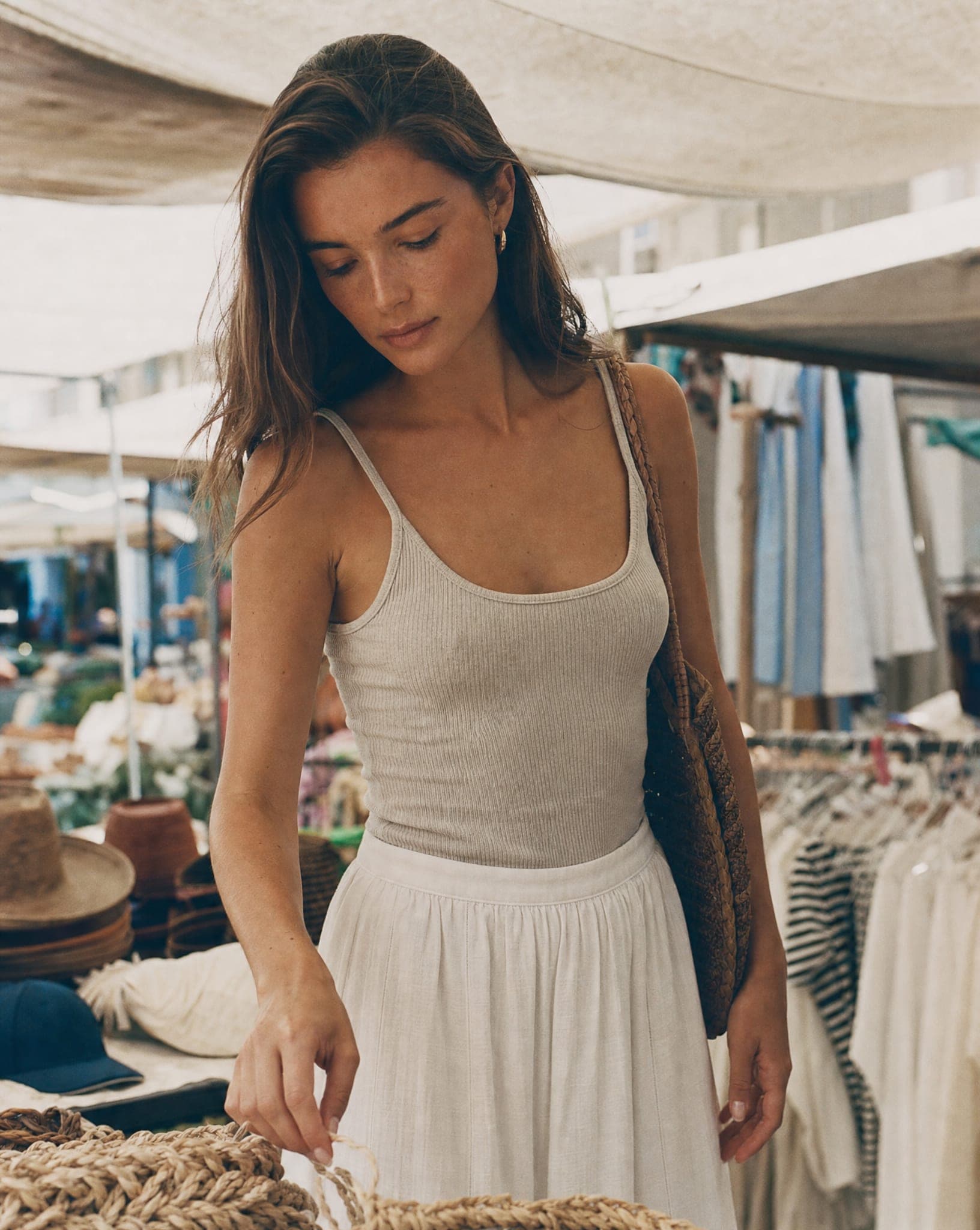
- Everyday moment. Looking at a phone, holding a coffee, carrying a bag. These connect the product to real life and work well in ads that should not look like ads.
Pose by product: what to ask for and what to avoid
| Product | Pose to choose | What it proves | Pose that fails here |
|---|---|---|---|
| Dress or suit | Standing straight, weight on one leg | The full cut and length | Seated: the skirt creases |
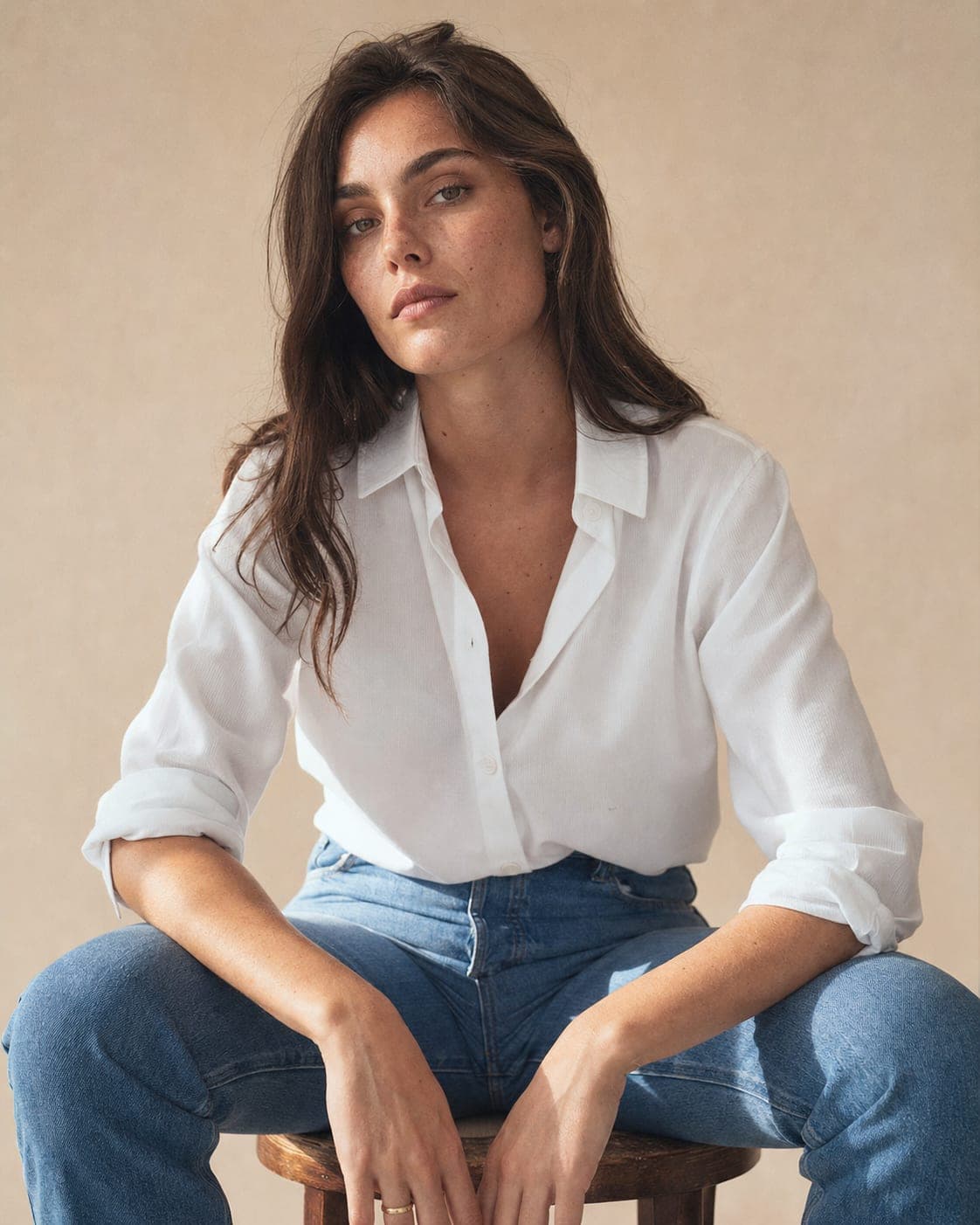
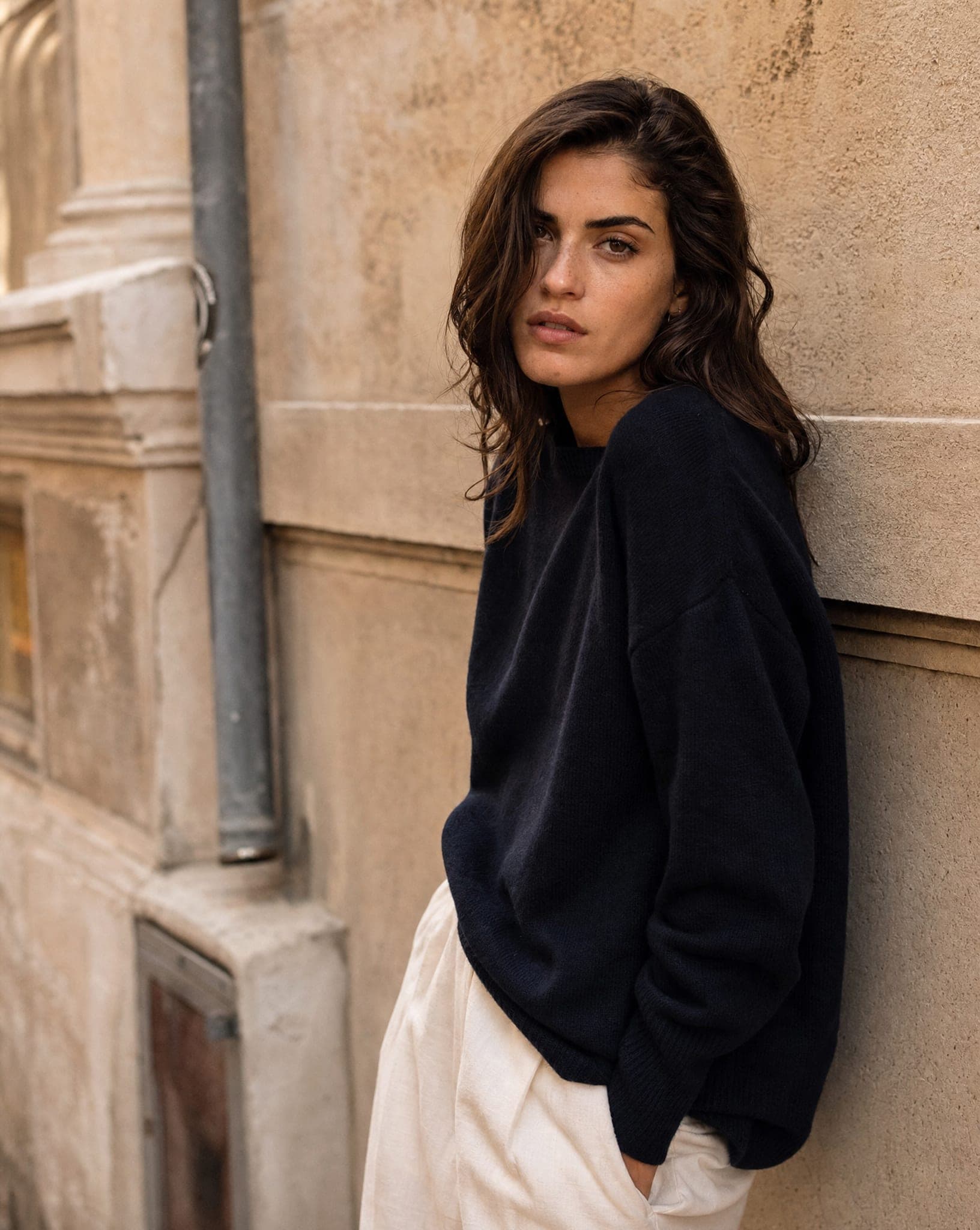
| Shirt or sweater | Three-quarter body, relaxed arms | How the fabric sits on the shoulder | Arms raised: the cut stretches |
| Trousers | Light walk, mid-step | The cut in motion, not only at rest | Static front view |
| Necklace or earrings | Profile or three-quarter face, hair tied back | Where the piece sits against the face | Full front view: the profile disappears |
| Ring or bracelet | Hand raised near the face, fingers relaxed | Scale against a familiar body part | Hand flat on a table |
| Bag | Standing, bag on the shoulder or in hand | Its size against the body | Bag alone on the floor |
| Shoes | Step forward, one foot slightly raised | The shape from the angle shoppers look at | Feet together, shot from above |
| Cosmetics | Face close-up, looking at the camera | The shade on real skin | The product alone: the shade is never tested |
Five rules for poses that sell
- Natural over dramatic. Forced poses feel fake. A relaxed stand or an easy walk sells more than a fashion-week contortion.
- For jewelry, the hands are the star. A hand touching a necklace, fingers showing a ring, a wrist raised for a bracelet. The hand should lead the eye to the piece, never hide it or compete with it.
- Full length for clothing, half body for accessories. A whole garment needs the whole body. An earring, a scarf or a necklace needs only the upper half, which lets the shopper focus.
- Get close for small details. A close-up of an earring, a watch on a wrist or a clasp is what stops the scroll.
- Use movement in ads. Hair in the wind, a skirt in motion, a step in the street. Keep the calm, clean poses for the product page, where the shopper wants to see the product clearly.
Choosing poses in IsraModel AI
The Mannequin to model, Flat lay to model and New outfit for your model screens have a pose picker with 12 poses: straight, natural, angled, hand on hip, walking, from the back, hands behind, arms crossed, leaning, sitting, arms raised, twirl. Each pose you tick becomes one image, up to 16 images in a run, so one garment can come back in a front view, a walk and a back view in one go. The flat lay to model guide walks through that screen step by step.
For jewelry, the On our model, On the body and Close-up screens frame the piece on a neck, an ear, a hand or a wrist; see jewelry on a model. For bags, cosmetics and other products held by a person, use Product in hand or With a model.
A standard image costs 5 credits, and the free plan includes 5 standard images a month, enough to try three or four poses on one product and keep the best.
How many poses each product needs
For a product page, two to four: a front view, a back view, a close-up of the detail that matters and one lifestyle image. For an ad or a social post, one strong image is enough. Pick the model first (the guide to choosing an AI model helps), then keep the same model and background across the poses, so the set looks like one shoot.
Questions
Can I choose a specific pose for an AI model?
Yes. In the mannequin, flat lay and new-outfit screens you tick poses from a list of 12, such as straight, walking, from the back and sitting. Each ticked pose becomes its own image.
What is the best pose for clothing photos?
A full-length standing pose, turned slightly to the side. It shows the neckline, the waist and the length at once. Add a walking pose for dresses and trousers, so the shopper sees how the fabric moves.
What is the right pose for jewelry?
It depends on the piece: profile or three-quarter for earrings, a clean front neckline for necklaces, a hand close-up for rings and a raised wrist for bracelets. The pose should frame the jewelry, not cover it.
Do dynamic poses work better than static ones?
In ads and social media, movement usually stops the scroll better. On the product page, calm and clear poses work better, because the shopper wants to see the product. Most stores use both.
How many poses should one product have?
Two to four on the product page: front, back, a detail close-up and one lifestyle image. Keep the same model and background across them so the set looks consistent.
Try three poses on your own product
Sign up free and get your first 5 images on us. No credit card needed.
Start free