
How to choose an AI model for your products
By the IsraModel AI team · Published
The right model can be the difference between a photo that sells and a photo that gets scrolled past. These seven tips help you pick a model that fits your product, your brand and the people who buy from you.
Your first 5 images free · No credit card needed
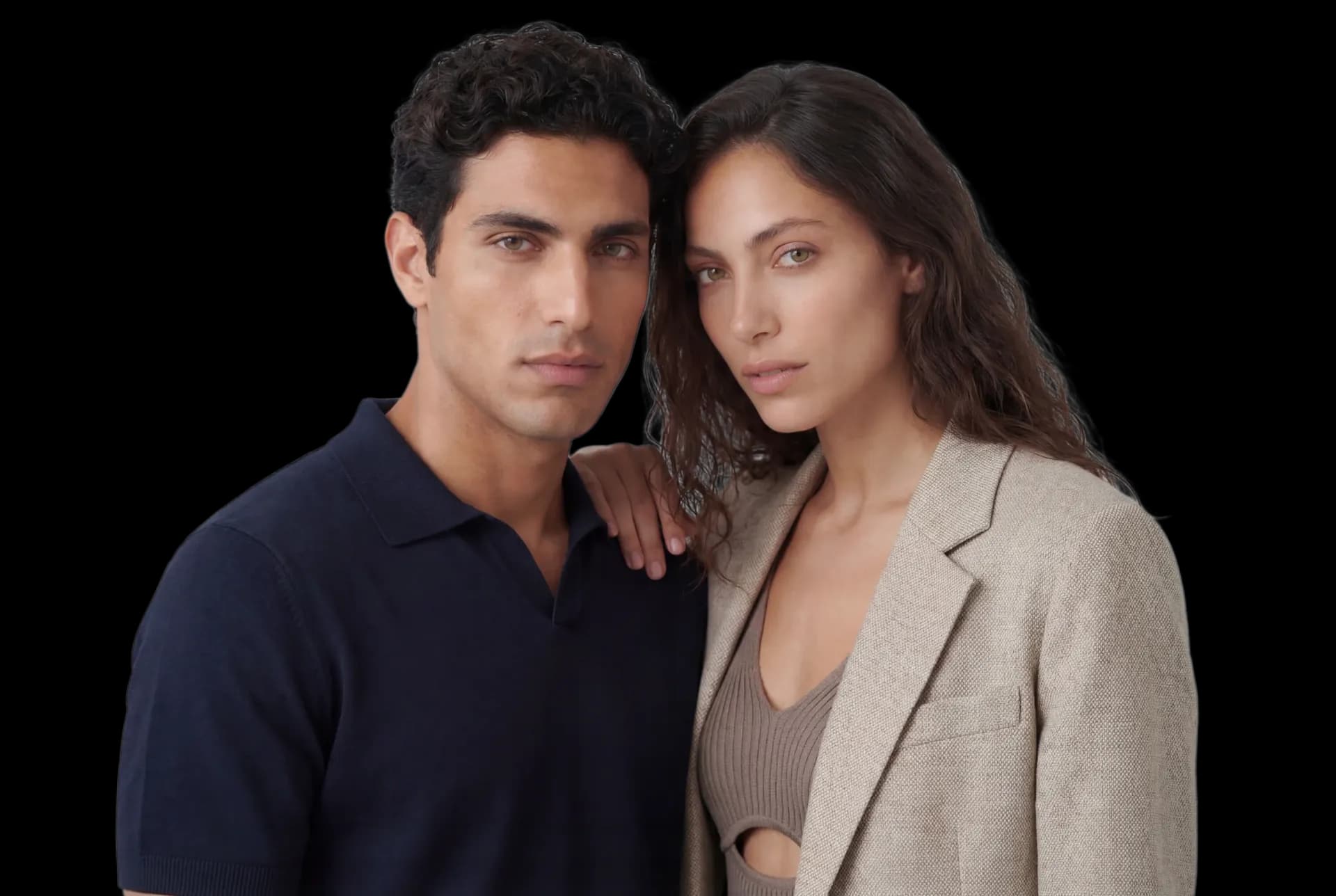

Why the choice of model matters
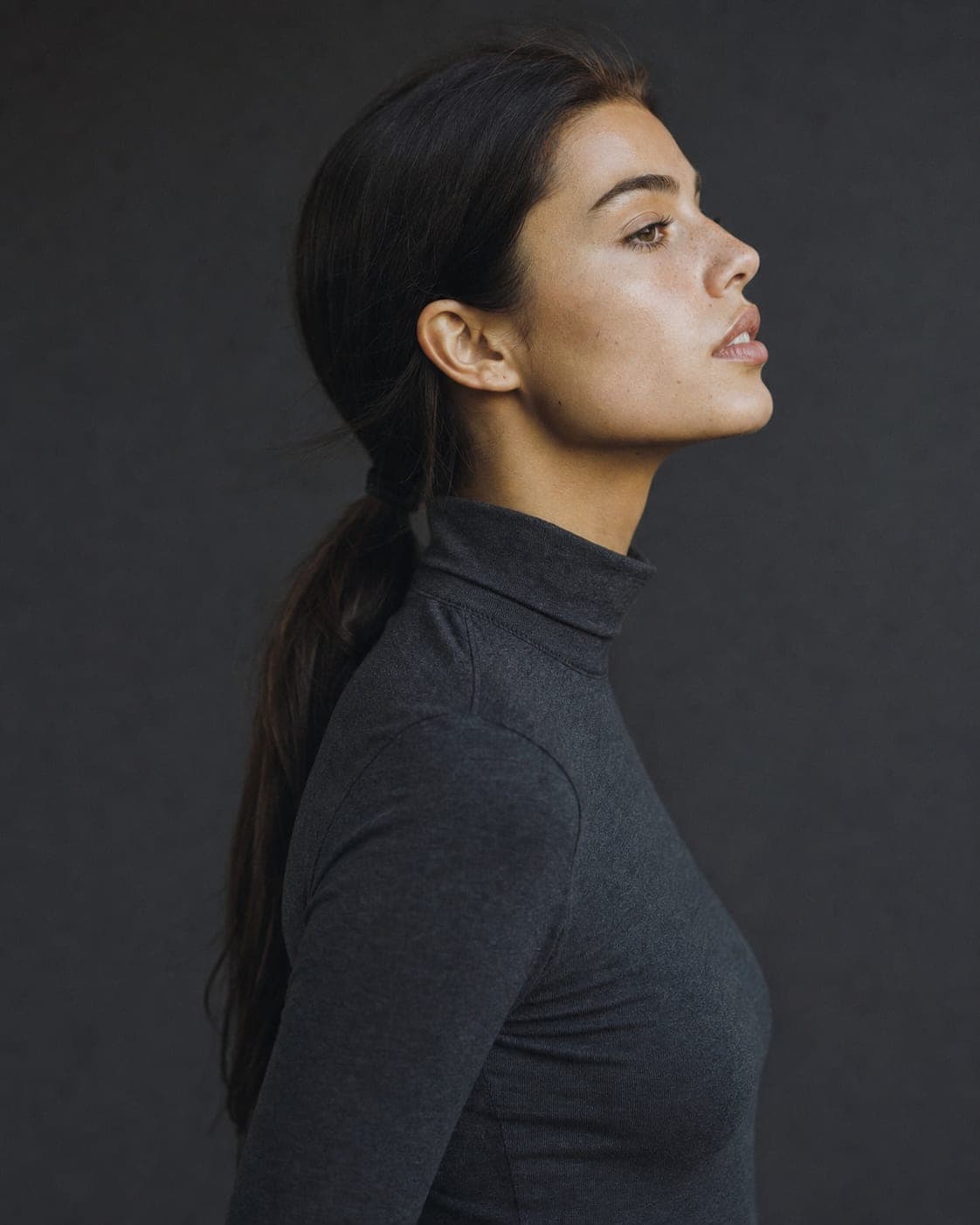
A model is not just someone wearing the product. Before a shopper reads the title or the price, the model has already signaled who the product is for. When people see someone who looks like them, or like who they want to be, they picture themselves with it. When they do not, they move on without knowing why.
With a traditional shoot, the choice was limited to who an agency had available and what the budget allowed, so many brands simply booked whoever was cheapest. With AI models the choice is wide and cheap to test, which means the decision is now yours to get right.
Tips 1 to 3: start from your customer
- Know who actually buys from you. Look at your order data, your followers and your reviews: age, style, the life they lead. A brand for women aged 25 to 35 needs a different model from a brand for women aged 45 to 55, and the answer is in your customer data, not in your own taste.
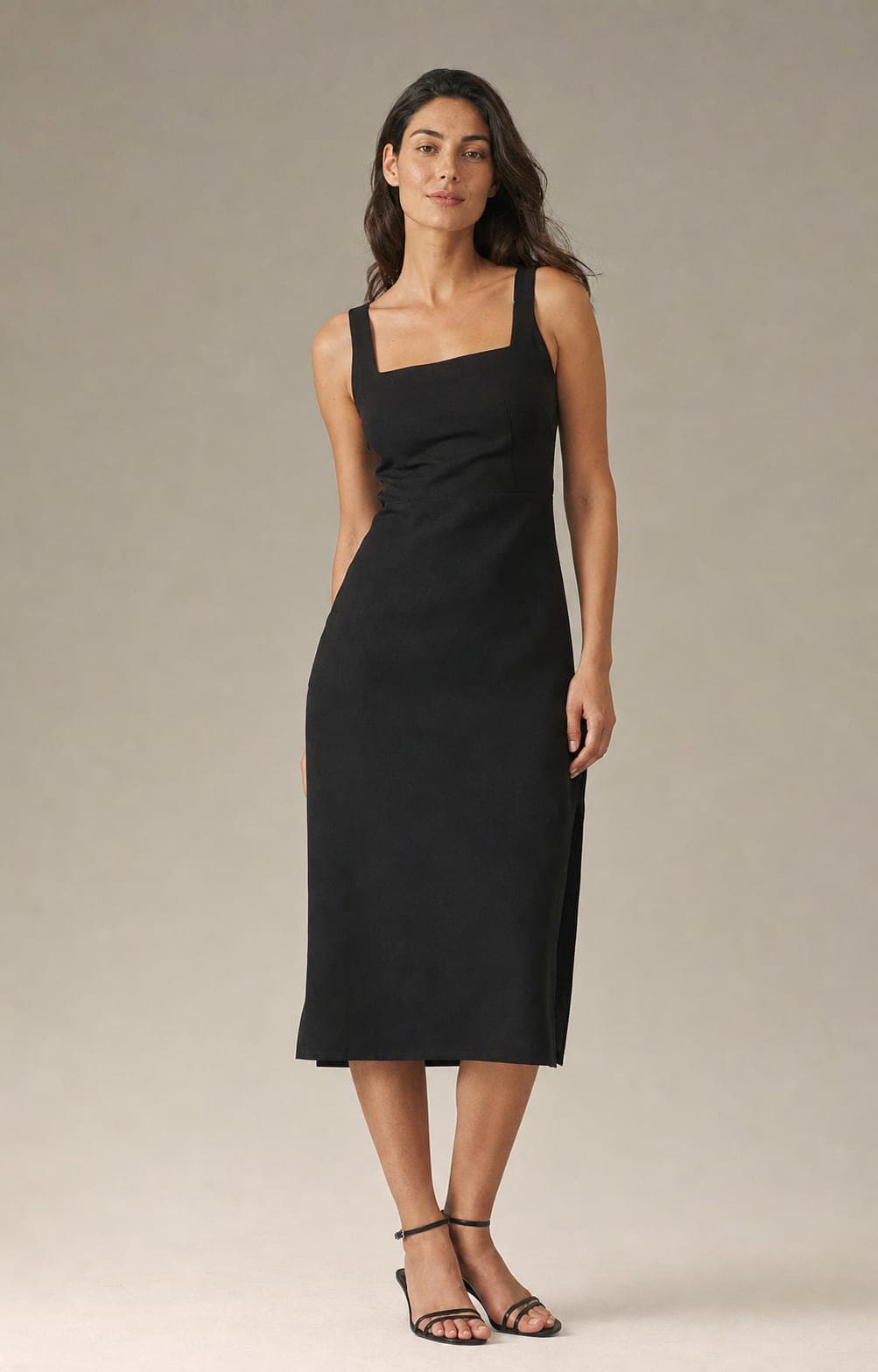
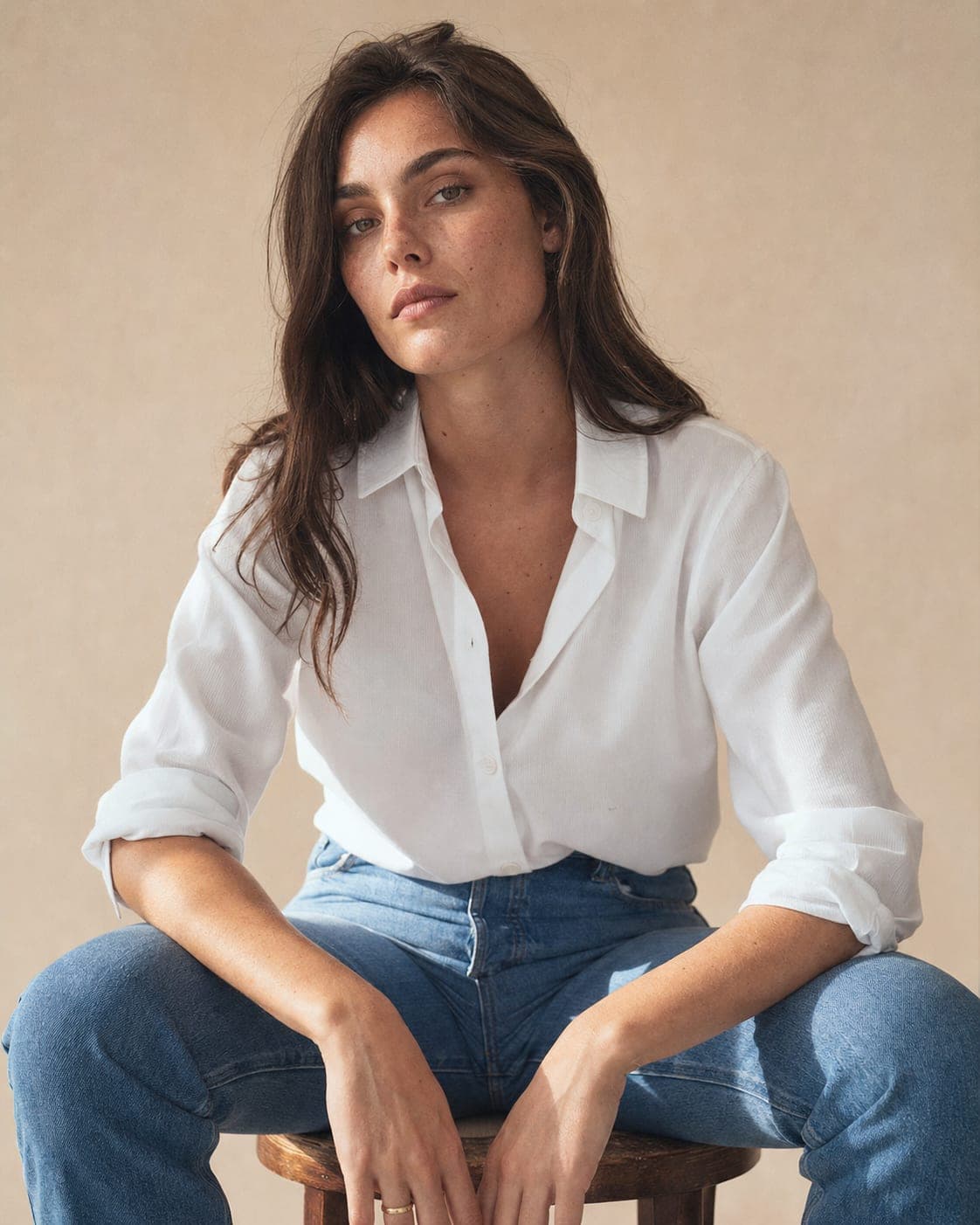
- Think about color and contrast. Look at the product against the model’s skin tone and hair. A white shirt, a gold necklace and a pastel dress each read differently against different complexions. Generate the same item on two or three models and see where it stands out best.
- Match the market you sell to. A store selling mostly in one country or community will connect more with models who look like that audience. A store selling internationally does better with a range of models across its catalog.
Tips 4 and 5: test, then look at the competition
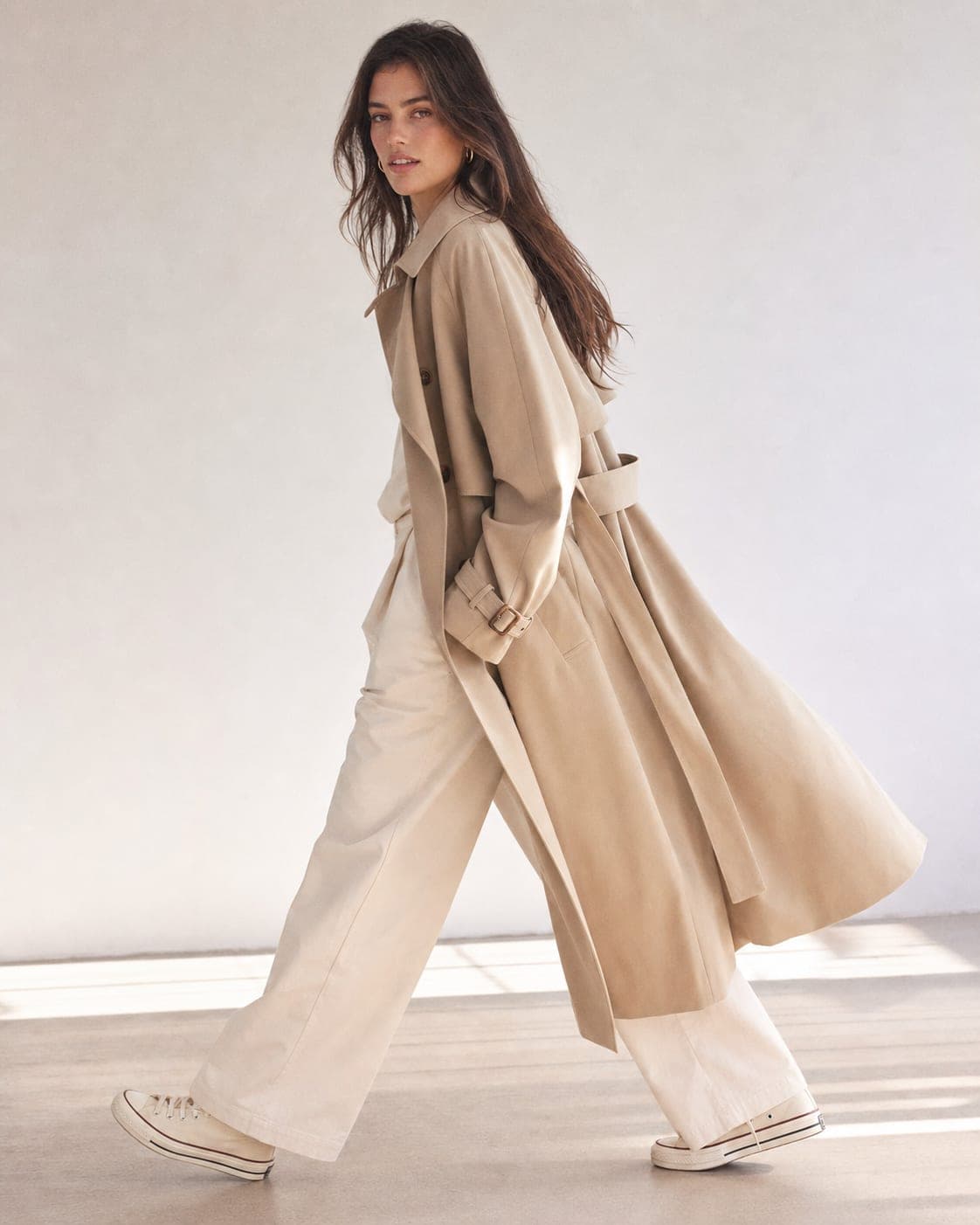
- Try several models on the same product. Do not settle on the first one. Generate the same product on three or four models and compare them. Run the two strongest as an A/B test in your store or in ads and keep the one that gets more clicks and sales. With AI this takes minutes, so there is no reason to guess.
- Study your niche, then decide where to differ. Look at the models your competitors use. Not to copy them, but to see the standard in your category and choose where to match it and where to stand apart. A deliberately different choice is sometimes the strongest way to be remembered.
Tips 6 and 7: seasons and brand identity
- Plan for the seasons. A summer collection calls for a different mood from a winter one. Sometimes that is the same model with different styling and backgrounds, sometimes a second model. Plan the year ahead so the catalog stays consistent while it changes.
- Protect the brand. The model is your brand’s ambassador. Every choice should pass one simple test: does this person represent the values and image we want? If the answer is not a clear yes, choose someone else.
What you can choose in IsraModel AI
- The ready catalog. Women and men across looks and ages. The fastest way to test which look your customers respond to; browse it on AI fashion models.
- Your own model, cast to order. In casting you set the age (20s, 30s, 40s, 50+), one of 14 looks, hair, eyes and body type (slim, average, athletic, curvy), and each round shows 4 candidates to choose from. Save the one you like and she is available for every product in your account. See the AI model generator.
- Body size per image. On the flat lay and mannequin screens, each model gets a body size from XS to XL, so a garment can be shown the way it fits different customers. See plus size models and male models.
- The pose. Poses change what the photo sells, from a full standing shot to a close crop; the AI model poses guide explains which works for what.
Trying another model costs the same as any image, 5 credits at standard quality, and the free plan includes 5 standard images a month.
A five-question check before you commit
- Would my typical customer recognize herself, or himself, in this model?
- Does the product stand out against the model, or blend in?
- Does the model fit the price level and mood of the brand?
- Can I use this same model for the next ten products?
- Have I tested at least one alternative?
Questions
What if the model does not suit my product?
Generate the same product on a different model. Because each attempt costs the same as any image, you can compare several options in minutes and keep the one that works.
How do I know which model increases sales?
Test it. Show the same product with two different models, as two versions of a listing or two ads, and compare clicks and sales over the same period. Ad performance gives you an answer fastest.
Do I need a different model for each platform?
Not necessarily, but adapt the style. Natural lifestyle shots suit social media, clean catalog shots suit the store, and ads need an image that stops the scroll. The same model can do all three with different poses and backgrounds.
How is an AI model different from a stock photo?
A stock photo shows someone else's product, or none. An AI model wears your actual product, taken from your photo, in the pose and setting you choose, so the image belongs to your listing.
Can I choose models of different ages and body types?
Yes. The catalog covers a range of ages and looks, and when you cast your own model you choose the age (20s, 30s, 40s, 50+) and body type. The flat lay and mannequin screens also let you set a body size from XS to XL.
Find the model your customers see themselves in
Sign up free and get your first 5 images on us. No credit card needed.
Start free