
Does Amazon allow AI product images?
By the IsraModel AI team · Published
Selling on Amazon and thinking about AI images? Amazon judges the photo, not the camera. Here is what Amazon asks of a product image, where AI helps most in a listing, and what to check before you upload.
Your first 5 images free · No credit card needed
The short answer
We found no Amazon rule that bans product images because they were made or edited with AI, and Amazon itself offers advertisers a generative AI tool that creates lifestyle images of their products (checked October 15, 2026). What matters is that the image meets Amazon’s image requirements and shows the product the customer will receive.
This page is general information, not legal advice and not Amazon policy. The binding version of the rules is the product image requirements page in Seller Central, which you can read when signed in. Check it before a large upload, because it changes.
What Amazon asks of a product photo
Amazon’s own product photo guide for sellers (checked October 15, 2026) gives these numbers:
- Background: white, with RGB values 255, 255, 255, which Amazon calls its default.
- Fill: the product should fill 85% or more of the frame.
- Size: 500 to 10,000 pixels on the longest side; Amazon prefers more than 1,000 pixels per side so shoppers can zoom.
- Format: JPEG, TIFF, PNG or non-animated GIF.
None of these numbers mention how the image was made. An AI image on a true white background, filling the frame, at a zoomable size, meets them the same way a studio photo does. The free Amazon image checker tests background, fill and size in your browser.
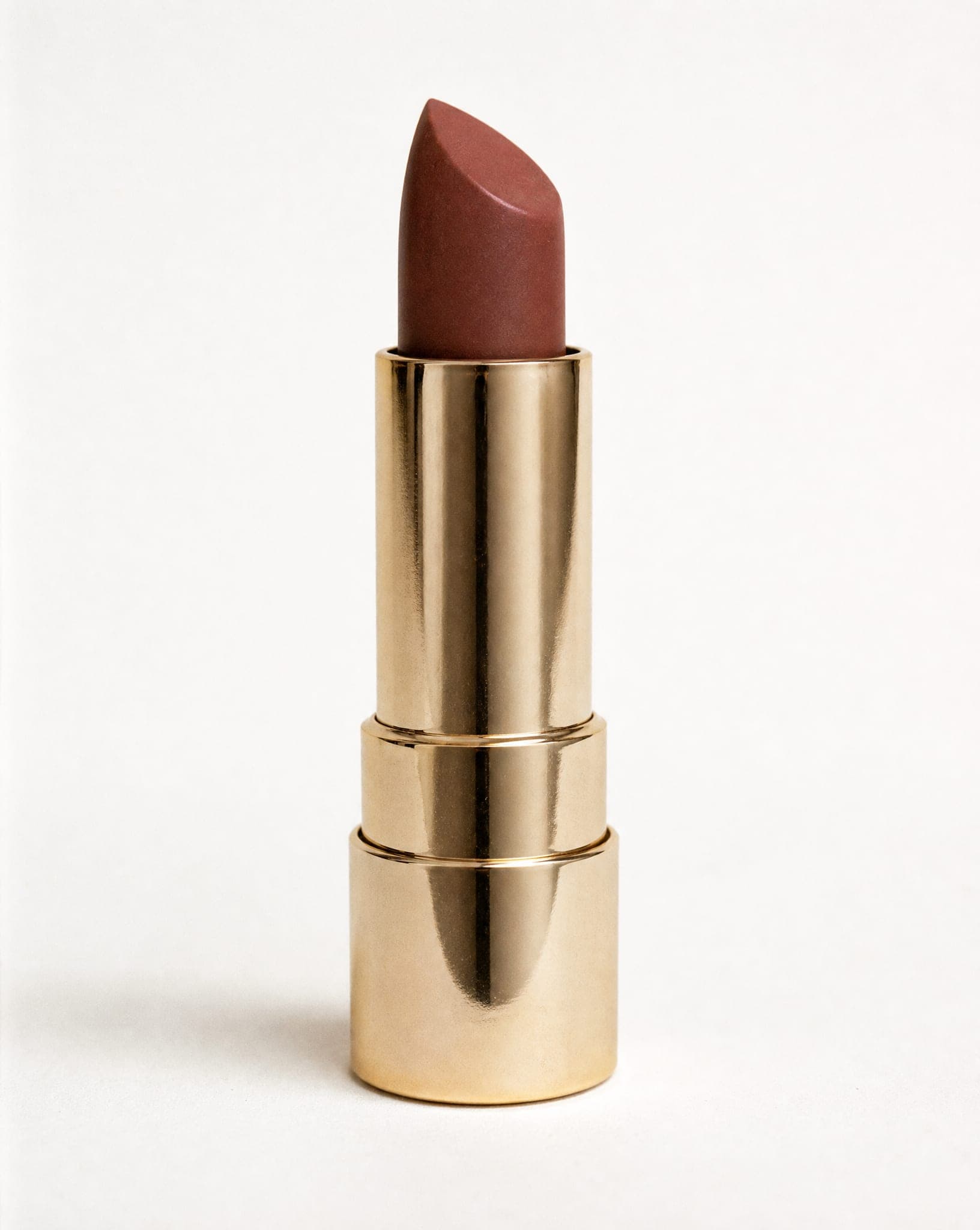
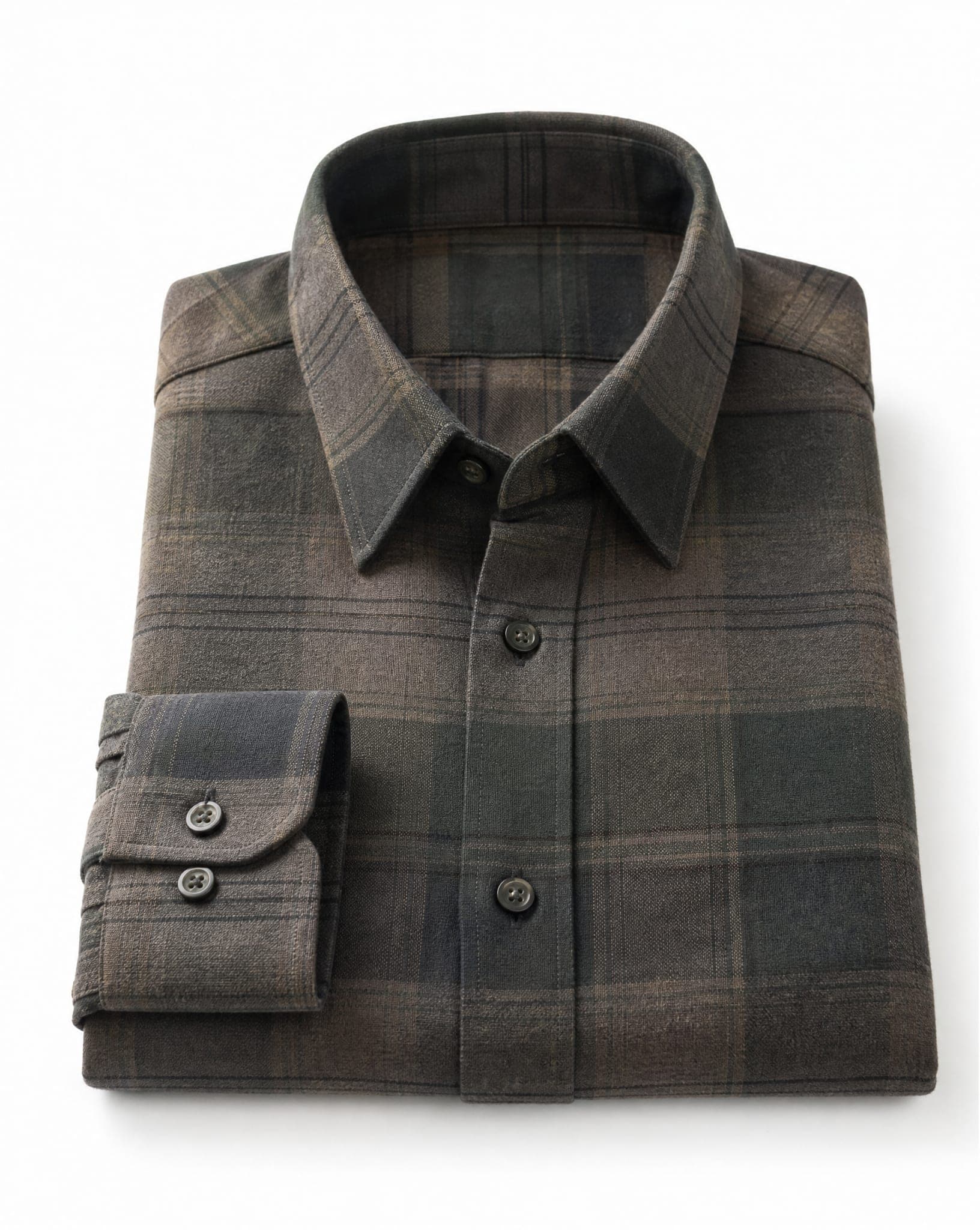
Main image versus the rest: where AI fits
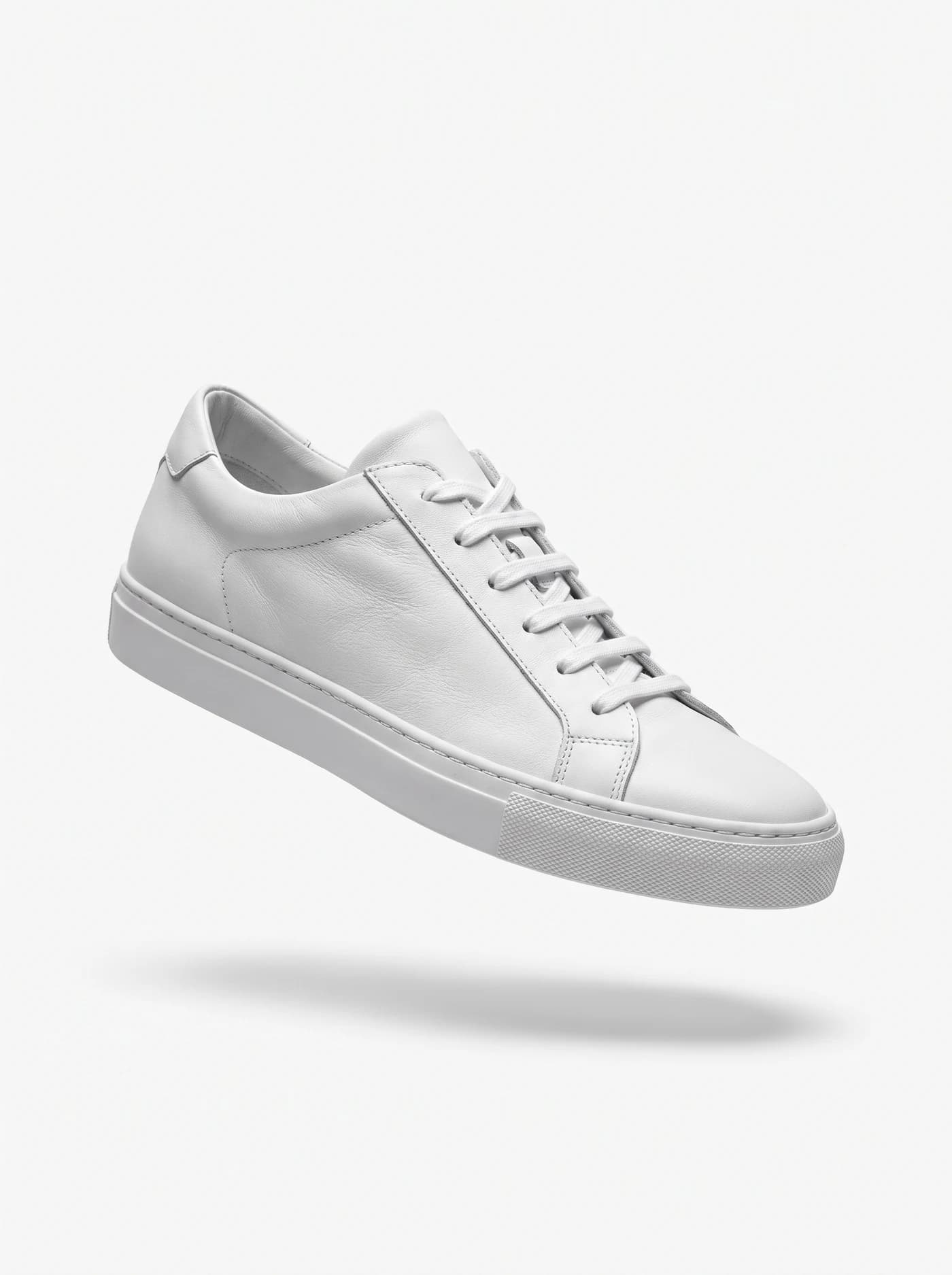
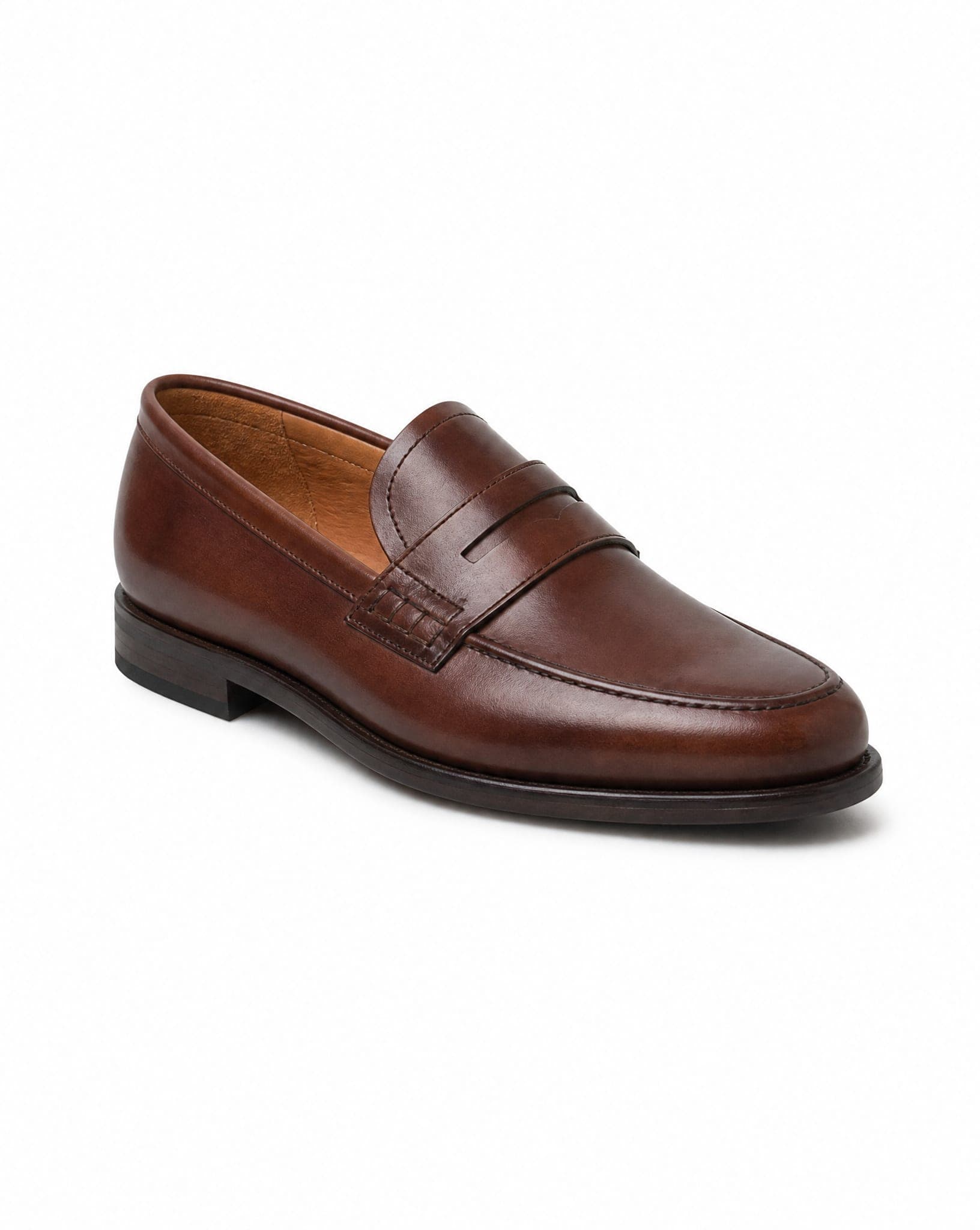
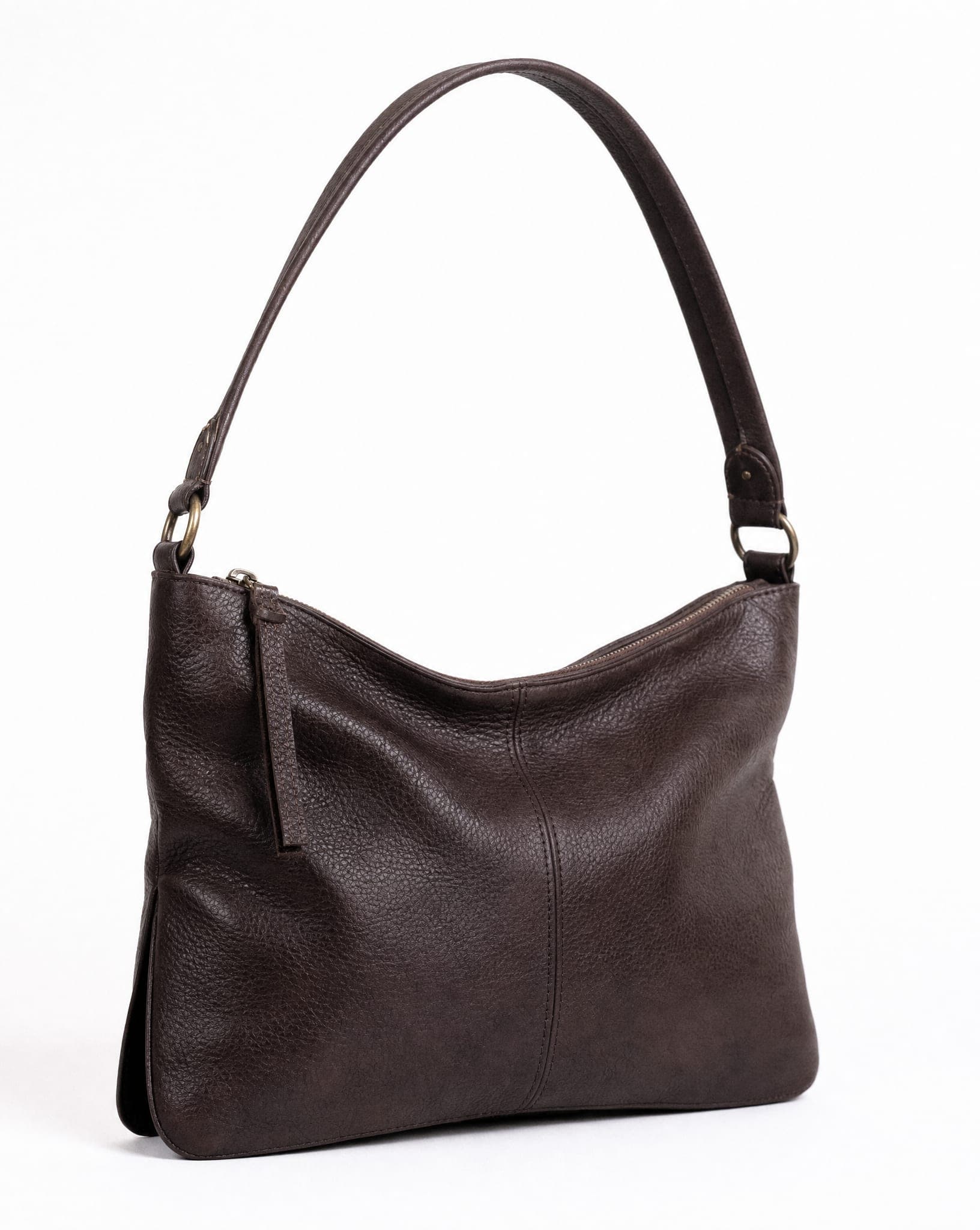
The main image: conservative and exact. This is the one shoppers see in search, so keep it to the product alone on pure white. The job of AI here is technical: a clean cut-out and correct framing, without touching the product. Near-white is not white: a cream or light grey background looks clean to the eye and still misses RGB 255, 255, 255.
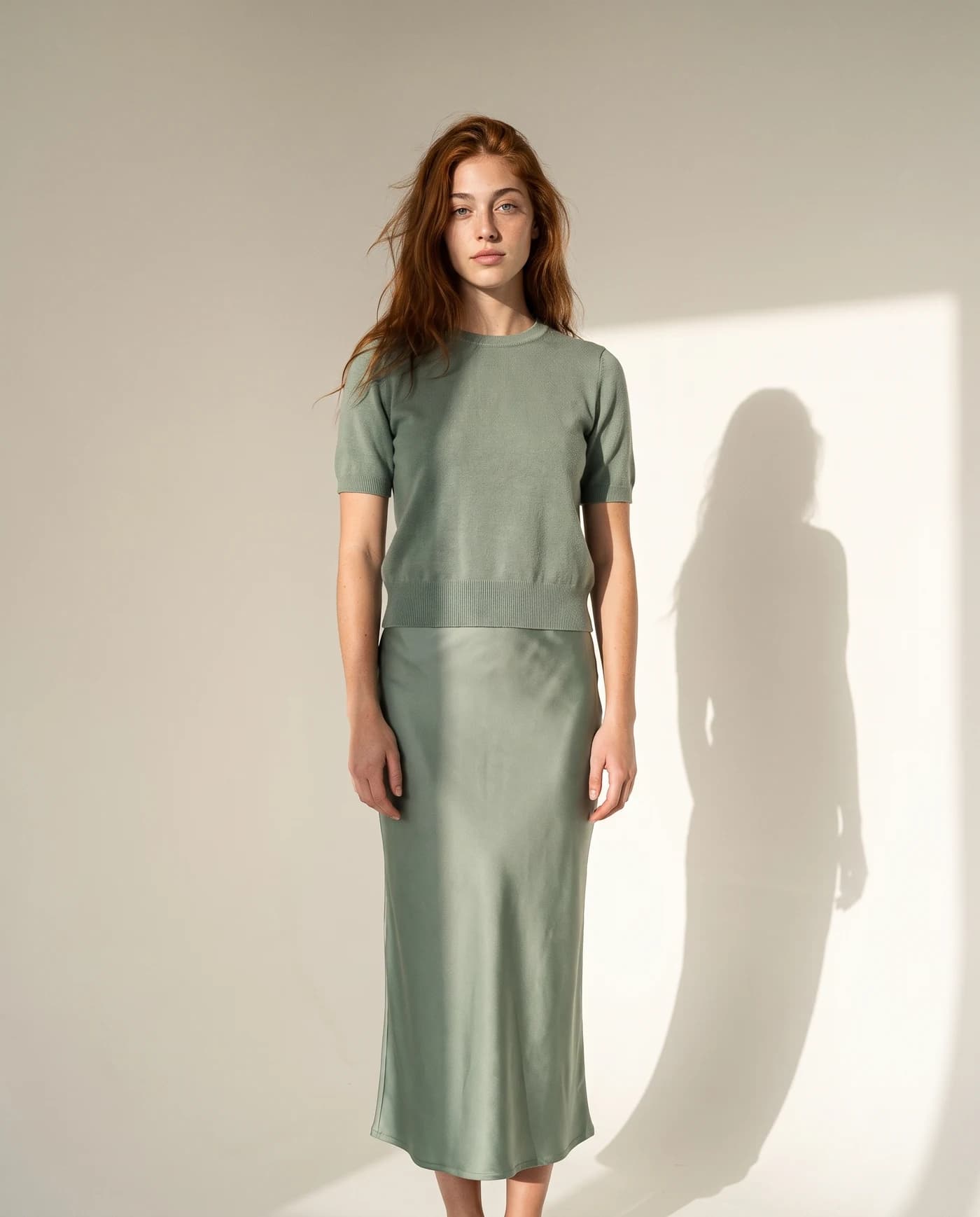
The secondary images: where you win the sale. The other slots allow much more: the product on a model, in a lifestyle setting, in close-up, or next to something that shows its size. Amazon’s guide itself recommends at least six images, including lifestyle and detail shots. This is where AI saves a whole day of shooting.
The rule over all of them: the real product. In every slot, the photo must show what the customer receives. Images generated from a photo of your actual product, rather than “inspired” by it, start from that rule.
Where the risk really is
The risk does not come from AI itself; it comes from a gap between photo and product. An image that shows a different color, a bigger size or accessories that are not in the box leads to returns, complaints and negative reviews, exactly like a misleading edited photo would. Show the real product honestly and you have removed the main risk. For the wider picture of advertising and consumer rules, read commercial use of AI images.
How to prepare an AI image for Amazon
- Start from a photo of the real product. Shoot the product itself in good light. When the AI works from that photo, the color and details carry over. The phone photography guide shows the setup.
- Make the main image pure white. Not cream, not light grey. The free white background tool has an Amazon option that exports a square JPG on exact white with the product filling the frame.
- Check the fill. A product that sits small in the frame looks weak in search results. Crop close.
- Upload a zoomable size. Above 1,000 pixels per side. If the source is small, the free image enhancer can help before you export.
- Zoom in before you upload. Check edges, text on the packaging and fine details. If something is off, generate again rather than publish it.
One product photo, the whole listing
From one phone photo, IsraModel AI produces the white main image and the secondary set: a studio shot, a styled scene, the product in a hand, with a model, or a garment worn by a model. With many ASINs, keep one style across all of them; the bulk product photos page explains how. A standard image costs 5 credits, and the free plan includes 5 standard images a month.
Questions
Does Amazon ban AI product images?
We found no Amazon rule that bans them, and Amazon offers its own generative AI image tool to advertisers. The image still has to meet Amazon’s image requirements and show the product accurately. Check the current requirements in Seller Central before you upload.
What matters most for the Amazon main image?
A pure white background (RGB 255, 255, 255), the product filling about 85% of the frame, and a size above 1,000 pixels per side so shoppers can zoom, according to Amazon’s seller photo guide. And it must show the real product.
Can I use an AI model in Amazon product images?
Use the main image for the product alone on white. The secondary images are the place for the product on a model or in a lifestyle setting, which helps shoppers picture it in use.
Can an AI image get my Amazon listing in trouble?
The risk comes from misleading the buyer, not from AI. A photo that shows a different color, size or contents than what ships causes returns and complaints, however it was made. This is general information, not Amazon policy or legal advice.
Do I have to label AI images on Amazon?
We did not find an Amazon labeling requirement for product images in the sources we could read. Policies change, so check Seller Central before a large upload. Other channels differ: Google Merchant Center, for example, requires an AI metadata tag.
Make the main image and the full set from one photo
Sign up free and get your first 5 images on us. No credit card needed.
Start free