
Do customers notice AI product images?
By the IsraModel AI team · Published
The worry every store owner has before the first AI photo goes live. Here is an honest answer: what shoppers actually look at, what gives a cheap AI image away, and what really builds or breaks trust.
Your first 5 images free · No credit card needed

The short answer
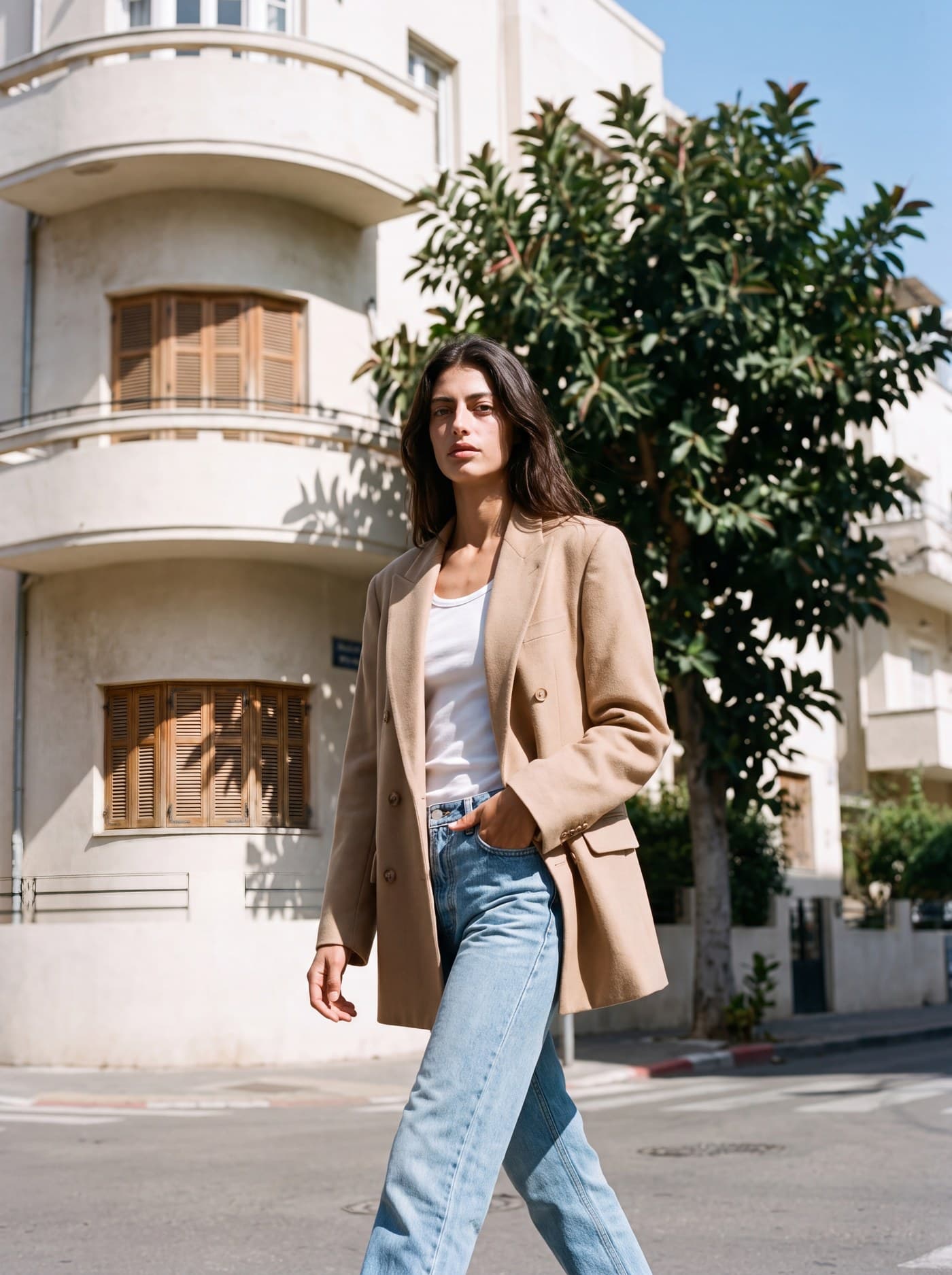
Sometimes they do, and it depends far more on the image than on the fact that AI was involved. A good, realistic image of the real product rarely raises questions, in the same way nobody questions a retouched studio photo. A cheap one gives itself away with warped hands, garbled text or skin that looks like plastic.
We know of no reliable study that measures how often shoppers spot AI product photos, so we will not quote a number. What we can say is what shoppers check: whether the product that arrives matches the photo. That decides trust, whatever made the photo.
The real question behind the question
When a store owner asks “will they notice it is AI”, the real question is “will it hurt their trust in me”. That is the right question, and the answer lies in honesty, not technology.
Almost every professional product photo has been edited: light, background, retouching, color. Nobody feels cheated by an edited studio photo, because the product in it is real. The same holds for AI. When the image shows your real product at its best, it is as legitimate as a studio shot.
What breaks trust is a gap between expectation and reality, a product that looks different in the photo from what comes out of the box. Regulators look at it the same way: the US FTC’s advertising guide judges an ad by everything it conveys, its pictures included (checked October 15, 2026). Use AI to present, not to disguise.

What gives a cheap AI image away, and how to avoid it
| The tell | Why it happens | How to avoid it |
|---|---|---|
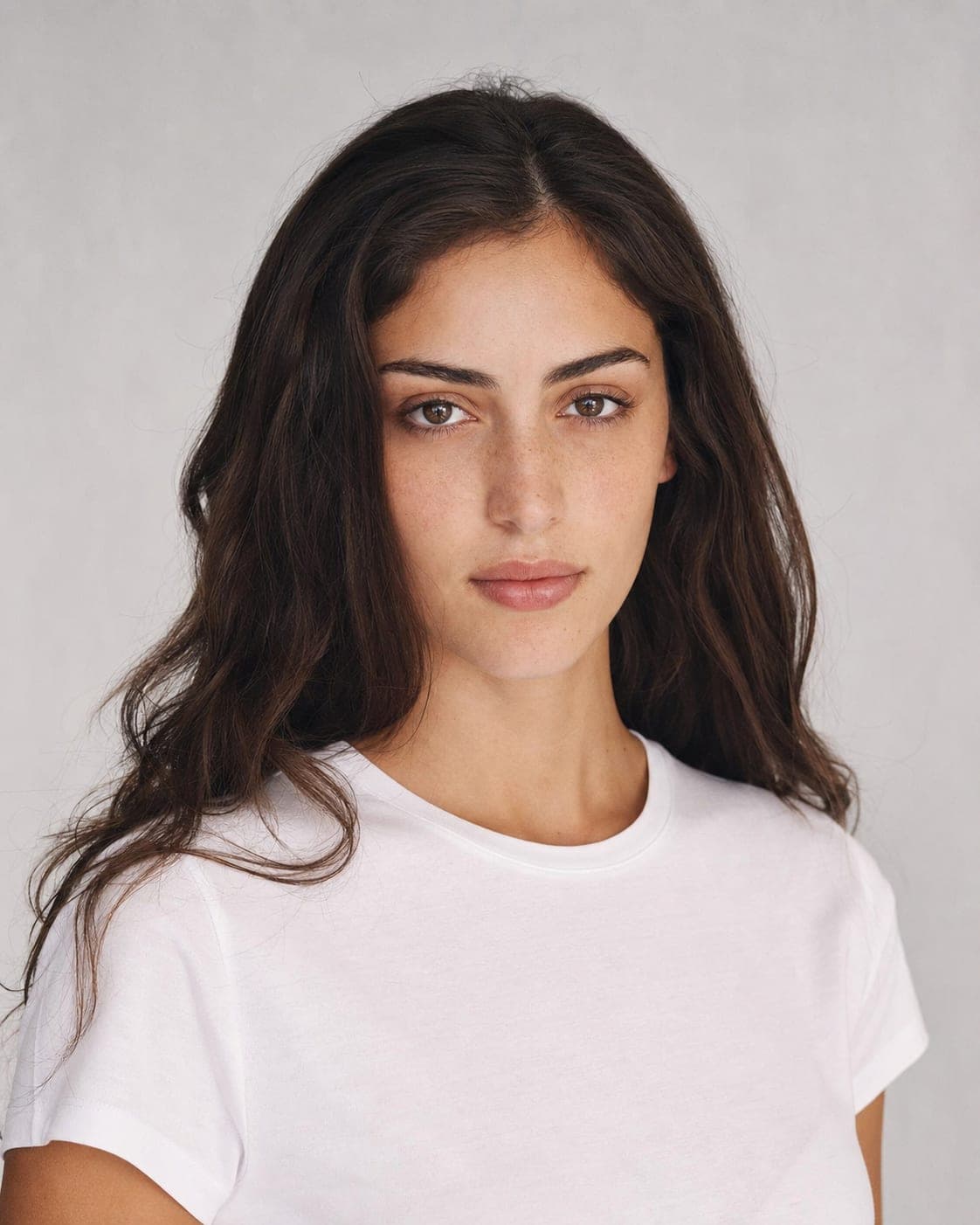
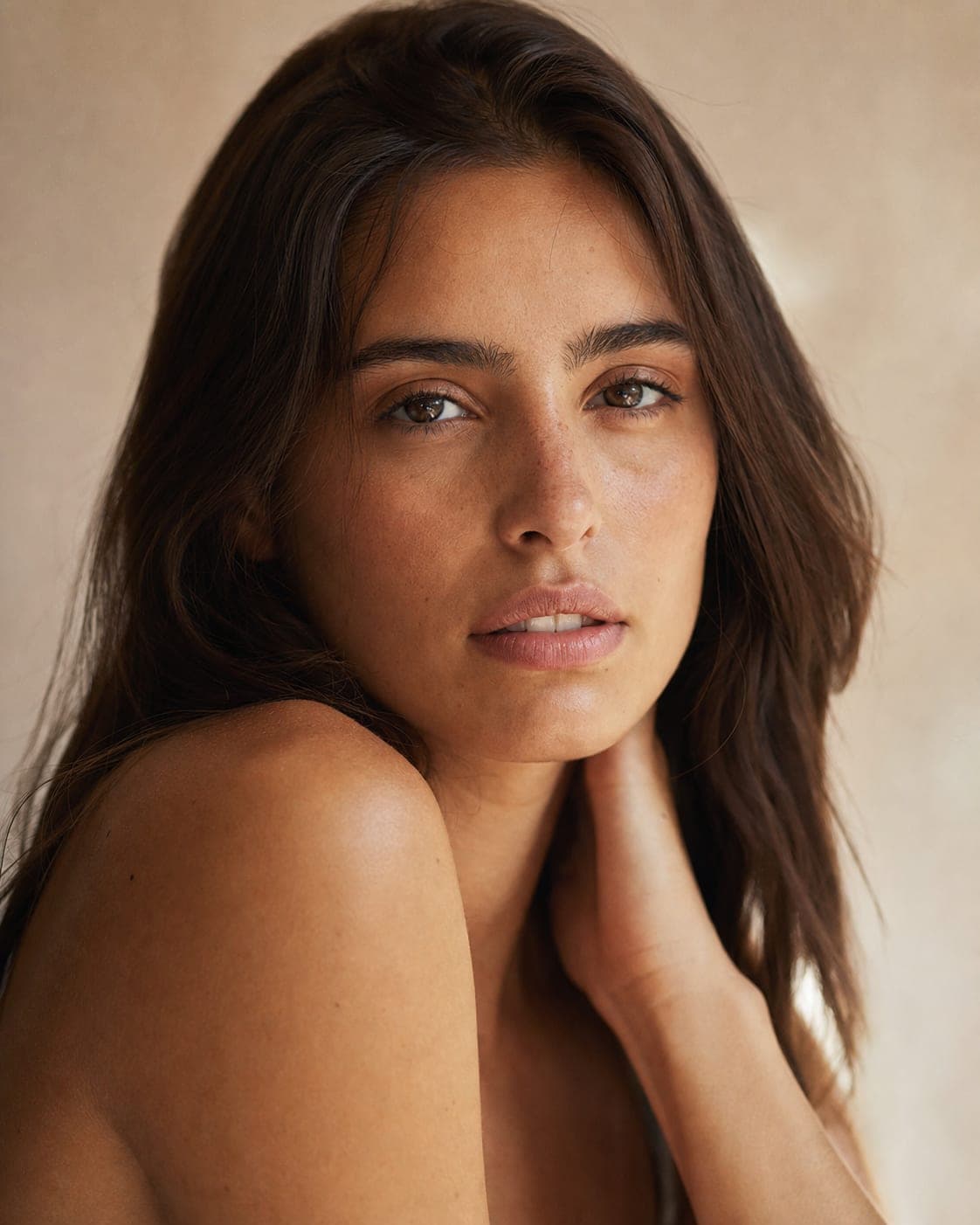
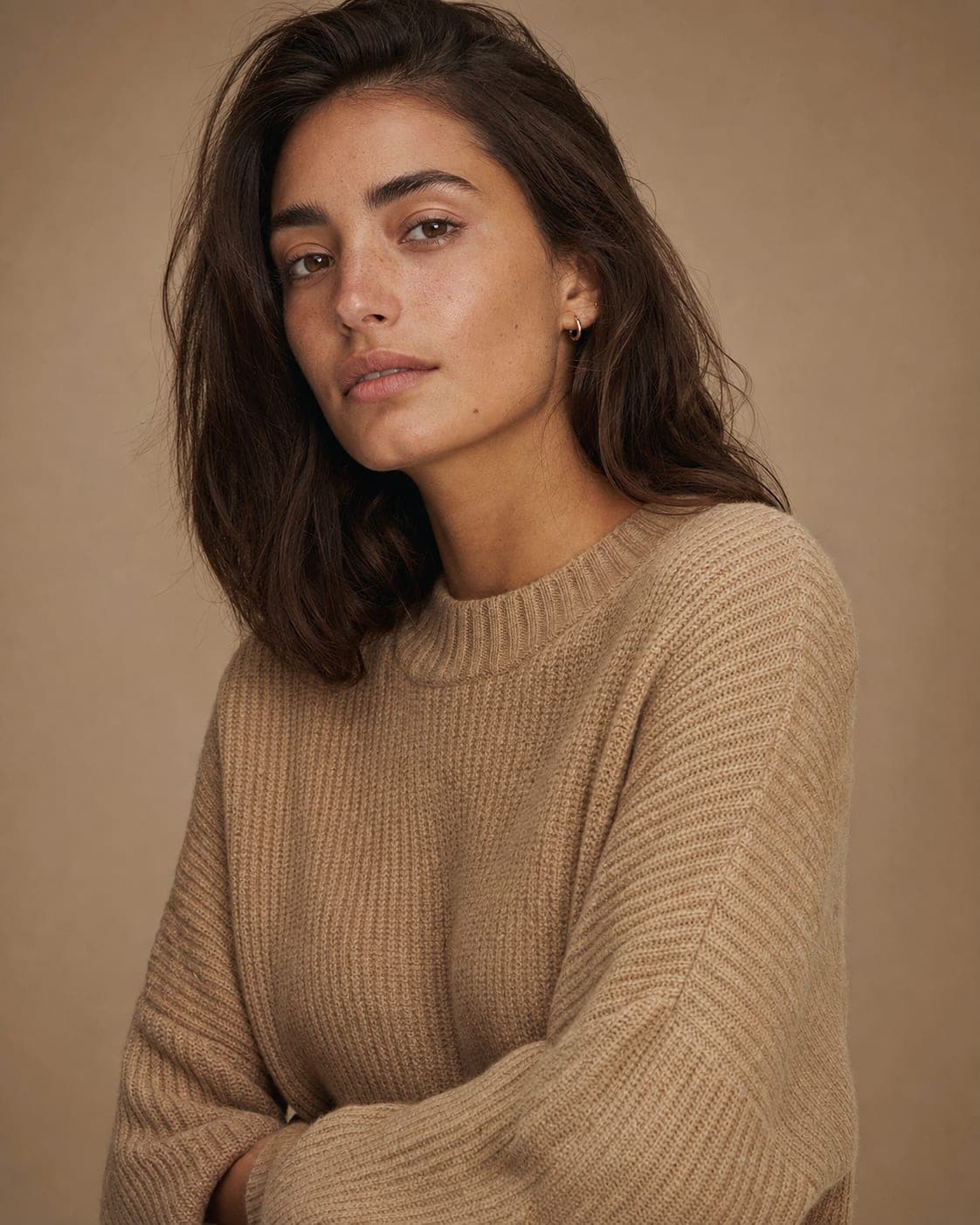
| Warped hands and fingers | A weaker image generator failing at anatomy | Check every hand at full size before you publish |
| Garbled text on packaging | The AI redraws the lettering | A sharp source photo where the text is readable |
| Plastic, too-smooth skin | An overdone, filtered style | Choose a natural model and a natural light style |
| Light that makes no sense | A shadow that does not match the light source | Ask one question: where does the shadow fall? |
| The product changes between photos | A tool that does not keep the original product | Generate from a photo of the real product |
Five habits that make AI images trustworthy
- Start from a good photo of the real product. The clearer and more accurate the source, the more faithful the result. Right color and material in, right color and material out. The phone photography guide covers the basics.
- Choose a realistic model and style. Avoid looks that are too perfect. A natural model in a believable setting looks real; see how to choose an AI model.
- Check the small details. The product is sharp, the colors are right, nothing is warped. Small details are the difference between professional and fake.
- Keep the catalog consistent. The same light and background across products reads as a brand. A single photo in a different style draws the wrong kind of attention.
- Show several angles. A clean main image plus lifestyle and close-up shots gives the shopper the full, real picture, and that is what keeps returns down.
What builds trust on a product page, and what breaks it
Builds trust:
- The same product in every photo and every angle.
- A description that matches what the photos show.
- Sharp images with details you can zoom into.
- One visual style across the whole catalog.
Breaks trust:
- Gaps between the photo and the product that ships.
- Warped details nobody checked.
- A “too perfect” image that feels like stock.
- Visual promises the product does not keep.
Should you tell customers you use AI images?
The transparency customers care about most is that the product matches the photo. Beyond that, some rules do ask for disclosure: Google Merchant Center requires an AI metadata tag on generated images, and in the EU the AI Act requires disclosure of deep fakes. Details are in commercial use of AI images and Google and AI images. Where no rule applies, a short line such as “product images created with AI” is still an option and costs little. This is general information, not legal advice.
Judge it on your own product
The fastest way to answer this question is to look at your own product. Upload one phone photo and compare the result with the real item on your desk. A standard image costs 5 credits, and the free plan includes 5 standard images a month. If a result looks unnatural, do not publish it: improve the source photo or change the model and style, and generate again. See AI product photography for what each screen does.
Questions
Do customers feel cheated by AI product images?
Not when the product is shown honestly. Customers feel cheated when what arrives differs from what they saw, and that is true of any photo, edited or AI. An AI image that shows your real product accurately builds trust like a studio photo.
How can I tell if an AI image looks fake?
Look for warped hands or fingers, blurred details around the product, light and shadows that do not agree, and skin that is too smooth. Check every image at full size before you publish it.
Is a white background or a model photo better?
Both. A clean main image on white matters for the catalog and for marketplaces, and extra images with a model or in a lifestyle setting help shoppers picture the product in use.
Should I tell customers I use AI images?
Show the product honestly first. Some channels and countries also require a label or metadata, such as Google Merchant Center and the EU AI Act for deep fakes, so check the rules where you sell. This is not legal advice.
Are some products harder to make look real?
Products with text on the packaging, such as cosmetics and food, need a sharp source photo so the text stays readable, and fine jewelry needs an accurate close-up. Clothing, shoes and home products are usually easier.
See it on your own product
Sign up free and get your first 5 images on us. No credit card needed.
Start free