
Black Friday 2026 product photos and ads: what to make, and when
By the IsraModel AI team · Published
Black Friday falls on Friday, November 27 this year, and Cyber Monday on Monday, November 30. Sale images are best made weeks ahead, not on the day. Here is a week-by-week timeline, the sizes each platform wants, and how to turn ordinary phone photos into sale-ready images.
25 free credits to start

When is Black Friday 2026?
Black Friday 2026 is on Friday, November 27, and Cyber Monday on Monday, November 30. Black Friday is always the day after US Thanksgiving, which falls on the fourth Thursday of November (November 26 this year), and stores outside the US use the same date.
Many stores no longer wait for the Friday. They open their offers earlier in the week, or run them for the whole of November, and keep going until Cyber Monday. That is why the photos and ads need to be ready at the start of the month, while there is still time to test them.
A week-by-week timeline for Black Friday 2026
| When | What to do |
|---|---|
| 4 weeks beforeFriday, October 30 | Choose the products for the sale and check that each one has a sharp, well-lit photo. |
| 3 weeks beforeFriday, November 6 | Make every image: the clean main image, the sale image for ads, and a vertical version for Stories. |
| 2 weeks beforeFriday, November 13 | Submit the ads for review and run them on a small budget to see which image gets the clicks. |
| 1 week beforeFriday, November 20 | Swap the banner on your site and the category images, and start the “coming soon” posts and emails. |
| Black FridayFriday, November 27 | The sale goes live with images that are already done. On the day you change only text and prices. |
| Cyber MondayMonday, November 30 | A second wave: the same images with new copy, or the products that were not in the first wave. |
Ad platforms review new ads before they run, and in the busiest weeks of the year that review can take longer than usual, so leave a margin.
Starting with less than three weeks to go
It is still enough time if you keep the sale small and the images simple. A plan for one working week:
- Day 1: pick five to ten products, the ones people already buy, and photograph each one with your phone in daylight.
- Day 2: make the clean main image and one sale image for each product.
- Day 3: make the vertical version for Stories and Reels, and the banner for your site.
- Day 4: submit the ads, so the review is behind you before the rush.
- Day 5: put the banner and the sale images on the site, ready to switch on.
The images a sale needs
- The main product image. Plain and accurate, usually on white. Leave the discount out of it: marketplaces such as Amazon and TikTok Shop do not allow added text or badges on the main image, and the shopper is comparing products there, not reading offers.
- The sale image. The same product in a darker, more dramatic setting, with empty space for the offer. This is the image for ads, emails and the home page.
- The product in use. Worn by a model, held in a hand or in a room. In a busy feed it tends to stop the scroll better than a packshot.
- The gift shot. A bundle, a set or the product in a gift box, because late November is when people start buying gifts.
- The vertical version and the banner. Stories, Reels and TikTok are tall; a site banner is wide. Each needs its own image, not a crop of the square one.
From a phone photo to a sale image
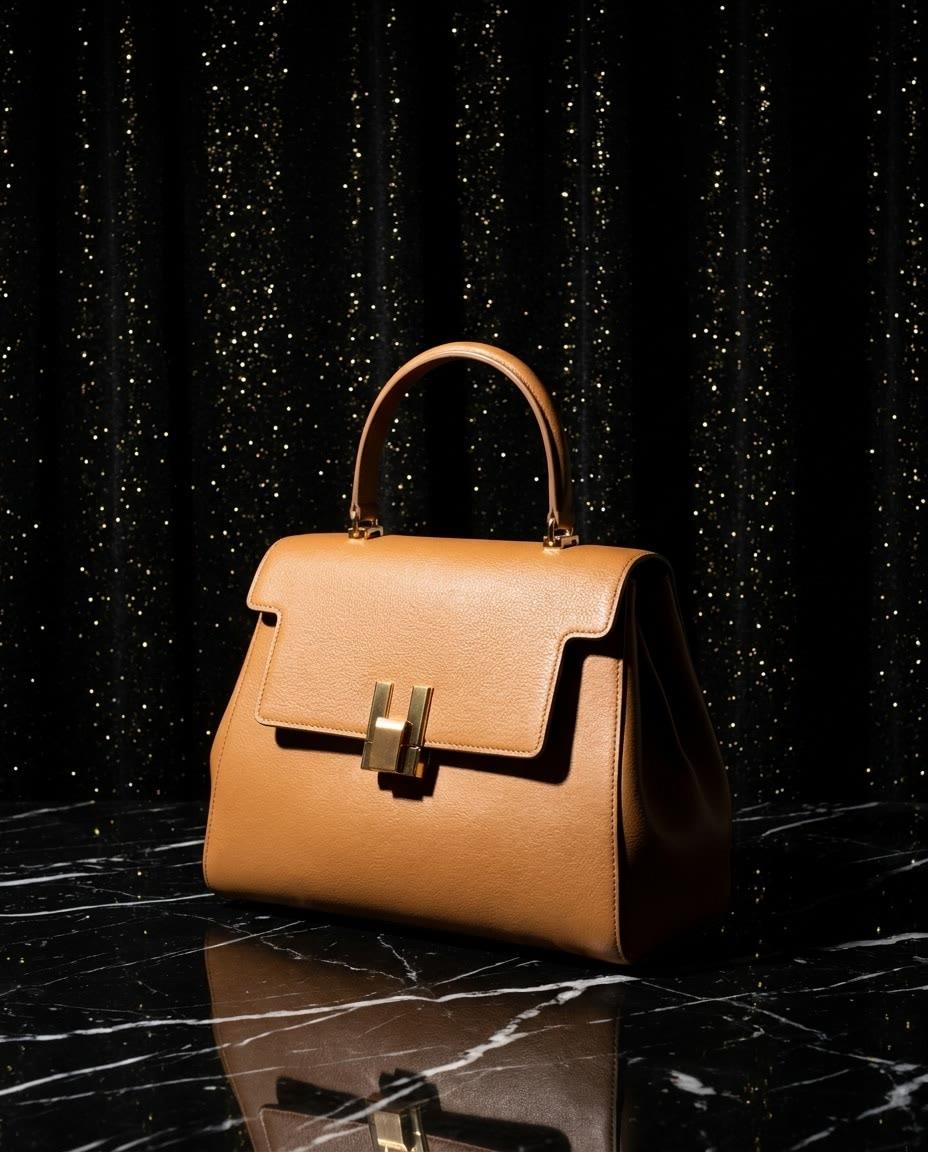
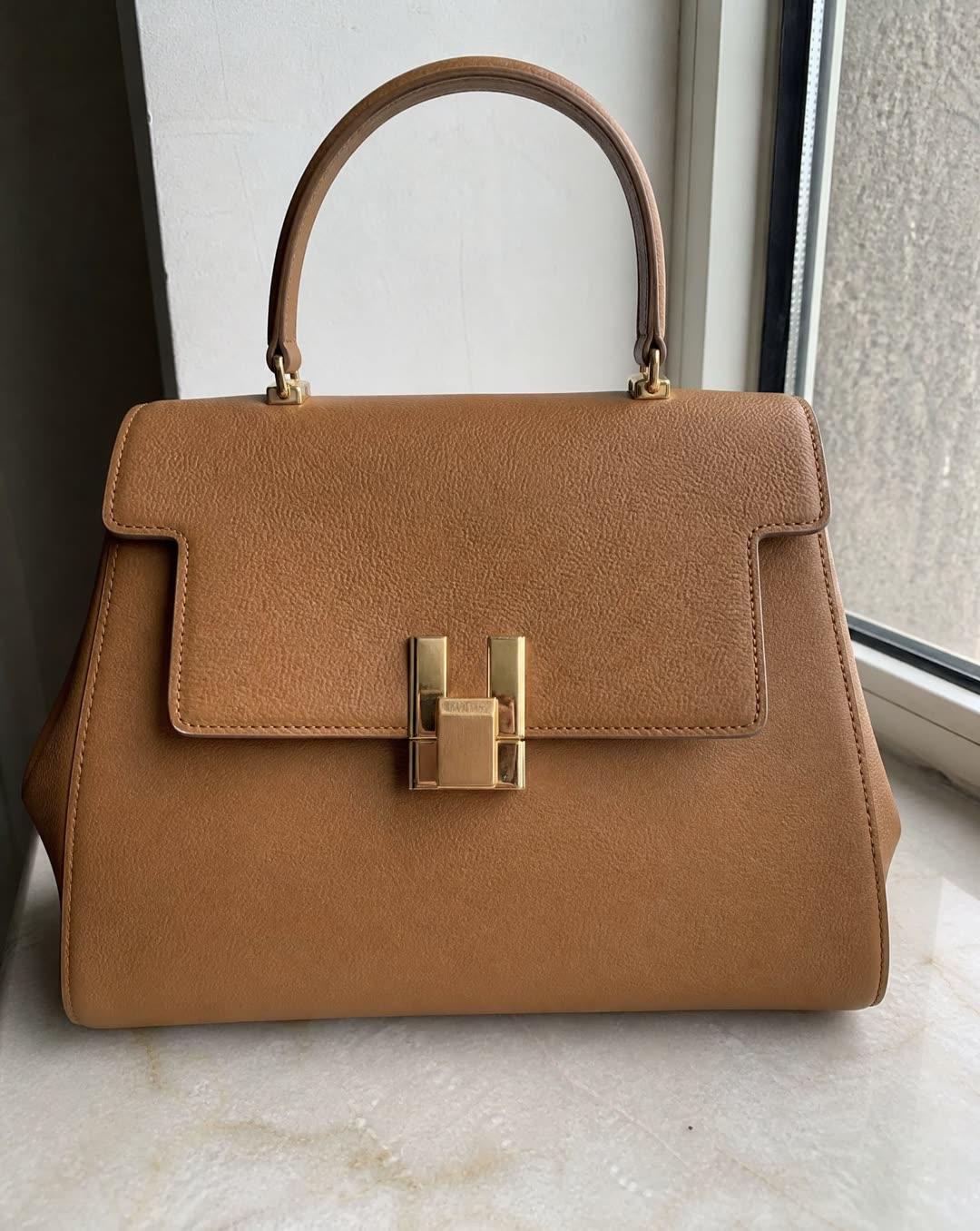
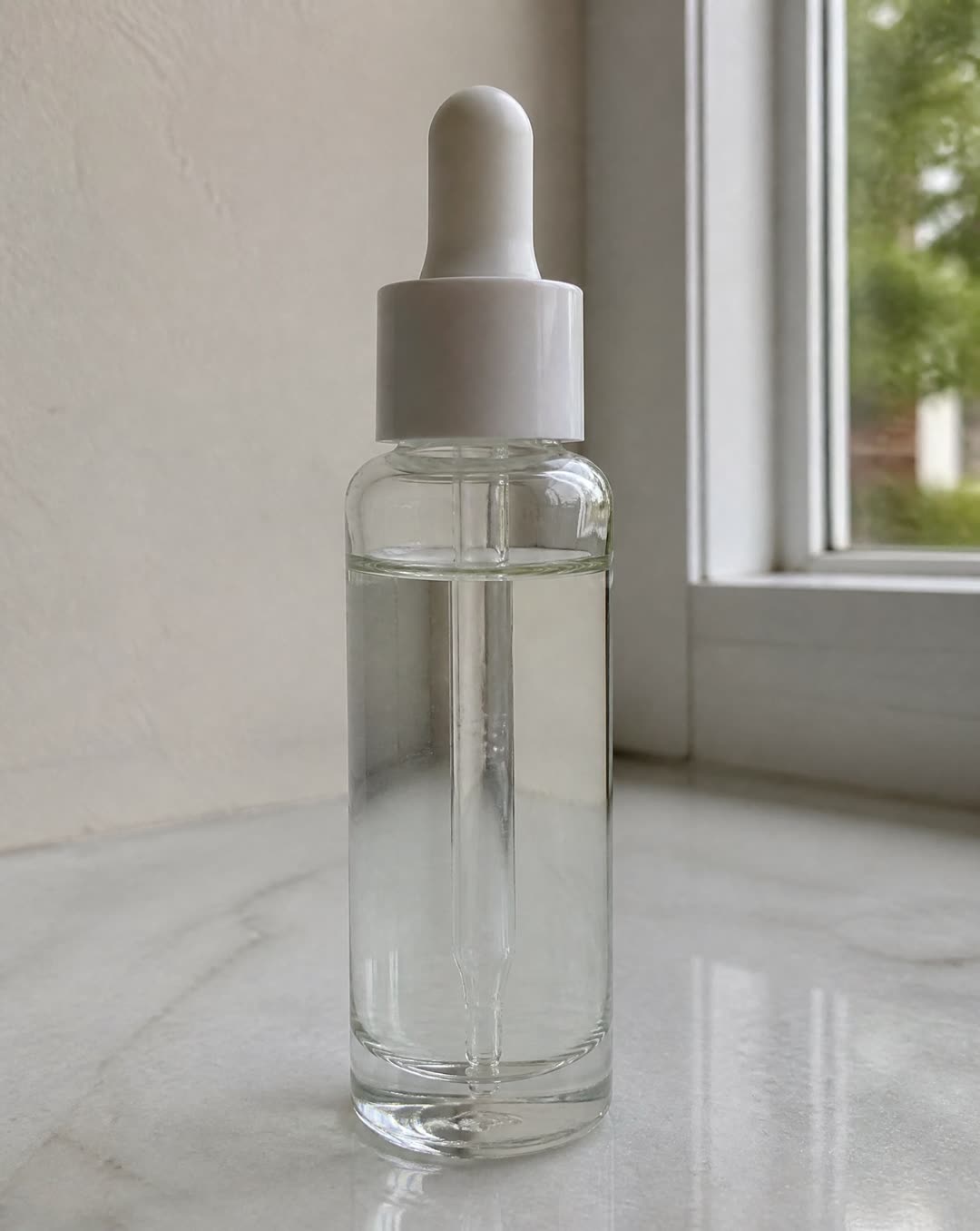
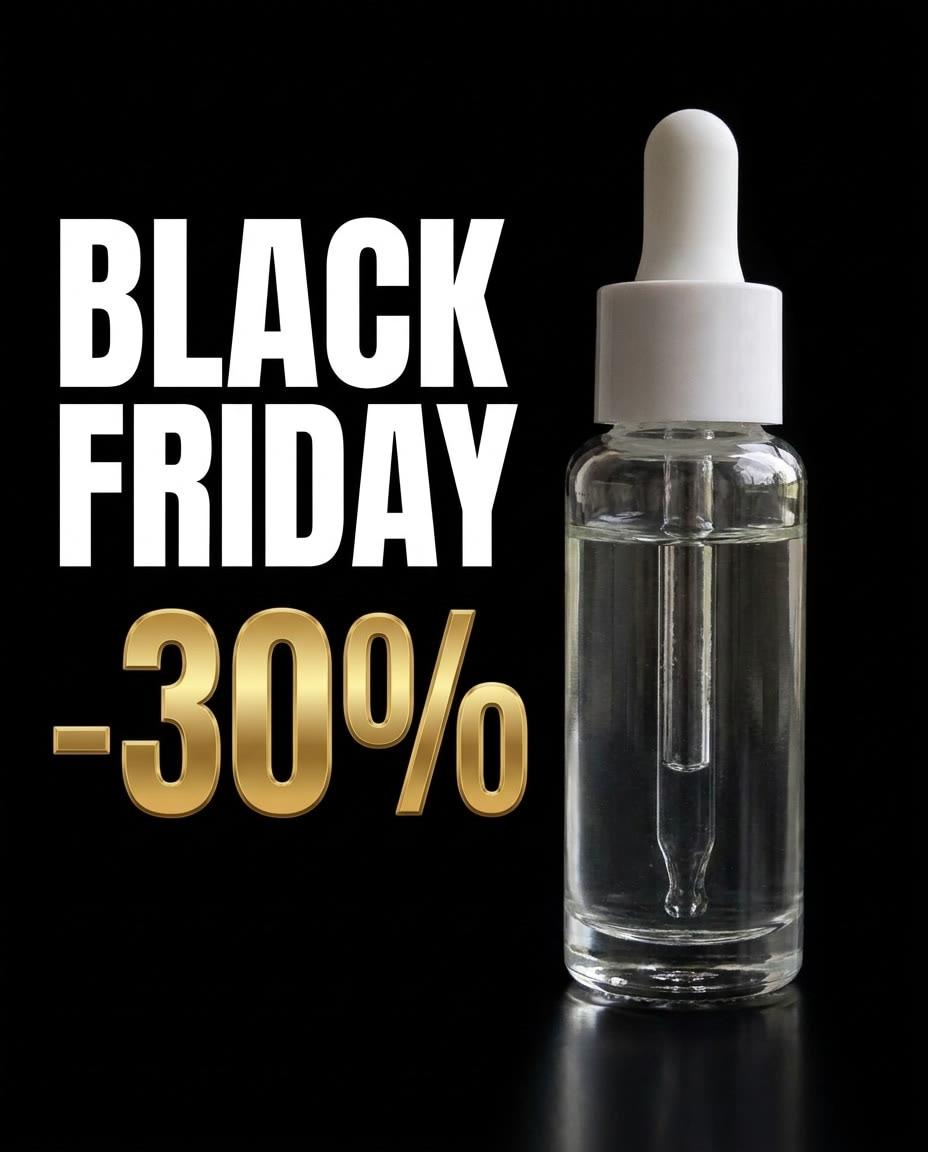
Both examples below were made in IsraModel AI from the phone photo beside them, one attempt each. The product stays as it was photographed, and the scene is built around it. The bag leaves room for the offer to be added in the ad itself; the serum has the sale text written into the image.
How to make them quickly with AI
- Photograph each product once. Whole, sharp and in daylight, on a plain surface. The phone photography guide covers the setup.
- The main image: a Studio shot on a white background, the garment-only Product shot for clothing, or the free white background tool if your photo is already good.
- The sale image: a Studio shot with the black background, dramatic light and a reflection on a glossy surface, or the product on a stone plinth. For clothing, a model against a dark studio backdrop or an evening setting such as a velvet curtain; for jewelry, a close-up or a styled scene on fabric or stone.
- The gift shot: the Several products together screen arranges up to 4 products in a group, in a row, from above, on a tray or in a gift box.
- The ad with your offer on it: the Marketing images tool takes a headline, the original and sale price, a button and your brand color, and designs the ad around your product photos. An ad costs 8 credits. Read every word and price before it runs.
- A short video, if you want one: turn a finished image into a 5-second clip for Reels and Stories, for 15 credits.
Choose the shape when you create each image (9:16 for Stories, 4:5 for the feed, square for the store), so it is composed for that frame rather than cropped later. A standard-quality image costs 5 credits, and the free plan includes 25 credits a month.
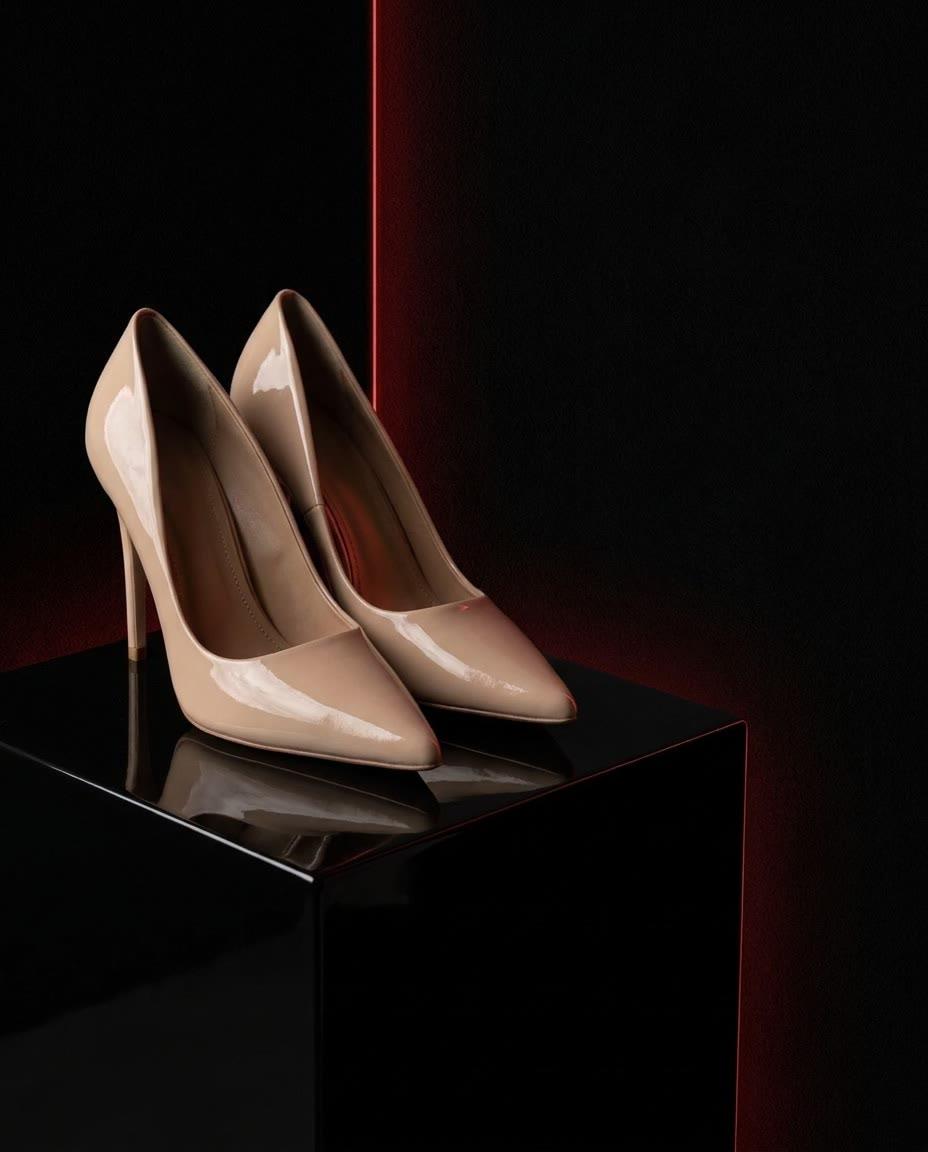
Image sizes for the sale
| Where | Pixels | Note |
|---|---|---|
| Portrait post (4:5) | 1080 x 1350 | On your profile grid, Instagram trims a little off the sides |
| Square post | 1080 x 1080 | Fills the whole frame |
| Story and Reel (also Facebook, WhatsApp and TikTok) | 1080 x 1920 | Keep the important part in the middle: there are buttons at the top and bottom |
| Landscape post | 1200 x 630 | Fills the whole frame |
| Cover photo (banner) | 1640 x 624 | On phones Facebook crops the sides, so keep text and logo in the center |
| Shopify | 2048 x 2048 | The whole product on white |
| Amazon | 2000 x 2000 | The main image needs a pure white background |
The free image resizer makes all of these from one photo in your browser, and keeps the part you choose in every crop. For every marketplace’s rules, see the product image sizes guide.
Sale images that still show the product
- Leave room for the offer. Frame the product to one side so the discount fits without covering it. The shopper should still see what they are buying.
- Add exact wording last. A price or a promo code is safer typed in the ad or the email than generated inside the photo, where one wrong digit is easy to miss.
- The product must stay the product. Check color, print and proportions against the item in stock. A sale image of something that looks different from what arrives brings returns in the busiest week of the year.
Questions
When is Black Friday 2026?
Black Friday 2026 is on Friday, November 27, 2026, the day after US Thanksgiving (Thursday, November 26, 2026). Many stores start their offers earlier that week, so plan for your images to be ready by early November.
When is Cyber Monday 2026?
Cyber Monday 2026 is on Monday, November 30, 2026, three days after Black Friday. For most stores it is now a second wave of the same sale, so the same images can run again with new copy.
How early should I prepare Black Friday product photos?
Three to four weeks ahead. That leaves time to choose the products, make an image for every size, get the ads approved and test a few on a small budget. If you have less time, keep the sale to fewer products rather than rushing the images.
What size should Black Friday ad images be?
For the Instagram and Facebook feed, 1080 x 1350 (4:5) or 1080 x 1080 (square). For Stories, Reels and TikTok, 1080 x 1920 (9:16). The free resizer makes all of them from one photo.
Should I put “Black Friday” on my product images?
On ads, emails and banners, yes. On the main product image in a marketplace, no: Amazon and TikTok Shop do not allow added text or badges there, and a plain image is what shoppers compare.
Can I make Black Friday images without a photographer?
Yes. Upload a phone photo of the product, choose the setting, and the image comes back in a minute or two. A standard image costs 5 credits, and the free plan includes 25 credits a month.