
The e-commerce product image checklist
By the IsraModel AI team · Published
Online, the photo is the only evidence the shopper can check for themselves. This checklist covers which images every product needs, the technical basics, and what to verify before a listing goes live.
Your first 5 images free · No credit card needed
Why a checklist and not just good photos
A description is a claim and a review is someone else’s opinion. The photos are the only thing the shopper can inspect, so they carry the decision. They also decide what comes back: a product that looks different from its photos is a return, with shipping, handling and a customer who does not come back.
Most weak listings are not missing a great photo. They are missing a specific one: the back, the scale, the close-up. A checklist makes sure every product gets the full set, every time, whoever is shooting.
Checklist 1: the six images every product needs
Each image exists to answer one question that would otherwise stop the purchase:
| Image | The question it answers | What it shows |
|---|---|---|
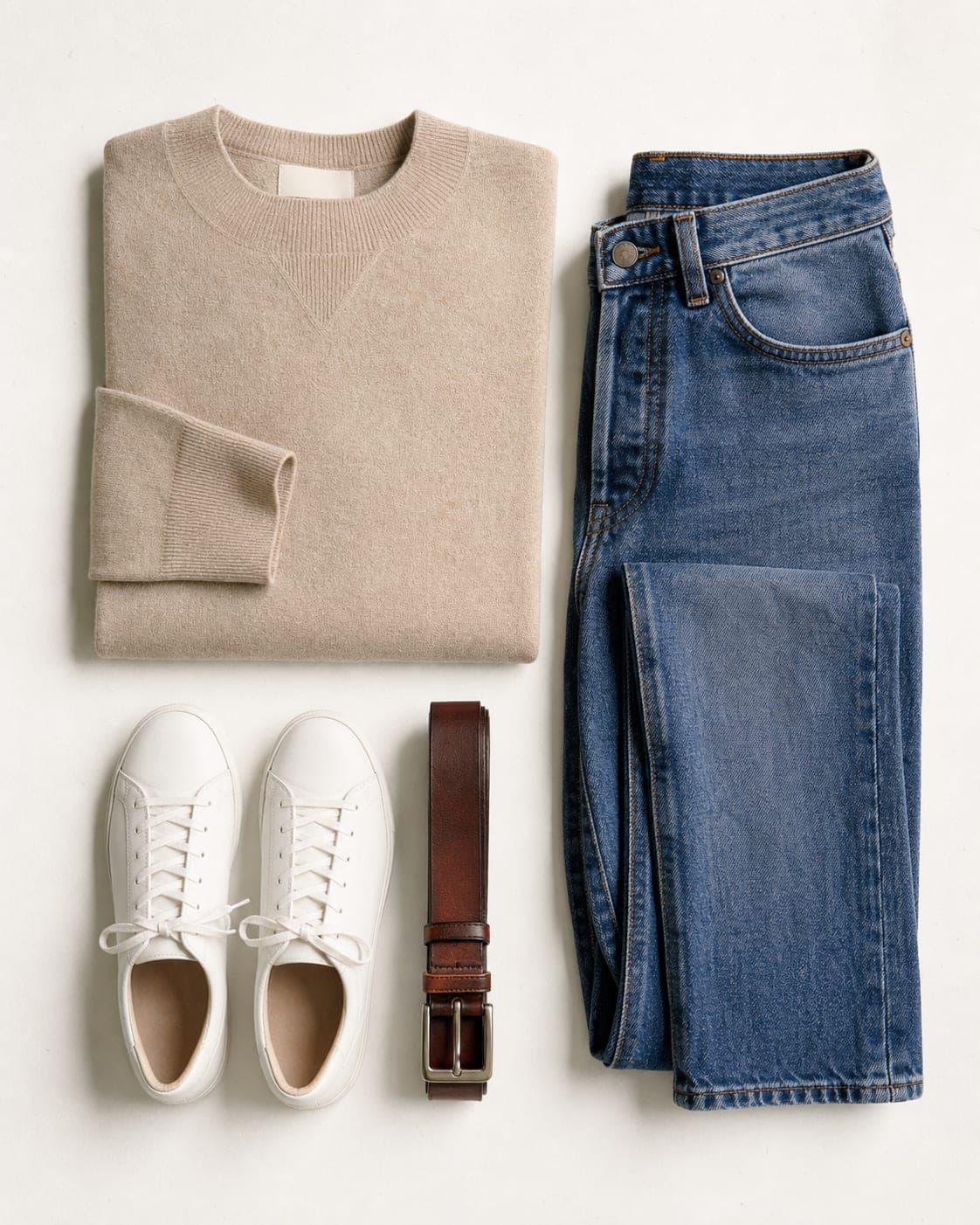
| Main image | What is it? | The product alone on a clean white background, no text, filling most of the frame |
| Second angle | What does it look like from the side? | Side or three-quarter view, same light and background |
| Back or detail | What about the back, the inside, the closure? | The back view, or the side that holds the detail |
| Close-up | Is it well made? | Stitching, texture, a stone, a zip, a label |
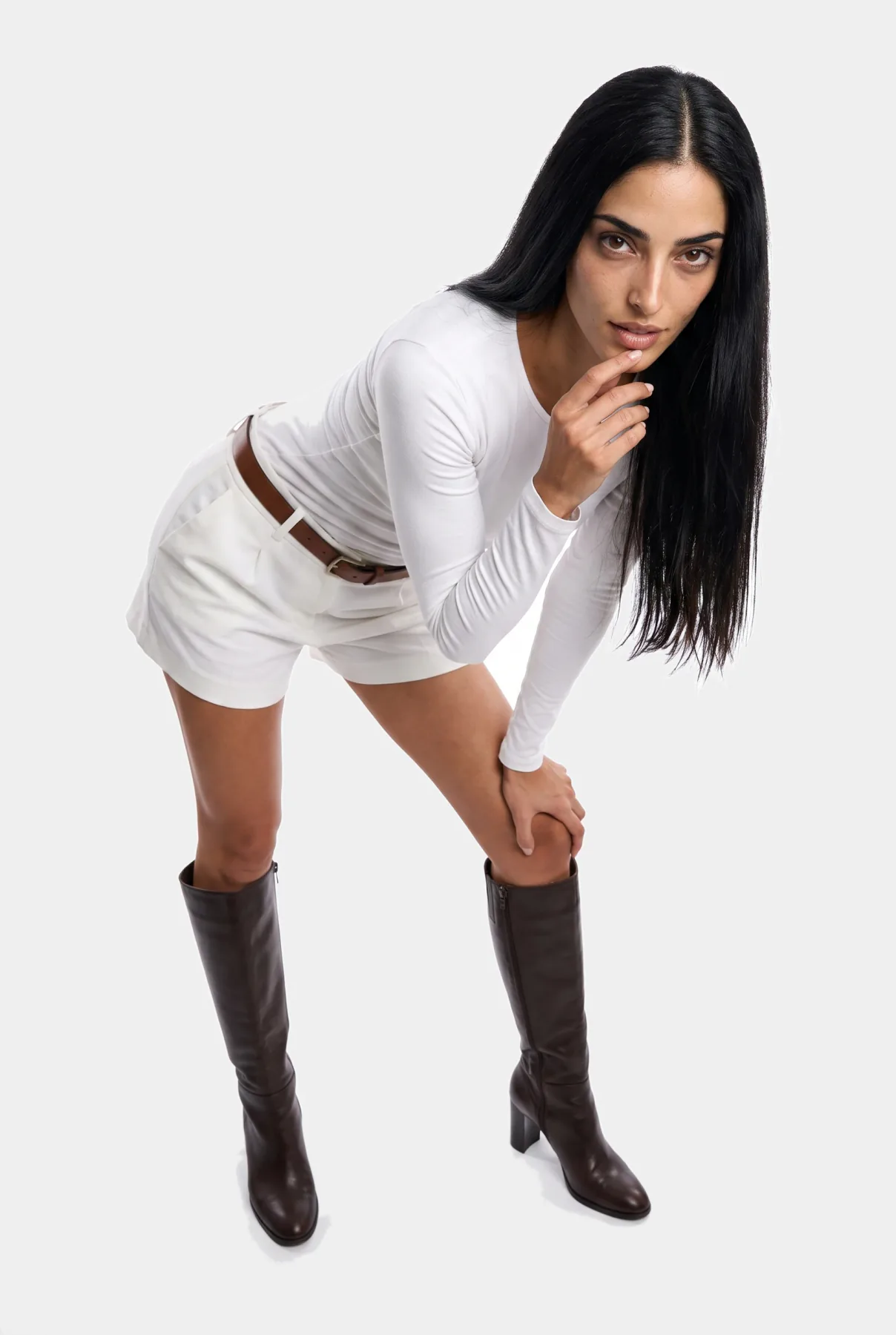
| On a model or in a hand | How big is it, and how does it look on? | The garment worn, the bag carried, the bottle held |
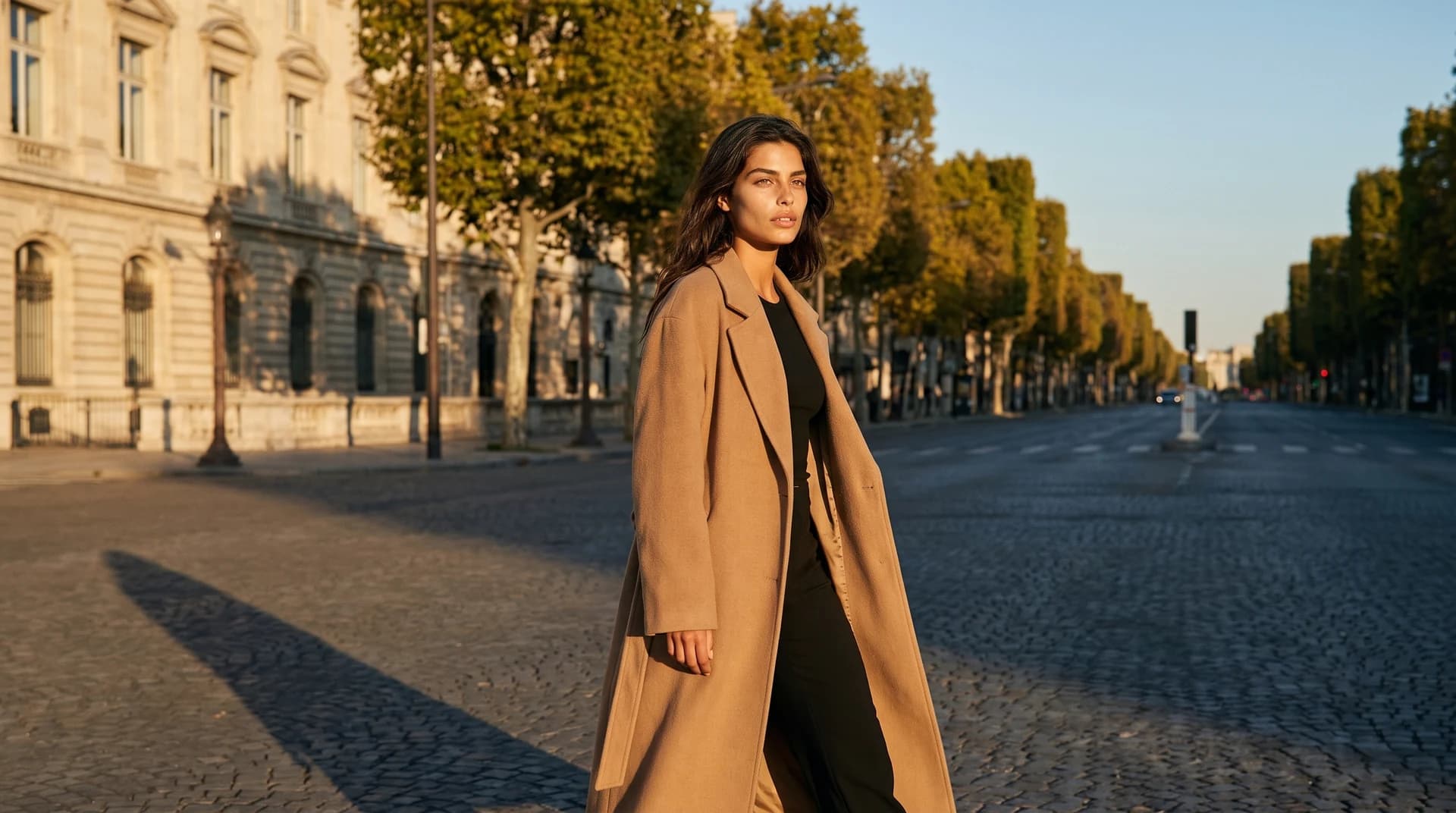
| Lifestyle | Where does it fit in my life? | The product in a real setting, the image that works in ads |
Four is the minimum (main, one more angle, a detail and an on-model or lifestyle image); six to eight is the full set. For clothing, jewelry and accessories, the on-model image is not optional: it is the only one that answers the question of size.

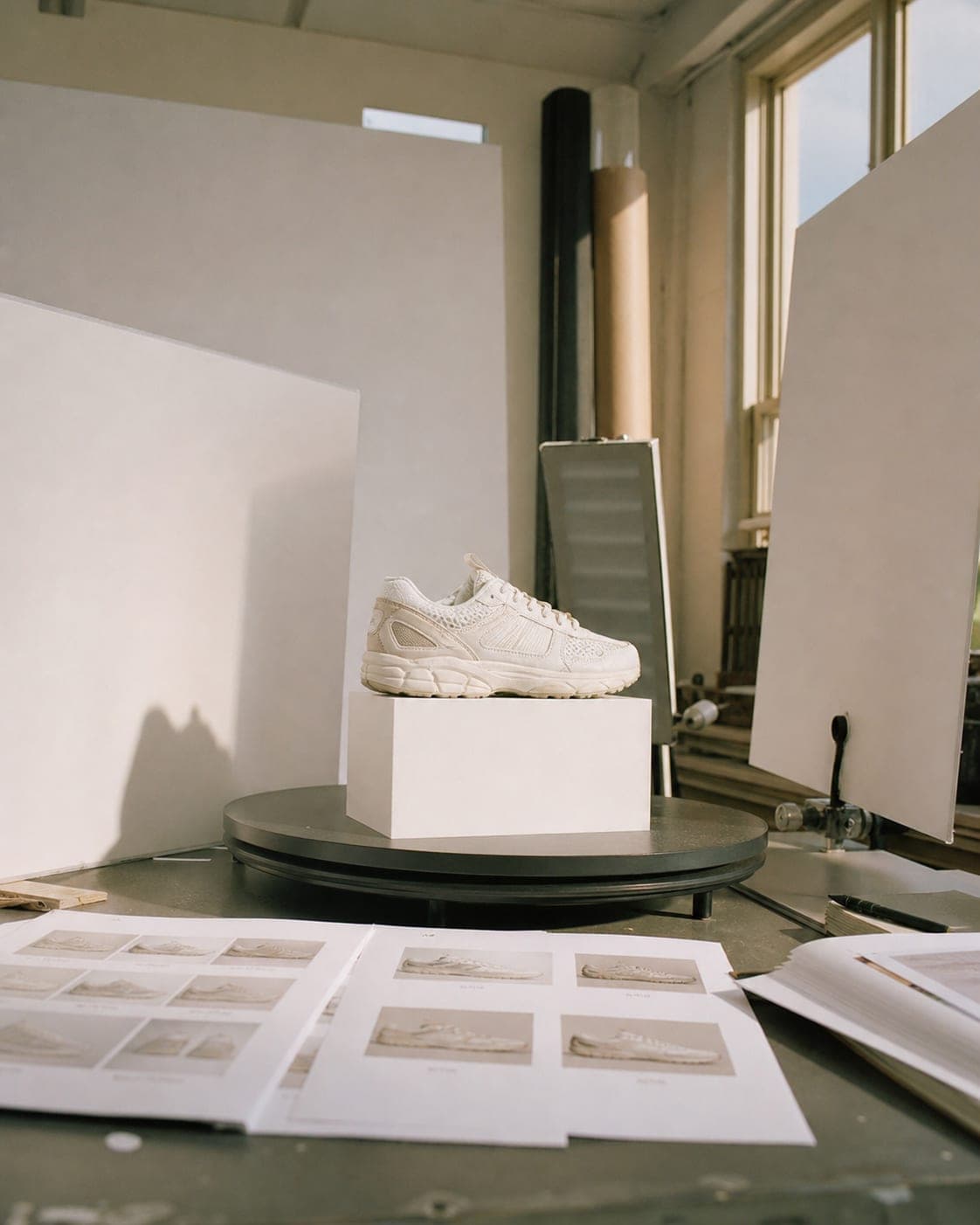
Checklist 2: technical basics
- Size per platform. Every marketplace sets its own minimum and recommended size and shape. Look yours up in the product image sizes guide and export to the larger of the two.
- Sharp at full zoom. Open each image at 100% and check the edges and the texture. Shoppers zoom; a blurry zoom reads as a cheap product.
- Sources big enough. Keep the short side of every source photo at 640 pixels or more; thumbnails saved from a website are usually far below it.
- JPEG for photos, PNG for transparency. JPEG keeps files small and pages fast. Use PNG only when you need a transparent background, for example for a product placed into a banner.
- Light files. Heavy images slow the product page, especially on mobile data. Run them through the free image compressor before upload.
- Descriptive file names and alt text.
linen-shirt-white-front.jpg, notIMG_4471.jpg, and an alt text that says what is in the photo.
Checklist 3: consistency across the catalog
- One background for all main images. Usually white. A category page with mixed backgrounds looks like a marketplace of different sellers.
- One aspect ratio and one margin. Square is the safest. Products should fill their tiles the same way; the resize tool fixes the outliers.
- One light and one color temperature. The same white must look the same white on every product page.
- The same angle for the main image. All shoes from the same side, all bags at the same three-quarter turn.
- The same model or models. One or two recurring faces make a store look like a brand. See how to choose an AI model.
Checklist 4: accuracy, the part that prevents returns
- The color on screen matches the product in daylight. Compare them side by side.
- Every variant you sell has its own photo, or at least its own color swatch.
- Logos, prints, buttons and stones are in the right place and the right number.
- The length and fit on the model match the real garment.
- Nothing in the photo is sold separately unless the listing says so.
Checklist 5: before you press publish
- Look at the listing on a phone, not only on a laptop. That is where most shoppers see it.
- Check the main image as a small thumbnail in search results. Is the product still clear?
- Swipe through the gallery in order: does each image add something new?
- On a marketplace, reread its main image rules. For Amazon, see Amazon product images; for Shopify, see Shopify product images.
Filling the gaps without a shoot day
The images most stores are missing are the on-model and lifestyle ones, because they need a model and a location. From one sharp photo of the product, the IsraModel AI studio makes a studio shot on a clean background, a scene, the product in a hand, or the garment on a model; for a whole range at once, see bulk product photos. A standard image costs 5 credits, and the free plan includes 5 standard images a month.
Questions
How many images should each product have?
At least four, ideally six to eight: a main image on white, a second angle, the back or a detail, a close-up, an on-model or in-hand image, and a lifestyle image. Each one should answer a different question.
Is a white background required?
Some marketplaces require it for the main image, so check the rules of each one you sell on. Even where it is optional, a clean white main image keeps the catalog consistent; use other backgrounds for the extra images.
Should I use JPEG or PNG?
JPEG for almost all product photos, because the files are smaller and pages load faster. PNG only when you need a transparent background.
What size should e-commerce images be?
Each platform publishes its own minimum and recommended size. Our product image sizes guide lists them in one table, with a free checker for your own photo. Shoot at full resolution and resize down for each platform.
How do I get on-model images without hiring a model?
Upload a clear photo of the product, on a hanger, laid flat or on a mannequin, and generate it on an AI model with the pose and background you choose. Check each result against the real product before you publish.
Complete the image set for every product
Sign up free and get your first 5 images on us. No credit card needed.
Start free