
Jewelry photography tips: 10 ways to make every piece sell
By the IsraModel AI team · Published
Jewelry is one of the hardest products to photograph: small, shiny and full of detail. Wrong light, a flattering angle missed or a background that fights the metal, and an expensive piece looks cheap. These ten tips fix that.
Your first 5 images free · No credit card needed


Why jewelry is so hard to photograph
A ring on a phone screen is a few millimeters of metal reflecting everything around it: the window, the ceiling, you and the phone. The sparkle that sells it in person turns into white blotches, and the engraving, the setting and the clasp disappear. Professional jewelry photographers solve this with macro lenses, large diffusers and careful lighting.
You can get most of the way at home with the tips below. They are ordered from the ones that ruin the most photos to the ones that add the most sales.
Tips 1 to 4: focus, reflections, cleaning, background
- Keep the whole piece in focus. This is the mistake that kills phone jewelry photos. Portrait mode blurs the background and half the ring with it, because at close range the sharp zone is only millimeters deep. Turn portrait mode off, step back a little and crop afterwards, so the front and back of the piece are both sharp.
- Turn every reflection into one soft highlight. The answer is not less light but bigger light. A white sheet or tracing paper between the lamp and the piece turns five sharp reflections into one soft glow that describes the shape. A black card at the side gives a polished ring a dark edge that makes it read as metal.
- Clean the piece and the surface right before the shot. In a macro shot, a fingerprint on gold or a speck of dust on a stone looks like a defect. Use a microfiber cloth and cotton gloves, and do not touch the piece after cleaning. It saves more retouching time than any other tip here.
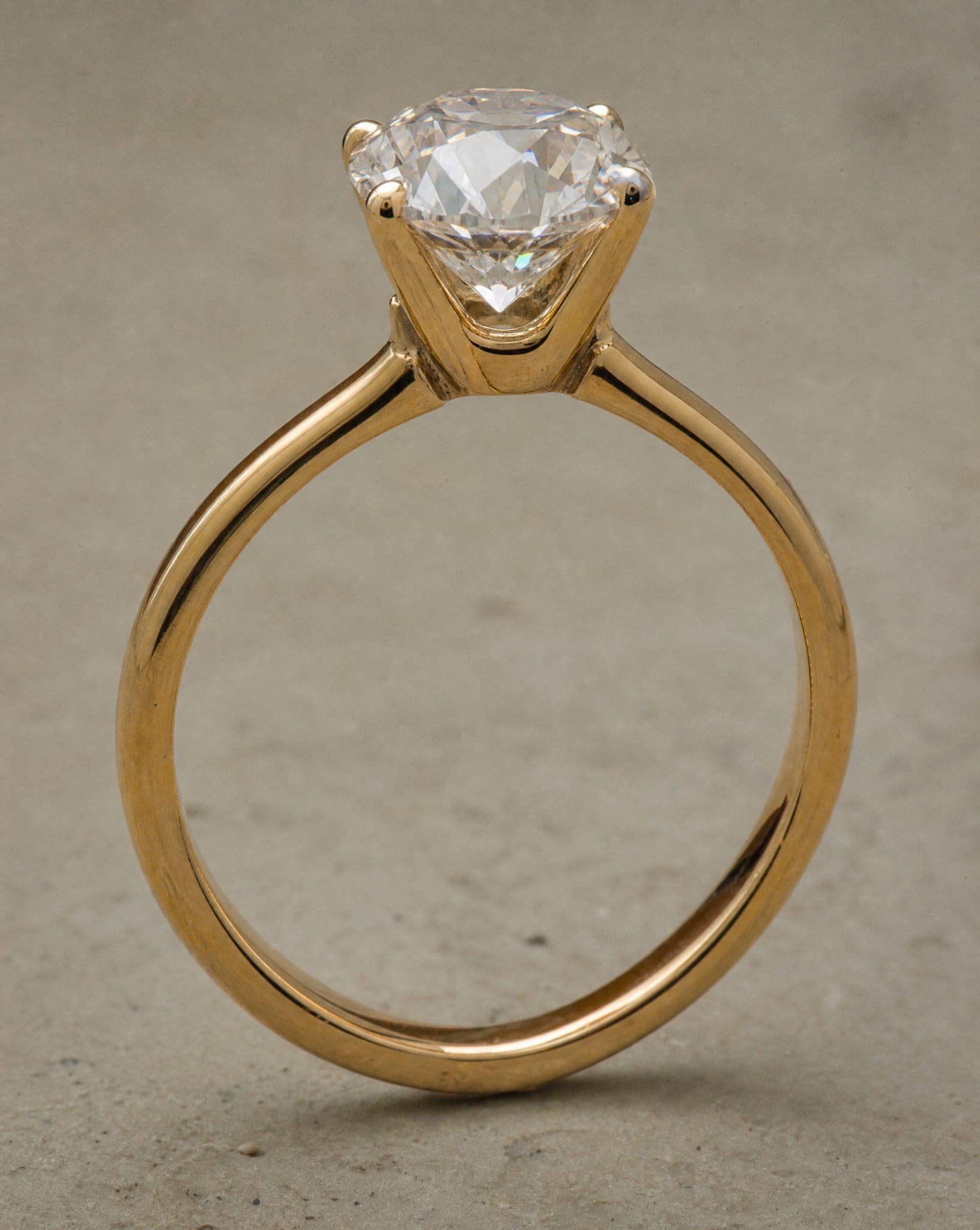
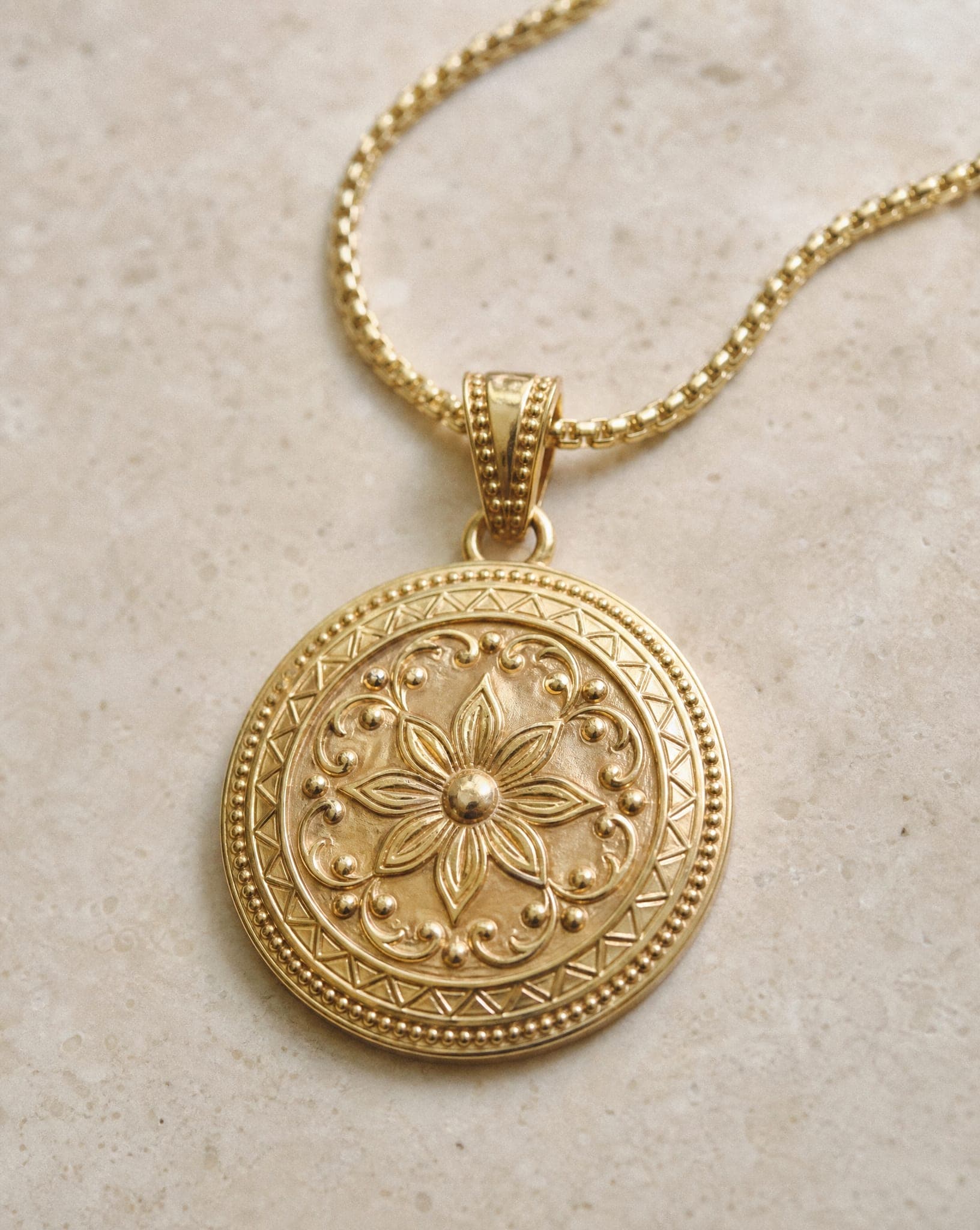
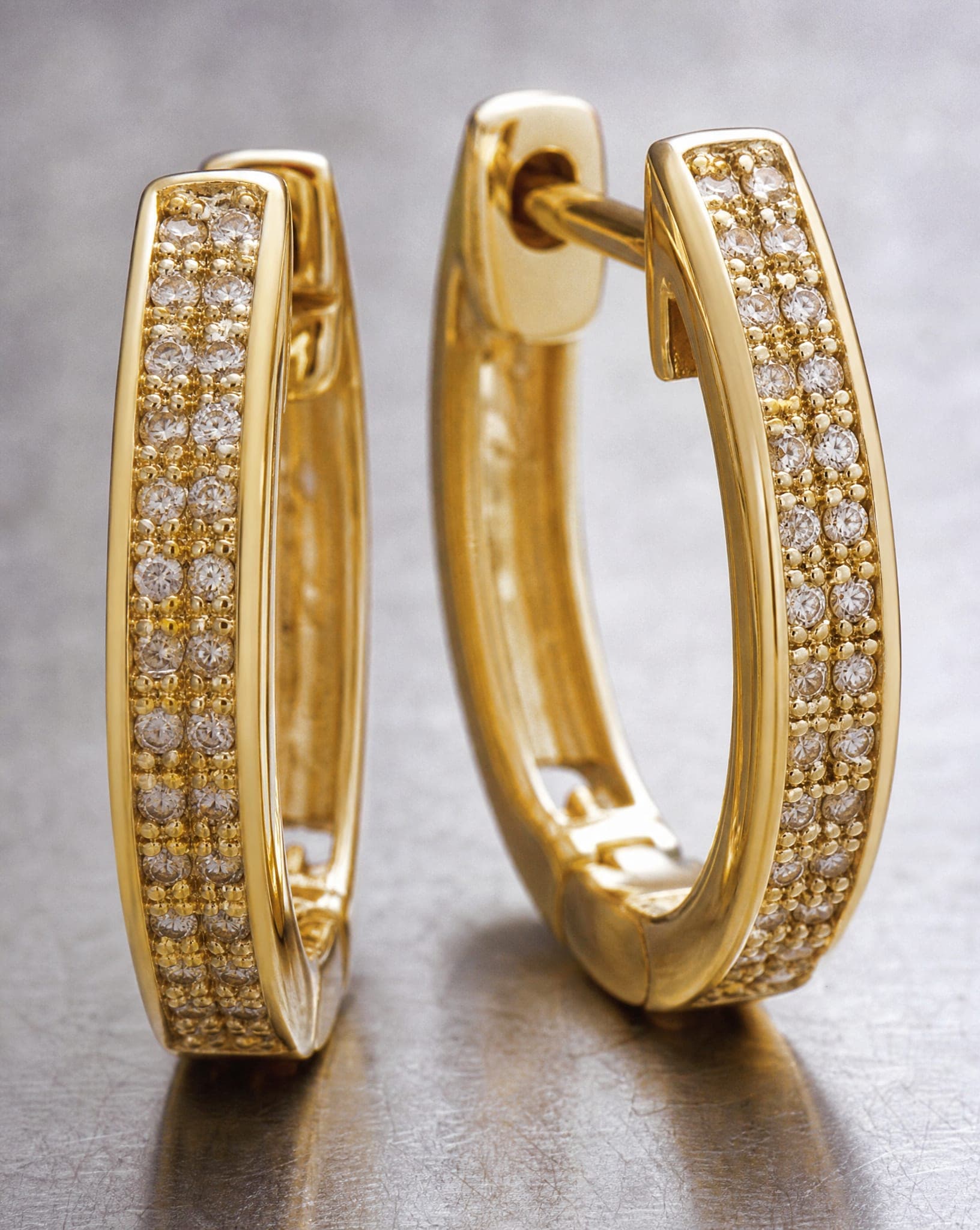
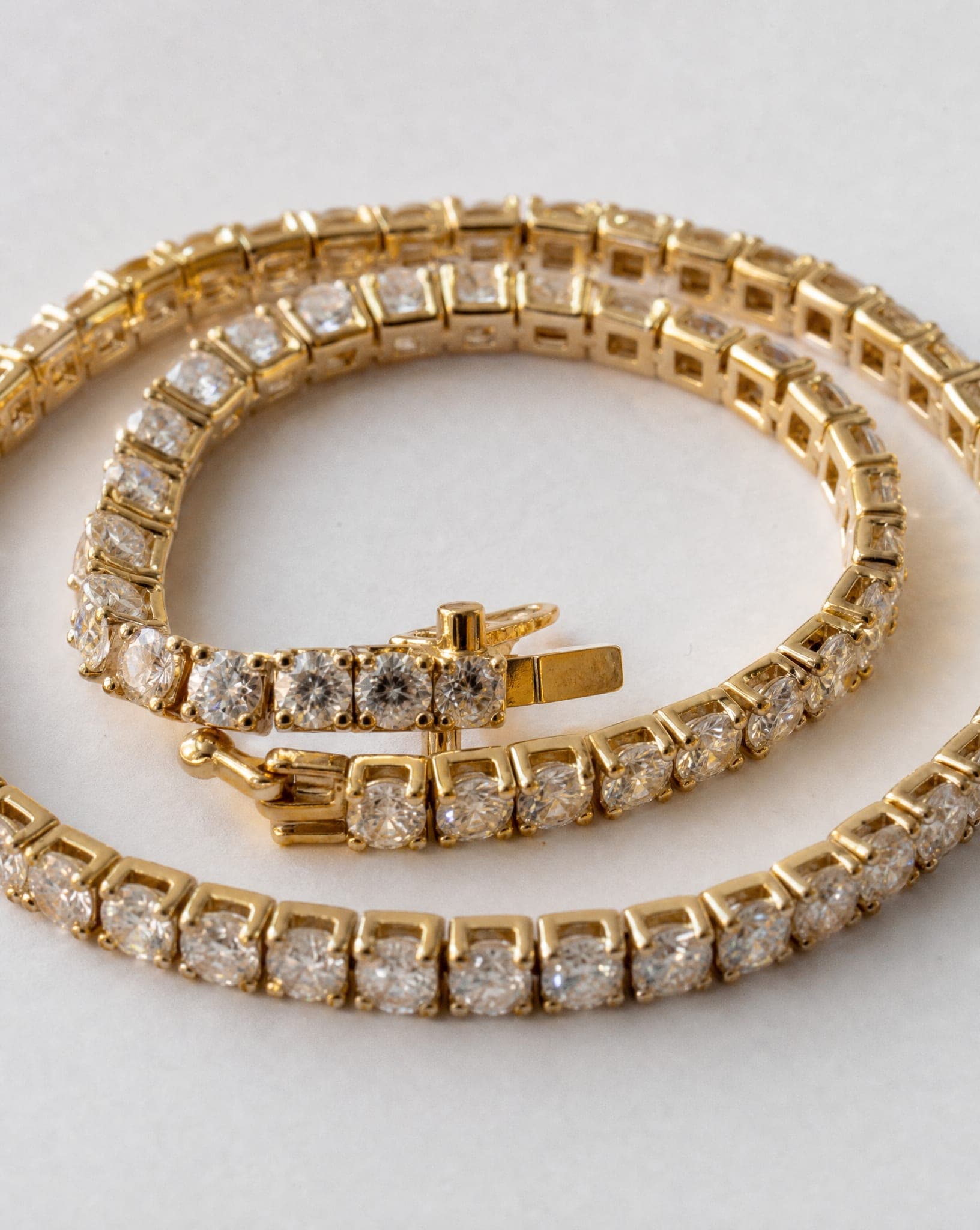
- Choose the background by the metal. Silver and platinum look clean on light grey, which does not muddy the cool metal. Gold looks rich rather than yellow on a dark or warm surface. Everyday pieces work on natural textures such as wood or linen. Pure white is the standard for a main image, but it is the least flattering to gold, so use it there and vary the rest.
Tips 5 to 7: angle, color and scale
- Keep one angle per type across the catalog. Rings at 45 degrees, necklaces laid in the same curve, earrings at the same height. When every piece is shot differently, the category page looks like a random pile instead of a collection.
- Get the color right. Gold that looks orange makes a buyer doubt the piece. Shoot by window light, not under fluorescent tubes that add a green cast, and keep the white balance the same for the whole series.
- Show the real scale. An earring that fills the frame in a close-up can be tiny in real life. A photo on a person answers the question at once, because the shopper sees it against a face, a neck or a hand. This is also what reduces the “smaller than I expected” return.
Tips 8 to 10: the set that sells
- Combine product shots with on-model shots. The clean shot shows the detail; the worn shot shows size and how it looks on. Each answers a question the other cannot.
- Sell a feeling, not only an object. A ring on white shows a product. The same ring on a hand in warm afternoon light shows a moment the buyer wants. Keep one such image per piece for ads and social media.
- Upload at least four photos per piece. The front, the side, a close-up of the detail that matters (the stone, the engraving, the clasp) and one on a model.


A quick checklist before you publish
| Check | What good looks like |
|---|---|
| Focus | The stone, the band and the clasp are all sharp, front to back |
| Reflections | One soft highlight, no window or phone visible in the metal |
| Color | Gold looks like gold, silver looks neutral, next to the real piece |
| Cleanliness | No dust, lint or fingerprints at full zoom |
| Scale | At least one photo on a person or in a hand |
| Consistency | Same angle and background as the rest of the category |
The shortcut: one clean photo, every shot
The on-model and lifestyle shots are the ones that are hardest to make at home. The jewelry studio in IsraModel AI works from your own photo of the piece and has these screens: Studio shot, On our model, On the body, Styled scene, Lifestyle scene, Close-up, From inspiration. The worn shots are explained on jewelry on a model, and the whole studio on AI jewelry photography.
Give it a close, sharp photo on a light, even background, with a short side of at least 640 pixels. Fine details such as tiny stones and engraving are the hardest part for any system, so check each result against the real piece before you publish. A standard image costs 5 credits, and the free plan includes 5 standard images a month.
Questions
How do I stop reflections when photographing jewelry?
Make the light bigger and softer rather than weaker: put a white sheet or tracing paper between the lamp and the piece, turn the flash off, and keep yourself and the phone out of the reflection by shooting slightly from the side. A black card beside a polished piece gives it a defined dark edge.
Why is half my ring blurry in phone photos?
At very close range the sharp zone is only millimeters deep, and portrait mode makes it shallower. Turn portrait mode off, move the phone back a little and crop the photo afterwards, so the whole piece stays in focus.
What background is best for gold and silver jewelry?
Light grey suits silver and platinum, a dark or warm surface suits gold, and natural textures suit everyday pieces. Use pure white for the main image where the platform expects it, and vary the background in the other photos.
What source photo works best for AI jewelry photos?
A close, sharp photo on a light, even background in daylight, with the piece clean and fully in the frame. Avoid fluorescent light, which tints metal green. A front and a side photo help the details come through.
Are AI jewelry photos good enough for fine jewelry?
They are used for catalogs and ads of all price levels, but fine jewelry lives on small details. Check every stone, prong and engraving against the real piece, and regenerate or reshoot the source if anything differs.
Photograph your jewelry like a fine jewelry brand
Sign up free and get your first 5 images on us. No credit card needed.
Start free